
Product Overview
The Waterdrop BS13 Under Sink Water Filter System provides a comprehensive solution for purifying your home's drinking water. This system is designed for easy, damage-free installation, making it suitable for various living situations, including rental properties. It features a simple plug-and-twist design for quick setup.
The filter is NSF/ANSI 42 certified for reducing chlorine, improving taste and odor, and NSF/ANSI 372 certified for lead-free materials. It also effectively reduces PFAS, PFOA/PFOS, ensuring clean and safe water for consumption.
Utilizing a 5+1 stage advanced filtration technology, the system reduces harmful substances while retaining essential minerals, contributing to healthy hydration. Please note that this system does not lower the Total Dissolved Solids (TDS) value, as it is designed to add beneficial minerals back into the water.

This image shows the Waterdrop BS13 under-sink water filter system neatly installed in a kitchen cabinet, connected to the cold water line leading to the faucet.
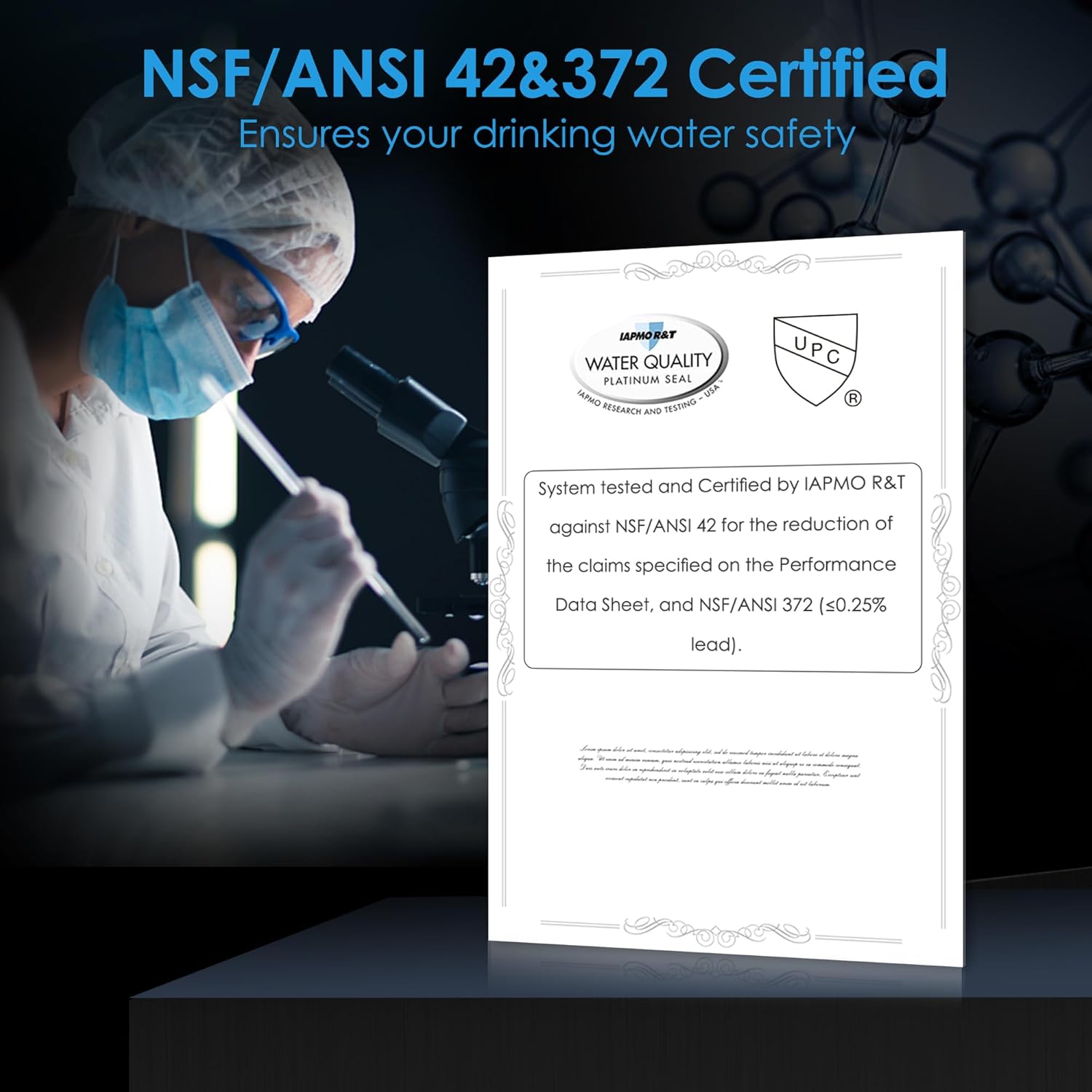
A close-up of a certification document from IAPMO R&T, indicating that the system is tested and certified against NSF/ANSI 42 for chlorine, taste, and odor reduction, and NSF/ANSI 372 for lead-free materials.
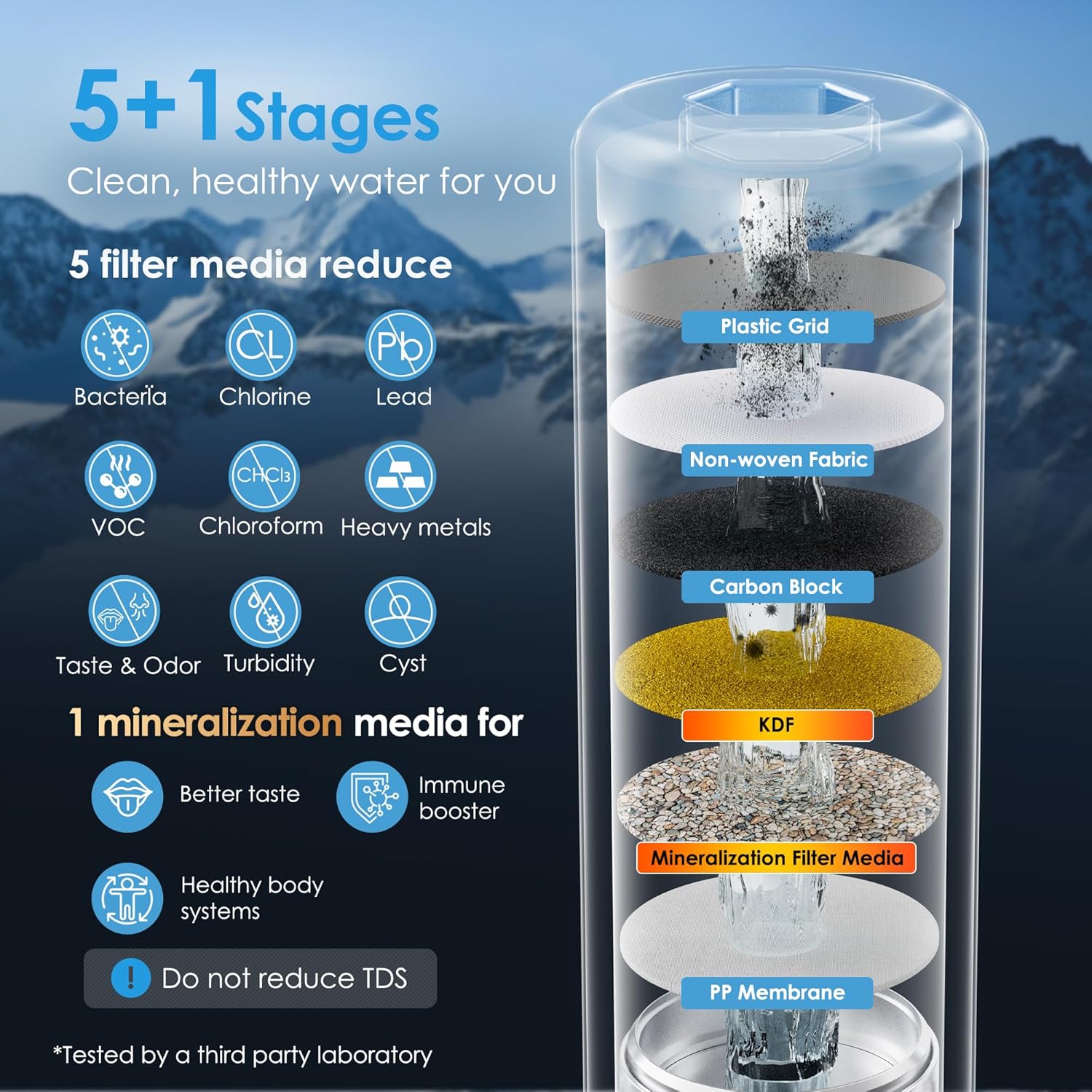
This image displays a cross-section diagram of the filter, showing its 5+1 stages: Plastic Grid, Non-woven Fabric, Carbon Block, KDF, Mineralization Filter Media, and PP Membrane. It highlights the reduction of bacteria, chlorine, lead, VOCs, chloroform, heavy metals, taste & odor, turbidity, and cysts, while adding beneficial minerals.
Setup and Installation
The Waterdrop BS13 system is designed for easy, damage-free installation without the need for drilling or complex plumbing. Follow these steps for a quick setup:
- Prepare the Installation Area: Ensure you have adequate space under your sink. The filter unit measures approximately 11 inches in height and 3.5 inches in width.
- Identify Water Lines: Locate your cold water supply line under the sink.
- Connect the Adapter: Use the provided adapters (3/8 inch or 1/2 inch) to connect the filter system to your existing cold water line. The system typically uses a simple T-adapter to divert water to the filter.
- Install the Faucet (if applicable): If installing a dedicated filtered water faucet, ensure a 1-inch hole is available or drilled in your countertop. Connect the filtered water line from the system to the faucet.
- Mount the Filter Unit: Place the filter unit in a stable position under the sink. The plug-and-twist design allows for easy filter cartridge insertion and removal.
- Flush the System: After installation, slowly turn on the cold water supply. Allow water to run through the new filter system for several minutes (e.g., 5-10 minutes) to flush out any carbon fines and air.
- Check for Leaks: Carefully inspect all connections for any signs of leaks. Tighten connections if necessary.

This diagram illustrates the dimensions of the Waterdrop BS13 filter (11 inches tall, 3.5 inches wide) and the required hole size for the faucet (1 inch). It also details the 3/8 inch and 1/2 inch connection types for water lines.
Operating Instructions
Once installed, operating your Waterdrop BS13 Under Sink Water Filter System is straightforward:
- Daily Use: Simply turn on your dedicated filtered water faucet or the cold water tap connected to the system to dispense purified water.
- Water Flow: The system is designed to provide a steady flow of filtered water. If you notice a significant decrease in flow rate, it may indicate that the filter cartridge is nearing the end of its lifespan or requires replacement.
Maintenance
Regular maintenance, primarily filter replacement, is crucial to ensure the continuous performance and water quality of your Waterdrop BS13 system.
Filter Replacement (Model WF13)
The WF13 replacement filter cartridge has a long-lasting service life of up to 12 months or 8,000 gallons, depending on water quality and usage. It is recommended to replace the filter every 12 months to maintain optimal filtration performance.
- Turn Off Water Supply: Locate the cold water supply valve leading to the filter system and turn it off completely.
- Depressurize the System: Open the filtered water faucet to release any pressure in the system. Allow water to drain until the flow stops.
- Remove Old Filter: Grip the filter housing firmly and twist the old filter cartridge counter-clockwise to unlock and remove it. Some residual water may drip out, so have a towel ready.
- Insert New Filter: Remove the protective cap from the new WF13 replacement filter. Align the new filter cartridge with the housing and insert it. Twist clockwise until it locks securely into place.
- Restore Water Supply: Slowly turn on the cold water supply valve.
- Flush New Filter: Open the filtered water faucet and let water run for 5-10 minutes to flush out air and carbon fines from the new filter.
- Check for Leaks: Inspect all connections for leaks.

This image visually represents that one Waterdrop filter provides the equivalent of 60,000 bottles (16.9 oz each) of purified water over its 12-month lifespan.

This graphic compares the 12-month lifespan of the Waterdrop under-sink filter system with typical 3-month faucet water filter systems, emphasizing long-term value.
Troubleshooting
If you encounter any issues with your Waterdrop BS13 system, refer to the following common troubleshooting tips:
- Low Water Flow:
- Check if the cold water supply valve is fully open.
- The filter cartridge may be clogged or nearing the end of its lifespan. Replace the filter if it has been 12 months or if water quality is poor.
- Ensure there are no kinks in the water lines.
- Leaks:
- Turn off the water supply immediately.
- Inspect all connections and fittings. Ensure they are hand-tightened securely. Do not overtighten.
- Check the O-rings on the filter cartridge and housing for proper seating and any damage.
- Unusual Taste or Odor:
- Ensure the filter has been properly flushed after installation or replacement.
- The filter may be exhausted. Replace the filter cartridge.
- No Water Flow:
- Verify that the main cold water supply valve is open.
- Check if the filter cartridge is correctly installed and locked into place.
Specifications
| Feature | Detail |
|---|---|
| Brand | Waterdrop |
| Model Name | Waterdrop BS13 Under Sink Water Filter |
| Model Number | BS13 |
| Material | Food-grade 304 Stainless Steel |
| Installation Type | Under Sink |
| Special Features | Chlorine Reduction, NSF Certified (42 & 372), PFAS/PFOA/PFOS Reduction, Mineral Retention |
| Filter Lifespan | Up to 12 months or 8,000 gallons |
| Included Components | Filter, Replacement Filter (WF13) |
| Power Source | Manual |
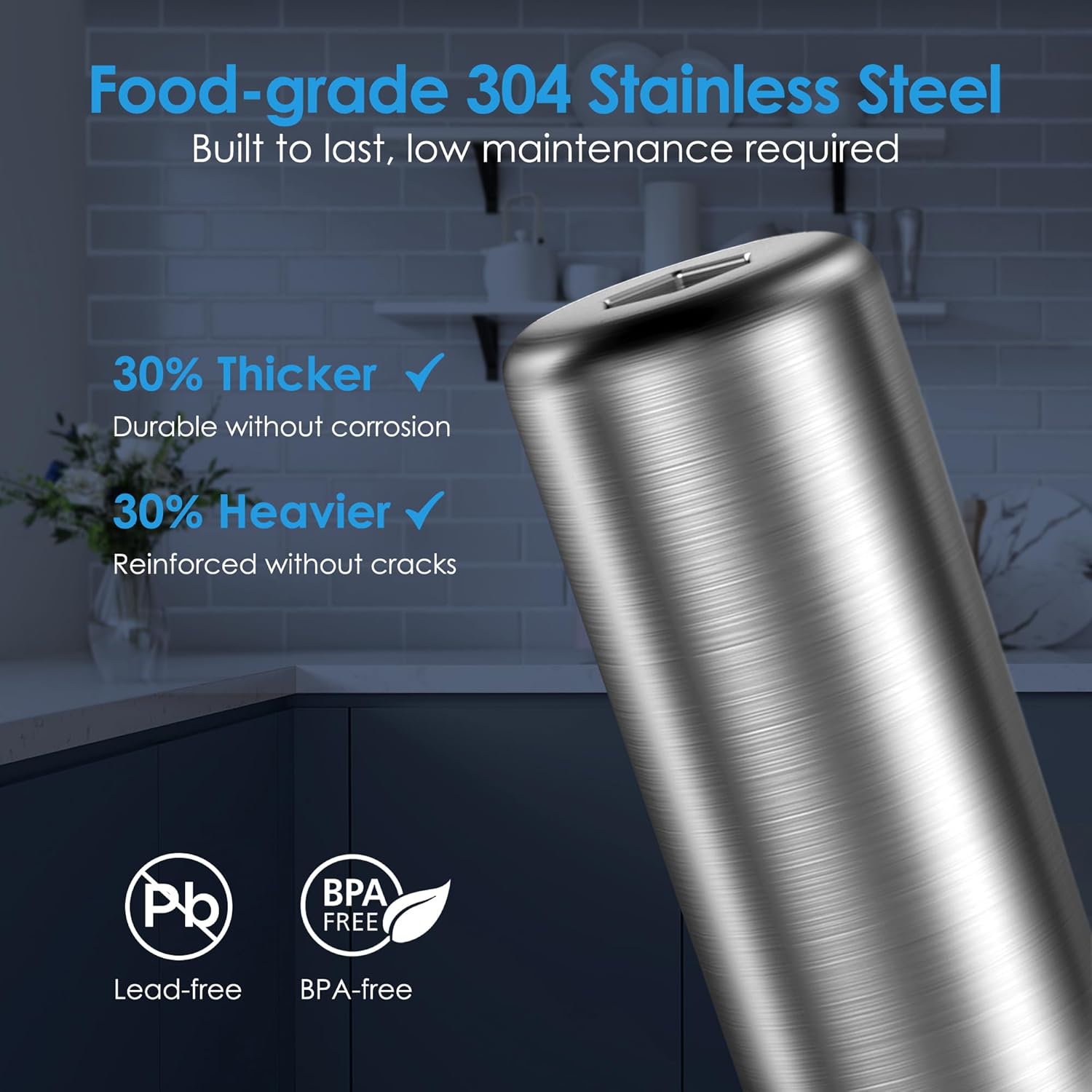
A detailed view of the brushed food-grade 304 stainless steel casing of the filter, highlighting its durability, corrosion resistance, and lead-free, BPA-free properties.
Warranty and Support
For warranty information, technical support, or any questions regarding your Waterdrop BS13 Under Sink Water Filter System, please contact Waterdrop customer service. Refer to the product packaging or the official Waterdrop website for the most current contact details and warranty policy.
You can typically find support resources, FAQs, and contact information on the Waterdrop Store on Amazon or their official brand website.


