
1. Introduction
The HOTONE Soul Press II is a versatile 4-in-1 guitar effects pedal, integrating Wah, Volume, Volume/Wah, and Expression functions into a single compact unit. Designed for guitarists seeking flexibility and high-quality analog tone, this pedal offers enhanced control and an improved user experience. This manual provides detailed instructions for setting up, operating, and maintaining your Soul Press II pedal.

The HOTONE Soul Press II, a versatile 4-in-1 guitar effects pedal.
2. Safety Information
- Do not expose the unit to rain or moisture.
- Do not open the casing. There are no user-serviceable parts inside.
- Use only the specified power supply (9V DC or 9V Battery).
- Keep out of reach of children.
- Avoid extreme temperatures or humidity.
3. Product Overview
The Soul Press II offers four primary functions: Wah, Volume, Volume/Wah, and Expression. It features a 100% analog circuit for authentic tone and includes Q and TONE controls for precise sound shaping. The pedal also provides independent EXP Out and Tuner Out jacks for versatile connectivity.
Key Features:
- 4-in-1 Functionality: Seamlessly switch between Wah, Volume, Volume/Wah, and Expression modes.
- 100% Analog Circuit: Ensures a pure and lossless signal path.
- Q & TONE Controls: Fine-tune your Wah and Volume tones.
- STATUS Indicator: LEDs show the pedal's real-time position.
- Multiple I/O Options: Includes independent EXP Out and Tuner Out.
- True Bypass: Maintains signal integrity when the effect is off.
- Durable Construction: Lightweight aluminum alloy casing with a steel shaft connection.

The Soul Press II integrates up to 4 function modes: Volume, Wah, Volume/Wah, and Expression.
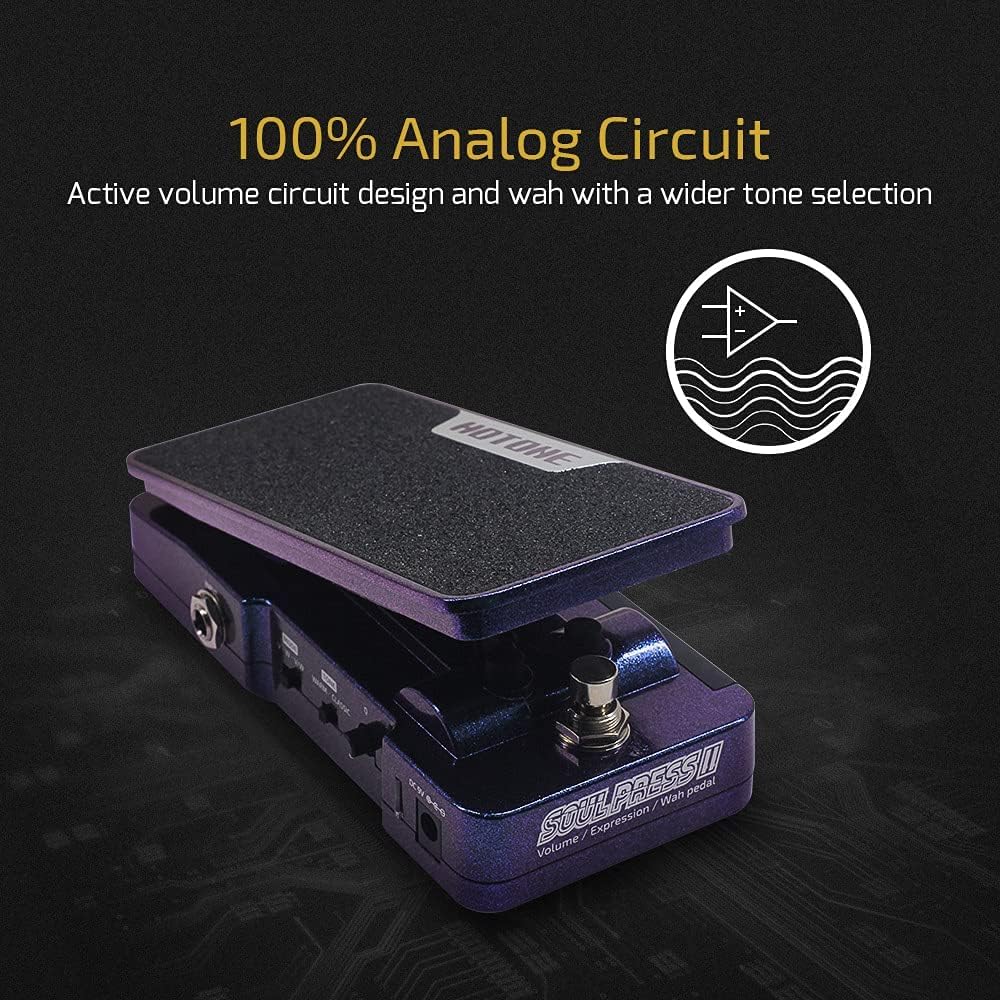
The pedal features a 100% analog circuit design for active volume and wah with a wider tone selection.
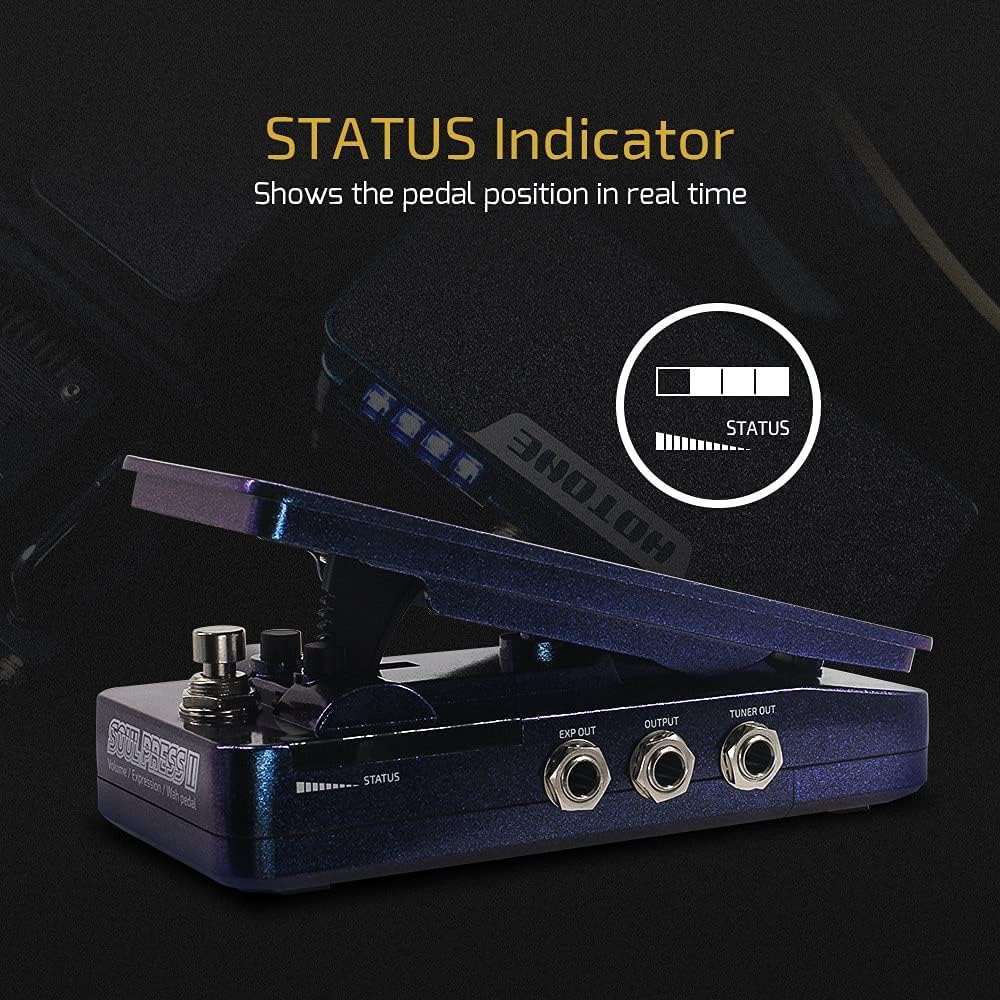
The LED STATUS indicator shows the pedal position in real-time, providing visual feedback during use.
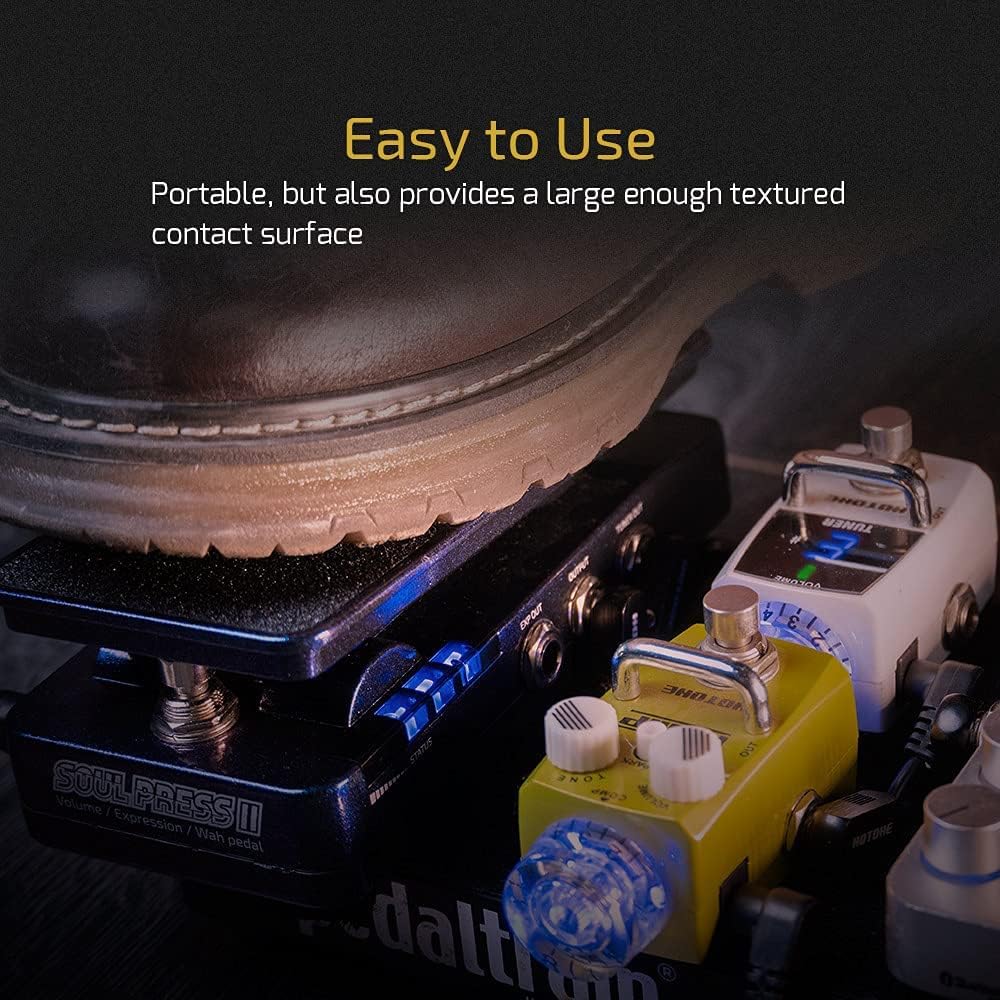
The Soul Press II is portable and provides a large, textured contact surface for comfortable and easy use.
Official Product Video:
This video demonstrates the 'wah pedal SP-20SC' functionality, showcasing the sound and responsiveness of the Soul Press II pedal in action.
4. Setup
Follow these steps to set up your HOTONE Soul Press II pedal:
- Power Supply: Connect a 9V DC power adapter (not included) to the DC IN jack, or install a 9V battery inside the pedal.
- Input Connection: Connect your guitar or other instrument to the INPUT jack using a standard 1/4-inch TS cable.
- Output Connection: Connect the OUTPUT jack to your amplifier or the next pedal in your signal chain using a standard 1/4-inch TS cable.
- Expression Out (Optional): If using the pedal as an expression controller for another device, connect the EXP OUT jack to the expression input of that device using a TRS cable.
- Tuner Out (Optional): Connect the TUNER OUT jack to your tuner for silent tuning.

The Soul Press II offers multiple I/O options, including independent expression pedal output and a tuner jack, enhancing its versatility.
5. Operating
The Soul Press II features a footswitch to toggle between Volume/Wah modes and a side switch to select the overall mode. The Q and TONE knobs allow for further sound customization.
Mode Selection:
- Use the small switch on the side of the pedal to select between Volume, Wah, Volume/Wah, and Expression modes.
Controls:
- Footswitch: Press down firmly on the pedal to engage or disengage the Wah or Volume effect, depending on the selected mode.
- Q Knob: Adjusts the Q factor (resonance) of the Wah effect. A higher Q setting results in a more pronounced and sharper wah sound.
- TONE Knob: Controls the overall tone of the Wah or Volume effect. Use this to fine-tune the brightness or warmth of your sound.
- WARM/CLASSIC Switch: Selects between two distinct wah voicings. 'WARM' provides a smoother, more vintage wah tone, while 'CLASSIC' offers a more traditional and aggressive wah sound.
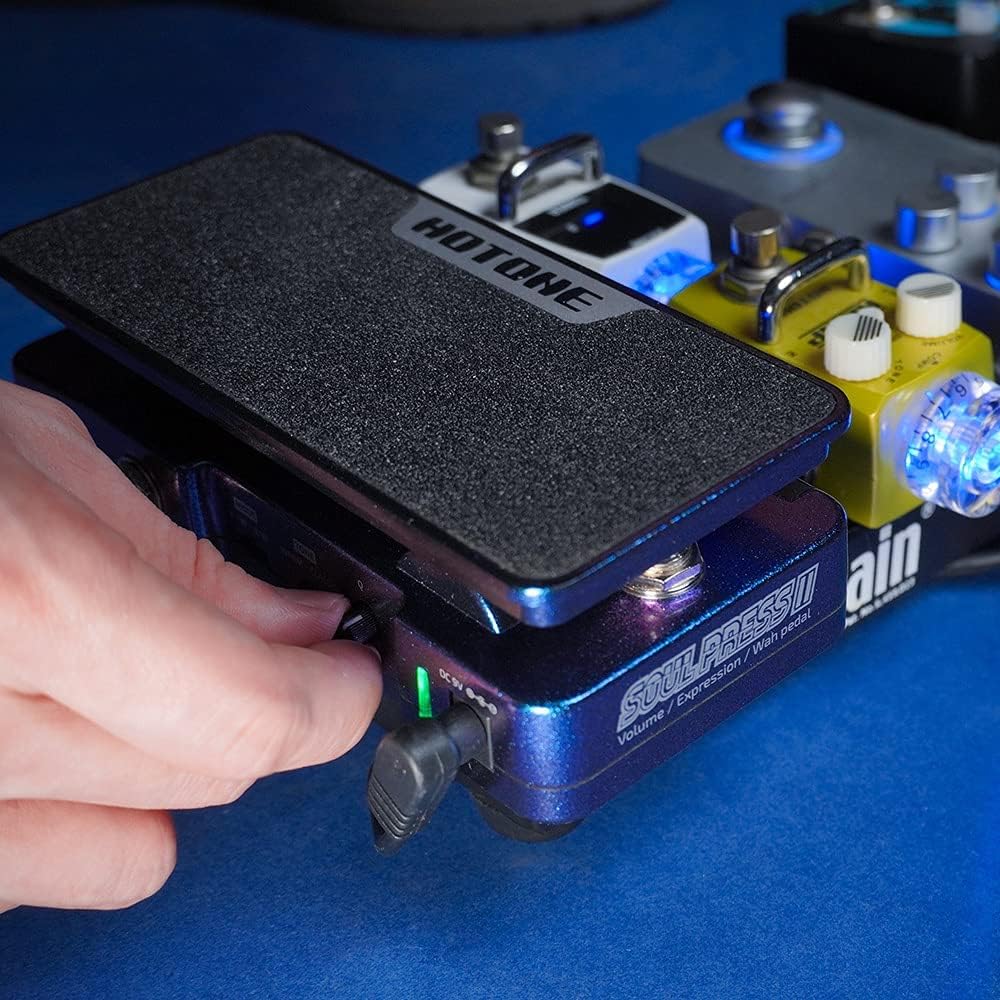
Adjusting the side controls for fine-tuning the pedal's parameters.
6. Maintenance
To ensure the longevity and optimal performance of your Soul Press II pedal:
- Cleaning: Use a soft, dry cloth to clean the pedal's surface. Avoid abrasive cleaners or solvents.
- Storage: Store the pedal in a cool, dry place away from direct sunlight and extreme temperatures.
- Battery Replacement: If using a 9V battery, replace it when the LED indicator dims or the pedal's performance degrades. Disconnect the input cable when not in use to conserve battery life.
- Connections: Periodically check all cable connections for tightness and ensure they are free from corrosion.
7. Troubleshooting
| Problem | Possible Cause | Solution |
|---|---|---|
| No sound or weak signal | Incorrect connections, dead battery, faulty cables. | Check all cable connections. Replace 9V battery or ensure power adapter is working. Test with different cables. |
| Wah/Volume effect not engaging | Pedal not fully pressed, mode switch incorrect. | Ensure the pedal is pressed down completely to engage the footswitch. Verify the mode switch is set to the desired function (Wah or Volume). |
| Unwanted noise/hum | Ground loop, faulty power supply, interference. | Use a regulated power supply. Try isolating the pedal from other electronics. Check for faulty cables. |
| Expression function not working | Incorrect cable type (TS instead of TRS), incompatible device. | Ensure a TRS cable is used for the EXP OUT. Verify the receiving device is compatible with passive expression pedals. |
8. Specifications
- Item Weight: 1.1 pounds (500 Grams)
- Product Dimensions: 6.38 x 3.19 x 2.01 inches (16.2 x 8.1 x 5.1 cm)
- Country of Origin: China
- Item Model Number: Soul Press II 4 in 1
- Hardware Interface: 1/4-inch Audio
- Signal Format: Analog
- Power Source: Battery Powered (9V Battery) or 9V DC Power Supply (not included)
- Voltage: 9 Volts
- Color: Soul Press II 4 in 1 (Purple/Blue iridescent casing)
9. Warranty and Support
For detailed warranty information and customer support, please refer to the official user guide PDF or contact HOTONE customer service.
Official User Guide: Download PDF


