
Introduction
The BLACK+DECKER GaN PD 20W USB-C Wall Charger is designed to provide efficient and fast charging for your compatible devices. Featuring advanced GaN technology, this compact charger offers superior temperature safety and intelligent power management for optimal performance. Its portable design with foldable prongs makes it suitable for home, office, and travel use.
Package Contents
- BLACK+DECKER GaN PD 20W USB-C Wall Charger (Model: BXMA1310001)
- User Manual
Note: A USB-C charging cable is not included and must be purchased separately.
Product Overview
Familiarize yourself with the components and key features of your BLACK+DECKER GaN PD 20W USB-C Wall Charger.
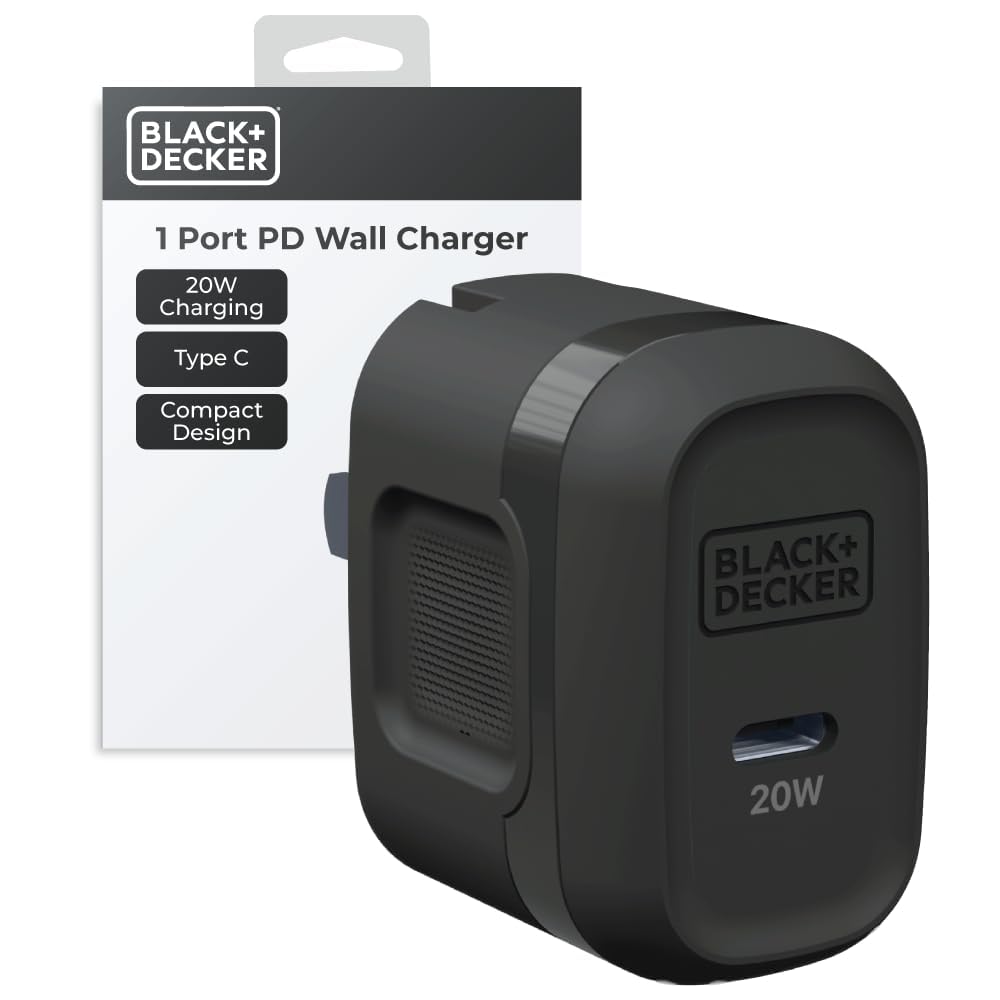
Image 1: Front view of the BLACK+DECKER GaN PD 20W USB-C Wall Charger, showing the USB-C port and 20W label.
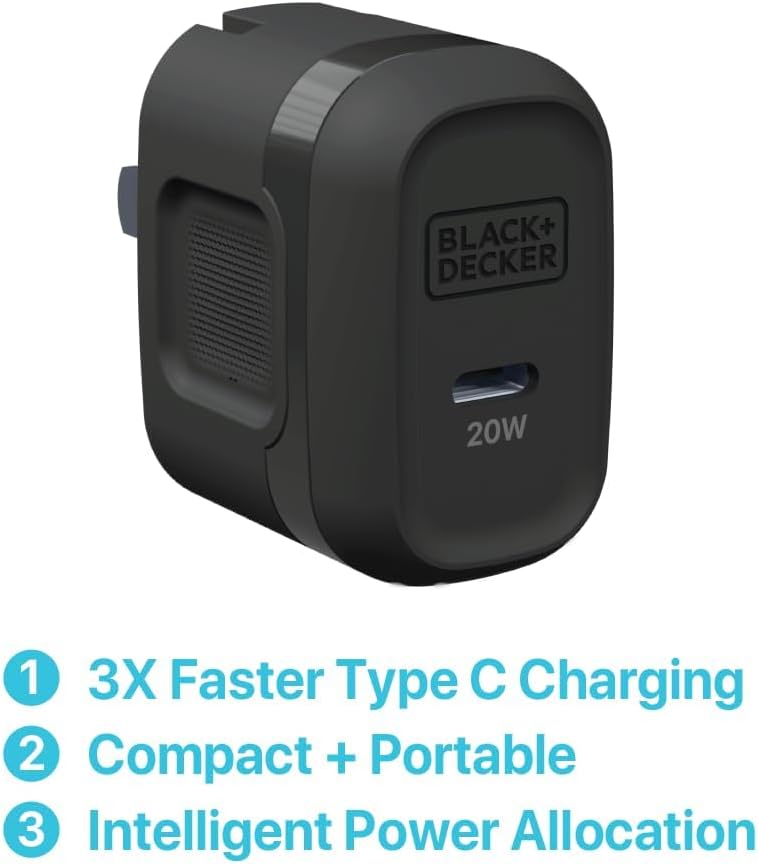
Image 2: The charger with text indicating its key features: 3x faster Type C charging, compact and portable design, and intelligent power allocation.

Image 3: Side view of the charger, illustrating the compact size and foldable prongs for easy storage.

Image 4: The charger's dimensions (1.4 in x 1.7 in x 1 in) are shown, emphasizing its compact size, with a US quarter for scale.
Setup Instructions
- Unfold the Prongs: Gently pull out the foldable prongs from the charger body until they lock into place.
- Connect to Power Outlet: Insert the charger into a standard AC wall outlet (100-240V).
- Connect USB-C Cable: Plug one end of your USB-C charging cable (not included) into the USB-C port on the charger.
- Connect to Device: Plug the other end of the USB-C cable into your compatible device (smartphone, smartwatch, tablet).
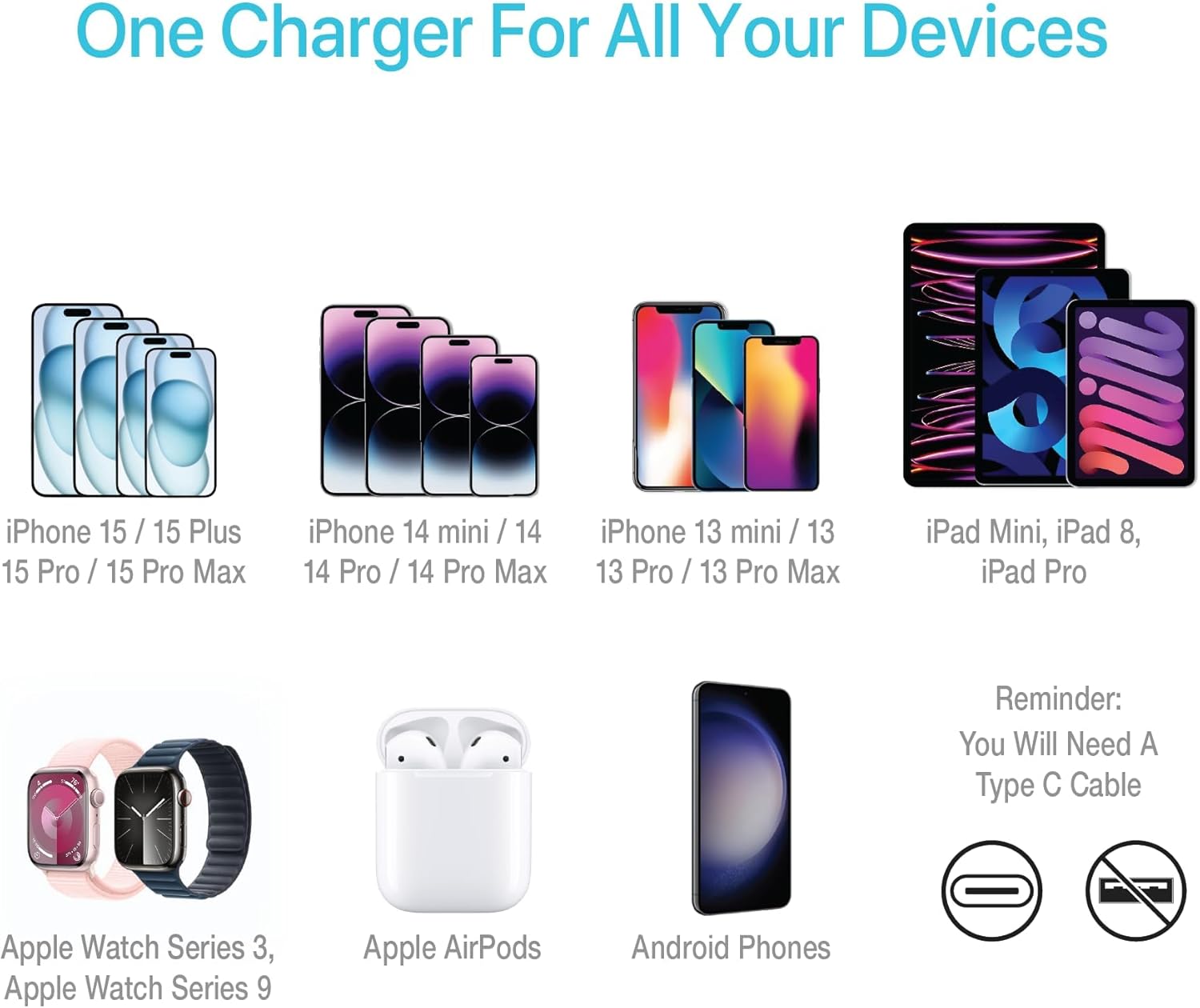
Image 5: The charger plugged into a wall outlet, demonstrating its compact footprint and how it leaves space for other plugs. A phone is shown charging.
Operating Instructions
Once connected, the charger will automatically begin charging your device. The intelligent power management chip optimizes charging performance by providing the appropriate wattage for your device.
Compatible Devices:
- Smartphones (e.g., iPhone 17, iPhone 16, iPhone 15 series, Android phones)
- Smartwatches (e.g., Apple Watch Series 3, Apple Watch Series 9)
- Tablets (e.g., iPad Mini, iPad 8, iPad Pro)
- Other USB-C powered devices

Image 6: Visual representation of various devices compatible with the charger, including iPhones, iPads, Apple Watches, AirPods, and Android phones.
Fast Charging:
This 20W charger supports Power Delivery (PD) for rapid charging of compatible devices, delivering up to 3 times faster charging speeds compared to standard 5W chargers.

Image 7: The charger connected to an iPhone, illustrating its fast charging capability with a '3x Faster' indicator.
Maintenance
- Cleaning: Disconnect the charger from the power outlet before cleaning. Use a soft, dry cloth to wipe the surface. Do not use liquid cleaners or aerosols.
- Storage: When not in use, fold the prongs for compact storage. Store in a cool, dry place away from direct sunlight and moisture.
- Handling: Avoid dropping the charger or subjecting it to strong impacts. Do not attempt to disassemble or repair the charger yourself.
Troubleshooting
| Problem | Possible Cause | Solution |
|---|---|---|
| Device not charging. |
|
|
| Slow charging. |
|
|
| Charger feels warm during use. |
|
|
Specifications
| Feature | Detail |
|---|---|
| Model Number | BXMA1310001 |
| Input Voltage | 100-240V AC |
| Output Wattage | 20W |
| Connector Type | USB Type C |
| Total USB Ports | 1 |
| Product Dimensions | 1.42 x 1.77 x 1.1 inches |
| Item Weight | 1.6 ounces |
| Special Feature | GaN Technology for Temperature Safety |
Warranty Information
This BLACK+DECKER product is covered by a 10-Year Limited Warranty. This warranty covers defects in materials and workmanship under normal use. For full terms and conditions, please refer to the warranty card included with your product or visit the official BLACK+DECKER website.

Image 8: The 10-Year Limited Warranty badge, indicating product coverage.
Customer Support
For technical assistance, warranty claims, or product inquiries, please contact BLACK+DECKER customer support. Refer to the contact information provided on the product packaging or visit the official BLACK+DECKER website for the most up-to-date support details.
Online Support: www.blackanddecker.com/support
Safety Information
- Do not expose the charger to liquids, moisture, or extreme temperatures.
- Keep out of reach of children.
- Do not use if the charger or cable is damaged.
- Ensure the voltage of the power outlet is compatible with the charger's input voltage (100-240V).
- Unplug the charger during lightning storms or when unused for long periods.