
1. Product Overview
The Buddi Wave Stylus Pen is designed for use with compatible iPad models, providing a precise and responsive experience for drawing, writing, and note-taking. Key features include palm rejection, tilt sensitivity, magnetic attachment, and fast USB-C charging.

Image 1.1: The Buddi Wave Stylus Pen, a sleek white design.
2. Package Contents
Ensure all items are present in the package:
- Buddi Wave Stylus Pen
- Extra Replacement Tip

Image 2.1: Diagram showing the replaceable tip, magnetic attachment area, power display, and On/Off button.
3. Compatibility
The Buddi Wave Stylus Pen is compatible with all iPad models released from 2018 onwards. This includes, but is not limited to:
- iPad Pro 12.9 inch
- iPad Pro 11 inch
- iPad (6th, 7th, and 8th generation)
- iPad Air (3rd and 4th generation)
- iPad Mini (5th and 6th generation)
Note: For optimal performance, ensure your iPad's operating system is up to date.
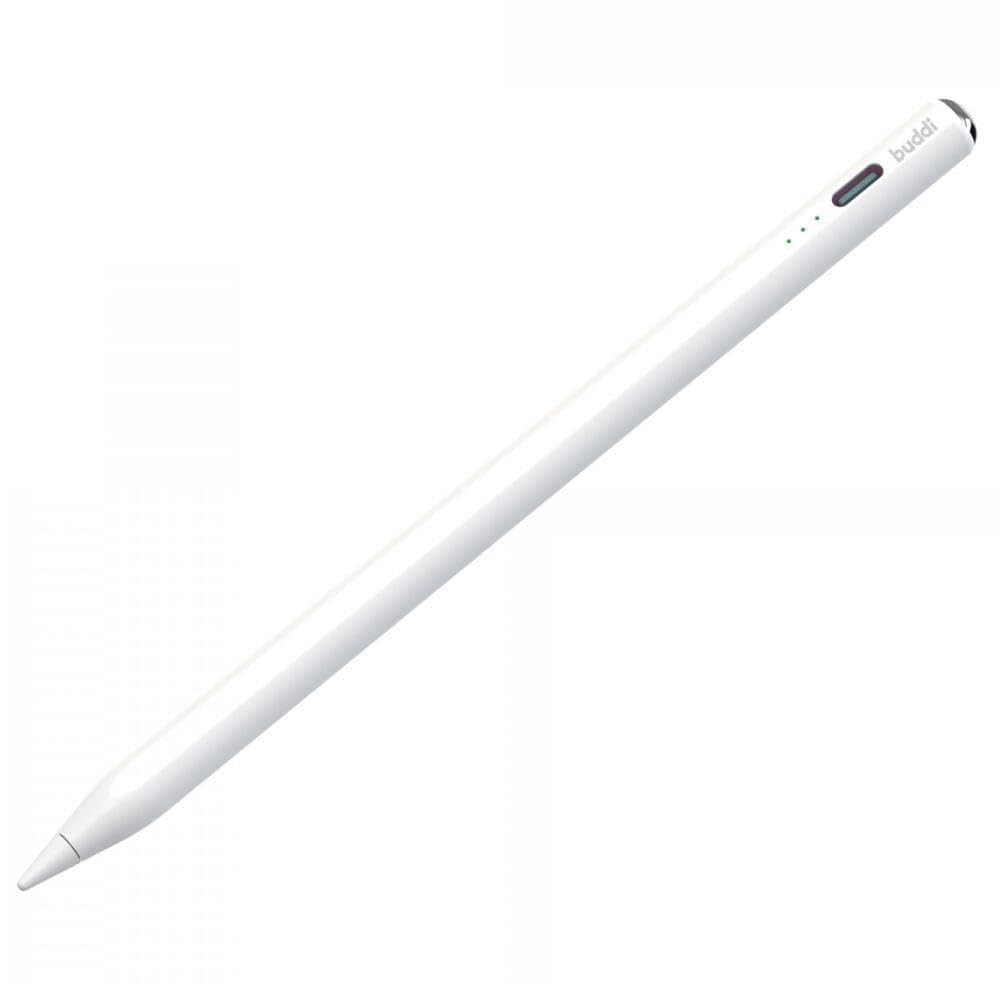
Image 3.1: The stylus shown next to an iPad, illustrating its compatibility with various iPad models.
4. Setup and Initial Use
4.1 Powering On/Off
To turn the stylus on, press the power button located at the top of the pen. The power indicator lights will illuminate. To turn the stylus off, press and hold the power button for a few seconds until the lights turn off.
4.2 Pairing
The Buddi Wave Stylus Pen does not require Bluetooth pairing. Simply turn it on, and it is ready for immediate use with your compatible iPad.
4.3 Charging the Stylus
The stylus features a USB-C charging port. Connect a USB-C cable to the port on the stylus and to a power source. A full charge takes approximately 15 minutes and provides up to 12 hours of continuous use. The power display lights indicate the charging status and battery level.
5. Operating Instructions
5.1 Palm Rejection
The stylus features integrated palm rejection technology. This allows you to rest your hand comfortably on the iPad screen while writing or drawing, without causing unintended marks or inputs.
5.2 Tilt Sensitivity
The Buddi Wave Stylus Pen is tilt-sensitive, allowing for varied line thickness and shading effects. Adjust the angle at which you hold the pen to achieve different artistic results, similar to using a traditional pencil.

Image 5.1: Visual representation of palm rejection, magnetic attachment, tilt sensitivity (showing various angles), and fast charging capabilities.
5.3 Magnetic Attachment
The stylus can be magnetically attached to the side of compatible iPad models for convenient storage and transport. This ensures the pen is always within reach and reduces the risk of misplacement.
6. Maintenance
6.1 Cleaning
To clean the stylus, gently wipe it with a soft, dry, lint-free cloth. Avoid using abrasive materials or harsh chemical cleaners, as these may damage the pen's surface.
6.2 Replacing the Tip
If the stylus tip becomes worn or damaged, it can be easily replaced. Gently twist the old tip counter-clockwise to remove it. Align the new tip and twist it clockwise until it is securely fastened. An extra replacement tip is included in the package.
7. Troubleshooting
| Problem | Possible Solution |
|---|---|
| Stylus does not turn on. | Ensure the stylus is charged. Connect it to a USB-C power source for at least 5 minutes. |
| Stylus is not responding on iPad. |
|
| Palm rejection is not working. | Ensure your iPad's operating system is updated. Some apps may require specific settings for palm rejection to function correctly. |
| Stylus tip feels loose or is not writing smoothly. | Tighten the tip by twisting it clockwise. If the tip is worn, replace it with a new one. |
8. Specifications
| Feature | Detail |
|---|---|
| Model Number | BW00001 |
| Brand | Buddi |
| Compatibility | All iPad models from 2018 onwards |
| Charging Port | USB-C |
| Charging Time | Approx. 15 minutes |
| Battery Life | Up to 12 hours (continuous use) |
| Features | Palm Rejection, Tilt Sensitivity, Magnetic Attachment |
| Material | Plastic |
| Color | White |
| Dimensions (L x W x H) | 25 x 25 x 25 mm |
| Weight | 100 Grams |
9. Warranty and Support
For warranty information and customer support, please refer to the documentation provided with your purchase or visit the official Buddi website. Keep your proof of purchase for warranty claims.
Note: Specific warranty terms may vary by region and retailer.