
1. Introduction
This manual provides instructions for the Timex Women's Main Street 25mm Watch, model TW2W353009J. This timepiece features a 25mm silver-tone case, a mother-of-pearl dial, and a silver-tone expansion band. It is equipped with a quartz movement and Timex's Indiglo night-light feature.

Image 1.1: Front view of the Timex Women's Main Street 25mm Watch, showcasing the mother-of-pearl dial and silver-tone expansion band.
2. Setup
2.1 Setting the Time
- Pull the Crown: Gently pull the crown (the small knob on the side of the watch case) out to the first position.
- Adjust Time: Rotate the crown in either direction to move the hour and minute hands to the correct time.
- Push the Crown In: Once the time is set, push the crown back into its original position to start the watch movement.
2.2 Adjusting the Expansion Band
The watch features an expansion band designed for easy adjustment. Links can be removed to achieve a comfortable fit. For precise adjustment, it is recommended to consult a jeweler or refer to the Timex Sizing Chart video for guidance on self-adjustment.
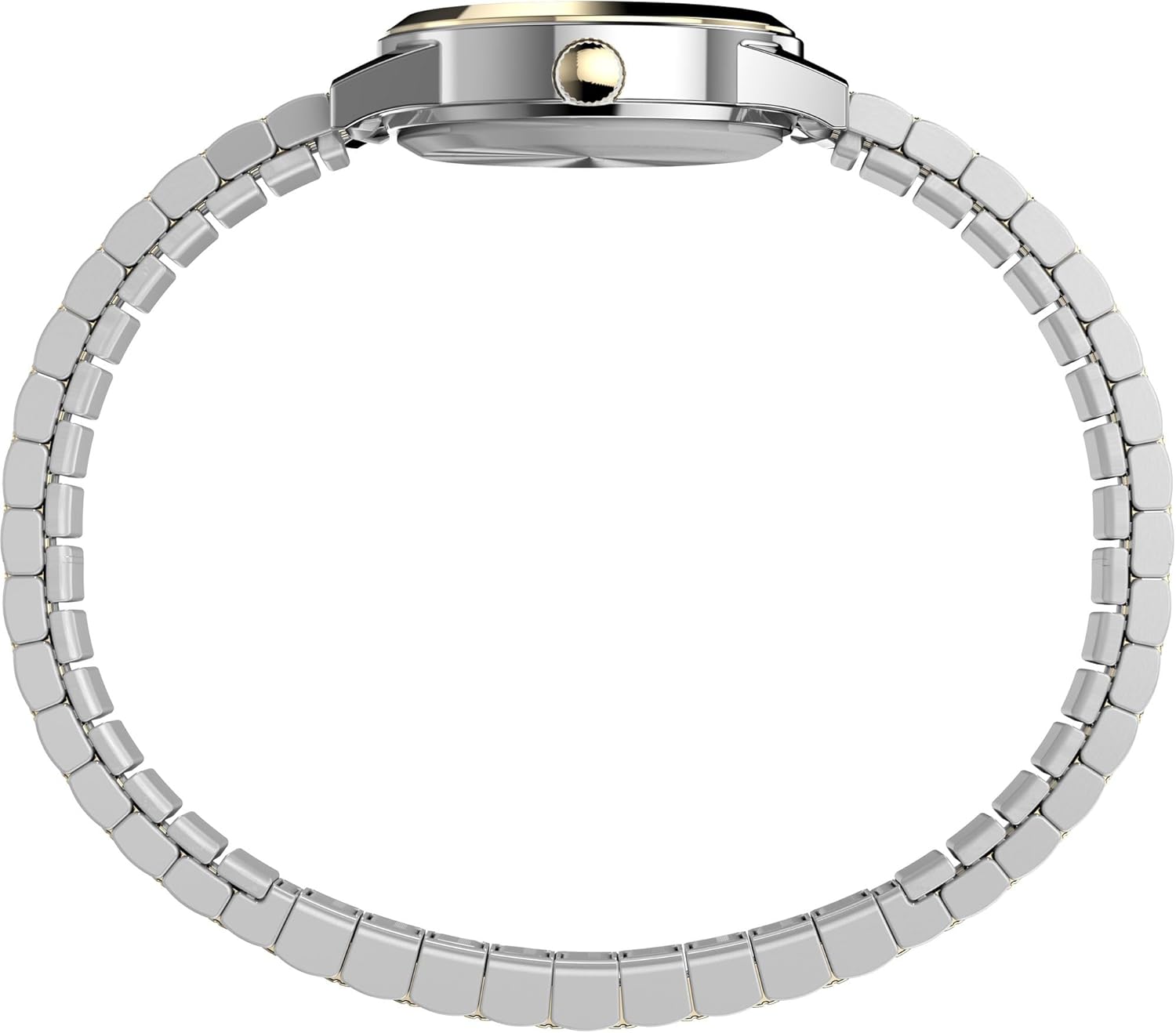
Image 2.1: Side view of the watch, illustrating the flexible expansion band construction.

Image 2.2: Top-down view of the watch band, showing the two-tone link design.
Video 2.1: Timex Sizing Chart. This video demonstrates how to measure your wrist and understand watch case sizes for optimal fit. It also provides general guidance on band adjustment.
3. Operating Instructions
3.1 Indiglo Night-Light
To activate the Indiglo night-light, press and hold the crown. The entire watch dial will illuminate for easy viewing in low-light conditions.
3.2 Water Resistance
This watch is water resistant to 30 meters (100 feet). This means it is suitable for splashes or brief immersion in water, but not for swimming, showering, or diving. Do not operate the crown while the watch is wet.
4. Maintenance
4.1 Cleaning Your Watch
- Case and Crystal: Wipe with a soft, damp cloth. Avoid harsh chemicals.
- Metal Band: Use a soft brush and mild soapy water to clean the links. Rinse thoroughly and dry immediately with a soft cloth.
4.2 Battery Replacement
The watch uses one Lithium Metal battery (included). When the watch stops running, the battery may need replacement. It is recommended to have the battery replaced by a qualified watch technician to ensure proper sealing and water resistance.
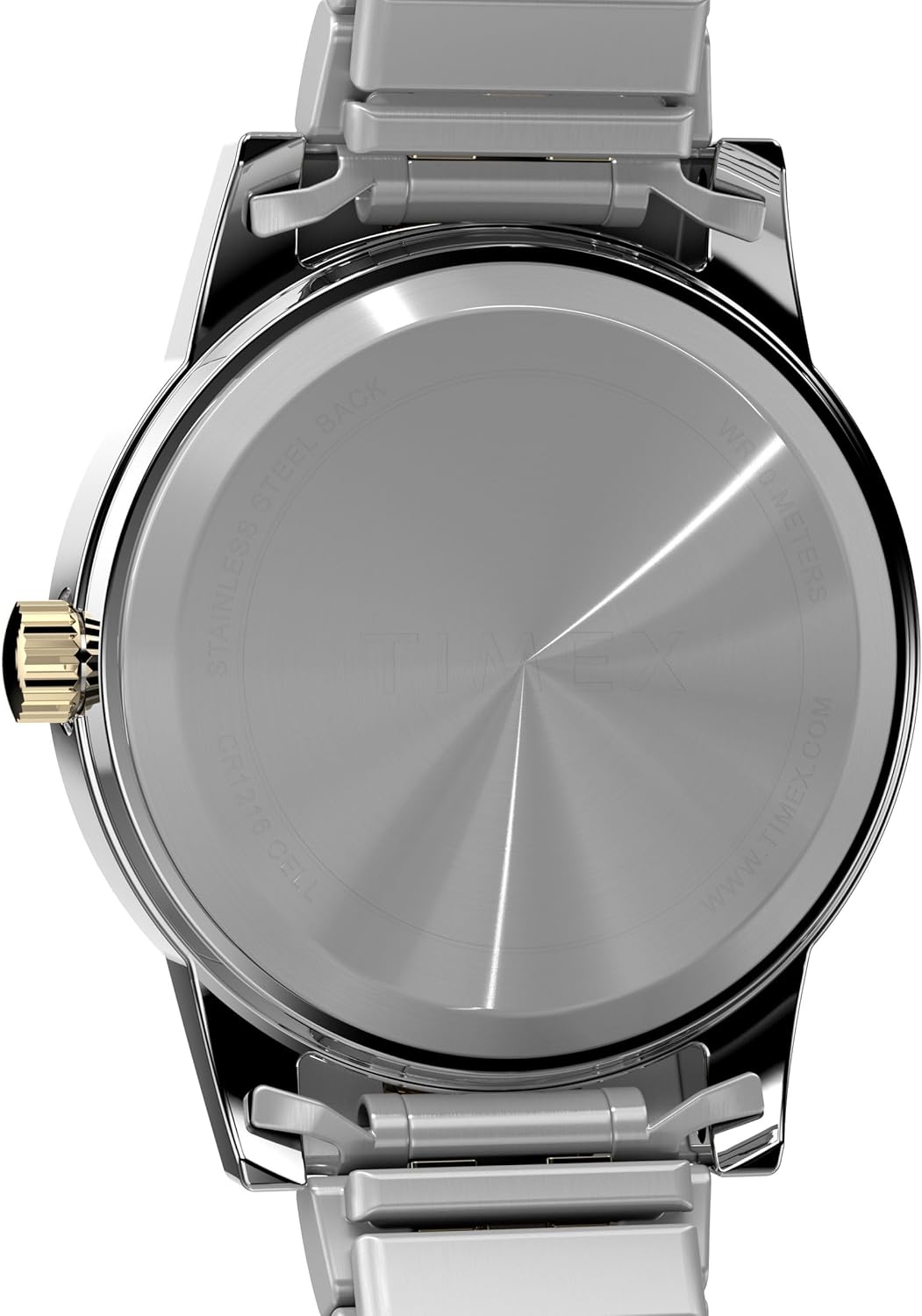
Image 4.1: Back view of the watch case, showing the stainless steel back and water resistance marking.
4.3 Storage
When not wearing your watch, store it in a dry place away from direct sunlight and extreme temperatures. Avoid exposing it to strong magnetic fields.
5. Troubleshooting
| Problem | Possible Cause | Solution |
|---|---|---|
| Watch not running | Crown pulled out; Dead battery | Push crown in; Replace battery (professional service recommended) |
| Time is inaccurate | Low battery; Exposure to strong magnetic fields | Replace battery; Move watch away from magnetic sources |
| Band feels too tight/loose | Incorrect band size | Adjust band by removing/adding links (professional service recommended) |
6. Specifications
- Model Number: TW2W353009J
- Case Diameter: 25 Millimeters
- Case Material: Brass
- Band Material: Stainless Steel
- Band Width: 12 Millimeters
- Band Length: 7.5 Inches
- Dial Color: Multicolor (Mother of Pearl)
- Crystal Type: Mineral Glass
- Movement Type: Quartz
- Power Source: Battery Powered (1 Lithium Metal battery included)
- Water Resistance Depth: 30 Meters (100 Feet)
- Special Features: Indiglo Night-Light
7. Warranty and Support
This Timex watch is covered by a Limited Warranty. For specific warranty details, claims, or technical support, please refer to the warranty information provided with your purchase or visit the official Timex website. Keep your proof of purchase for warranty service.


