
Introduction
This manual provides detailed instructions for the installation, operation, and maintenance of your ExBrite 24x32 LED Lighted Medicine Cabinet. Please read this manual thoroughly before installation and use to ensure proper function and safety. Keep this manual for future reference.
Safety Information
- Always disconnect power before installing or servicing the cabinet.
- Installation should be performed by a qualified electrician in accordance with local electrical codes.
- Do not expose the cabinet to excessive moisture or direct water spray.
- Handle glass components with care to prevent breakage and injury.
- Ensure the mounting surface is structurally sound to support the weight of the cabinet and its contents.
- This product is ETL certified, ensuring compliance with safety standards.
Package Contents
Verify that all components are present before beginning installation:
- ExBrite 24x32 LED Lighted Medicine Cabinet
- Adjustable Glass Shelves (3)
- Mounting Hardware (screws, anchors, mounting bar)
- 5X Magnifying Mirror
- Instruction Manual
Product Features
- Dual Lighting: Front and back LED lighting for both functional and ambient illumination.
- Adjustable Lighting: 3-color dimmable LED (3000K-6000K) and brightness adjustment from 10% to 100%.
- Integrated Magnifier: A 5X magnifying mirror that can be moved vertically.
- Interior Illumination: Internal LED lighting for clear visibility of contents.
- Smart Functions: Night light, clock, and temperature display.
- Defog Function: One-touch defogger with automatic shut-off after one hour.
- Convenient Power: Dual electrical sockets and two USB ports inside for charging devices.
- Storage: Three adjustable tempered glass shelves, each supporting up to 30 pounds.
- Durable Construction: Anodized aluminum frame for scratch and moisture resistance.
- Flexible Mounting: Supports both recessed and surface installation.
- Soft-Close Hinges: Premium 170° soft-close hinges for smooth operation.
Setup and Installation
The ExBrite medicine cabinet can be installed using either surface mount or recessed mount methods. Refer to the diagrams and instructions below for your chosen installation type.
Installation Overview
This video provides a visual guide to the features and installation flexibility of the medicine cabinet.
Video: Overview of the ExBrite LED Lighted Medicine Cabinet features and installation options.
Dimensions and Cutout
Before installation, carefully measure and prepare the wall opening according to the specified cutout dimensions for recessed mounting. For surface mounting, ensure adequate wall space.
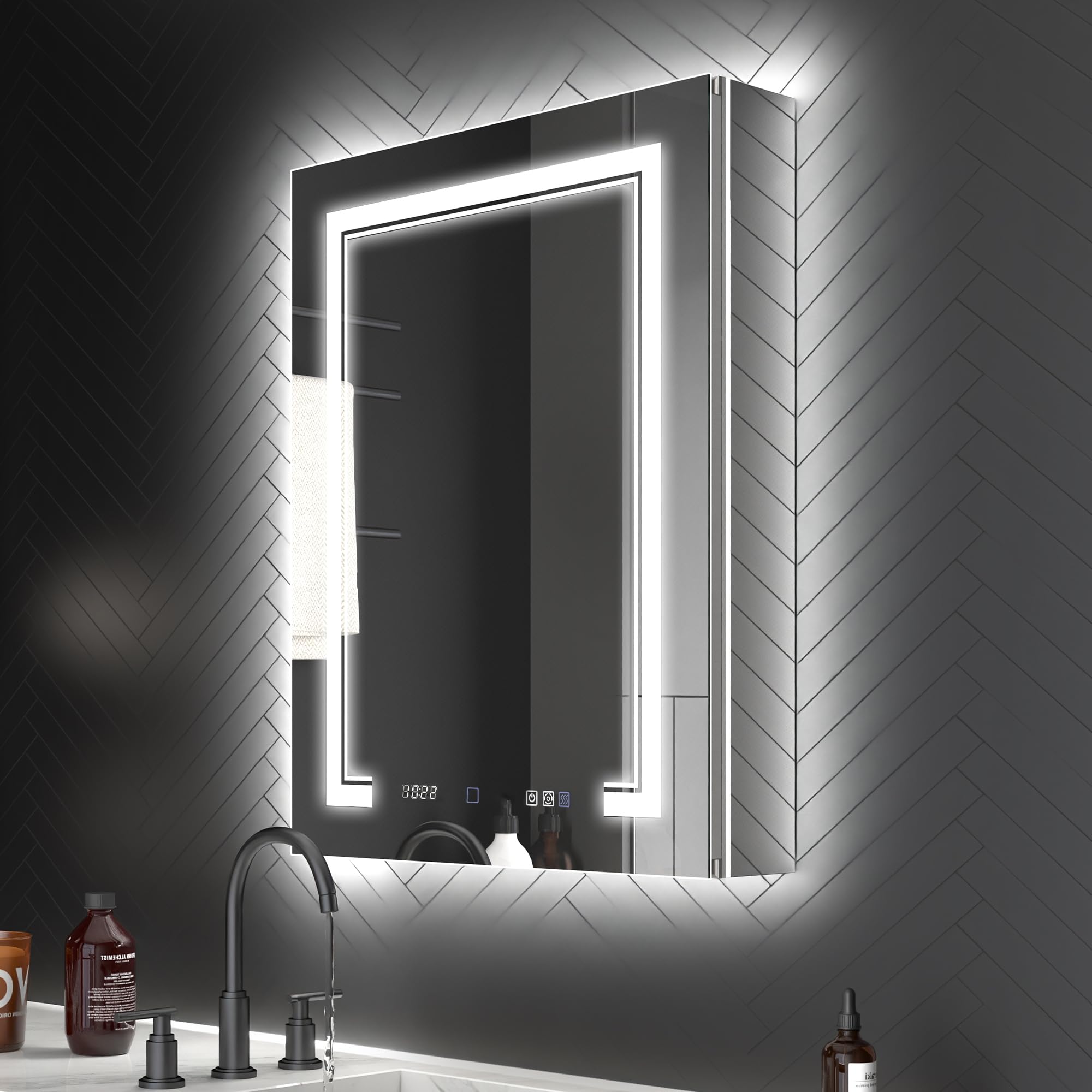
Image: Front view of the ExBrite 24x32 LED Lighted Medicine Cabinet with overall dimensions and cutout dimensions for recessed installation.

Image: Detailed diagram showing cutout dimensions (width, height, depth) for different cabinet sizes, including the 24x32 inch model.
Mounting Instructions
Follow these steps for secure installation. A mounting bar system is provided for easier and more stable support.

Image: Step-by-step visual guide for installing the medicine cabinet, including wall preparation, securing the mounting bar, and electrical connections.
Electrical Connection: Ensure the power supply is turned off at the circuit breaker. Connect the cabinet's electrical wires (live, neutral, ground) to your home's wiring according to local electrical codes. The cabinet features a GFCI-protected power system for added safety.
Operating Instructions
Lighting Control
The cabinet features separate controls for front and back lighting, allowing for various illumination modes.

Image: Illustration of the three lighting modes: Front & Back Lighting, Front Lighting only, and Back Lighting only.
Brightness and Color Temperature Adjustment:
- Short press the light control button to cycle through color temperatures (Cool White 6000K, Natural White 4500K, Warm White 3000K).
- Long press the light control button to adjust brightness from 10% to 100%.

Image: Visual representation of the touch controls for adjusting color temperature (3000K-6000K) and brightness (10%-100%).
Defog Function
Activate the defogger by pressing the dedicated defog button. The defogger will automatically turn off after one hour to conserve energy.

Image: A hand activating the anti-fog function button on the mirror surface.
Night Light
The light-sensitive night light automatically activates when ambient brightness decreases, providing subtle illumination.

Image: The light-sensitive night light feature shown in a dim environment, with an inset showing the rocker switch.
5X Magnifying Mirror
The included 5X magnifying mirror can be moved up and down along its track to suit your needs for detailed tasks.

Image: The 5X magnifying mirror demonstrating its vertical adjustability within the cabinet.
Internal Outlets and USB Ports
Utilize the dual sockets and two USB ports inside the cabinet to power or charge electronic devices such as electric toothbrushes, razors, or smartphones.

Image: The interior of the medicine cabinet showing the dual electrical outlets and USB ports, with various devices plugged in.
Maintenance
To maintain the appearance and functionality of your medicine cabinet, follow these simple guidelines:
- Cleaning: Wipe the mirror and cabinet surfaces with a soft, damp cloth. Avoid abrasive cleaners or harsh chemicals that may damage the finish or mirror coating.
- Glass Shelves: The tempered glass shelves can be removed for cleaning. Wash with mild soap and water, then dry thoroughly before reinserting.
- Electrical Components: Ensure all electrical connections remain dry. Do not attempt to repair electrical components yourself; contact a qualified technician if issues arise.
Troubleshooting
| Problem | Possible Cause | Solution |
|---|---|---|
| Lights do not turn on. | No power supply; loose connection; faulty LED driver. | Check circuit breaker. Verify electrical connections. Contact customer support if problem persists. |
| Defogger not working. | Defogger not activated; electrical issue. | Ensure defog button is pressed. Check power supply. |
| Clock/Temperature display is off or incorrect. | Power interruption; settings reset. | Refer to specific instructions for setting clock/temperature (if available, not detailed in provided data). Power cycle the unit. |
| Outlets/USB ports not providing power. | No power to cabinet; internal wiring issue. | Check main power to the cabinet. Ensure devices are properly plugged in. |
Specifications
| Feature | Detail |
|---|---|
| Brand | ExBrite |
| Model Number | 11FXMC2432V10LX |
| Dimensions (D x W x H) | 5.25"D x 24"W x 32"H |
| Material | Aluminum (Anodized) |
| Mounting Type | Surface or Recessed Mount |
| Lighting | Front & Backlit LED, 3-Color Dimmable (3000K-6000K), 10-100% Brightness |
| Magnifier | 5X Magnifying Mirror |
| Shelves | 3 Adjustable Tempered Glass Shelves |
| Power Outlets | Dual Sockets, 2 USB Ports (Up to 1800W) |
| Hinges | 170° Soft-Close Hinges |
| Certifications | ETL Certified |
| Item Weight | 71.94 Pounds |
Warranty and Support
ExBrite offers a warranty of up to 1 year for this product. For any issues, questions, or concerns, please contact our customer support team. We aim to reply to emails within 24 hours.
In case of a broken delivery, please contact us immediately for a replacement; return of the damaged item may not be required.
This product also qualifies for a 30-day free return policy.


