
1. Introduction
This manual provides essential information for the proper use and maintenance of your Leica Rangemaster CRF-R Laser Rangefinder. Please read this manual thoroughly before operating the device to ensure optimal performance and safety.
The Leica Rangemaster CRF-R is a compact, lightweight, and weather-resistant laser rangefinder designed for quick and precise distance measurement in outdoor and hunting environments. It offers rapid measurement results and high-quality optics for clear target identification.
2. Product Overview and Features
The Leica Rangemaster CRF-R is engineered for reliability and ease of use, providing accurate distance readings up to 1,800 meters.
Key Features:
- Precision Rangefinding: Delivers exact measurement results in under 0.3 seconds, up to 1,800 meters.
- High-Quality Optics: Ensures clear and sharp images for precise target identification, even in challenging lighting conditions, with excellent light transmission.
- Fast Measurement Speed: Allows for quick acquisition of distances, enabling timely and informed decisions.
- Weather-Resistant Construction: Built to withstand diverse weather conditions, maintaining accuracy and functionality in rain, snow, or extreme temperatures.
- Compact & Lightweight Design: Designed for portability and comfortable handling during extended use in the field.
- Equivalent Horizontal Range (EHR): Displays actual measured range or equivalent horizontal range for angle shots.
Components:
- Leica Rangemaster CRF-R Laser Rangefinder
- Carrying Case
- User Manual
- Battery (CR2 Lithium-Ion, not included)
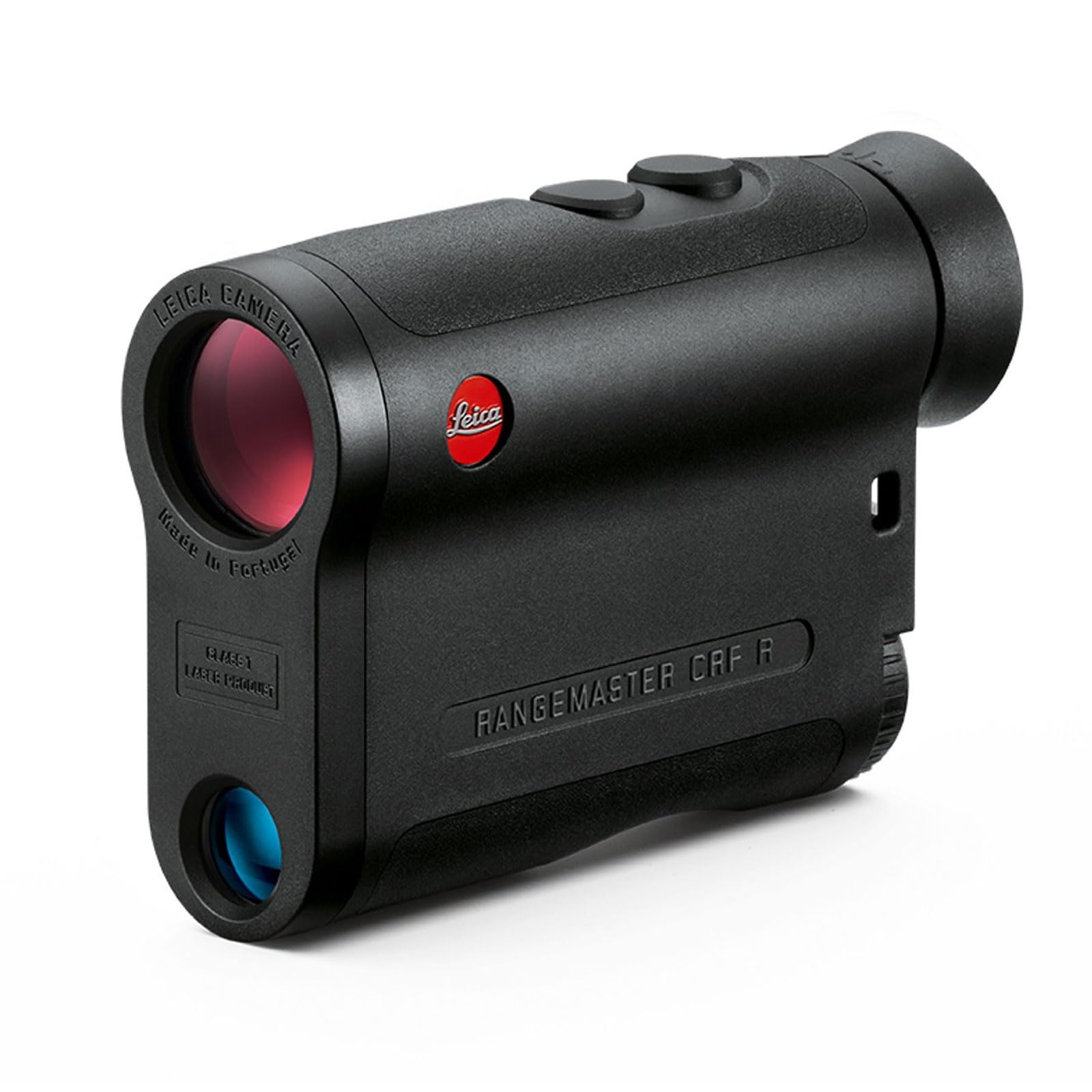
Figure 1: Angled view of the Leica Rangemaster CRF-R Laser Rangefinder, showing the objective lens and eyepiece.
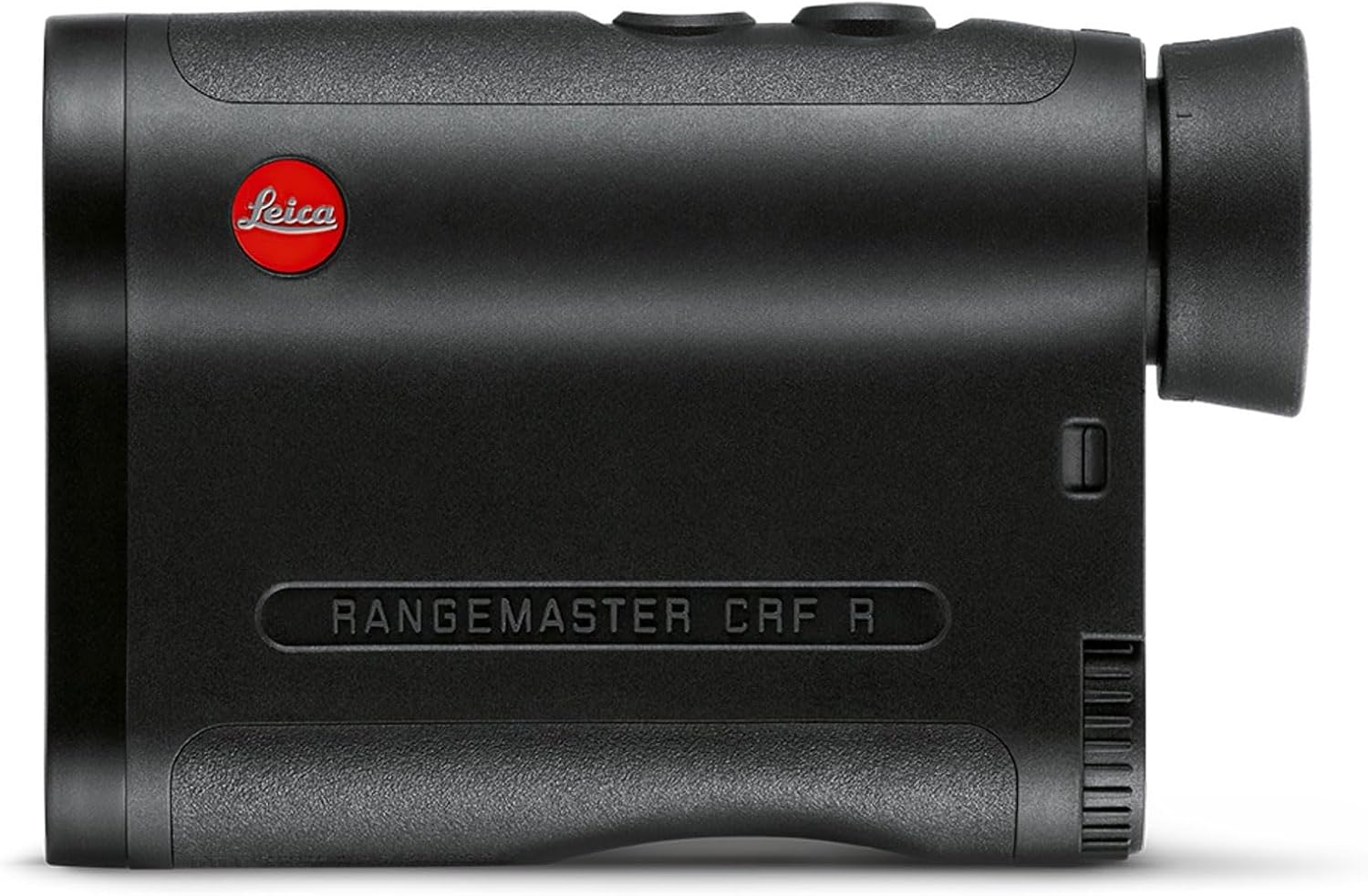
Figure 2: Top view of the Leica Rangemaster CRF-R, highlighting the control buttons.
3. Setup
3.1 Battery Installation
- Locate the battery compartment cover, typically on the side or bottom of the device.
- Unscrew or open the cover.
- Insert one CR2 Lithium-Ion battery, ensuring correct polarity (+/-).
- Securely close the battery compartment cover.
Note: Batteries are not included with the device and must be purchased separately.
3.2 Diopter Adjustment
To ensure a sharp image, adjust the diopter to your individual eyesight:
- Look through the eyepiece at a distant object.
- Rotate the diopter adjustment ring (usually located on the eyepiece) until the image appears sharp and clear.
4. Operating Instructions
4.1 Taking a Measurement
- Point the rangefinder at your desired target.
- Press and hold the main measurement button (typically on the top of the device).
- The distance measurement will appear in the display within 0.3 seconds.
- Release the button to turn off the display and conserve battery life.
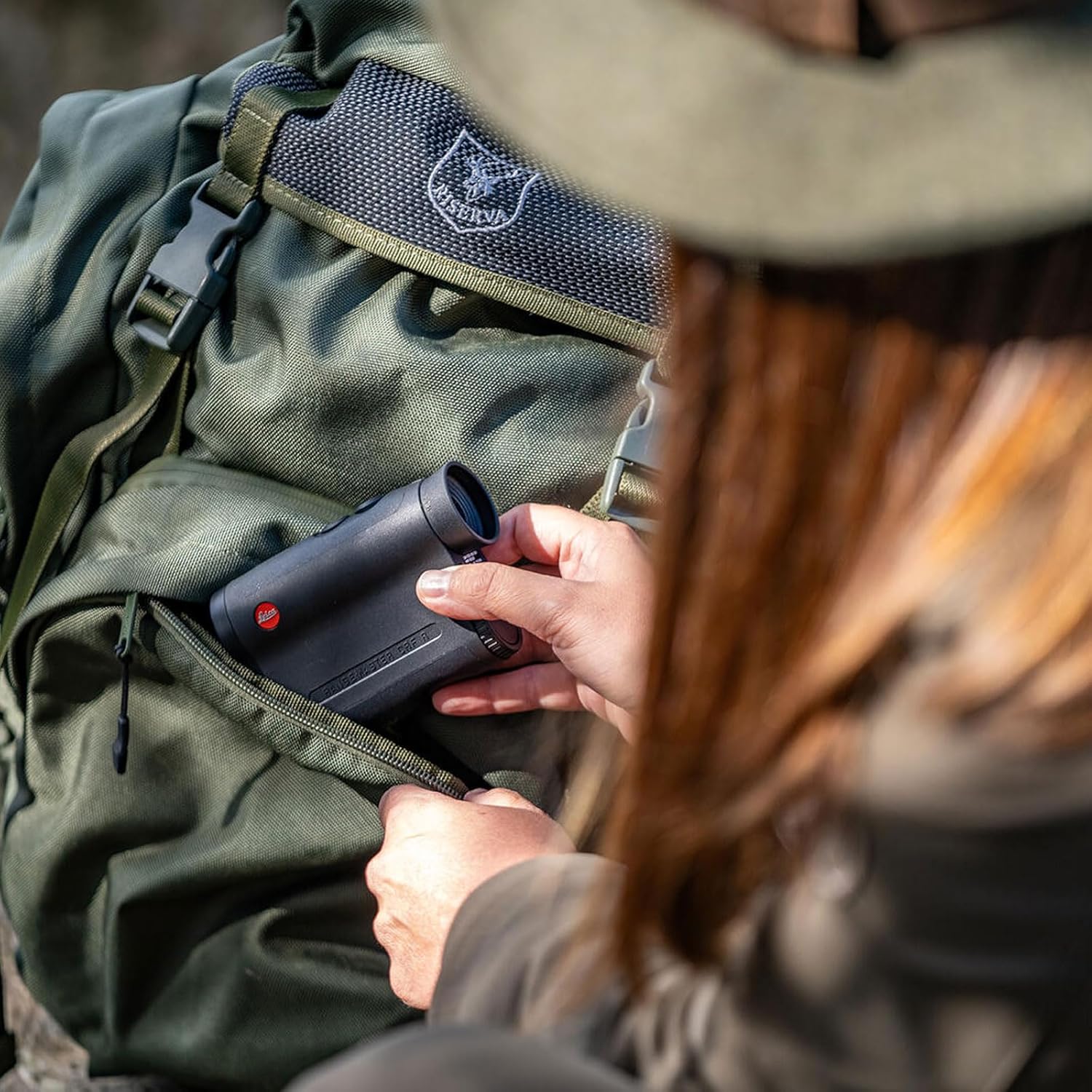
Figure 3: A user demonstrating the compact size and ease of handling of the Leica Rangemaster CRF-R in an outdoor setting.
4.2 Switching Measurement Modes (Actual vs. EHR)
The CRF-R can display either the actual measured distance or the Equivalent Horizontal Range (EHR), which compensates for uphill or downhill angles.
- With the device on, press the mode button (usually a smaller button near the main measurement button) to cycle through available display modes.
- Select the desired mode (e.g., actual distance or EHR) as indicated in the display.
4.3 Using in Different Environments
The weather-resistant design allows for use in various conditions. However, extreme fog, heavy rain, or snow may affect measurement accuracy and range. For optimal performance, ensure the lenses are clean and free from obstructions.
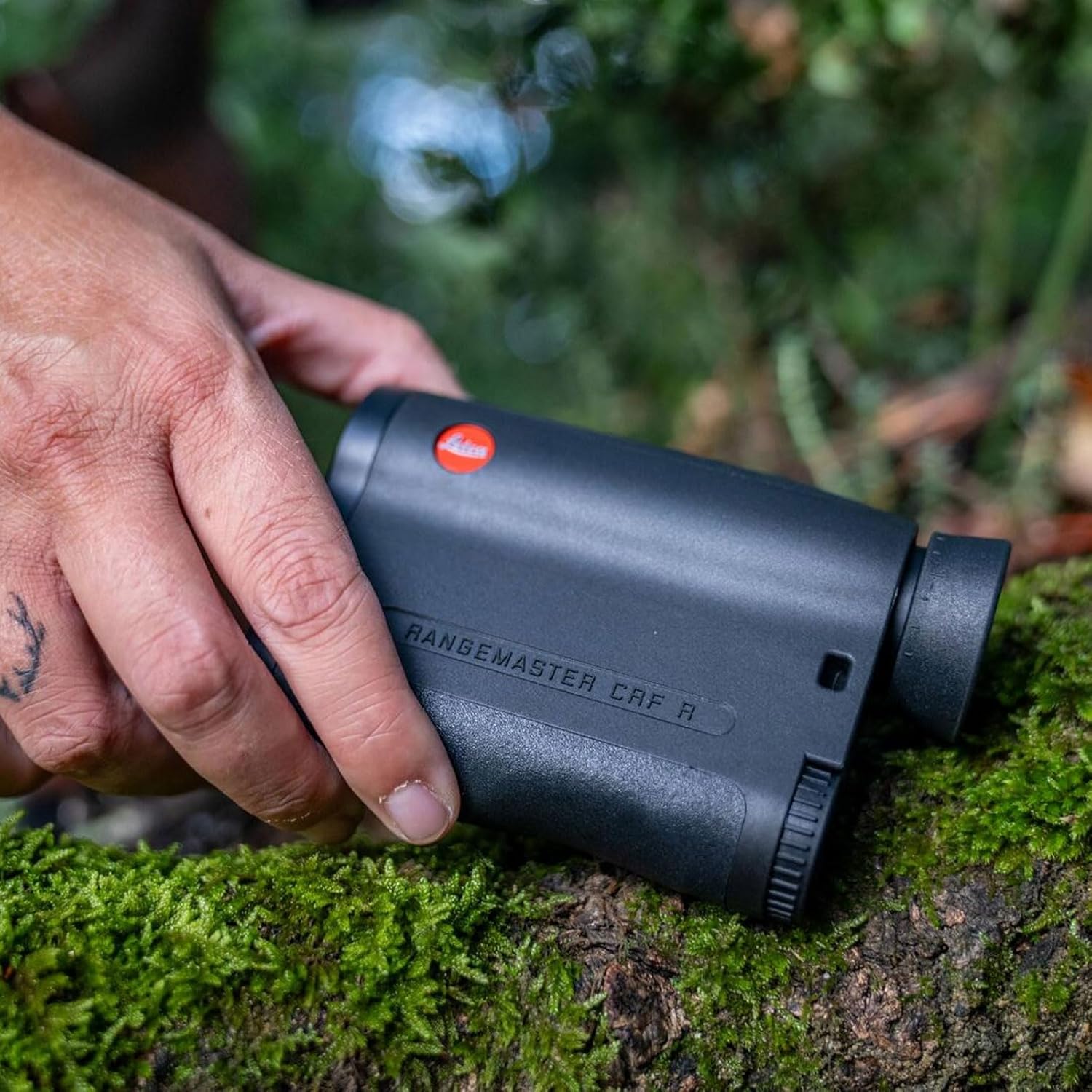
Figure 4: The compact design of the rangefinder allows for easy storage in a backpack, demonstrating its portability.
5. Maintenance
5.1 Cleaning the Optics
To maintain optical clarity, clean the lenses regularly:
- Use a soft, lint-free cloth or a lens brush to remove dust and loose particles.
- For stubborn dirt or smudges, use a specialized optical cleaning solution and a clean microfiber cloth.
- Avoid using abrasive materials or harsh chemicals, as these can damage the lens coatings.
5.2 General Care
- Store the rangefinder in its protective carrying case when not in use.
- Avoid exposing the device to extreme temperatures or direct sunlight for prolonged periods.
- If the device becomes wet, dry it thoroughly with a soft cloth before storing.
- Remove the battery if the device will not be used for an extended period to prevent leakage.
6. Troubleshooting
| Problem | Possible Cause | Solution |
|---|---|---|
| No display/Device does not turn on | Dead or incorrectly installed battery | Replace battery with a fresh CR2 Lithium-Ion battery, ensuring correct polarity. |
| Inaccurate or inconsistent measurements | Obstruction of lenses, extreme weather conditions, target too far or too small | Clean lenses. Ensure clear line of sight to target. Try measuring a larger, more reflective target. Note limitations in extreme weather. |
| Display is blurry | Diopter not adjusted correctly | Adjust the diopter ring on the eyepiece until the display is sharp for your vision. |
If problems persist, please contact Leica customer support.
7. Specifications
| Feature | Detail |
|---|---|
| Brand | Leica |
| Model Name | CRF-R (Model 40504) |
| Color | Black |
| Material | Aluminum |
| Sport | Hunting |
| Item Weight | 0.98 Pounds |
| Battery Type | CR2 Lithium-Ion (not included) |
| Water Resistance Level | Waterproof |
| Magnification Maximum | 1x (Monocular) |
| Measuring Range | Up to 1,800 meters |
| International Protection Rating | IP54 |
| Item Dimensions (LxWxH) | 4 x 6 x 3 inches |
8. Warranty and Support
For detailed warranty information and customer support, please refer to the official Leica website or the documentation included with your product. Leica offers comprehensive support for its products.
You can also visit the Leica Store on Amazon for additional product information and accessories.


