
Deako DS-SM1N-WHWH-UCX
Deako Simple Motion Sensor Switch
Instruction Manual
Introduction
The Deako Simple Motion Sensor Switch provides automatic lighting control, enhancing convenience and energy efficiency in your home. This switch detects motion to automatically turn lights on and off, offering both Occupancy and Vacancy modes, and adjustable timer settings.
This manual provides detailed instructions for the installation, operation, and maintenance of your Deako Simple Motion Sensor Switch (Model: DS-SM1N-WHWH-UCX).

Image: Deako Simple Motion Sensor Switch highlighting its key features: hands-free lighting, adjustable timer settings, occupancy mode, and vacancy mode.
Safety Information
WARNING: Risk of Electric Shock.
- Installation should only be performed by a qualified electrician or a person with a thorough understanding of electrical wiring.
- Always ensure power is OFF at the circuit breaker before installing or servicing any electrical device.
- This device requires a neutral wire connection. Ensure your existing wiring includes a neutral wire.
- Install only on single-pole circuits where one switch controls the light. Do not use in 3-way or multi-way switch applications.
- Do not exceed the maximum load ratings: 600W incandescent/halogen, 600W LED/ELV/MLV, and 1/6 HP motor loads.
Package Contents
Verify that all components are present before beginning installation:
- Deako Simple Motion Sensor Switch (Model: DS-SM1N-WHWH-UCX)
- Instruction Manual (this document)
Note: A Deako backplate with a neutral wire connection is required and sold separately if not already installed.
Setup and Installation
The Deako Simple Motion Sensor Switch is designed for easy installation, especially if you have an existing Deako backplate. This switch is for single-pole circuits only.
Prerequisites:
- Existing Deako backplate with a neutral wire connection.
- Single-pole circuit (light controlled by one switch).
Installation Steps:
- Power Off: Ensure the power to the switch location is turned off at the circuit breaker.
- Remove Original Switch: If replacing an existing Deako switch, gently pull it out from the backplate.
- Plug-in New Switch: Align the Deako Simple Motion Sensor Switch with the Deako backplate and push it firmly into place until it clicks.
- Restore Power: Turn the power back on at the circuit breaker.
- Test Functionality: Verify the switch operates correctly by testing motion detection and manual control.

Image: Visual guide demonstrating the four-step installation process for the Deako Simple Motion Sensor Switch.

Image: Exploded view diagram illustrating the Deako Simple Motion Sensor Switch, backplate, and faceplate for plug-and-play installation.
Video: An official Deako video demonstrating the installation process of the Simple Motion Sensor Switch.
Operating Instructions
The Deako Simple Motion Sensor Switch offers both automatic motion-activated control and manual override capabilities.
Automatic Operation:
The switch detects motion within its range and automatically turns lights on when motion is detected and off after a set period of no motion. Pets will not trigger the motion sensor.
Manual Override:
You can manually turn the light on or off by pressing the main button on the switch at any time.

Image: Visual representation of the switch's operation: detecting motion, turning lights on, and automatically turning them off.

Image: An example of the switch in use, providing light automatically in a kitchen, removing the need to find a switch.
Occupancy and Vacancy Modes
The Deako Simple Motion Sensor Switch supports two operational modes:
- Occupancy Mode: In this mode, the lights turn on automatically when motion is detected in the room. They will turn off after a set period of no motion.
- Vacancy Mode: In this mode, you must manually press the switch to turn the lights on. The lights will then turn off automatically after a set period of no motion.
Refer to the product packaging or Deako's official website for instructions on how to switch between these modes, as this functionality is typically configured during initial setup or via a specific button sequence not detailed in the provided product data.
Automatic Timer Settings
The switch features adjustable timer settings for how long the lights remain on after no motion is detected. The available settings are:
- 30 seconds
- 5 minutes
- 20 minutes
These settings determine the delay before the lights turn off automatically. The specific method for adjusting these timer settings is typically found on the device itself or in a more detailed product guide from the manufacturer.
Sensitivity Adjustment
The motion sensor's sensitivity can be adjusted to suit different room sizes and environments:
- Low Sensitivity: Recommended for smaller rooms to prevent unwanted activations.
- High Sensitivity: Suitable for larger rooms to ensure consistent motion detection.
Consult the manufacturer's specific instructions for how to adjust the sensitivity level on your device.
Ideal Locations for Use
The Deako Simple Motion Sensor Switch is particularly useful in areas where hands-free lighting is beneficial:
- Pantries
- Laundry Rooms
- Walk-in Closets
- Garages
- Bathrooms
- Hallways
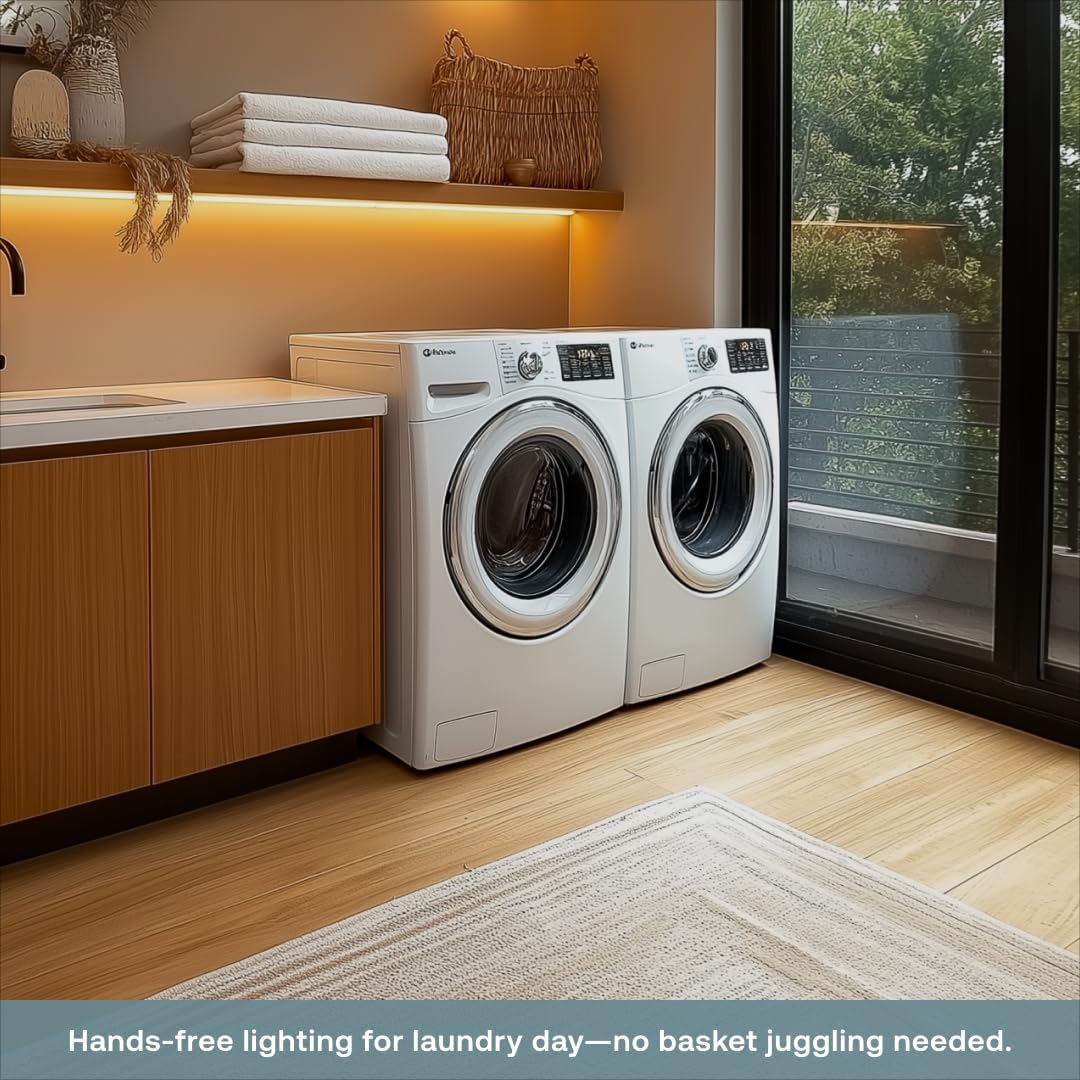
Image: A laundry room setting demonstrating the convenience of hands-free lighting provided by the motion sensor switch.
Compatibility
Ensure your setup meets the following compatibility requirements:
- Wiring: Requires a neutral wire connection.
- Circuit Type: Works only with single-pole circuits (where one switch controls the light).
- Backplate: Must be connected to a Deako backplate.
- Load Capacity: Supports up to 600W incandescent/halogen, 600W LED/ELV/MLV, and 1/6 HP motor loads.
Maintenance
The Deako Simple Motion Sensor Switch requires minimal maintenance.
- Cleaning: Wipe the surface with a soft, dry cloth. Do not use abrasive cleaners or solvents.
- Sensor Obstruction: Ensure the motion sensor lens is not obstructed by furniture, decorations, or dust, as this can affect performance.
- Firmware Updates: If applicable, check the Deako website or app for any available firmware updates for optimal performance.
Troubleshooting
| Problem | Possible Cause | Solution |
|---|---|---|
| Lights do not turn on with motion. |
|
|
| Lights turn off too quickly or too slowly. |
|
|
| Lights turn on unexpectedly. |
|
|
Specifications
| Feature | Detail |
|---|---|
| Brand | Deako |
| Model Number | DS-SM1N-WHWH-UCX |
| Color | White |
| Power Source | AC |
| Maximum Range | 20 Feet |
| Mounting Type | Wall Mount |
| Product Dimensions | 1.7"D x 1.77"W x 2.8"H |
| Item Weight | 3.2 ounces |
| Item Package Quantity | 1 |
| Included Components | Switch |
| Batteries Included/Required | No |
| Compatible Devices | Light, Fan |
| Smart Home Compatibility | Smart Home Compatible |
| Load Capacity | 600W Incandescent/Halogen, 600W LED/ELV/MLV, 1/6 HP Motor |
Warranty and Support
For warranty information and technical support, please refer to the official Deako website or contact Deako customer service directly. Keep your purchase receipt for warranty claims.
Deako Official Website: www.deako.com
Ask a question about this manual
Ask about setup, troubleshooting, compatibility, parts, safety, or missing instructions. Manuals+ will review the question and use this page’s manual context to help answer it.