
Introduction
The Portronics Breeze 6 is a versatile portable wireless Bluetooth speaker designed to deliver high-quality audio with convenient features. This manual provides detailed instructions for setting up, operating, and maintaining your speaker to ensure optimal performance and longevity.
Product Features
- 35W HD Stereo Sound: Experience rich and clear audio output.
- RGB LED Lights: Dynamic visual effects with 3-mode RGB lighting.
- Hands-Free Calling: Built-in microphone for convenient call management.
- Multiple Connectivity Options: Bluetooth 5.3v, Micro SD Card, AUX, USB, and FM Radio.
- TWS Pairing: Wirelessly connect two Breeze 6 speakers for a combined 70W stereo experience.
- 6-Hour Playback: Extended battery life for continuous music enjoyment.
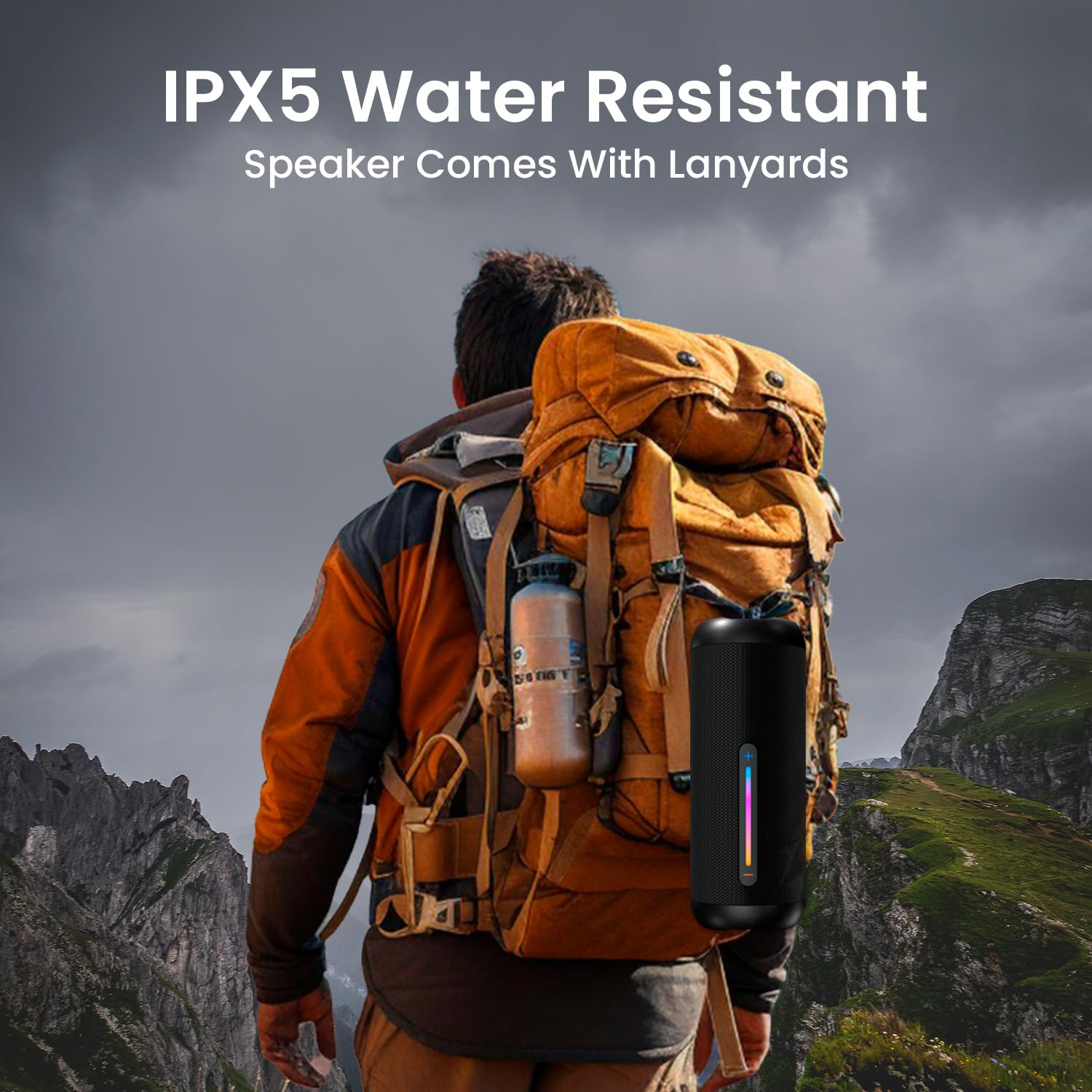
- IPX5 Water Resistant: Durable design for splash resistance, suitable for outdoor use.
- Dual Radiators: Enhanced bass performance.


What's in the Box
- 1N Portable Speaker
- 1N Charging Cable (Type-C)
- 1N User Manual
Setup Guide
Initial Charge
Before first use, fully charge the speaker. Connect the provided Type-C charging cable to the speaker's charging port and the other end to a USB power adapter (not included).
Power On/Off
- To Power On: Press and hold the power button (G) for a few seconds until the LED lights illuminate.
- To Power Off: Press and hold the power button (G) again for a few seconds until the LED lights turn off.
Bluetooth Pairing
- Ensure the speaker is powered on and in Bluetooth pairing mode (indicated by a flashing blue LED).
- On your device (smartphone, tablet, laptop), enable Bluetooth and search for available devices.
- Select "Portronics Breeze 6" from the list of devices.
- Once connected, the LED indicator will turn solid blue, and you will hear an audible confirmation.

Operating Instructions
Volume Control
- Increase Volume: Press the '+' button.
- Decrease Volume: Press the '-' button.
Music Playback
- Play/Pause: Press the Play/Pause button (▷).
- Next Track: Press and hold the '+' button.
- Previous Track: Press and hold the '-' button.
TWS (True Wireless Stereo) Pairing
To achieve a 70W stereo sound experience, you can pair two Portronics Breeze 6 speakers together.
- Ensure both Breeze 6 speakers are powered on and not connected to any Bluetooth device.
- On one speaker, press the TWS button (S). It will emit a sound indicating it's searching for another speaker.
- The two speakers will automatically pair with each other. Once paired, you will hear a confirmation sound.
- Connect your device to one of the paired speakers via Bluetooth. Both speakers will now play audio in stereo.

RGB LED Lighting Control
The speaker features dynamic RGB LED lights. Use the dedicated LED light control button to cycle through different lighting modes or turn them off.

Hands-Free Calling
When connected via Bluetooth, the built-in microphone allows for hands-free calls.
- Answer Call: Press the Play/Pause button (▷) once.
- End Call: Press the Play/Pause button (▷) once during a call.
- Reject Call: Press and hold the Play/Pause button (▷) for 2 seconds.

FM Radio
- Press the Mode button (M) to switch to FM Radio mode.
- Press the Play/Pause button (▷) to auto-scan and save available FM stations.
- Use the '+' and '-' buttons to navigate between saved stations.
USB Drive / SD Card Playback
Insert a USB drive or Micro SD card into the respective port. The speaker will automatically switch to USB/SD mode and begin playing audio files.
Charging
The Portronics Breeze 6 speaker is equipped with a Lithium Polymer battery, offering approximately 6 hours of playback time on a single charge. Use the provided Type-C cable for charging.
- Connect the Type-C cable to the speaker's charging port.
- Connect the other end of the cable to a compatible USB power source (e.g., wall adapter, computer USB port).
- The LED indicator will show charging status and turn off or change color when fully charged.

Maintenance
- Cleaning: Use a soft, dry cloth to clean the speaker. Do not use harsh chemicals or abrasive cleaners.
- Water Resistance: The speaker is IPX5 water resistant, meaning it can withstand splashes and light rain. Do not submerge the speaker in water. Ensure the port cover is securely closed when exposed to water.
- Storage: Store the speaker in a cool, dry place away from direct sunlight and extreme temperatures.
- Lanyard: The speaker includes a lanyard for secure carrying. Ensure it is properly attached before use.
Troubleshooting
- No Power: Ensure the speaker is charged. Connect it to a power source using the Type-C cable.
- Cannot Connect Bluetooth: Make sure the speaker is in pairing mode. Turn off and on your device's Bluetooth. If issues persist, try forgetting the device on your phone and re-pairing.
- No Sound: Check the volume levels on both the speaker and your connected device. Ensure the speaker is correctly paired.
- TWS Pairing Failure: Ensure both speakers are fully charged and not connected to any other Bluetooth device before initiating TWS pairing.
- FM Radio Reception Poor: Try moving the speaker to a different location or adjusting its orientation for better signal.
Specifications
| Model Name | Breeze 6 |
| Speaker Type | Portable Speaker |
| Audio Wattage | 35 Watts |
| Speaker Maximum Output Power | 70 Watts (with TWS pairing) |
| Wireless Communication Technology | Bluetooth 5.3v |
| Connectivity Technology | USB, AUX, Micro SD |
| Special Features | 35W HD Sound, Hands-Free Calling, RGB Lights, USB Port, Wireless Pairing, FM Radio |
| Battery Type | Lithium Polymer |
| Playback Time | 6 Hours |
| Charging Port | Type-C |
| Water Resistance | IPX5 |
| Item Weight | 900 Grams |
| Product Dimensions | 11.3D x 25.5W x 11.3H Centimeters |
| Maximum Range | 10 metres |
| Control Method | Touch |
Warranty and Support
The Portronics Breeze 6 speaker comes with a 1-year warranty from the date of purchase.
For any support, queries, or warranty claims, please contact Portronics customer service:
- Email: help@portronics.com
- Phone: +91 9555-245-245
- Address: Portronics Digital Pvt ltd, First Floor Property No D 8 Upper Basement Sector 8 Noida Uttar Pradesh 201301


