
1. Introduction
This manual provides essential instructions for the proper use and maintenance of your Vikye 2.4G Wireless USB Receiver. This receiver is designed to provide a stable and reliable wireless connection for compatible mice and keyboards.
Compatible Models:
- For M590, M720, M570 MX Series wireless mice.
- For K230, K270, K375S, K400PLUS, K780, K580 MK Series wireless keyboards.

Image 1.1: The Vikye 2.4G Wireless USB Receiver shown alongside a list of compatible mouse and keyboard models, with a user operating a wireless mouse in the background.
2. Package Contents
Please verify that all items listed below are included in your package:
- 1 x 2.4G USB Receiver
- 1 x Mouse Pad (included as an accessory)

Image 2.1: The Vikye 2.4G Wireless USB Receiver positioned next to a black mouse pad, illustrating the typical package contents.
3. Product Overview
The Vikye 2.4G Wireless USB Receiver is a compact adapter designed to establish a wireless connection between your computer and compatible 2.4GHz wireless mice and keyboards. It features a standard USB-A connector for easy integration into most desktop and laptop computers.

Image 3.1: A detailed close-up of the Vikye 2.4G Wireless USB Receiver, showing its metallic casing and USB connector.
4. Setup Instructions
The Vikye 2.4G Wireless USB Receiver is designed for effortless setup, requiring no additional software installation.
Step-by-Step Setup:
- Locate an available USB-A port on your computer.
- Insert the 2.4G USB Receiver firmly into the USB-A port.
- Your operating system should automatically detect and install the necessary drivers.
- Once detected, your compatible wireless mouse or keyboard will be ready for use.
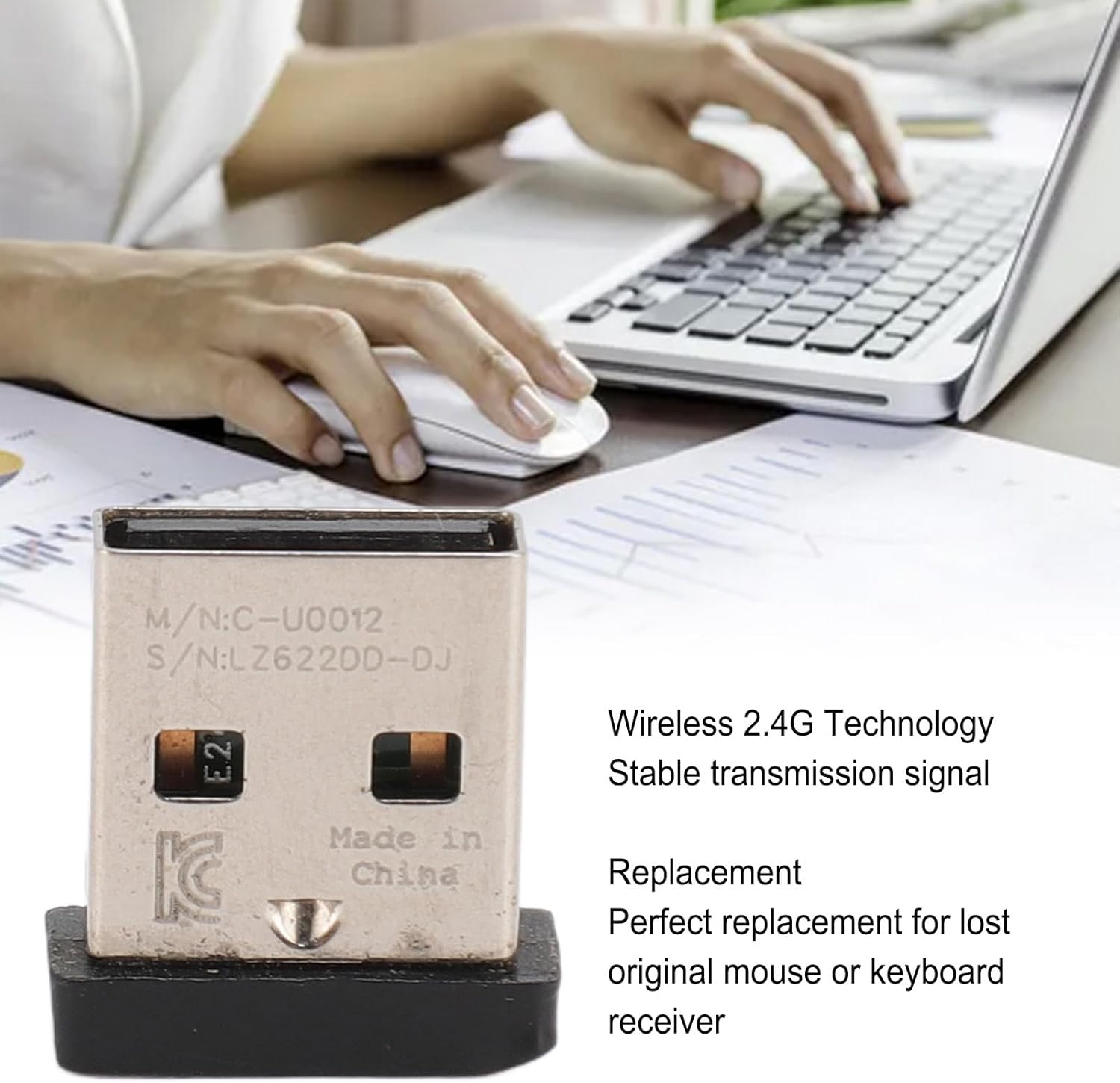
Image 4.1: The Vikye 2.4G Wireless USB Receiver shown in a work environment, emphasizing its role in providing a stable 2.4G wireless connection for compatible devices.
5. Operating Instructions
After successful setup, the receiver operates automatically to maintain a wireless connection with your paired devices.
- Reliable Connection: The 2.4GHz wireless technology ensures a stable and reliable connection between your wireless mouse or keyboard and your computer, providing a seamless user experience.
- Automatic Pairing: For compatible devices, the receiver typically pairs automatically upon insertion, allowing immediate use.
- Replacement Functionality: This USB receiver adapter serves as a direct replacement for a lost or damaged original receiver, restoring wireless functionality to your compatible mouse or keyboard.
6. Maintenance
To ensure the longevity and optimal performance of your USB receiver, follow these simple maintenance guidelines:
- Cleaning: Gently wipe the receiver with a dry, soft cloth to remove dust or debris. Avoid using liquid cleaners or abrasive materials.
- Storage: When not in use, store the receiver in a cool, dry place, away from direct sunlight and extreme temperatures. Its small and portable design makes it easy to carry and store.
- Handling: Avoid dropping the receiver or subjecting it to strong impacts, which could damage internal components.
7. Troubleshooting
If you encounter issues with your Vikye 2.4G Wireless USB Receiver, please refer to the following common solutions:
- Device Not Responding:
- Ensure the receiver is fully inserted into a functional USB port.
- Try plugging the receiver into a different USB port on your computer.
- Verify that your wireless mouse or keyboard has fresh batteries and is powered on.
- Restart your computer.
- Intermittent Connection:
- Ensure there are no large metallic objects or other wireless devices (e.g., Wi-Fi routers, cordless phones) operating too close to the receiver, which could cause interference.
- Move the receiver closer to your wireless mouse or keyboard.
- Receiver Not Detected by Computer:
- Check your computer's Device Manager (Windows) or System Information (macOS) to see if the USB device is recognized.
- If issues persist, contact customer support.
8. Specifications
| Feature | Detail |
|---|---|
| Item Model Number | Vikyezrwfcdxtmb |
| Connection Type | 2.4G Wireless |
| Hardware Interface | USB 2.0 Type A |
| Compatible Devices | Wireless Mice (M590, M720, M570 MX Series), Wireless Keyboards (K230, K270, K375S, K400PLUS, K780, K580 MK Series) |
| Item Weight | 1.94 ounces (55 Grams) |
| Package Dimensions | 8.66 x 5.91 x 0.39 inches |
| Manufacturer | Vikye |
9. Warranty and Support
For warranty information or technical support, please refer to the documentation provided with your original product or contact your retailer. Keep your purchase receipt for warranty claims.