
1. Introduction
This manual provides detailed instructions for the safe and effective use of your jojofuny Motion Sensor Headlamp. Please read this manual thoroughly before operating the device and retain it for future reference.
2. Package Contents
Verify that all items listed below are included in your package:
- 2 x jojofuny Motion Sensor Headlamps
- USB Charging Cable
- User Manual (this document)
3. Product Overview
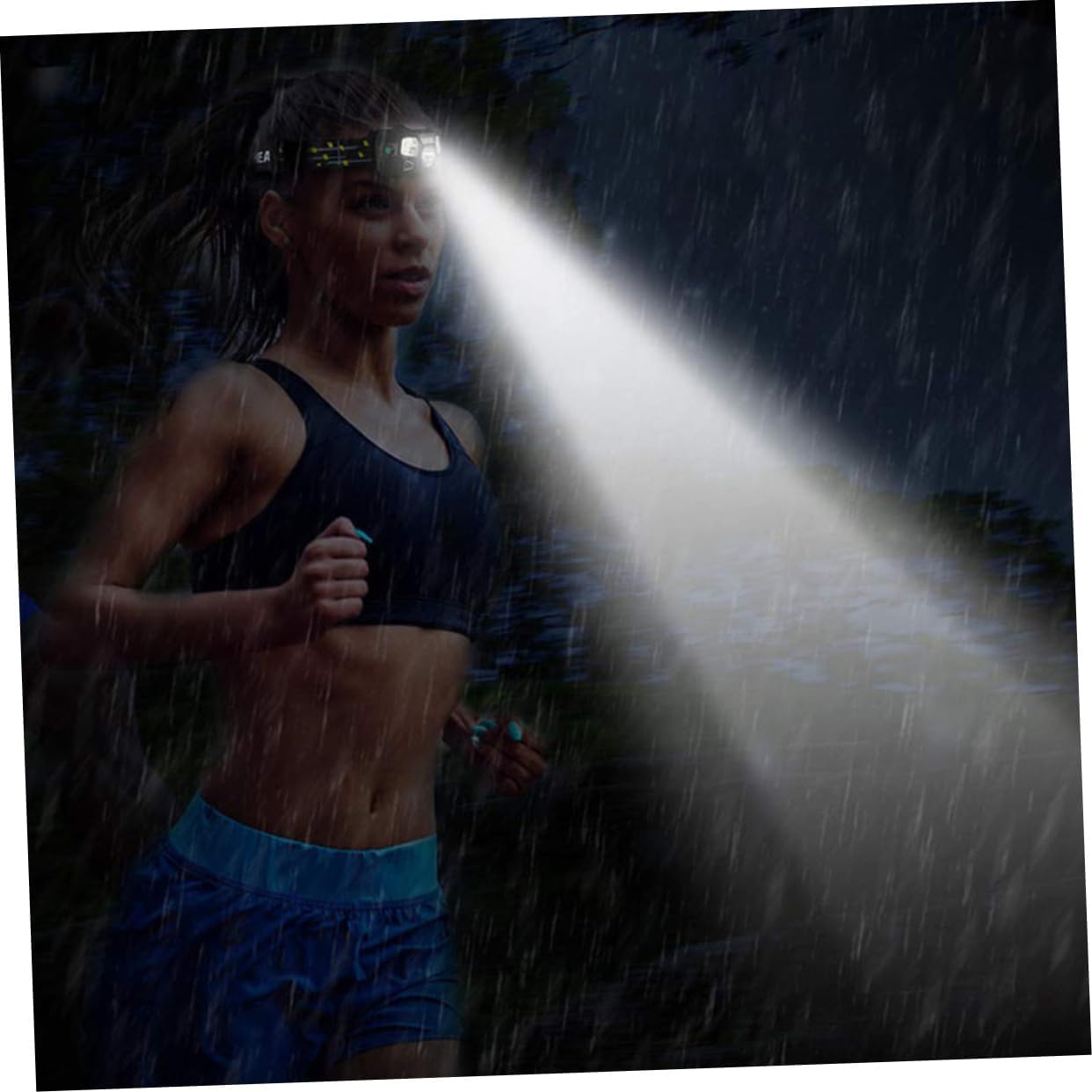
The jojofuny Motion Sensor Headlamp features both XPE and COB LED lights, offering multiple lighting modes and a motion sensor for hands-free operation. It is designed for various activities including camping, cycling, running, and nighttime work.
3.1 Key Features
- Dual Light Source: Equipped with 3W XPE bulb and 3W COB bulb for versatile illumination.
- Multiple Lighting Modes: Includes hard light, weak light, and flash light options.
- Motion Sensor Function: Allows for hands-free activation/deactivation of the XPE LED light.
- USB Rechargeable: Convenient charging via USB, eliminating the need for frequent battery replacement.
- Waterproof Design: IPX4 rated for resistance against splashes.
- Adjustable Headband: Ensures a comfortable and secure fit.
- Adjustable Angle: The lamp head can be tilted up to 60 degrees for directional lighting.
3.2 Components
Familiarize yourself with the main components of your headlamp:
- Main Light (XPE LED): Central, focused beam.
- Side Lights (COB LEDs): Wider, floodlight illumination.
- Power Button: Controls normal lighting modes.
- Motion Sensor Button: Activates/deactivates motion sensor function.
- Motion Sensor: Detects hand gestures for control.
- USB Charging Port: For recharging the internal battery.
- Adjustable Headband: Elastic strap for wearing.


4. Setup
4.1 Initial Charging
Before first use, fully charge the headlamp. Connect the provided USB charging cable to the headlamp's charging port and to a standard USB power source (e.g., computer, wall adapter). An indicator light will typically show charging status (e.g., red for charging, green for fully charged).
4.2 Adjusting the Headband
Place the headlamp on your head and adjust the elastic strap to ensure a comfortable and secure fit. The strap should be snug enough to prevent movement during activity but not so tight as to cause discomfort.
5. Operating Instructions
5.1 Normal Mode Operation
Use the Power Button (usually marked with a power symbol) to cycle through the normal lighting modes:
- Press once: 3W XPE LED Hard Light (brightest, focused beam).
- Press twice: 3W XPE LED Weak Light (lower brightness, focused beam).
- Press three times: 3W XPE LED Flash Light (flashing mode).
- Press four times: Off.
Note: Some models may also include COB LED modes within the normal cycle. Refer to the specific button functionality on your device.
5.2 Motion Sensor Mode Operation
The motion sensor allows for hands-free control of the XPE LED light.
- Press the Motion Sensor Button (usually marked with a wave or hand symbol) to activate the motion sensor function. The XPE LED light will turn on in a specific mode (e.g., hard light).
- Once activated, wave your hand approximately 2-4 inches (5-10 cm) in front of the motion sensor to turn the XPE LED light on or off.
- To exit motion sensor mode, press the Motion Sensor Button again.

5.3 Adjusting the Light Angle
The headlamp unit can be tilted up or down to direct the light beam. Gently adjust the lamp head to your desired angle, up to 60 degrees.
6. Maintenance
6.1 Cleaning
Wipe the headlamp body with a soft, damp cloth. Do not use abrasive cleaners or solvents, as these can damage the surface. Ensure the USB charging port is clean and dry before charging.
6.2 Storage
Store the headlamp in a cool, dry place away from direct sunlight and extreme temperatures. For long-term storage, it is recommended to charge the battery every 3-6 months to maintain battery health.
7. Troubleshooting
| Problem | Possible Cause | Solution |
|---|---|---|
| Headlamp does not turn on. | Battery is depleted. | Charge the headlamp using the USB cable. |
| Motion sensor not responding. | Motion sensor mode not activated. Obstruction in front of sensor. | Ensure motion sensor mode is active (press the motion sensor button). Clear any obstructions. Wave hand within 2-4 inches of the sensor. |
| Light output is dim. | Low battery. Headlamp is in weak light mode. | Recharge the battery. Cycle through normal modes to select a brighter setting. |
| Headlamp not charging. | Faulty USB cable or power source. Charging port obstructed. | Try a different USB cable or power source. Ensure the charging port is clean and free of debris. |
8. Specifications
| Feature | Detail |
|---|---|
| Model | B48O19YK2UVY19BE |
| Light Source | 3W XPE LED + 3W COB LED |
| Power Source | Rechargeable Battery (USB Powered) |
| Material | Plastic, Polyester |
| Color | Black |
| Water Resistance | IPX4 (Splash-proof) |
| Product Dimensions | 1.5"D x 1.77"W x 1.5"H (6.2 x 4.5 x 3.8 cm) |
| Item Weight | 7.04 ounces (approx. 199.6 grams) |
| Special Features | Motion Sensor Light, Rechargeable |

9. Safety Information
- Do not look directly into the LED light, as it can cause temporary vision impairment.
- Keep out of reach of children.
- Do not disassemble or modify the headlamp.
- Avoid exposing the headlamp to extreme heat or open flames.
- While the headlamp is IPX4 waterproof, it is not designed for submersion in water.
- Use only the provided or a compatible USB cable for charging.
10. Warranty and Support
For warranty information or technical support, please refer to the seller's policy on the purchase platform or contact jojofuny customer service directly. Contact details are typically available on the product packaging or the official brand website.