
1. Introduction
This manual provides essential information for the safe and efficient use of your Philips A19 Ultra Efficient LED Light Bulbs. These bulbs are designed to offer bright, soft white light (2700K) with exceptional energy efficiency, consuming only 5W while providing the brightness of a 60W incandescent bulb (850 lumens). Featuring EyeComfort technology and dimmable functionality, they are an ideal lighting solution for various indoor applications.
2. Product Features
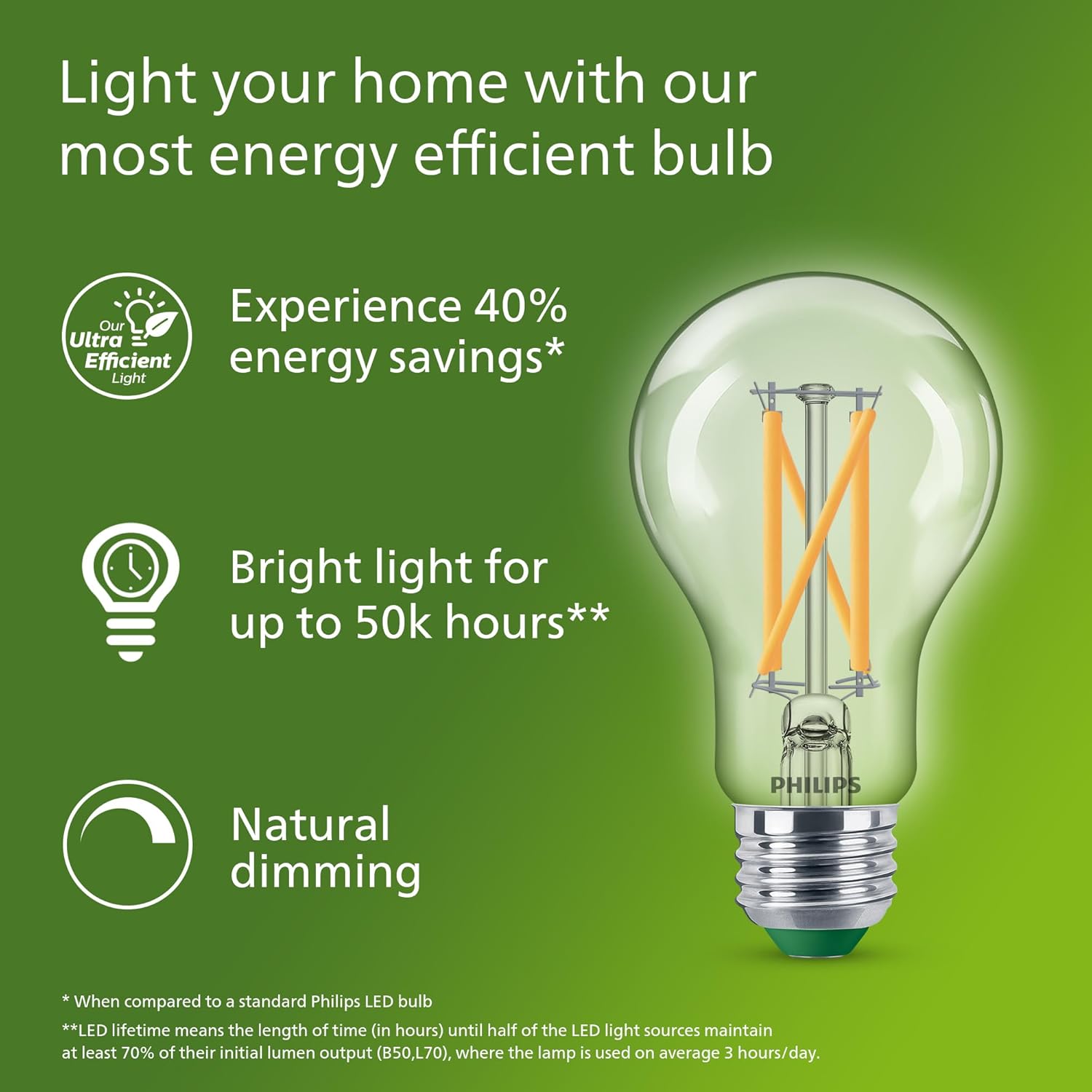
- Ultra Energy-Efficient: Consumes significantly less power (5W) compared to traditional bulbs, offering up to 40% energy savings over standard Philips LED bulbs.
- Long-Lasting Performance: Engineered for durability, these bulbs provide up to 50,000 hours of light, reducing the frequency of replacements.
- Soft White Light (2700K): Emits a warm, inviting soft white light, creating a comfortable ambiance in any room.
- Dimmable: Fully dimmable to adjust brightness levels, allowing for versatile lighting control from functional to ambient settings.
- EyeComfort Technology: Designed to meet strict EyeComfort criteria, ensuring flicker-free and glare-free illumination for optimal visual comfort.
- Standard A19 Shape with E26 Base: Compatible with most household lamps and fixtures.



Official Product Video: Energy Efficiency
Video 2.1: This video demonstrates the energy efficiency of Philips LED bulbs and their impact on home lighting.
3. Safety Information
Please read and follow all safety instructions carefully before installation and use.
- Not for use in totally enclosed or recessed luminaires.
- Suitable for wet locations. Lamp cap needs to be installed in luminaires which are qualified for wet locations if used in outdoor application.
- Risk of electric shock. Do not use if outer lamp envelope is damaged or broken.
- Suitable for use with dimmers. For dimmer compatibility information, visit www.philips.com/dimmercompatibility.
- This device is not intended for use with emergency exit fixtures or emergency lights.
- Before replacing, turn off power and let the lamp cool to avoid electrical shock or burns.
- Only install in operating environments between -4°F and +104°F (-20°C and +40°C).
4. Setup and Installation
Installing your Philips A19 LED Light Bulbs is a simple process. Ensure power is off before beginning installation.
- Turn off the power to the light fixture at the wall switch and the circuit breaker.
- Allow the old bulb to cool completely if it was recently in use.
- Carefully unscrew the old bulb from the socket.
- Screw the new Philips A19 LED bulb into the socket until it is finger-tight. Do not overtighten.
- Restore power at the circuit breaker and then turn on the wall switch to test the new bulb.

5. Operating Instructions
These LED bulbs operate like standard light bulbs but offer enhanced features.
- Turning On/Off: Use your existing wall switch to turn the light bulbs on or off.
- Dimming: If connected to a compatible dimmer switch, adjust the dimmer control to achieve your desired brightness level. These bulbs provide smooth dimming without flicker or hum.
6. Maintenance
Philips A19 LED bulbs require minimal maintenance due to their long lifespan.
- Cleaning: Ensure the power is off and the bulb is cool before cleaning. Wipe the bulb with a soft, dry cloth. Do not use liquid or abrasive cleaners.
- Replacement: Due to their extended lifespan (up to 50,000 hours), frequent replacement is not necessary. When replacement is eventually needed, follow the installation steps in Section 4.
7. Troubleshooting
If you encounter any issues with your Philips A19 LED Light Bulbs, refer to the following common solutions:
- Bulb Not Lighting:
- Ensure the power switch and circuit breaker are on.
- Check if the bulb is securely screwed into the socket.
- Test the bulb in another working fixture to confirm if the bulb or fixture is the issue.
- Flickering or Dimming Issues:
- Verify that your dimmer switch is compatible with LED bulbs. Refer to www.philips.com/dimmercompatibility.
- Ensure the bulb is not used in a totally enclosed or recessed luminaire, which can cause overheating and affect performance.
- Buzzing Noise:
- While these bulbs are designed to be hum-free, ensure the dimmer switch is compatible. Incompatible dimmers can sometimes cause buzzing.
8. Specifications
| Feature | Specification |
|---|---|
| Brand | Philips |
| Model Number | 582593 |
| Light Type | LED |
| Bulb Shape Size | A19 |
| Bulb Base | E26 |
| Wattage (LED) | 5 Watts |
| Incandescent Equivalent | 60 Watts |
| Brightness | 850 Lumens |
| Light Color | Soft White |
| Color Temperature | 2700 Kelvin |
| Dimmable | Yes |
| Lifetime | Up to 50,000 hours |
| Voltage | 120 Volts |
| Indoor/Outdoor Usage | Indoor |
| Material | Glass |
9. Warranty and Support
Your Philips A19 Ultra Efficient LED Light Bulbs come with a 2-year manufacturer's warranty. This warranty covers defects in materials and workmanship under normal use.
For warranty claims, technical support, or further assistance, please refer to the contact information provided on your product packaging or visit the official Philips Lighting website.


