
1. Introduction
This manual provides instructions for the safe and effective use of your Coby Kids' Wireless Bluetooth Earbuds, Model CETW582 (Umi The Unicorn). Please read this manual thoroughly before using the product and retain it for future reference.
These earbuds are designed for children, featuring an ergonomic design with soft gel tips for a comfortable and secure fit. They offer wireless audio connectivity via Bluetooth 5.1 and are rated IPX4 for water resistance.
2. What's in the Box
Verify that all components are present upon unboxing:
- Coby Wireless Bluetooth Earbuds (Left and Right)
- Umi The Unicorn Charging Case
- Micro USB Charging Cable
- User Manual
3. Product Overview
Familiarize yourself with the components of your Coby Kids' Wireless Earbuds.

Figure 3.1: The Coby Kids' Wireless Earbuds shown within their Umi The Unicorn charging case, alongside a closed view of the case. The earbuds are white with soft gel tips, and the case features a unicorn design with a horn and ears.

Figure 3.2: A close-up view of the Umi The Unicorn charging case, highlighting its design elements including the unicorn's face, horn, and ears.
Earbud Features:
- Touch Control Area: For managing playback, calls, and voice assistant.
- LED Indicator: Displays pairing status and battery level.
- Microphone: For hands-free calls.
- Gel Tips: Soft, interchangeable tips for comfortable fit.
Charging Case Features:
- Charging Port: Micro USB port for charging the case.
- Earbud Charging Slots: Securely holds and charges the earbuds.
- Charging Indicator: Shows the charging status of the case and earbuds.
4. Setup
4.1 Initial Charging
- Before first use, fully charge the charging case and earbuds.
- Place both earbuds into the charging case.
- Connect the Micro USB charging cable to the charging port on the case and the other end to a USB power source (e.g., computer, wall adapter).
- The charging indicator on the case will illuminate to show charging is in progress. A full charge takes approximately 1.5 hours.
- Once fully charged, disconnect the charging cable.
4.2 Pairing with a Bluetooth Device
The earbuds use Bluetooth 5.1 for a stable wireless connection.
- Ensure the earbuds are charged and placed in the charging case.
- Open the charging case. The earbuds will automatically power on and enter pairing mode. The LED indicator on the earbuds will flash, indicating they are ready to pair.
- On your device (e.g., smartphone, tablet, laptop), enable Bluetooth.
- Search for available Bluetooth devices. Select "COBY-CETW582" from the list.
- Once connected, the earbud LED indicators will stop flashing or show a solid light (refer to specific LED behavior in the full manual if available). A voice prompt may confirm successful pairing.
- The earbuds will automatically reconnect to the last paired device when removed from the case, if Bluetooth is enabled on the device.

Figure 4.1: A child wearing the Coby Kids' Wireless Earbuds, demonstrating their comfortable and secure fit with soft gel tips.
5. Operation
5.1 Power On/Off
- Power On: Open the charging case, or press and hold the touch control area on both earbuds for 3 seconds.
- Power Off: Place the earbuds back into the charging case and close the lid, or press and hold the touch control area on both earbuds for 5 seconds.
5.2 Music Playback
- Play/Pause: Tap the touch control area on either earbud once.
- Next Track: Double-tap the touch control area on the right earbud.
- Previous Track: Double-tap the touch control area on the left earbud.
- Volume Control: Adjust volume directly on your connected device.
5.3 Phone Calls
- Answer/End Call: Tap the touch control area on either earbud once.
- Reject Call: Press and hold the touch control area on either earbud for 2 seconds.
5.4 Voice Assistant
- Activate Voice Assistant: Triple-tap the touch control area on either earbud.
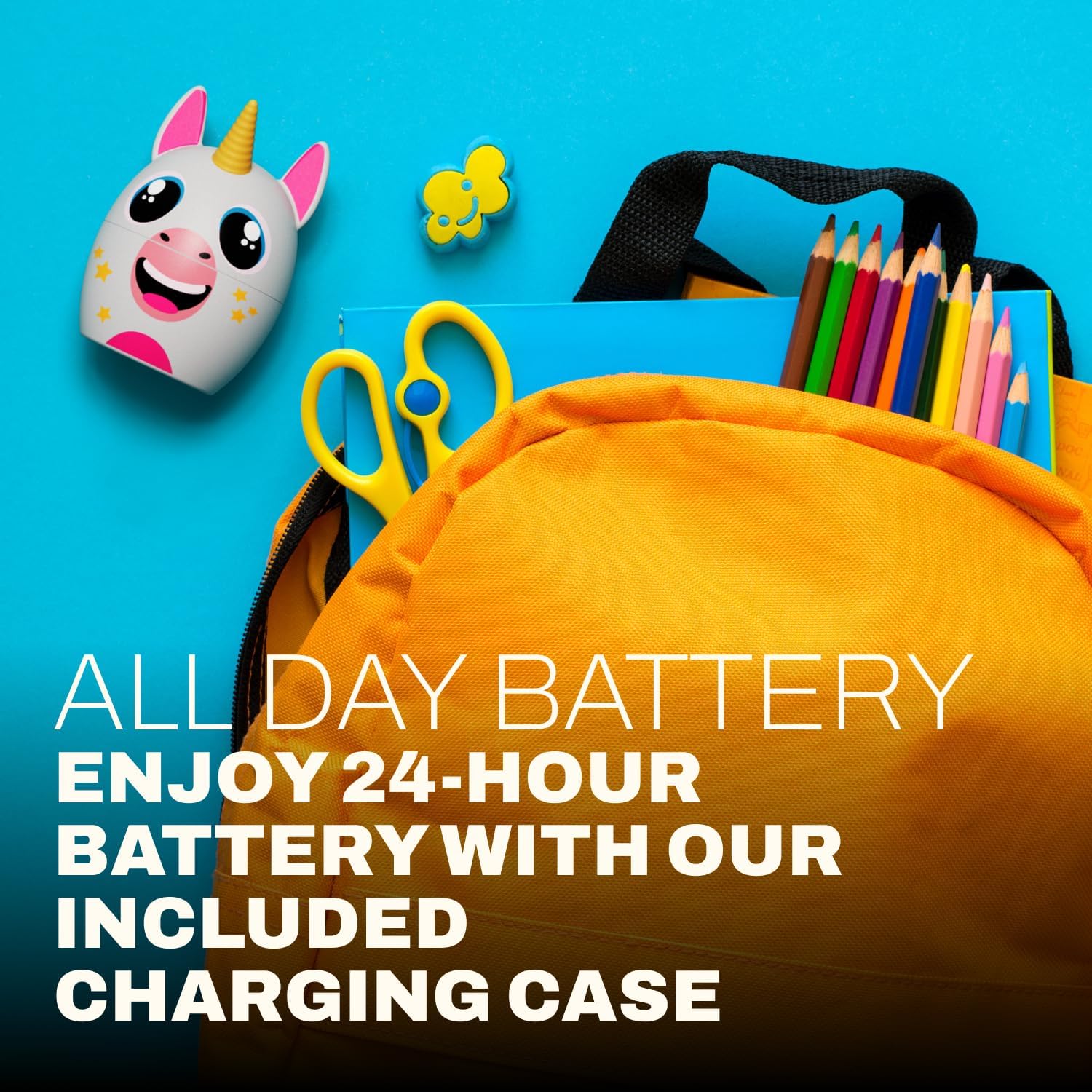
Figure 5.1: A child focused on studying while wearing the Coby Kids' Wireless Earbuds, illustrating their use for educational or quiet activities.
6. Maintenance
6.1 Cleaning
- Use a soft, dry, lint-free cloth to clean the earbuds and charging case.
- Do not use abrasive cleaners, solvents, or aerosol sprays.
- Gently remove any earwax or debris from the earbud tips and speaker mesh using a small, soft brush or cotton swab.
6.2 Storage
- When not in use, store the earbuds in their charging case to protect them and keep them charged.
- Store the product in a cool, dry place, away from extreme temperatures and direct sunlight.
6.3 Water Resistance (IPX4)
The earbuds are IPX4 water-resistant, meaning they are protected from splashing water from any direction. They are not designed for submersion in water. Avoid exposing them to heavy rain, showering, or swimming.
7. Troubleshooting
| Problem | Possible Cause | Solution |
|---|---|---|
| Earbuds do not power on. | Low battery. | Charge the earbuds and charging case fully. |
| Cannot pair with device. | Bluetooth is off on device; earbuds not in pairing mode; too far from device. | Ensure Bluetooth is enabled on your device. Place earbuds in case, close, then open to re-enter pairing mode. Move device closer to earbuds (within 33 feet). |
| No sound or intermittent sound. | Earbuds not properly connected; low battery; interference. | Check Bluetooth connection. Recharge earbuds. Move away from other wireless devices. |
| One earbud has no sound. | Earbuds not properly synced. | Place both earbuds back into the charging case, close the lid, then open again to re-sync. |
| Earbuds slip out of ears. | Incorrect gel tip size or improper insertion. | Ensure gel tips are correctly sized for the user's ears. Adjust the angle of insertion for a secure fit. |
8. Specifications
| Feature | Detail |
|---|---|
| Model Name | COBY-CETW582 |
| Connectivity Technology | Bluetooth, Wireless |
| Wireless Communication Technology | Bluetooth 5.1 |
| Included Components | Coby Wireless Bluetooth Earbuds for Kids |
| Charging Time | 1.5 Hours |
| Compatible Devices | Cellphones, Laptops, Tablets |
| Control Type | Media Control, Touch |
| Item Weight | 1.6 ounces |
| Water Resistance Level | IPX4 Water Resistant |
| Frequency Range | 20 Hz to 20,000 Hz |
| Battery Life | Up to 24 Hours (with charging case) |
| Bluetooth Range | Up to 33 Feet |
| Product Dimensions | 3 x 2.5 x 2.5 inches |
9. Support
For further assistance, product information, or warranty inquiries, please visit the official Coby website or contact Coby customer support.
- Coby Official Website: www.cobyusa.com (Example link, please verify actual support URL)
- Customer Service: Refer to the Coby website for contact information.