
Brookstone BSBTH22WH-2PK
Brookstone Wireless Silent Disco Headphones User Manual
Model: BSBTH22WH-2PK
Product Overview

The Brookstone Wireless Silent Disco Headphones offer a unique audio experience with wireless freedom and vibrant LED lighting. Designed for shared listening, these headphones allow multiple users to connect to a single audio source, making them ideal for social gatherings or personal use. Each pack includes 8 headphones, ensuring a comprehensive setup for group activities.
Key Features
- 8-Pack Configuration: Includes eight headphones for multi-user silent disco experiences.
- Extended Wireless Range: Operates up to 100 meters from the audio source, providing freedom of movement.
- Vibrant LED Lights: Features rainbow LED lights that illuminate the headphones, creating an engaging visual effect.
- Bluetooth 5.0 Connectivity: Ensures stable and efficient wireless connection to compatible devices.
- Long Playtime: Offers up to 10 hours of continuous audio playback on a single charge.
Setup Guide
Unboxing
Carefully remove all components from the packaging. Verify that all 8 headphones and any included accessories are present.
Charging the Headphones
Before first use, fully charge each headphone. Connect the included charging cable to the headphone's charging port and a standard USB power source. A full charge takes approximately 5 hours. The LED indicator will change to show charging status and completion.
Pairing with Devices
Ensure the headphones are powered off. Press and hold the power button on the headphone until the LED lights begin to flash, indicating pairing mode. On your Bluetooth-enabled device (e.g., smartphone, tablet), navigate to the Bluetooth settings and search for available devices. Select 'Brookstone Headphones' from the list to connect. Once connected, the LED lights will indicate a successful pairing, and the flashing will stop.

Image: Multi-device connectivity diagram illustrating how one master headphone broadcasts synced audio to additional headsets.
Operating Instructions
Power On/Off
To power on the headphones, press and hold the power button for approximately 3 seconds until the LED lights illuminate. To power off, press and hold the power button again for 3 seconds until the lights turn off.
Audio Playback and Controls
The headphones feature integrated touch controls for media management. Use these controls to adjust volume, skip tracks, and play/pause audio directly from the earcup. Refer to the specific icons on the headphone for their respective functions.
LED Light Functionality
The headphones are equipped with vibrant, multicolor LED lights that cycle through a rainbow spectrum. These lights are automatically active when the headphones are powered on, adding a dynamic visual element to your listening experience.

Image: Close-up view of the headphone showcasing its multicolored LED ambience.
Silent Disco Functionality
These headphones are designed to facilitate a shared audio experience. One headphone can be designated as the master unit, broadcasting synced audio to other Brookstone Silent Disco Headphones within its 100-meter wireless range. This allows multiple participants to listen to the same audio source simultaneously, creating a private and immersive group listening environment.
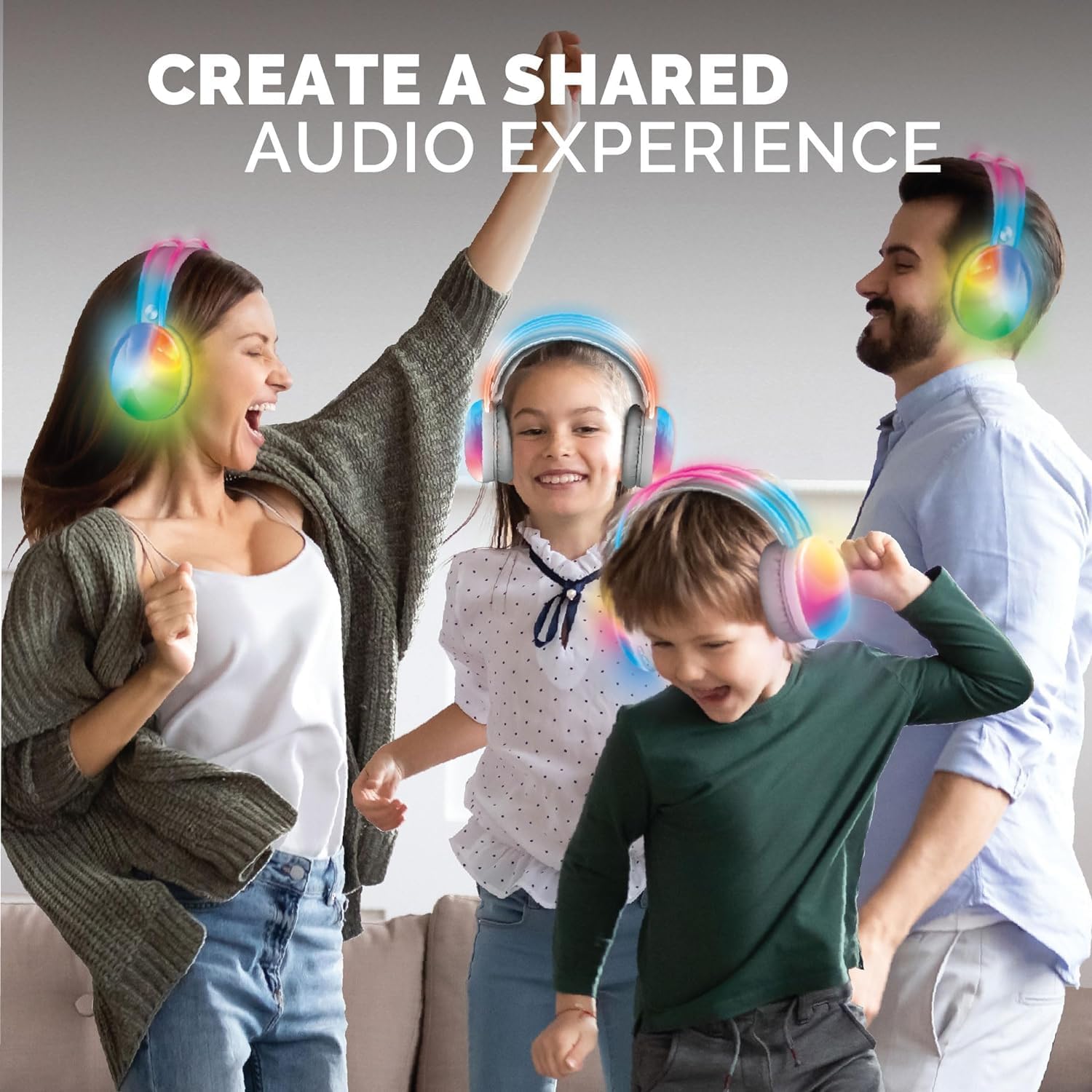
Image: Individuals enjoying a shared audio experience with the headphones.

Image: Friends connecting with wireless Bluetooth technology for an intimate listening party.

Image: Synchronized listening with multiple headphones.
Care and Maintenance
- Cleaning: Wipe the headphones with a soft, dry cloth. Do not use abrasive cleaners, solvents, or immerse the headphones in water.
- Storage: Store the headphones in a cool, dry place away from direct sunlight and extreme temperatures.
- Battery Care: To prolong battery life, fully charge the headphones before first use and at least once every three months if not in regular use. Avoid completely draining the battery frequently.
Troubleshooting
| Issue | Possible Cause | Solution |
|---|---|---|
| No sound from headphones | Headphones not powered on, not paired, volume too low, or source device issue. | Ensure headphones are powered on and charged. Verify Bluetooth pairing. Increase headphone and device volume. Check audio source. |
| Cannot pair headphones | Headphones not in pairing mode, device Bluetooth off, or out of range. | Ensure headphones are in pairing mode (flashing lights). Turn on Bluetooth on your device. Move device closer to headphones (within 100 meters). |
| LED lights not working | Low battery or temporary malfunction. | Charge the headphones fully. Power cycle the headphones (turn off and on again). |
| Poor audio quality | Interference, distance from source, or low battery. | Reduce interference by moving away from other wireless devices. Move closer to the audio source. Charge the headphones. |
Technical Specifications
| Feature | Detail |
|---|---|
| Model Name | BSBTH22WH-2PK |
| Connectivity Technology | Wireless |
| Wireless Communication Technology | Bluetooth |
| Bluetooth Version | 5.0 |
| Bluetooth Range | 100 Meters |
| Battery Life | 10 Hours |
| Charging Time | 5 Hours |
| Control Type | Media Control |
| Control Method | Touch |
| Compatible Devices | Bluetooth-enabled devices |
| Audio Driver Type | Dynamic Driver |
| Ear Placement | Over Ear |
| Form Factor | Over Ear |
| Color | Multi |
| Age Range (Description) | Adult |
| Manufacturer | Southern Telecom Inc |
| UPC | 680079023379 |
| Date First Available | February 19, 2024 |
Warranty Information
Specific warranty details for your Brookstone Wireless Silent Disco Headphones are typically provided with your purchase or can be found on the official Brookstone website. Please retain your proof of purchase for any warranty claims.
Customer Support
For further assistance, technical support, or inquiries regarding your Brookstone Wireless Silent Disco Headphones, please contact Brookstone customer support through their official channels. Refer to the product packaging or the Brookstone website for contact information.
Ask a question about this manual
Ask about setup, troubleshooting, compatibility, parts, safety, or missing instructions. Manuals+ will review the question and use this page’s manual context to help answer it.