
Introduction
The Emerson EPB-3004 is a versatile portable audio system designed for enjoying music from various sources. It features a CD player compatible with CD, CD-R/RW, and CD-MP3 discs, an AM/FM radio tuner, Bluetooth connectivity for wireless streaming, and an AUX-in jack for wired connections. Its compact design, built-in rechargeable battery, and sturdy carry handle make it suitable for both home and on-the-go use.
What's in the Box
- Emerson EPB-3004 Portable CD Player Boombox
- AC Power Adapter
- User Manual (this document)
- Warranty Card
Product Overview
Familiarize yourself with the main components and controls of your Emerson EPB-3004 boombox.
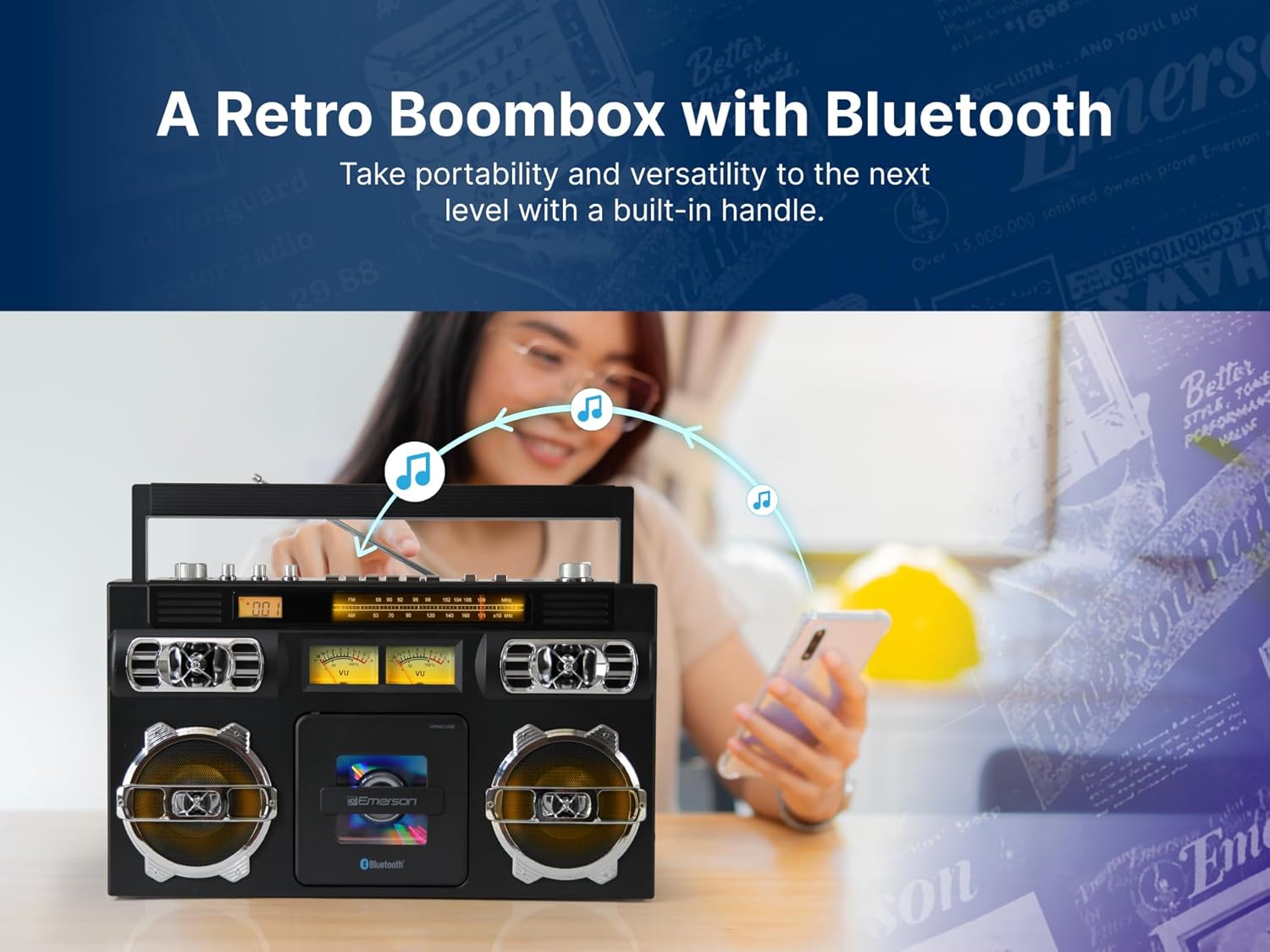
Image: Front view of the Emerson EPB-3004 Portable CD Player Boombox, showcasing the speakers, CD compartment, and control panel.
Controls and Features
- Power Button: Turns the unit on or off.
- Mode Button: Switches between CD, AM/FM Radio, Bluetooth, and AUX modes.
- Volume Control: Adjusts the audio output level.
- Tuning Dial: For selecting AM/FM radio stations.
- CD Compartment: Front-loading tray for inserting CDs.
- Play/Pause, Stop, Skip/Search Buttons: Standard controls for CD playback.
- LED Display: Shows current mode, track number, or radio frequency.
- Telescopic Antenna: For improved FM radio reception.
- AUX-in Jack: For connecting external audio devices via a 3.5mm cable.
- Built-in Stereo Speakers: Delivers audio output.
- Carry Handle: For easy portability.
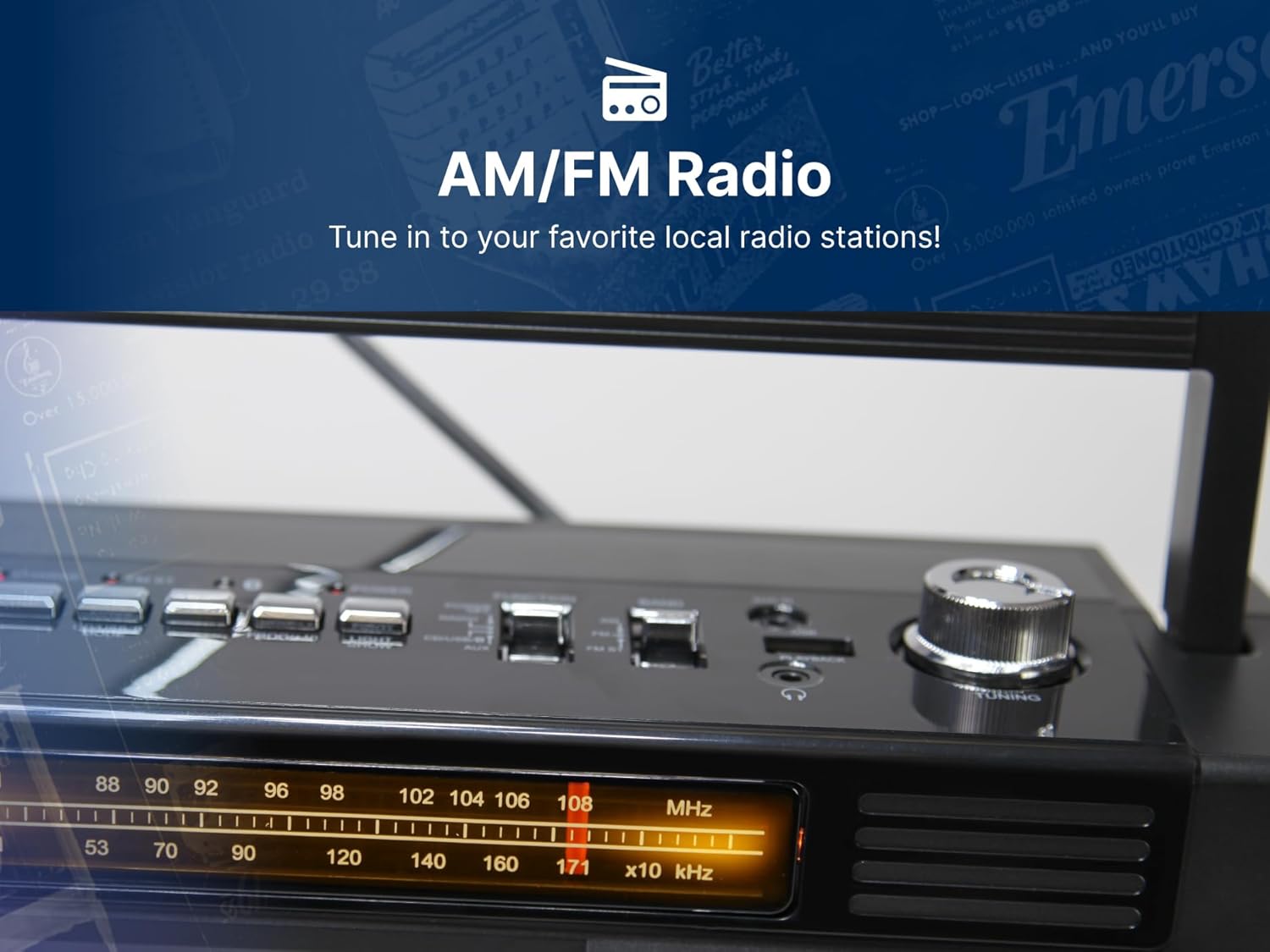
Image: Rear view of the Emerson EPB-3004 Portable CD Player Boombox, highlighting the AC power input and the telescopic antenna.
Setup
- Power Connection: Connect the supplied AC power adapter to the DC IN jack on the back of the unit and plug the other end into a standard wall outlet. The internal rechargeable battery will begin charging.
- Initial Charge: For optimal battery life, fully charge the unit before first use. The charging indicator will typically show status.
- Antenna Adjustment: Extend the telescopic antenna for better FM radio reception. For AM reception, rotate the unit for the best signal.
Operating Instructions
General Operation
- Press the Power button to turn the unit on.
- Press the Mode button repeatedly to select your desired source: CD, AM/FM Radio, Bluetooth, or AUX.
- Adjust the Volume Control to your preferred listening level.
CD Player Operation
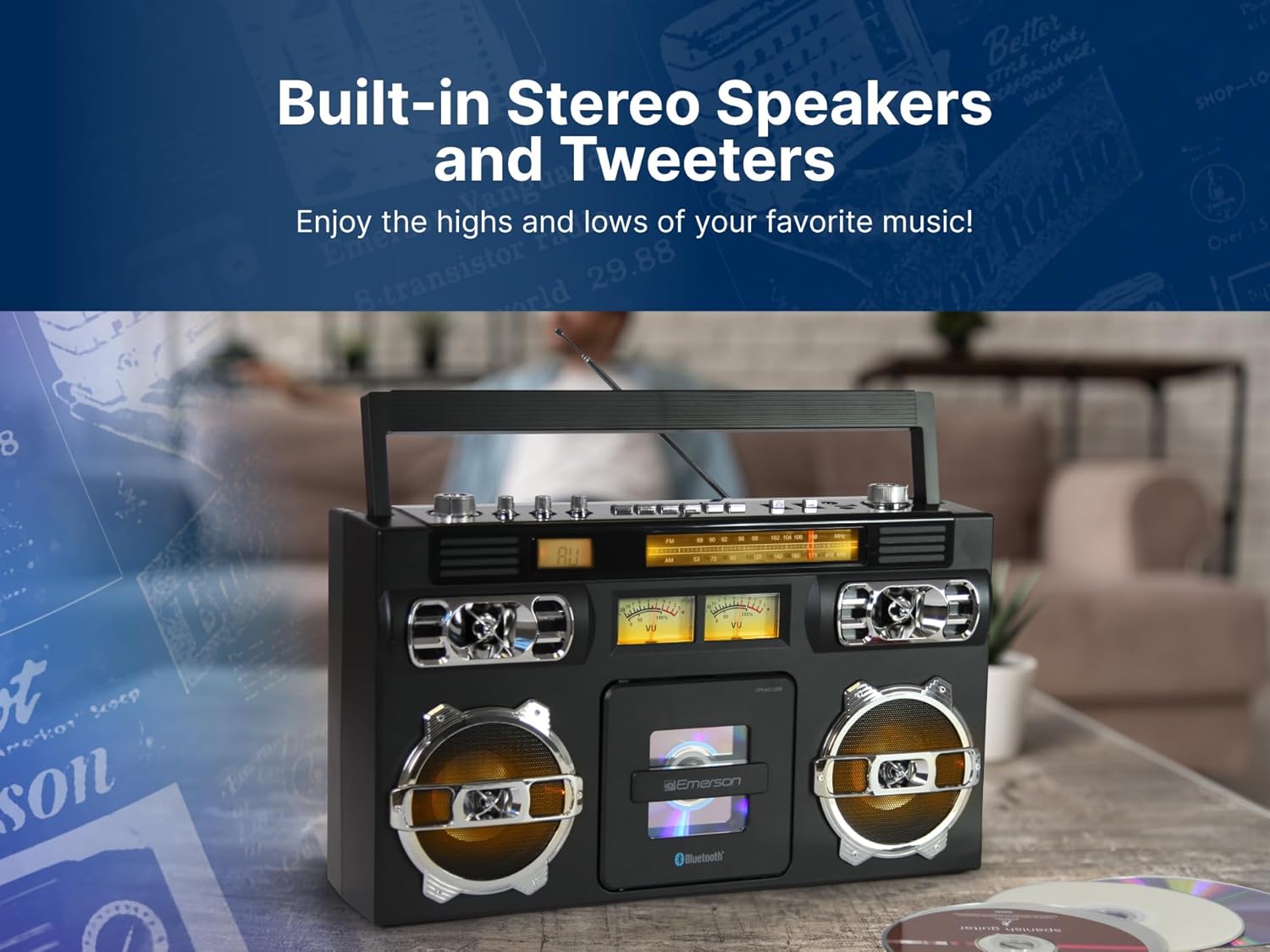
Image: The Emerson EPB-3004 with its front-loading CD compartment open, showing a CD being inserted or removed.
- Press the Mode button to select CD mode.
- Open the CD compartment door by gently pressing the 'OPEN' area.
- Place a CD (label side up) onto the spindle and close the CD compartment door.
- Press the Play/Pause button (►/❚❚) to start playback.
- Press the Stop button (■) to stop playback.
- Use the Skip/Search buttons (◀◀ / ►►) to navigate between tracks or fast forward/rewind within a track.
- The unit supports 20-track programmable memory. Refer to the full manual for detailed programming instructions.
AM/FM Radio Operation

Image: A detailed view of the AM/FM radio tuner and frequency display on the Emerson EPB-3004, showing the tuning knob.
- Press the Mode button to select AM or FM Radio mode.
- Extend the telescopic antenna for optimal FM reception. For AM, rotate the unit.
- Turn the Tuning Dial to select your desired radio station. The frequency will be displayed on the LED screen.
Bluetooth Operation

Image: A person using a smartphone to wirelessly stream music to the Emerson EPB-3004 via Bluetooth, indicated by musical notes flowing from the phone to the boombox.
- Press the Mode button to select Bluetooth mode. The unit will enter pairing mode, indicated by a flashing Bluetooth icon or audible prompt.
- On your Bluetooth-enabled device (smartphone, tablet, etc.), enable Bluetooth and search for available devices.
- Select "EPB-3004" from the list of devices to pair. Once paired, you will hear a confirmation sound.
- You can now play music from your device, and it will stream wirelessly to the boombox.
AUX-in Operation
- Press the Mode button to select AUX mode.
- Connect one end of a 3.5mm audio cable (not included) to the AUX-in jack on the boombox.
- Connect the other end of the audio cable to the headphone jack or audio output of your external device (e.g., MP3 player, computer).
- Play audio from your external device. The sound will be routed through the boombox speakers.
Maintenance
- Cleaning: Use a soft, dry cloth to clean the exterior of the unit. Do not use abrasive cleaners or solvents.
- CD Care: Handle CDs by their edges. Clean dirty CDs with a soft, lint-free cloth, wiping from the center outwards.
- Storage: When not in use for extended periods, store the unit in a cool, dry place away from direct sunlight and extreme temperatures.
- Battery: To maintain the rechargeable battery's health, avoid fully discharging it frequently and recharge it periodically if stored for long durations.
Troubleshooting
| Problem | Possible Cause | Solution |
|---|---|---|
| Unit does not power on | No power, battery discharged, power adapter not connected. | Ensure AC adapter is securely plugged in. Charge the unit's internal battery. |
| No sound | Volume too low, incorrect mode selected, external device issue. | Increase volume. Verify correct mode (CD, Radio, BT, AUX). Check connections for AUX/Bluetooth. |
| CD does not play or skips | CD dirty or scratched, CD inserted incorrectly, incompatible CD format. | Clean or replace CD. Ensure CD is inserted label-side up. Verify CD is CD, CD-R/RW, or CD-MP3 format. |
| Poor radio reception | Antenna not extended, weak signal, interference. | Fully extend FM antenna. Rotate unit for best AM reception. Move away from electronic devices causing interference. |
| Bluetooth pairing fails | Device too far, Bluetooth not enabled on device, unit not in pairing mode. | Ensure device is within 33 feet. Enable Bluetooth on your device. Select Bluetooth mode on the boombox. |
Specifications

Image: The Emerson EPB-3004 Portable CD Player Boombox with its key dimensions and weight clearly indicated.
- Brand: Emerson
- Model: EPB-3004
- Connectivity Technology: Auxiliary, Bluetooth
- Color: Black
- Speaker Type: Stereo
- Item Dimensions (L x W x H): 15.75 x 5.75 x 9.8 inches
- Power Source: Battery Powered (Built-in Rechargeable Battery) / AC Power Adapter
- Compatible Devices: MP3 Player, Personal Computer, Smartphone, Tablet
- Wattage: 10 watts
- Surround Sound Channel Configuration: 2.0
- Supported Standards: CD-R
- Bluetooth Support: Yes
- Supported Audio Format: CD, MP3
- Number of Speakers: 2
- Audio Output Mode: Stereo
- Item Weight: 6.1 Pounds
- Manufacturer: Naxa Electronics, Inc.
- UPC: 840005018910
Product Video Overview
Video: A 360-degree product overview of the Emerson EPB-3004 Portable CD Player Boombox, showcasing its design and features from all angles.
Warranty and Support
This product comes with a limited warranty. Please refer to the included Warranty Card for full details regarding coverage and terms.
- Warranty Description: 1 Year Parts, 90 Days Labor
For technical support or warranty claims, please contact Emerson customer service using the information provided on your Warranty Card or visit the official Emerson website.


