
1. Important Safety Instructions
Please read this manual carefully before operating your Qlima D 820 A SMART dehumidifier. Keep it for future reference. Failure to follow these instructions may result in electric shock, fire, or serious injury.
- Always connect the appliance to a grounded power outlet.
- Do not operate the dehumidifier with a damaged power cord or plug.
- Do not immerse the appliance, cord, or plug in water or other liquids.
- Ensure the appliance is placed on a stable, level surface.
- Keep children and pets away from the appliance during operation.
- Do not block air inlets or outlets. Maintain at least 20 cm clearance from walls and furniture.
- Unplug the appliance before cleaning or performing any maintenance.
- Do not use the appliance in areas where flammable gases or liquids are stored.
2. Product Overview
The Qlima D 820 A SMART dehumidifier is designed to efficiently remove excess moisture from the air, improving indoor air quality and comfort. It features smart connectivity, a HEPA filter, and various convenient functions.
Key Features:
- Plug & Play: Ready for immediate use.
- Hygrometer + Hygrostat: For precise humidity measurement and control.
- Smart Connectivity: Connects to mobile devices for remote control.
- Timer Function: Program operation times.
- Ambient Frost Prevention: Protects the unit in cooler conditions.
- Automatic Shut-off: Activates when the water tank is full.
- IP24 Rating: Protection against splashing water.
- HEPA Filter: For improved air purification.
- Dehumidification Capacity: Up to 20 liters per day.
Product Components:
Familiarize yourself with the main parts of your dehumidifier:
- Control Panel with Digital Display
- Air Inlet (with filter)
- Air Outlet
- Water Tank
- Continuous Drainage Outlet
- Power Cord

Front view of the Qlima D 820 A SMART Dehumidifier, showing the control panel and air outlet.
Side view of the Qlima D 820 A SMART Dehumidifier, highlighting its compact design.

Back view of the Qlima D 820 A SMART Dehumidifier, showing the air inlet and power cord connection.
3. Setup
Unpacking:
- Carefully remove the dehumidifier from its packaging.
- Remove all packing materials, including any tape or protective films.
- Inspect the appliance for any damage. If damaged, do not operate and contact customer support.
Placement:
- Place the dehumidifier on a firm, level surface in the area where dehumidification is desired.
- Ensure there is at least 20 cm (8 inches) of clear space around the air inlet and outlet for proper airflow.
- Avoid placing the unit near heat sources, direct sunlight, or in areas with excessive dust.
Power Connection:
- Plug the power cord into a suitable grounded electrical outlet.
- Ensure the voltage matches the specifications of the appliance.
4. Operating Instructions
Control Panel:
The control panel features a digital display and touch-sensitive buttons for various functions.

Icons on the control panel indicating Timer, 20 Liters/24H capacity, and Humidity Level Control.
Turning On/Off:
- Press the Power button to turn the unit on or off.
Setting Desired Humidity:
- Press the Humidity button to cycle through desired humidity levels (e.g., 40%, 50%, 60% RH). The unit will operate until the set level is reached.
Timer Function:
- Press the Timer button to set the desired operating duration (e.g., 2, 4, 8 hours). The unit will automatically turn off after the set time.
Fan Speed Adjustment:
- Press the Fan Speed button to select between available fan speeds (e.g., Low, Medium, High).
Smart Connectivity:
The D 820 A SMART can be controlled via a mobile application. Refer to the separate Smart App Guide for detailed instructions on connecting your device and using smart features.

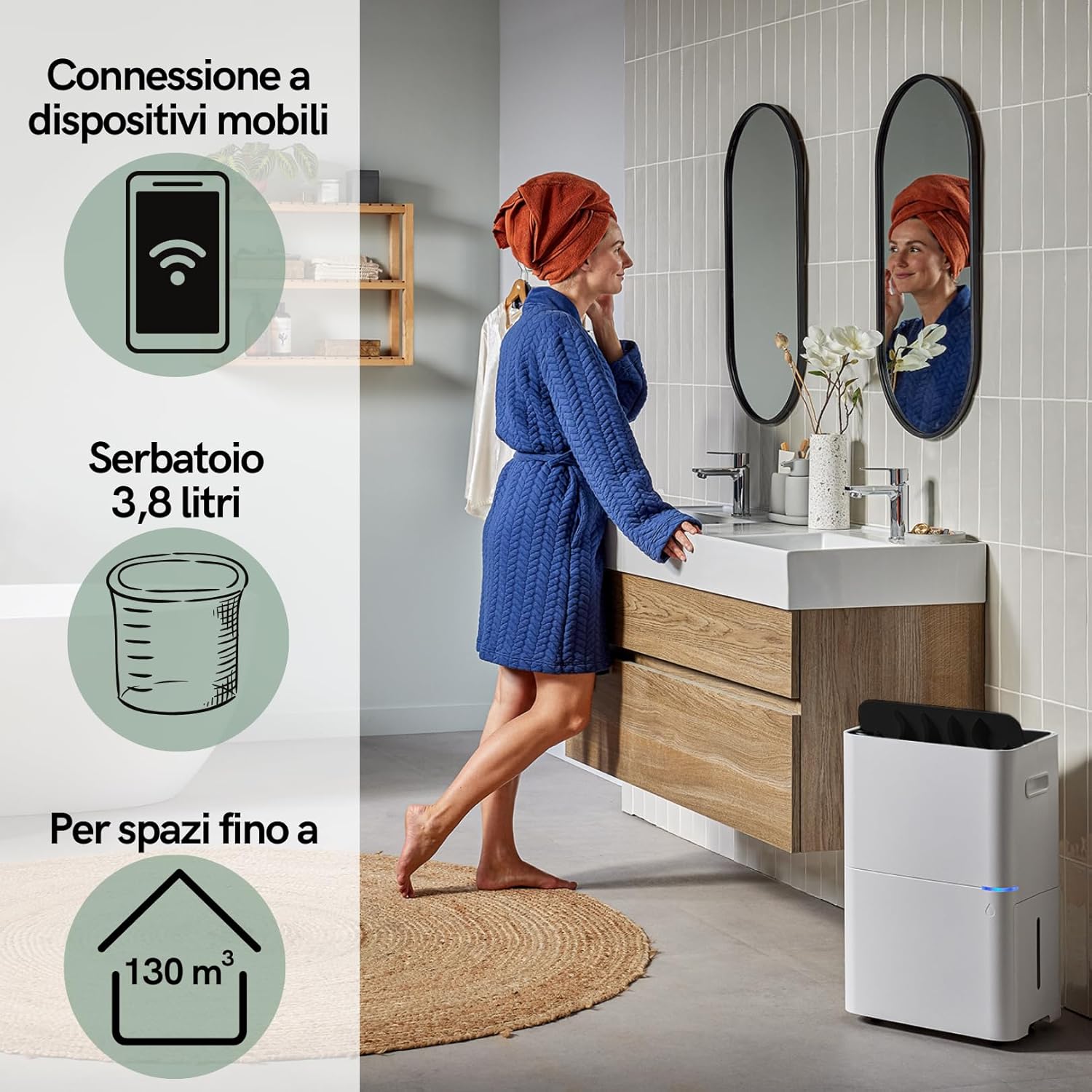
The dehumidifier supports mobile device connection, features a 3.8-liter water tank, and is suitable for spaces up to 130 m³.
Continuous Drainage:
For continuous operation without emptying the water tank, connect a drainage hose (not included) to the continuous drainage outlet at the back of the unit. Ensure the hose is sloped downwards to allow water to drain by gravity.

The Qlima D 820 A SMART dehumidifier is suitable for use in various domestic environments such as kitchens, bedrooms, bathrooms, and living rooms.
5. Maintenance
Regular maintenance ensures optimal performance and extends the lifespan of your dehumidifier. Always unplug the unit before performing any maintenance.
Emptying the Water Tank:
- When the water tank is full, the unit will automatically shut off, and an indicator light will illuminate.
- Carefully pull out the water tank from the front of the unit.
- Empty the collected water.
- Slide the empty tank back into place until it clicks securely. The unit will resume operation.

The removable water tank can be easily accessed and emptied from the side of the unit.
Cleaning the Air Filter (HEPA Filter):
- The HEPA filter should be cleaned regularly, approximately every two weeks, or more often depending on air quality.
- Remove the filter cover and carefully take out the HEPA filter.
- Use a vacuum cleaner with a brush attachment to gently remove dust and debris from the filter. Do not wash the HEPA filter with water.
- Reinsert the clean filter and close the filter cover.
Cleaning the Exterior:
- Wipe the exterior of the dehumidifier with a soft, damp cloth.
- Do not use abrasive cleaners, solvents, or harsh chemicals.
Storage:
- If storing the unit for an extended period, ensure the water tank is empty and clean.
- Clean the air filter.
- Store the dehumidifier in a cool, dry place, away from direct sunlight and extreme temperatures.
6. Troubleshooting
Before contacting customer support, please refer to the following troubleshooting guide for common issues.
| Problem | Possible Cause | Solution |
|---|---|---|
| Dehumidifier does not turn on. | No power supply. Power cord not plugged in. | Check power connection. Ensure outlet is functional. |
| No dehumidification. | Air filter clogged. Room temperature too low. Humidity setting too high. | Clean the air filter. Ensure room temperature is above 5°C. Lower the desired humidity setting. |
| Water tank full indicator is on, but tank is not full. | Water tank not properly seated. Float switch stuck. | Reinsert the water tank correctly. Gently shake the tank to free the float switch. |
| Unusual noise during operation. | Unit not on a level surface. Obstruction in fan. | Place the unit on a flat, stable surface. Check for and remove any obstructions. |
7. Specifications
Technical data for the Qlima D 820 A SMART Dehumidifier:

Dimensions and weight of the Qlima D 820 A SMART Dehumidifier.
| Feature | Specification |
|---|---|
| Model Number | D 820 A SMART |
| Brand | Qlima |
| Dehumidification Capacity | 20 Liters/day |
| Water Tank Volume | 3.8 Liters |
| Dimensions (L x W x H) | 25.5 x 35.5 x 57.2 cm |
| Weight | 16.5 kg |
| Material | Plastic |
| Number of Speeds | 3 |
| Special Features | Smart operation, HEPA filter, Automatic shut-off, Timer, Ambient frost prevention |
| IP Rating | IP24 |
| Recommended Use | Professional and domestic |
8. Warranty and Support
For warranty information, please refer to the warranty card included with your product or visit the official Qlima website. If you encounter any issues not covered in this manual or require further assistance, please contact Qlima customer support.
Please have your model number (D 820 A SMART) and purchase date ready when contacting support.


