
Introduction
This manual provides essential information for the safe and efficient use of your LawnMaster MX24V 4.0Ah Battery. Please read these instructions carefully before use and retain them for future reference. This battery is designed to power compatible LawnMaster and Vacmaster 24V and 48V cordless products.
Safety Information
Always observe the following safety precautions to prevent injury or damage to the battery and connected devices:
- Always use the battery with compatible LawnMaster and Vacmaster 24V/48V products and chargers.
- Do not expose the battery to water, moisture, or extreme temperatures (above 104°F / 40°C or below 32°F / 0°C).
- Do not attempt to open, disassemble, or modify the battery pack.
- Store the battery in a cool, dry place away from direct sunlight, heat sources, and flammable materials.
- Dispose of batteries responsibly according to local regulations. Do not incinerate.
- In case of damage, swelling, or malfunction, discontinue use immediately and contact customer support.
- Keep out of reach of children.

Image: The LawnMaster MX24V 4.0Ah battery displaying icons for Overheat Protection, Over Voltage Protection, Short Circuit Protection, and Over Current Protection, indicating built-in safety features.
Product Features
The LawnMaster MX24V 4.0Ah Battery offers several key features for reliable performance:
- LED Power Indicator: An integrated LED display allows you to monitor the battery's charge status at a glance.
- No Memory Effect: Recharge the battery fully or partially without affecting its overall lifespan or capacity.
- Shared System Compatibility: This battery is designed to work seamlessly across a range of LawnMaster and Vacmaster 24V and 48V cordless products.
- Advanced Safety Features: Equipped with overheat protection, over voltage protection, short circuit protection, and over current protection to ensure safe operation.
- High Capacity: A 24V 4.0Ah capacity provides extended run time for your cordless tools.
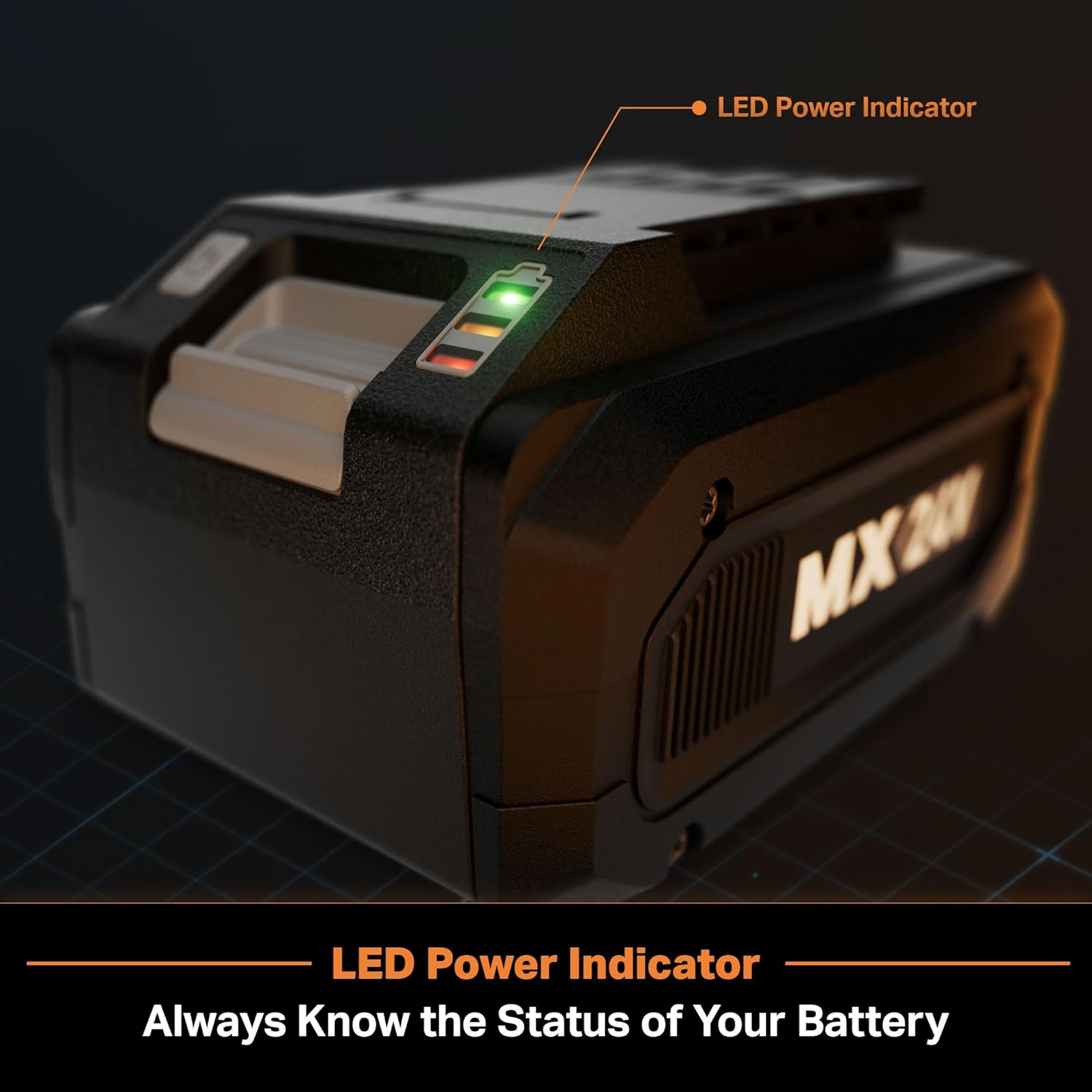
Image: A close-up of the LawnMaster MX24V 4.0Ah battery showing the illuminated LED power indicator lights, which display the current charge level.
Setup: Charging the Battery
Before first use, fully charge the battery. To charge your MX24V 4.0Ah battery, use one of the compatible LawnMaster chargers listed below. Ensure the battery is securely inserted into the charger's port.
Compatible Chargers and Approximate Charging Times:
- 24LFC15-ETL (ASIN: B0CTQL4H4X): Dual-port charger, capable of charging two batteries simultaneously. Approximate charging time for one 4.0Ah battery: 150 minutes.
- 24LFC18-ETL (ASIN: B0F6NC5DRW): Single-port charger. Approximate charging time for one 4.0Ah battery: 200 minutes.
- 24LFC14-ETL (ASIN: B0D2RCM6J4): Single-port charger. Approximate charging time for one 4.0Ah battery: 100 minutes.
The LED power indicator on the battery will illuminate to show the charging progress. Once all LEDs are solid green, the battery is fully charged.

Image: A LawnMaster MX24V battery inserted into a charging dock, illustrating the charging process with an illuminated LED indicator.
Operating Instructions
The MX24V 4.0Ah battery is part of a shared system, compatible with various LawnMaster and Vacmaster 24V and 48V cordless products. Always ensure the battery is fully charged before use for optimal performance.
Installing the Battery:
- Ensure the power tool is turned off and disconnected from any power source or charger.
- Align the battery with the battery compartment on the tool, ensuring the grooves match.
- Slide the battery firmly into the compartment until it clicks into place. A secure click indicates proper installation.
- Verify the battery is securely seated and does not wobble before operating the tool.
Removing the Battery:
- Turn off the power tool and ensure all moving parts have stopped.
- Press and hold the battery release button, typically located on the battery itself or the tool's battery compartment.
- Slide the battery out of the compartment.
Video: This video demonstrates the process of installing and removing the LawnMaster MX24V battery into various compatible tools, such as a lawnmower and string trimmer, highlighting the ease of use.

Image: A person inserting the LawnMaster MX24V battery into the battery compartment of a LawnMaster lawnmower, demonstrating proper battery installation.
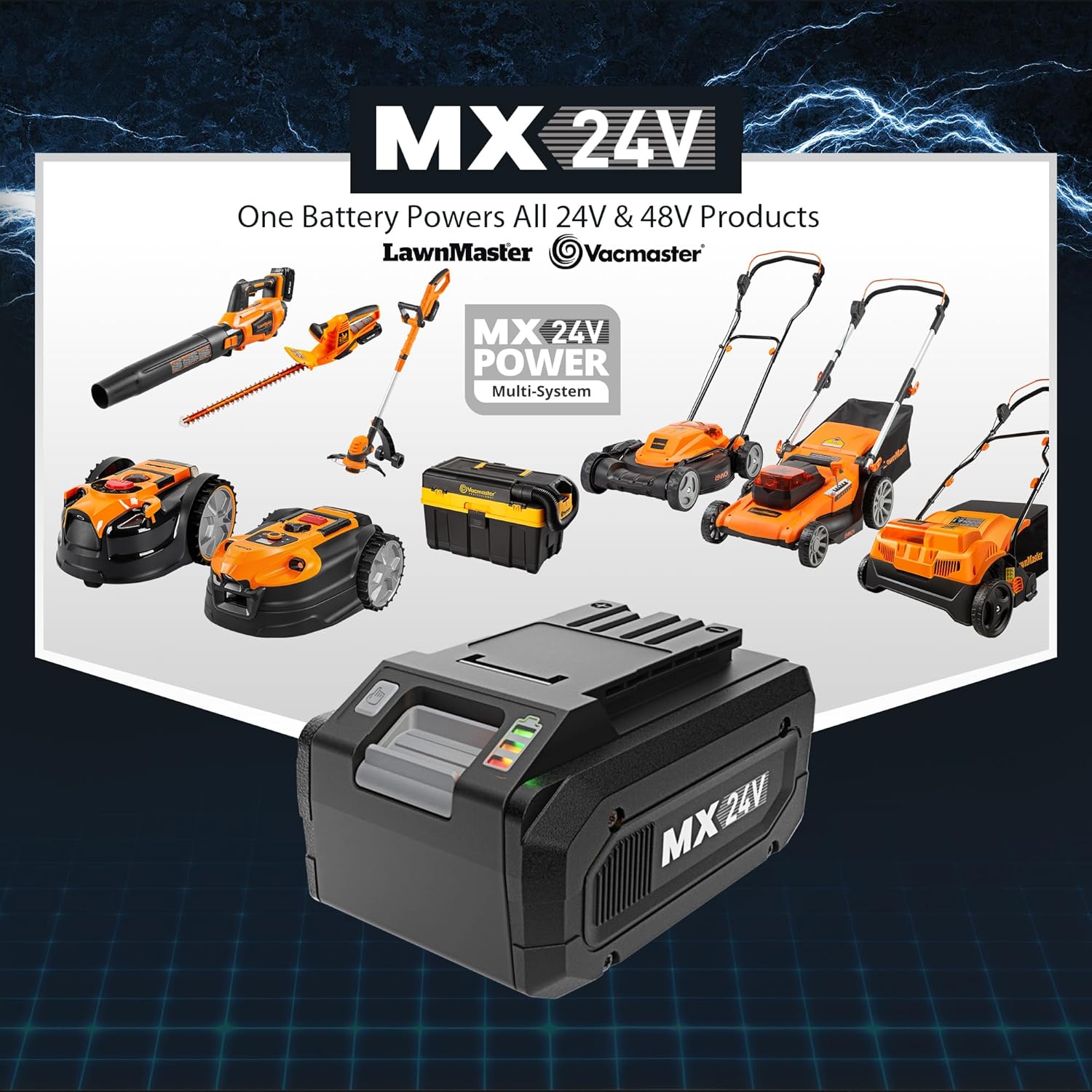
Image: An illustration showcasing the LawnMaster MX24V battery's compatibility with a wide range of LawnMaster and Vacmaster 24V and 48V products, including mowers, blowers, and trimmers.
Maintenance
Proper maintenance will extend the life and performance of your battery:
- Keep the battery terminals clean and free from dust, dirt, and debris. Use a dry cloth to wipe them if necessary.
- If the battery will not be used for an extended period (e.g., over 30 days), store it with a partial charge (around 50%) in a cool, dry place.
- Avoid storing the battery in extreme hot or cold conditions, as this can degrade its performance and lifespan.
- Do not store the battery in a completely discharged state for long periods, as this can lead to irreversible damage.
- Periodically check the battery for any signs of physical damage, such as cracks or swelling.
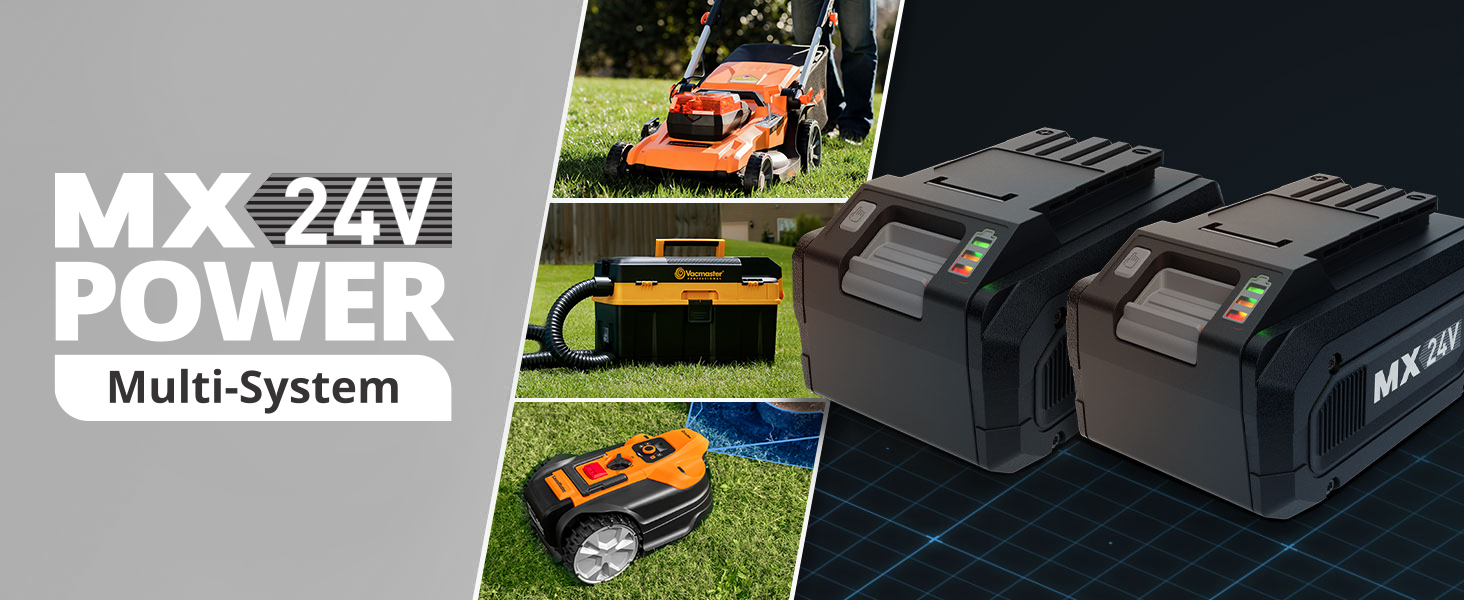
Image: A close-up of the LawnMaster MX24V battery, emphasizing its design and suggesting careful handling during maintenance.
Troubleshooting
If you encounter issues with your LawnMaster MX24V 4.0Ah Battery, refer to the following common troubleshooting steps:
Battery Not Charging:
- Ensure the charger is properly plugged into a working electrical outlet. Test the outlet with another device.
- Verify the battery is correctly and fully seated in the charger. Remove and re-insert it.
- Check for any visible damage to the battery or charger, such as frayed wires or bent terminals. Do not use damaged components.
- If the issue persists, try a different compatible charger if available to determine if the problem is with the battery or the charger.
- Ensure the ambient temperature is within the recommended charging range (typically 32°F to 104°F / 0°C to 40°C).
Tool Not Operating with Battery:
- Ensure the battery is fully charged. Check the LED power indicator on the battery.
- Verify the battery is securely installed in the tool's compartment. Remove and re-insert it.
- Check if the tool itself has any power issues, such as a safety switch being engaged or a clogged mechanism. Refer to your tool's manual.
- If the battery's LED indicator shows no charge, refer to the "Battery Not Charging" section.
- Ensure the tool is compatible with a 24V or 48V LawnMaster/Vacmaster battery system.
Specifications
| Brand | LawnMaster |
| Model Number | 24LB4005-CN |
| Output Voltage | 24 Volts |
| Amperage | 4 Amps |
| Product Dimensions (D x W x H) | 5" x 3.5" x 3.3" |
| Approximate Charging Time (with 24LFC14-ETL charger) | 100 Minutes |
| Compatible Devices | LawnMaster & Vacmaster 24V & 48V Cordless Products |
| Connector Type | LawnMaster proprietary connector |
Warranty and Support
This LawnMaster MX24V 4.0Ah Battery comes with a 1-year limited warranty from the date of purchase. This warranty covers defects in materials and workmanship under normal use.
For warranty claims, technical support, or any questions regarding your battery, please contact LawnMaster customer service. Please have your model number (24LB4005-CN) and proof of purchase available when contacting support.
For further assistance and up-to-date contact information, please visit the official LawnMaster website or refer to the support details provided with your product packaging.


