Introduction
This manual provides essential information for the proper setup, operation, and maintenance of your Supersonic IQ Sound SC-2340BT Portable Bluetooth Speaker. Please read these instructions thoroughly before using the device to ensure optimal performance and safety.
Safety Information
- Do not expose the speaker to extreme temperatures, direct sunlight, or high humidity.
- Avoid dropping or subjecting the speaker to strong impacts.
- Do not disassemble or attempt to repair the device yourself. This will void the warranty.
- Keep the speaker away from water and other liquids. This product is not waterproof.
- Use only the provided charging cable or a certified equivalent.
- Dispose of the battery responsibly according to local regulations.
Package Contents
Verify that all items are present upon unboxing:
- IQ Sound SC-2340BT Portable Bluetooth Speaker
- USB Charging Cable
- User Manual (this document)
Product Overview
Familiarize yourself with the speaker's components and controls.
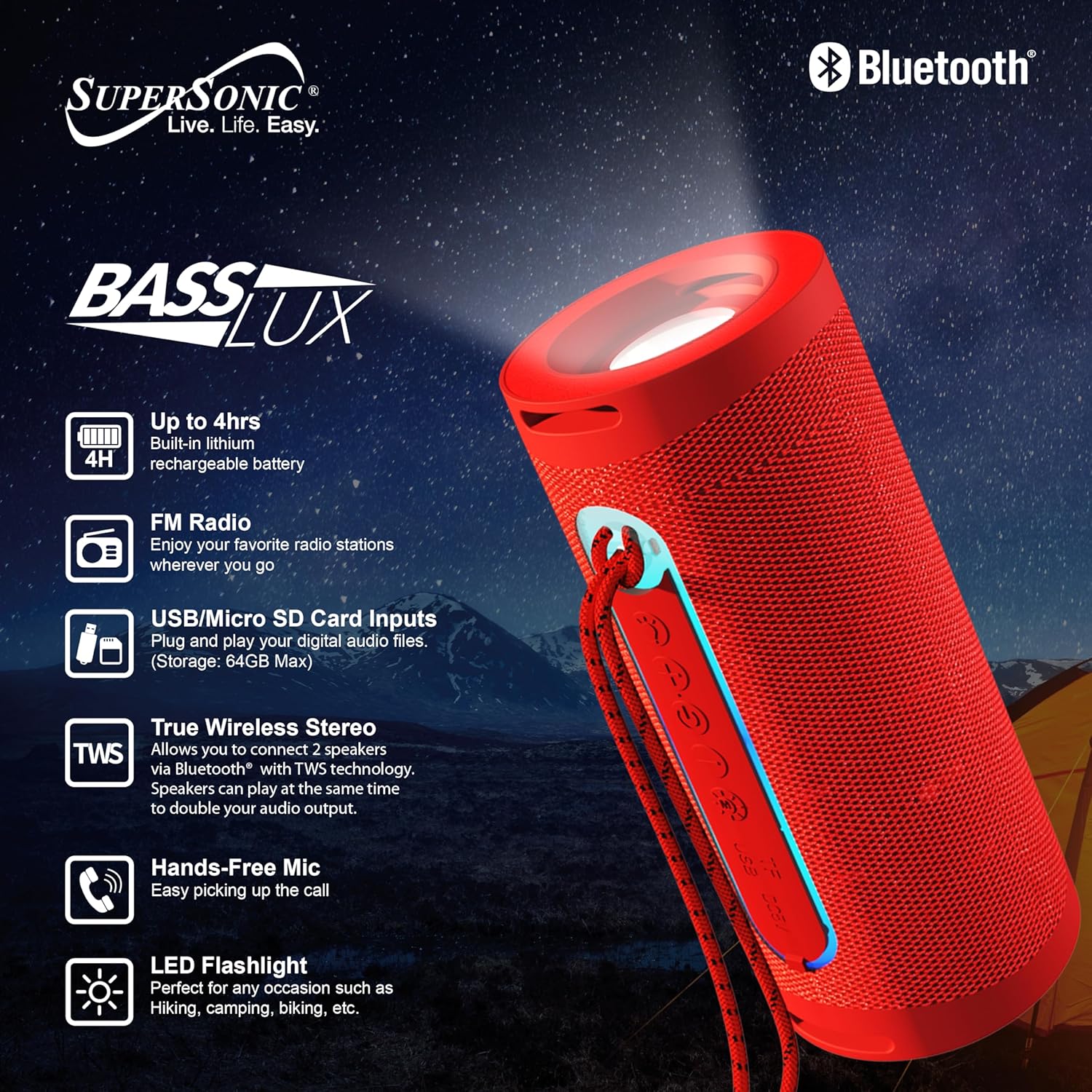
Image: The IQ Sound SC-2340BT speaker, highlighting its key features such as 4-hour battery life, LED flashlight, FM radio, USB/Micro SD card inputs, True Wireless Stereo (TWS) capability, and hands-free microphone.
Controls and Ports:
- Power Button: Press and hold to turn on/off.
- Mode Button: Switch between Bluetooth, FM Radio, USB, and TF Card modes.
- Play/Pause Button: Play or pause audio. Answer/end calls.
- Volume Up/Next Track Button: Short press for next track, long press for volume up.
- Volume Down/Previous Track Button: Short press for previous track, long press for volume down.
- USB Port: For USB flash drive playback (up to 64GB).
- TF Card Slot: For Micro SD card playback (up to 64GB).
- Charging Port: Micro USB or USB-C (depending on model, typically Micro USB for this model).
- LED Flashlight: Integrated light source.
Setup
1. Charging the Speaker
- Connect the provided USB charging cable to the speaker's charging port.
- Plug the other end of the USB cable into a USB power adapter (not included) or a computer's USB port.
- The charging indicator light will illuminate.
- A full charge takes approximately 3 hours. The indicator light will change or turn off once charging is complete.
A fully charged battery provides approximately 3-4 hours of playback time.
2. Power On/Off
- To Power On: Press and hold the Power button for a few seconds until you hear an audible prompt or see an indicator light.
- To Power Off: Press and hold the Power button again for a few seconds until the device shuts down.
Operating Instructions
1. Bluetooth Pairing
- Ensure the speaker is powered on and in Bluetooth mode. If not, press the Mode button until you hear the Bluetooth pairing prompt. The indicator light will flash.
- Enable Bluetooth on your smartphone, tablet, or other Bluetooth-enabled device.
- Search for available Bluetooth devices. You should see "SC-2340BT" in the list.
- Select "SC-2340BT" to connect. Once paired, you will hear a confirmation sound, and the indicator light will stop flashing.
- The speaker has a Bluetooth range of up to 10 meters (33 feet).
2. True Wireless Stereo (TWS) Function
TWS allows you to connect two SC-2340BT speakers wirelessly for a stereo sound experience.

Image: A visual representation of two SC-2340BT speakers connected wirelessly using True Wireless Stereo (TWS) technology, doubling the audio output for an enhanced listening experience.
- Ensure both SC-2340BT speakers are powered on and in Bluetooth mode, but not yet paired with any device.
- On one of the speakers (this will be the primary speaker), press and hold the Play/Pause button for a few seconds until you hear a pairing tone.
- The two speakers will automatically connect to each other. You will hear a confirmation sound once TWS pairing is successful.
- Now, connect your Bluetooth device to the primary speaker as described in the "Bluetooth Pairing" section. Both speakers will play audio simultaneously.
3. FM Radio
- Power on the speaker and press the Mode button repeatedly until you enter FM Radio mode.
- Press the Play/Pause button once to automatically scan and save available FM radio stations. The speaker will scan through frequencies and store stations with strong signals.
- Use the Volume Up/Next Track and Volume Down/Previous Track buttons to navigate between saved stations.
4. USB/TF Card Playback
- Insert a USB flash drive or a TF (Micro SD) card (up to 64GB) containing MP3 audio files into the respective port.
- The speaker will automatically detect the storage device and begin playing music. If not, press the Mode button to switch to USB or TF Card mode.
- Use the Play/Pause, Volume Up/Next Track, and Volume Down/Previous Track buttons to control playback.
5. Hands-Free Calling
When your speaker is connected to a smartphone via Bluetooth:
- Answer a Call: Press the Play/Pause button once to answer an incoming call.
- End a Call: Press the Play/Pause button once during a call to end it.
- Reject a Call: Press and hold the Play/Pause button for a few seconds to reject an incoming call.
6. LED Flashlight
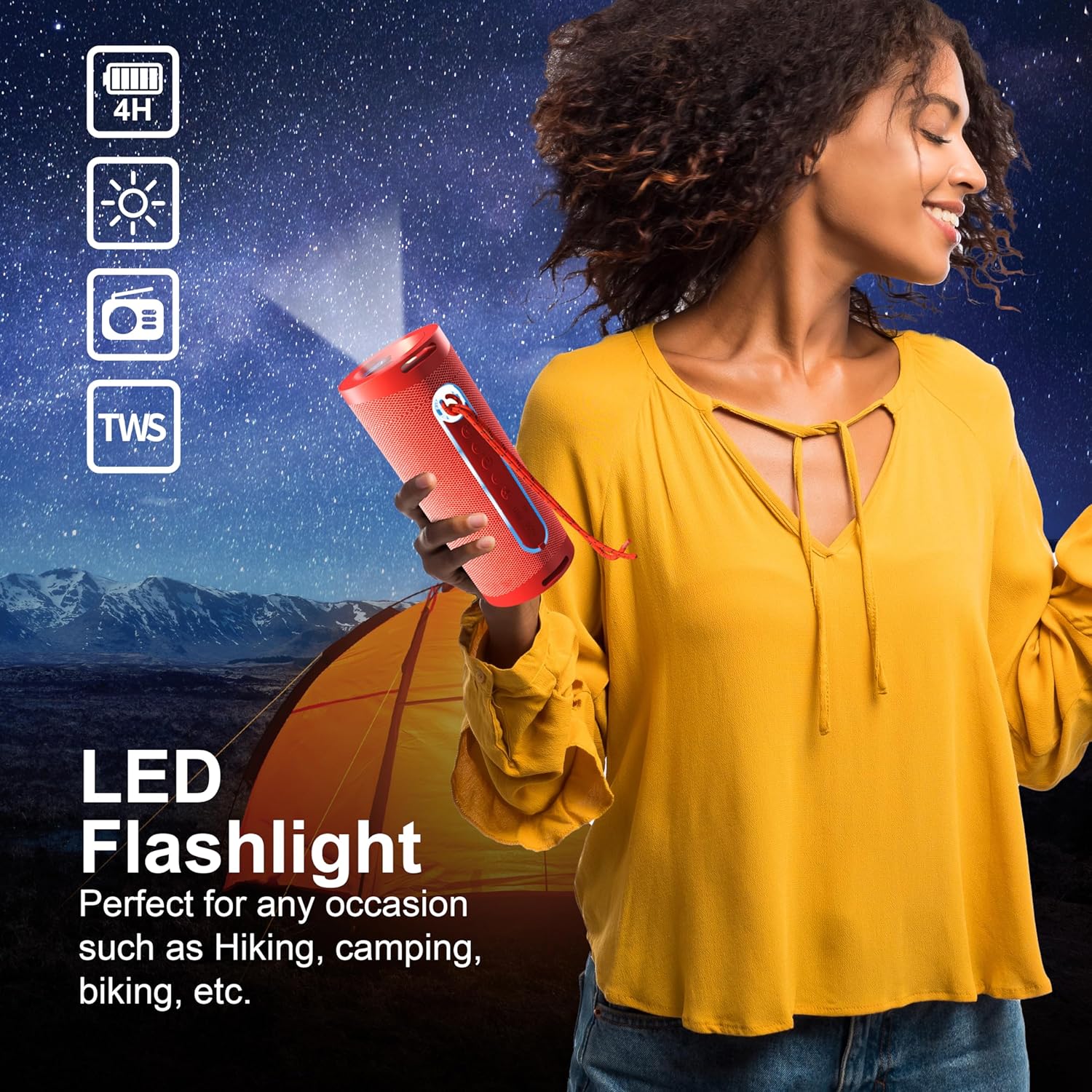
Image: A person holding the SC-2340BT speaker, demonstrating the integrated LED flashlight function, useful for various outdoor or low-light situations.
The speaker features an integrated LED flashlight for convenience.
- To Turn On/Off: Locate the dedicated flashlight button (if available) or refer to the product diagram for specific control. Typically, a short press activates the light, and another short press turns it off.
Maintenance
- Cleaning: Use a soft, dry cloth to clean the speaker's exterior. Do not use abrasive cleaners or solvents.
- Storage: Store the speaker in a cool, dry place away from direct sunlight when not in use for extended periods.
- Battery Care: To prolong battery life, avoid fully discharging the battery frequently. Charge the speaker regularly, even if not in use, to maintain battery health.
Troubleshooting
No Power
- Ensure the speaker is fully charged.
- Check the charging cable and power source for proper connection.
No Sound
- Increase the volume on both the speaker and your connected device.
- Ensure the speaker is in the correct mode (Bluetooth, FM, USB, TF).
- If using Bluetooth, ensure the device is properly paired.
Bluetooth Disconnection or Pairing Issues
- Ensure the speaker and your device are within the 10-meter Bluetooth range.
- Turn off and restart both the speaker and your Bluetooth device.
- Forget the speaker from your device's Bluetooth list and attempt to re-pair.
- Ensure no other Bluetooth devices are interfering.
FM Radio Reception is Poor
- Move the speaker to a location with better signal reception.
- Perform an automatic station scan again.
Specifications
| Feature | Specification |
|---|---|
| Model Name | SC-2340BT |
| Brand | Supersonic |
| Connectivity Technology | Bluetooth |
| Bluetooth Version | V5.3 |
| Bluetooth Range | 10 meters (33 feet) |
| Speaker Output Power | 5 Watts |
| Speaker Impedance | 3 Ohm |
| Frequency Response | 150Hz-15KHz |
| Battery Type | Built-in 1200mAh Lithium Battery |
| Playback Time | 3-4 hours |
| Charging Time | Approximately 3 hours |
| USB/TF Card Max Capacity | 64GB |
| Additional Features | TWS, FM Radio, Hands-Free Mic, LED Flashlight |
| Item Dimensions (D x W x H) | 2.9"D x 2.9"W x 7.05"H |
| Item Weight | 12.8 ounces |
Warranty and Support
This product comes with a 90-day warranty from the date of purchase. This warranty covers manufacturing defects and workmanship under normal use.
The warranty does not cover damage caused by misuse, accident, unauthorized modification, or external causes such as drops or liquid exposure.
For warranty claims or technical support, please contact the retailer or manufacturer's customer service with your proof of purchase. Contact information can typically be found on the product packaging or the brand's official website.


