
Introduction
The BoxWave AccuPoint Active Stylus is designed to provide a precise and natural writing or drawing experience on compatible touchscreen devices, such as the JOYING Car Stereo JY-UQS04N4G-B. This stylus operates without the need for Bluetooth pairing, utilizing electronic pulses to interact with your screen. This manual will guide you through its features, setup, operation, and maintenance.
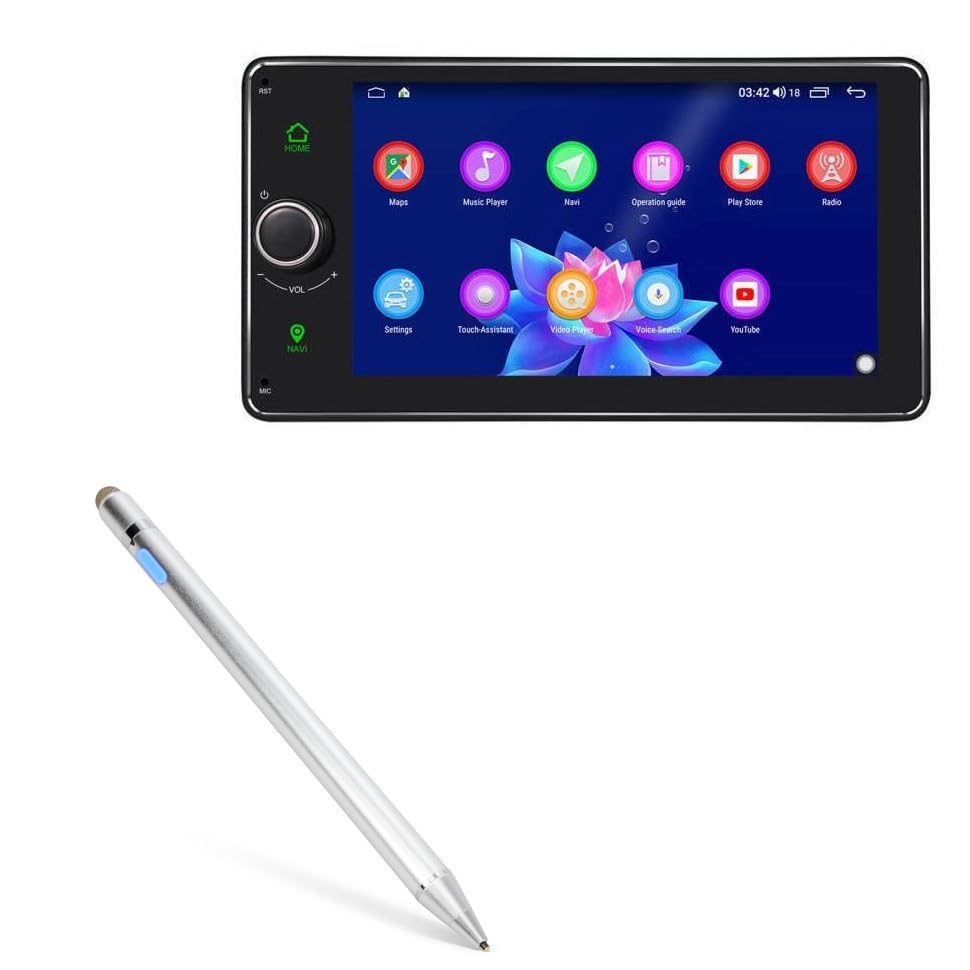
Image: The BoxWave AccuPoint Active Stylus, a sleek metallic silver pen-like device.
Package Contents
- 1 x BoxWave AccuPoint Active Stylus
- 1 x MicroUSB Charging Cable
Setup
- Initial Charge: Before first use, fully charge the stylus using the provided MicroUSB cable. Refer to the 'Charging the Stylus' section for details.
- Power On: Press the button located on the stylus barrel to turn it on. A blue indicator light will illuminate, signifying the stylus is active.
- No Pairing Required: The AccuPoint Active Stylus does not require Bluetooth pairing. It is ready for use immediately after being powered on.

Image: The stylus showing its blue power indicator light, indicating it is turned on.
Operating Instructions
The AccuPoint Active Stylus is designed for intuitive use, mimicking a traditional pen. Its ultra-fine tip allows for precise interaction with your device's screen.
- Usage: Simply touch the stylus tip to your device's screen to tap, swipe, draw, or write. The stylus emits electronic pulses to interact with the screen.
- Precision: The 1.9mm fine tip offers enhanced accuracy for detailed tasks.
- FiberMesh Tip: The stylus also features a FiberMesh tip on the opposite end for general navigation and broader strokes.
- Important Note: The AccuPoint Active Stylus does not support palm rejection or pressure sensitivity.

Image: A hand holding the stylus and interacting with icons on a tablet screen, demonstrating its use.

Image: A detailed diagram highlighting the stylus features: protected charging port, 9mm brushed aluminum barrel, 1.9mm fine tip, removable FiberMesh tip, and an easy-on LED button with power indicator.
Charging the Stylus
The stylus is equipped with a built-in rechargeable battery that provides approximately 12 hours of continuous use on a full charge.
- Connect: Use the provided MicroUSB cable to connect the stylus to any standard USB power source (e.g., computer USB port, wall adapter).
- Indicator Lights: The LED indicator light will show the charging status:
- Red: Charging
- Green: Fully Charged
- Charging Port: The charging port is located at the top end of the stylus, protected by a cap.

Image: The stylus being charged via a MicroUSB cable connected to a laptop, illustrating convenient charging.

Image: A close-up of the stylus showing the LED indicator lights for different states: blue for power on, red for charging, and green for full charge.
Maintenance
- Cleaning: Use a soft, dry cloth to clean the stylus barrel. Do not use harsh chemicals or abrasive materials.
- Tip Care: Avoid applying excessive force to the stylus tip. The FiberMesh tip is removable and can be replaced if worn.
- Storage: Store the stylus in a cool, dry place away from direct sunlight and extreme temperatures.
Troubleshooting
| Problem | Possible Cause | Solution |
|---|---|---|
| Stylus not responding | Battery is low or depleted. Stylus is not powered on. | Charge the stylus. Press the power button to turn it on (blue light should be visible). |
| Inaccurate input | Stylus tip is dirty or damaged. Screen protector interference. | Clean the stylus tip. Ensure the screen is clean. If using a thick screen protector, try removing it to test. |
| Stylus not charging | MicroUSB cable is faulty. Power source is not working. | Try a different MicroUSB cable. Connect to a different USB power source. |
Specifications
- Model: AccuPoint Active Stylus
- Compatibility: JOYING Car Stereo JY-UQS04N4G-B and other compatible touchscreen devices
- Tip Size: 1.9mm (fine tip)
- Battery Life: Up to 12 hours (approximate)
- Charging Port: MicroUSB
- Material: Brushed Aluminum
- Weight: 1.3 ounces
- Batteries: 1 Product Specific battery (included)

Image: A close-up view of the stylus highlighting its key components: the built-in charging port, the indicator light, the 1.9mm extra fine tip, and the FiberMesh tip.
Warranty and Support
For warranty information or technical support, please refer to the BoxWave official website or contact their customer service directly. Keep your purchase receipt for warranty claims.