
Introduction
The Blink Mini Pan-Tilt camera provides comprehensive indoor security monitoring. This device, combined with the Pan-Tilt mount, offers 360° coverage, allowing you to remotely pan left/right and tilt up/down to view any area of your room. It features HD day and infrared night vision, two-way audio communication, and intelligent motion detection with real-time alerts. The included one-year Blink Subscription Plus Plan enables cloud video storage, with an option for local storage backup using a Sync Module 2 and a USB drive (sold separately).

The Blink Mini Pan-Tilt camera offers a wide range of features including 360° view, HD day and night vision, two-way audio, motion detection, and easy setup.
Setup
Setting up your Blink Mini Pan-Tilt camera is a straightforward process designed for quick installation. The package includes one Blink Mini camera, one Pan-Tilt Mount, one USB cable, and one power adapter.
- Power Connection: Plug the USB cable into the Blink Mini camera and the Pan-Tilt Mount, then connect the power adapter to a standard electrical outlet.
- Download Blink App: Download the Blink Home Monitor app from your device's app store. The app is compatible with iOS 15.0+, Android 9.0+, or Fire 9.0+ devices.
- Account Creation/Login: Open the Blink app and create a new account or log in with your existing Blink credentials.
- Add Device: Follow the in-app instructions to add your new Blink Mini Pan-Tilt camera. This typically involves scanning a QR code on the device and connecting it to your 2.4 GHz Wi-Fi network. A minimum upload speed of 2 Mbps is required for optimal performance.
- Mounting: Once configured, place the camera on a flat surface or use the included mounting base and screws to secure it to a wall or ceiling. Ensure the camera has a clear line of sight to the area you wish to monitor.
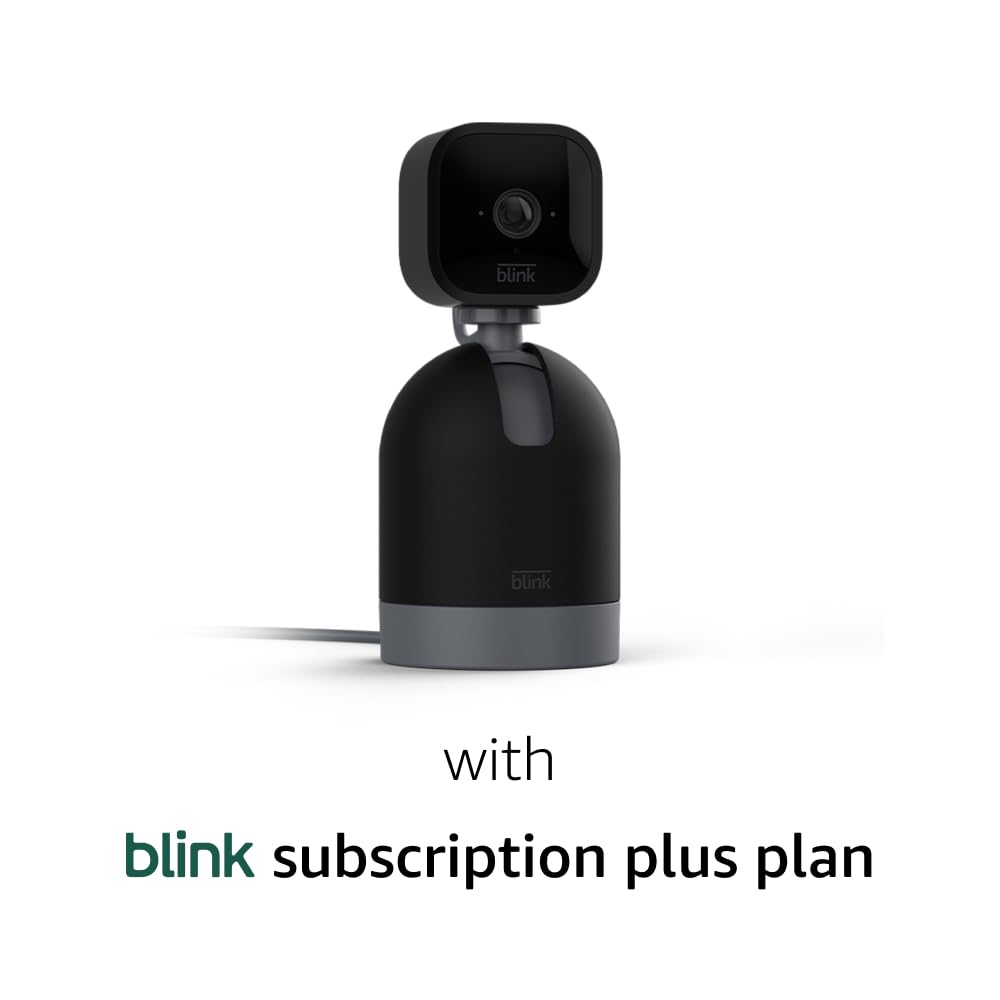
The Blink Mini Pan-Tilt camera is a plug-in device that requires a power connection for operation.
Operating the Camera
The Blink Mini Pan-Tilt camera offers various functionalities accessible through the Blink Home Monitor app and compatible smart devices.
- Live View and Pan-Tilt Control: Access the live view from your smartphone, tablet, or compatible Alexa device. Within the app, use the pan (left/right) and tilt (up/down) controls to adjust the camera's viewing angle and achieve 360° coverage of your space.
- HD Video and Night Vision: The camera records and displays video in 1080p HD during the day. For low-light conditions, infrared HD night vision provides clear visibility after dark.
- Two-Way Audio: Utilize the built-in speaker and microphone for two-way audio communication. This allows you to speak to and hear from individuals in the camera's vicinity directly through the Blink app.
- Motion Detection and Alerts: The camera features motion detection capabilities. When motion is detected, you will receive real-time alerts on your smartphone, enabling you to react promptly.
- Alexa Integration: The Blink Mini Pan-Tilt camera works seamlessly with Alexa. You can stream live HD video, arm or disarm your camera, and perform other functions using voice commands with compatible Alexa-enabled devices.
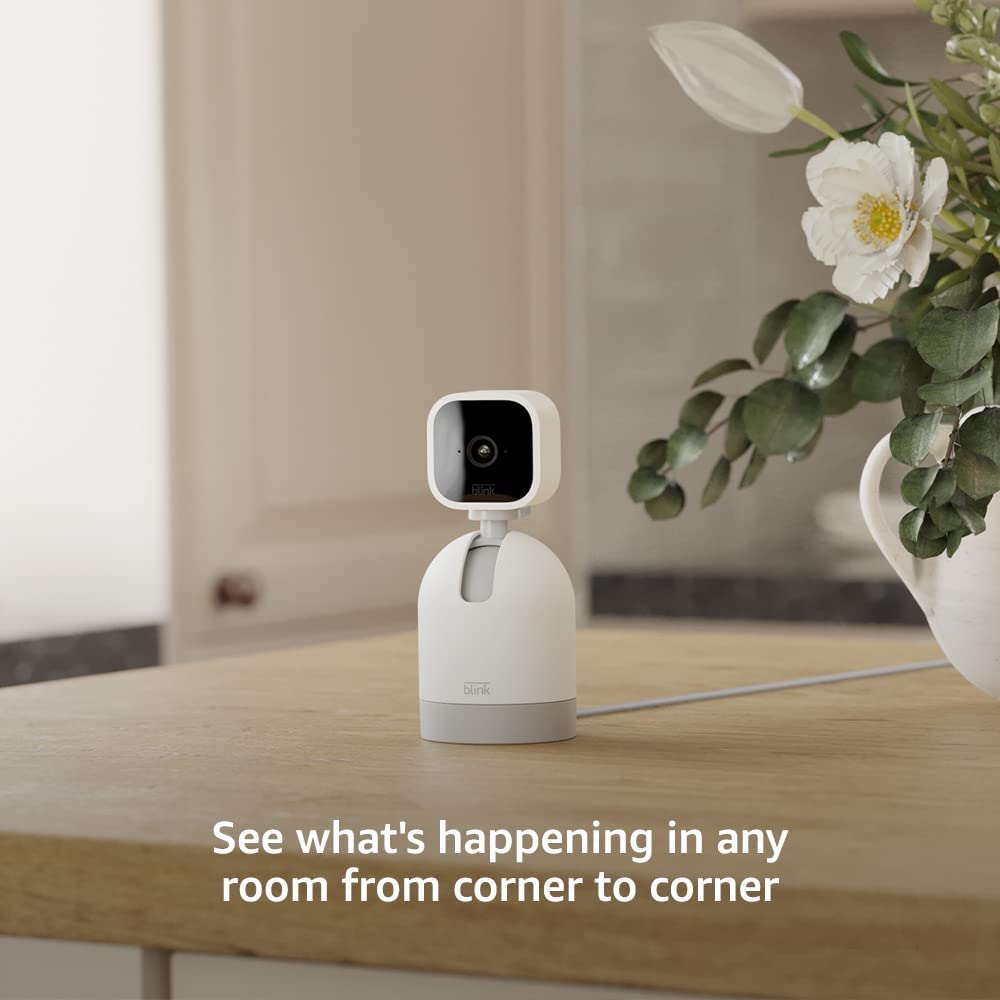
The camera allows you to see what's happening in any room from corner to corner with its pan-tilt functionality.

Through the Blink app, you can see, hear, and speak from anywhere using the camera's live view and two-way audio features.

The Blink Mini Pan-Tilt camera works with Alexa, allowing for voice control and live view streaming on compatible devices.
Maintenance
Proper maintenance ensures the longevity and optimal performance of your Blink Mini Pan-Tilt camera.
- Cleaning: Gently wipe the camera lens and body with a soft, dry cloth to remove dust and smudges. Avoid using abrasive cleaners or solvents.
- Power Connection: Ensure the USB cable and power adapter remain securely connected to maintain continuous operation.
- Software Updates: Keep your Blink app updated to the latest version to benefit from new features, performance improvements, and security enhancements. The device receives guaranteed software security updates until at least four years after its last availability for purchase as a new unit.
- Video Storage: With the included one-year Blink Subscription Plus Plan, videos are stored in the cloud for up to 60 days. To retain important videos beyond this period, download them to your mobile device. For local storage backup, a Sync Module 2 and a USB drive (each sold separately) can be used.
Troubleshooting
If you encounter issues with your Blink Mini Pan-Tilt camera, refer to the following common troubleshooting steps:
- No Power/Offline: Ensure the power adapter is securely plugged into both the camera and a working electrical outlet. Check the USB cable for any damage.
- Connectivity Issues: Verify that your Wi-Fi network is active and stable. The Blink Mini supports 2.4 GHz 802.11g/n Wi-Fi. Ensure your router is within range and provides a minimum upload speed of 2 Mbps. Avoid connecting to ad-hoc, peer-to-peer, or paywall Wi-Fi networks.
- Poor Video Quality: Check your internet connection speed. Ensure the camera lens is clean and free from obstructions. Adjust lighting conditions if possible.
- Motion Detection Not Working: Review the motion detection settings in the Blink app. Adjust sensitivity levels and activity zones as needed. Ensure there are no physical obstructions blocking the camera's view.
- Two-Way Audio Problems: Check the volume settings on your smartphone and within the Blink app. Ensure your microphone is enabled for the Blink app in your phone's settings.
- App Not Responding: Close and reopen the Blink Home Monitor app. If the issue persists, restart your smartphone. Ensure your smartphone meets the minimum requirements (iOS 15.0+, Android 9.0+, or Fire 9.0+).
Specifications
| Feature | Detail |
|---|---|
| 360° View | Field of view: 110° diagonal; Pan range: 350°; Tilt range: 125° |
| Camera Resolution | 1080p HD video (day), infrared HD night vision |
| Camera Frame Rate | Up to 30 frames per second |
| Size (Pan-Tilt Mount) | 66 x 66 x 99.2mm |
| Size (Blink Mini) | 50 x 49 x 36mm |
| Weight (Pan-Tilt Mount) | 246g (8.7oz) |
| Weight (Blink Mini) | 48g (1.7 oz) |
| Power | 5VDC, 1A via USB Micro type B connector |
| Wi-Fi Connectivity | 2.4 GHz 802.11g/n (does not support ad-hoc, peer-to-peer, or paywall networks); Minimum 2 Mbps upload speed required |
| Available Colors | White, Black |
| Minimum Smartphone Requirements | iOS 15.0, Android 9.0, or Fire 9.0 |
| Blink App | Blink Home Monitor |
| Included in the Box | One Blink Mini, one Pan-Tilt Mount, one USB cable, and one power adapter. |
| Audio | Speaker output and 2-way audio recording |
| LEDs | One blue LED to help you know when it’s active (optional) |
| Generation | Blink Mini: 1st generation - 2020 release; Pan-Tilt Mount: 1st generation - 2022 release |
Warranty and Support
Your Blink Mini Pan-Tilt camera comes with a 1-year limited warranty. The purchase and use of Blink cameras are subject to the terms found on the official Blink website.
For additional information and support, please refer to the official Blink support pages:
- Blink Mini support page
- Pan-Tilt Mount support page
This device receives guaranteed software security updates until at least four years after the device is last available for purchase as a new unit on our websites.


