
STF Kronos Trek Smartwatch User Manual
Model: ST-W78527
1. Introduction
Thank you for choosing the STF Kronos Trek Smartwatch. This manual provides essential information for setting up, operating, maintaining, and troubleshooting your device. Please read it carefully to ensure optimal performance and longevity of your smartwatch.
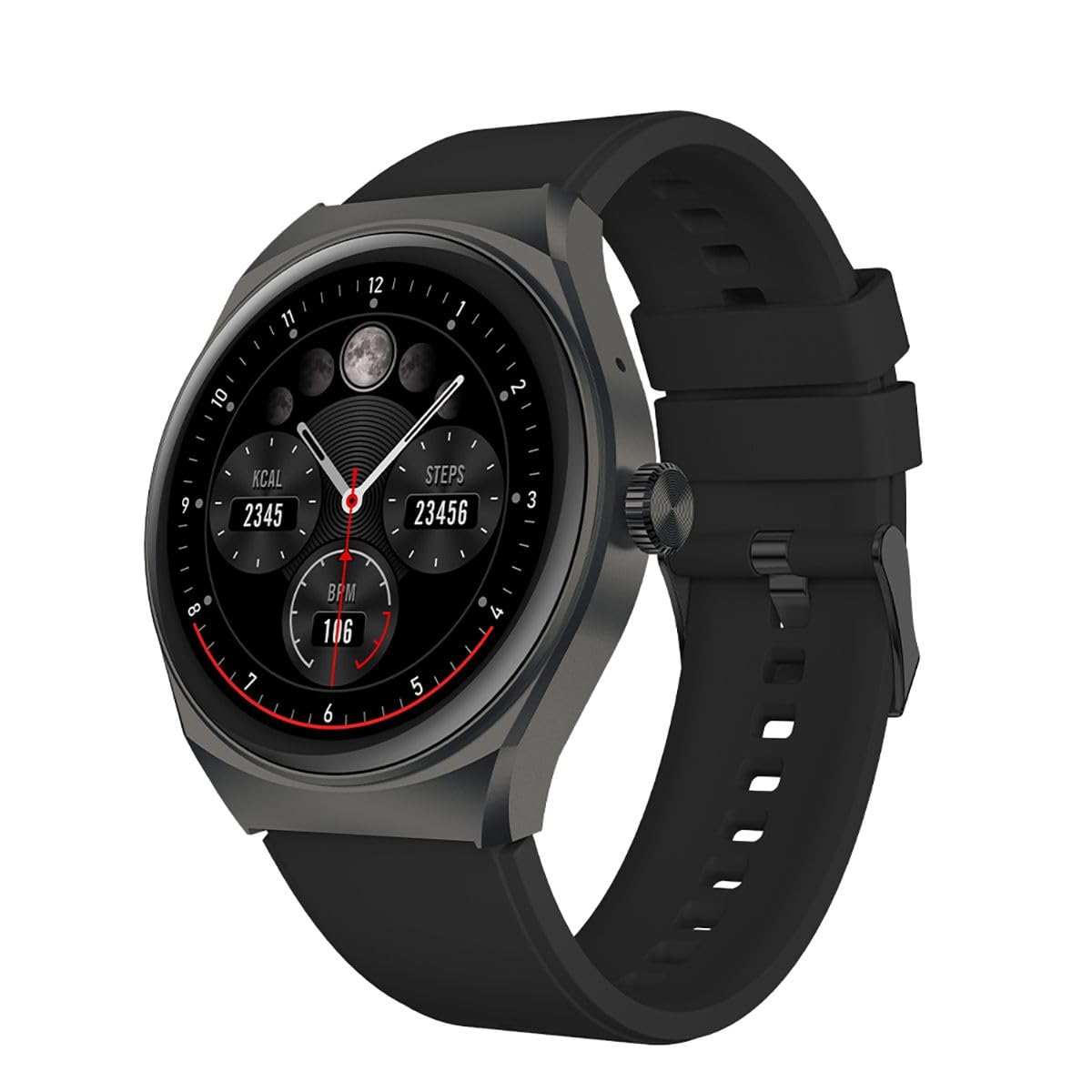
Image 1.1: Front view of the STF Kronos Trek Smartwatch.
2. Package Contents
- STF Kronos Trek Smartwatch
- Charging Cable
- User Manual (this document)
3. Device Overview
The STF Kronos Trek Smartwatch features a 1.38-inch IPS display and a durable design. It includes various sensors for health monitoring and supports multiple sports modes.

Image 3.1: Smartwatch display showing health metrics like calories, steps, and BPM.

Image 3.2: Rear view of the smartwatch, highlighting the health sensors and charging contacts.
4. Setup
4.1 Charging the Smartwatch
- Connect the charging cable to the charging pins on the back of the smartwatch.
- Plug the USB end of the charging cable into a compatible USB power adapter (not included) or a computer's USB port.
- The smartwatch display will indicate charging status.
- Allow approximately 2-3 hours for a full charge. A full charge provides up to 7 days of battery life under normal usage.
4.2 Pairing with Your Smartphone
- Download the official STF companion application from your smartphone's app store (iOS or Android).
- Ensure Bluetooth is enabled on your smartphone.
- Open the STF companion application and follow the on-screen instructions to create an account or log in.
- In the app, select 'Add Device' or 'Pair New Device' and choose 'Kronos Trek' from the list of available devices.
- Confirm the pairing request on both your smartwatch and smartphone.
Note: For optimal performance, keep the smartwatch and smartphone within Bluetooth range during initial setup and regular use.
5. Operating Instructions
5.1 Basic Navigation
- Touch Screen: Swipe left, right, up, or down to navigate through menus and features. Tap to select an option.
- Side Button: Press the side button to return to the home screen or wake the device.
Video 5.1: Demonstrates basic interaction with the STF Kronos Trek Smartwatch, including screen navigation and multi-sport mode selection. This video highlights how to stay active and healthy by tracking your workouts.
5.2 Making and Receiving Calls
The Kronos Trek Smartwatch allows you to answer calls directly from your wrist when connected to your smartphone via Bluetooth.
- Answering Calls: When a call comes in, tap the green icon on the smartwatch screen.
- Making Calls: Access the dialer or contact list through the smartwatch menu to initiate a call.

Image 5.2: The smartwatch screen indicating the ability to answer calls directly.
5.3 Multi-Sport Mode
The smartwatch supports over 100 multi-sport modes to track various physical activities. To access:
- Swipe on the home screen to find the 'Sports' or 'Workout' icon.
- Tap the icon to view the list of available sports modes (e.g., running, walking, cycling, swimming).
- Select your desired activity to start tracking. The watch will record duration, calories burned, and other relevant metrics.

Image 5.3: Overview of the multi-sport mode feature with various activity icons.
Video 5.4: Illustrates how to use the multi-sport mode to time efforts and record progress during workouts. This video focuses on the male user's experience.
5.4 Health Monitoring
The Kronos Trek Smartwatch includes sensors to monitor various health metrics:
- Heart Rate: Continuously monitors your heart rate throughout the day.
- Sleep Tracking: Analyzes your sleep patterns, including deep sleep, light sleep, and wake times.
- Activity Tracking: Records steps, distance, and calories burned.
Note: The health monitoring features are for general fitness and wellness purposes only and are not intended for medical diagnosis or treatment.
5.5 Notifications
Receive notifications from your smartphone directly on your smartwatch. Ensure the companion app is running in the background and notification permissions are granted.
5.6 Water Resistance (IP67)
The smartwatch is rated IP67, meaning it is resistant to dust and can withstand immersion in water up to 1 meter for 30 minutes. It is suitable for daily use and light water activities but not recommended for diving or high-pressure water exposure.

Image 5.5: Icon representing the IP67 water resistance feature.
6. Maintenance
6.1 Cleaning
- Wipe the smartwatch and strap regularly with a soft, damp cloth.
- Avoid using harsh chemicals, abrasive cleaners, or solvents.
- Ensure the charging contacts are clean and dry before charging.
6.2 Water Exposure
- After exposure to water, especially saltwater, rinse the smartwatch with fresh water and dry it thoroughly.
- Do not press buttons or operate the touchscreen underwater.
6.3 Battery Care
- Avoid extreme temperatures when charging or storing the device.
- Do not leave the battery completely discharged for extended periods.
7. Troubleshooting
7.1 Device Not Turning On
- Ensure the smartwatch is fully charged. Connect it to the charger for at least 30 minutes.
- Press and hold the side button for 10-15 seconds to attempt a forced restart.
7.2 Pairing Issues
- Ensure Bluetooth is enabled on your smartphone and the smartwatch.
- Restart both your smartphone and the smartwatch.
- Try unpairing the device from your smartphone's Bluetooth settings and then re-pairing through the STF companion app.
- Ensure the STF companion app is updated to the latest version.
7.3 Inaccurate Health Data
- Ensure the smartwatch is worn snugly on your wrist, but not too tight.
- Clean the sensors on the back of the watch.
- Environmental factors and individual physiology can affect sensor accuracy.
7.4 Short Battery Life
- Reduce screen brightness.
- Disable continuous heart rate monitoring if not needed.
- Limit the number of notifications received.
- Ensure the smartwatch is not constantly searching for a Bluetooth connection.
8. Specifications
| Feature | Specification |
|---|---|
| Model Name | ST-W78527 |
| Display Size | 1.38 Inches |
| Display Type | Digital |
| Resolution | 240 x 240 |
| Connectivity Technology | Bluetooth |
| Wireless Communication Standard | Bluetooth |
| Battery Life (Average) | 168 Hours (7 days) |
| Battery Capacity | 300 mAh |
| Battery Cell Composition | Lithium Polymer |
| Water Resistance | IP67 |
| Special Features | Notifications, Multi-sport Mode, Health Monitors |
| Human Interface Input | Touchscreen |
| Product Dimensions | 25 x 3 x 2 cm; 210 g |
9. Warranty and Support
For warranty information and customer support, please refer to the documentation provided with your purchase or visit the official STF website. You may also contact the seller, Stuffactory, for assistance.
This product is eligible for a 30-day free return policy through Amazon. Please check Amazon's return policy for details.
