Important Compatibility Information
This remote starter kit is specifically designed for Nissan NV1500, NV2500, and NV3500 models manufactured between 2012 and 2021. Please ensure your vehicle meets the following requirements:
- Key Ignition: Compatible only with vehicles that use a traditional key blade for ignition. Not compatible with push-to-start vehicles.
- No Immobilizer: This kit is designed for vehicles NOT equipped with an immobilizer system.
- Transmission: For automatic transmission vehicles only.
- Fuel Type: For gas-powered vehicles only.
- Factory Remote: Requires your existing factory remote for operation. No additional remote is included.
How to Check for an Immobilizer:
To determine if your vehicle has an immobilizer, observe your dashboard when the engine is off. If a symbol of a car with a key is flashing, your vehicle has an immobilizer, and this kit will not be compatible.
Video: Visual guide on how to check if your vehicle has an immobilizer by observing the dashboard indicator lights.
Video: Explaining how to identify if your vehicle is equipped with an immobilizer system.
Identifying Your Nissan Key Type:
Video: Guide to help identify different Nissan key types (Standard, Intelligent Key, Push-to-Start).
What's Included
Your Start-X Remote Starter Kit includes all necessary components for installation:

Image: A visual representation of all items included in the Start-X Remote Starter Kit, such as the remote start module, vehicle-specific T-harness, pry tool, zip ties, and documentation.
- Remote Start Module (pre-flashed for your vehicle's firmware)
- Vehicle-Specific T-Harness (eliminates wire cutting and splicing)
- Pry Tool
- Zip Ties
- Installation Guide
- Welcome Card & Warning Sticker
Installation Guide
This kit features a plug-n-play installation process with a vehicle-specific T-harness, requiring no wire cutting or splicing. Some vehicle interior panel disassembly may be necessary.
Step-by-Step Installation:
Video: Detailed installation guide for the Start-X Remote Starter in a Nissan NV vehicle.
- Prepare Vehicle Interior: Carefully remove the necessary lower dash panels and the plastic trim around the instrument panel to access the vehicle's wiring. Use the provided pry tool to avoid damage.
- Connect BCM T-Harness: Locate the Body Control Module (BCM) usually found behind the dash. Unplug the factory connector from the BCM and insert the corresponding T-harness inline.
- Connect Ignition T-Harness: Locate the ignition harness near the key cylinder. Unplug the factory connector and insert the ignition T-harness inline.
- Ground Connection: Secure the ground wire from the remote start module to a suitable metal bolt on the vehicle's chassis for a stable connection.
- Secure Module: Use the provided zip ties to secure the remote start module and excess wiring, ensuring it is away from moving parts and heat sources.
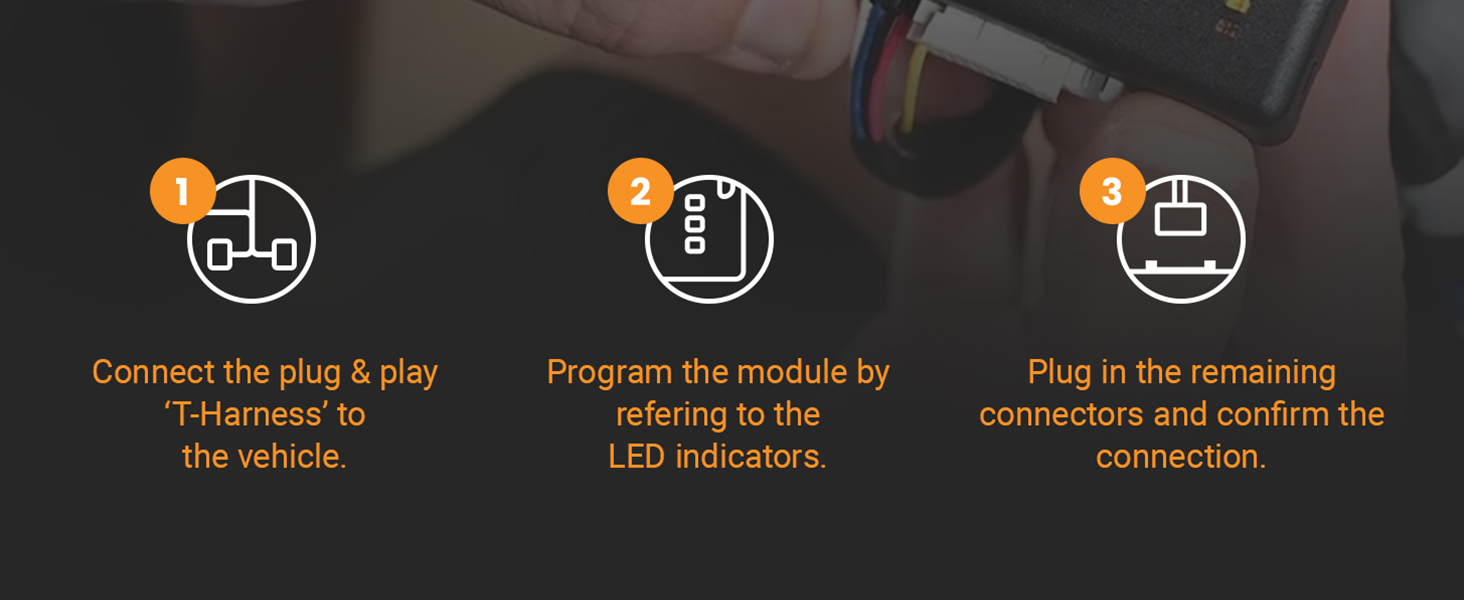
Image: Visual steps for connecting the T-harness, programming the module, and confirming connections.

Image: A bundle of black zip ties, indicating their use for securing the module and wiring during installation.
Module Programming
The remote start module is pre-flashed with your vehicle's firmware. Follow the specific programming steps outlined in the included installation guide to finalize the setup. This typically involves a sequence of key turns and button presses to synchronize the module with your vehicle.
Video: Demonstrates the process of flashing and updating an Idatalink BLADE module, which is similar to the programming process for this remote start kit.
Operating Instructions
Once installed and programmed, operate your remote starter using your factory key fob:
- To Remote Start: Press the "Lock" button on your factory remote three (3) times consecutively. The vehicle will start and run for a preset duration.
- To Turn Off: Press the "Lock" button on your factory remote three (3) times consecutively again to shut down the vehicle.
- Range: The remote start operating distance is the same as your factory remote's lock/unlock range.
- Safety Feature: As a safety precaution, the vehicle will shut down if a door is opened after remote starting. The vehicle must be restarted manually before driving.
Video: Demonstration of remote starting a Nissan vehicle using the factory key fob.
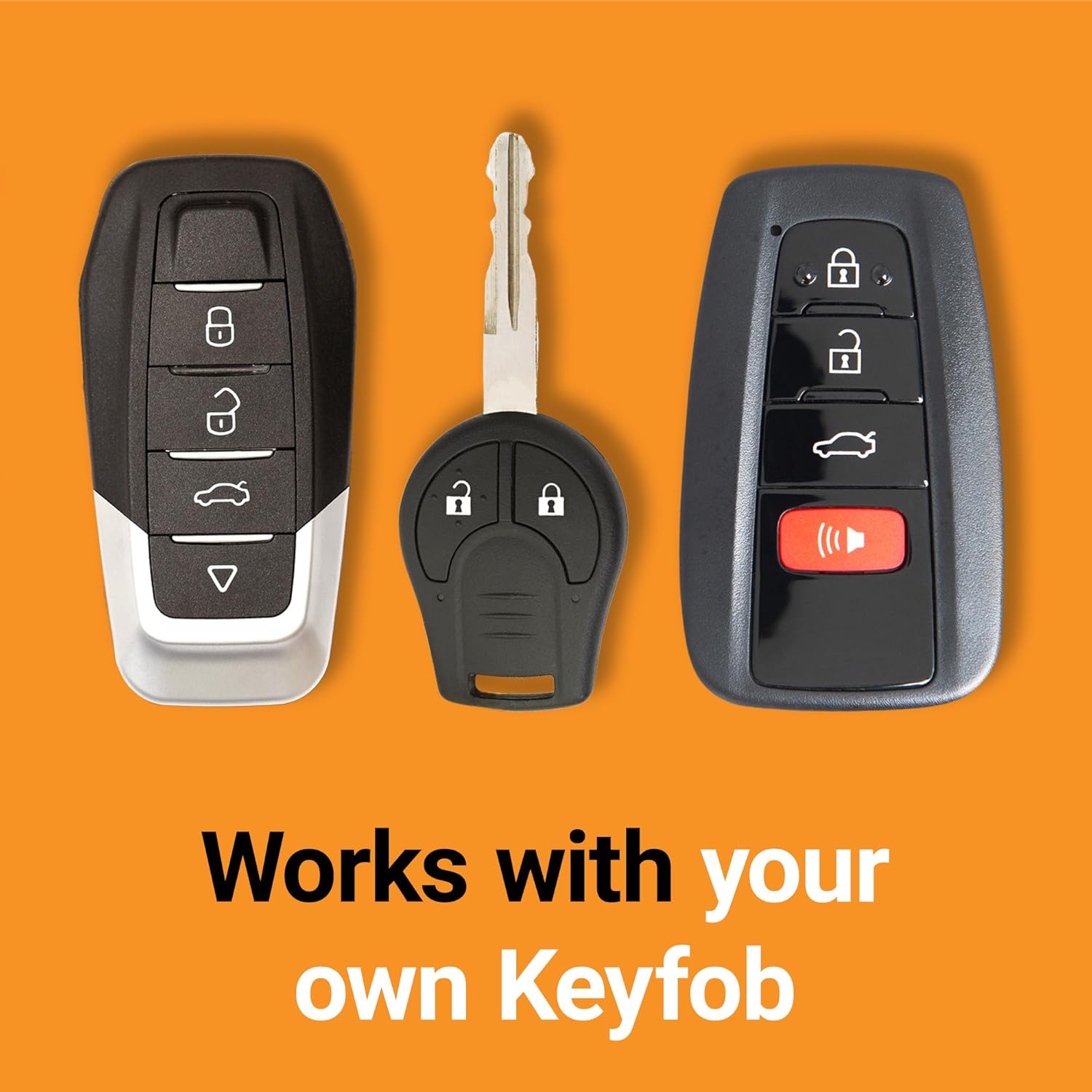
Image: Various Nissan key fobs, emphasizing that the kit works with your vehicle's original remote.
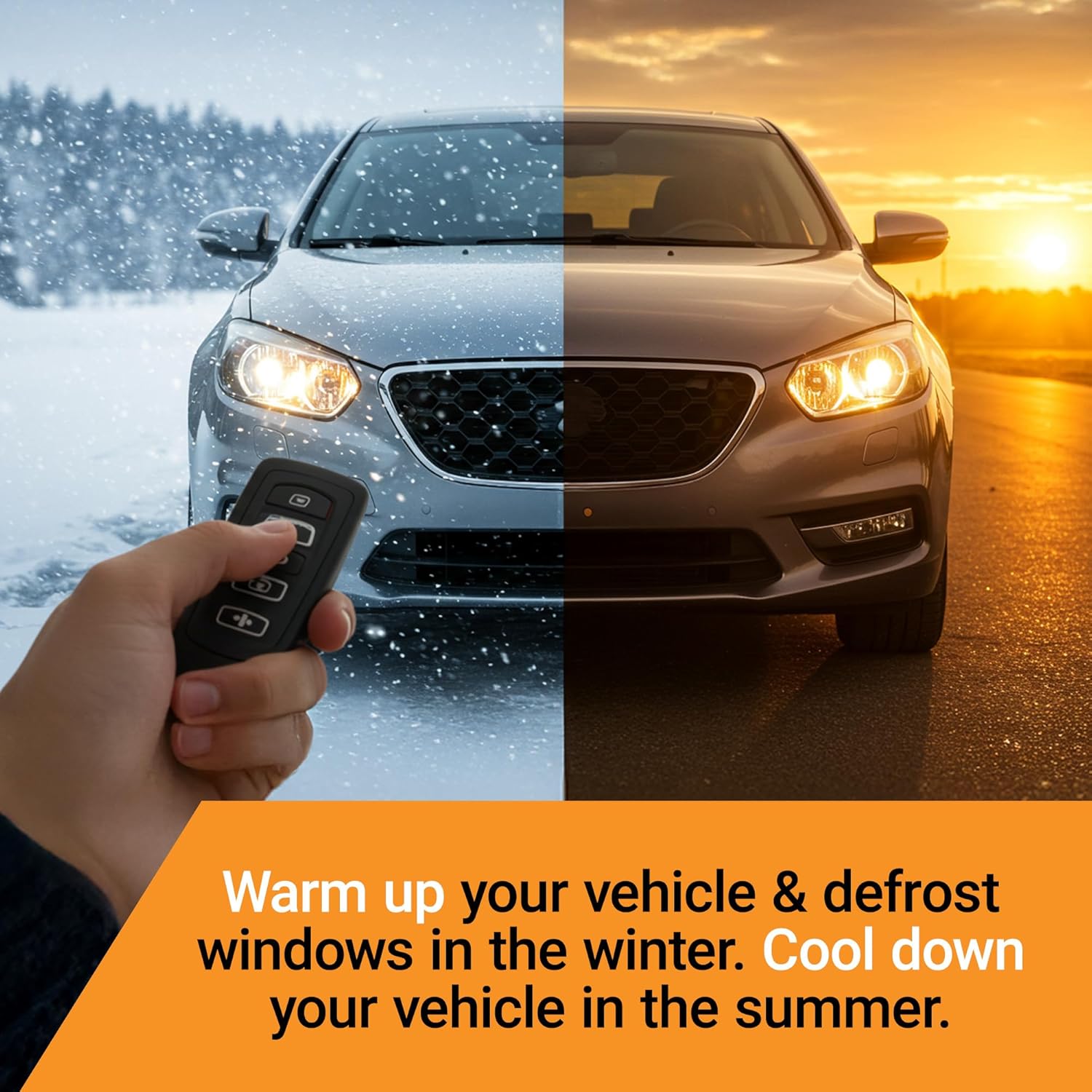
Image: Illustrates the benefit of remote start for warming up in winter and cooling down in summer.
Maintenance
The Start-X remote start module is designed for maintenance-free operation. Ensure all connections remain secure and free from moisture or physical damage. Periodically check the wiring for any signs of wear or loosening.
- Keep your factory remote dry and avoid extreme temperatures to prolong its battery life.
- If you experience a decrease in remote range, consider replacing the battery in your factory key fob.
Troubleshooting
If you encounter issues with your remote starter, try the following common troubleshooting steps:
- Remote Start Not Activating:
- Ensure your vehicle is compatible (no immobilizer, key ignition, automatic, gas).
- Verify the factory remote battery is not low.
- Confirm all T-harness connections are fully seated and secure.
- Check if the module was correctly programmed according to the guide.
- Vehicle Shuts Down Immediately:
- This is a normal safety feature if a door is opened after remote starting.
- If it shuts down without opening a door, re-check all connections and programming.
- Reduced Remote Range:
- Replace the battery in your factory key fob.
- Ensure there are no obstructions between you and the vehicle.
For further assistance, please refer to the support section below.
Specifications
- Brand: Start-X
- Model Number: N5-NV-NO
- Item Weight: 1 pound
- Package Dimensions: 8 x 4 x 4 inches
- Compatibility: Nissan NV1500/NV2500/NV3500 (2012-2021) with key ignition, no immobilizer, automatic transmission, gas engine.
Warranty & Support
Start-X is committed to providing reliable products and excellent customer service. If you require technical assistance or have questions regarding your remote starter kit, our support team is available to help.
Video: Information regarding available technical support for remote starter products.
For details on product warranty and optional protection plans, please refer to your purchase documentation or contact Start-X customer service.


