
ZOMBIES CAT TF-T1101
Transformers TF-T11 True Wireless Earbuds User Manual
Model: TF-T1101 | Brand: ZOMBIES CAT
Introduction
Thank you for choosing the Transformers TF-T11 True Wireless Earbuds. These earbuds are designed to provide a high-quality audio experience with advanced features such as Bluetooth 5.4 connectivity, noise-canceling microphone, and a unique rotary design. This manual will guide you through the setup, operation, and maintenance of your new earbuds.
What's in the Box
Please check the package contents to ensure all items are present:
- Type-C charging cable x 1
- User manual x 1
- Earbud Charging Case x 1
- In-Ear Earbuds x 2 (Left and Right)
Product Overview
The Transformers TF-T11 earbuds feature a distinctive design and advanced audio technology.

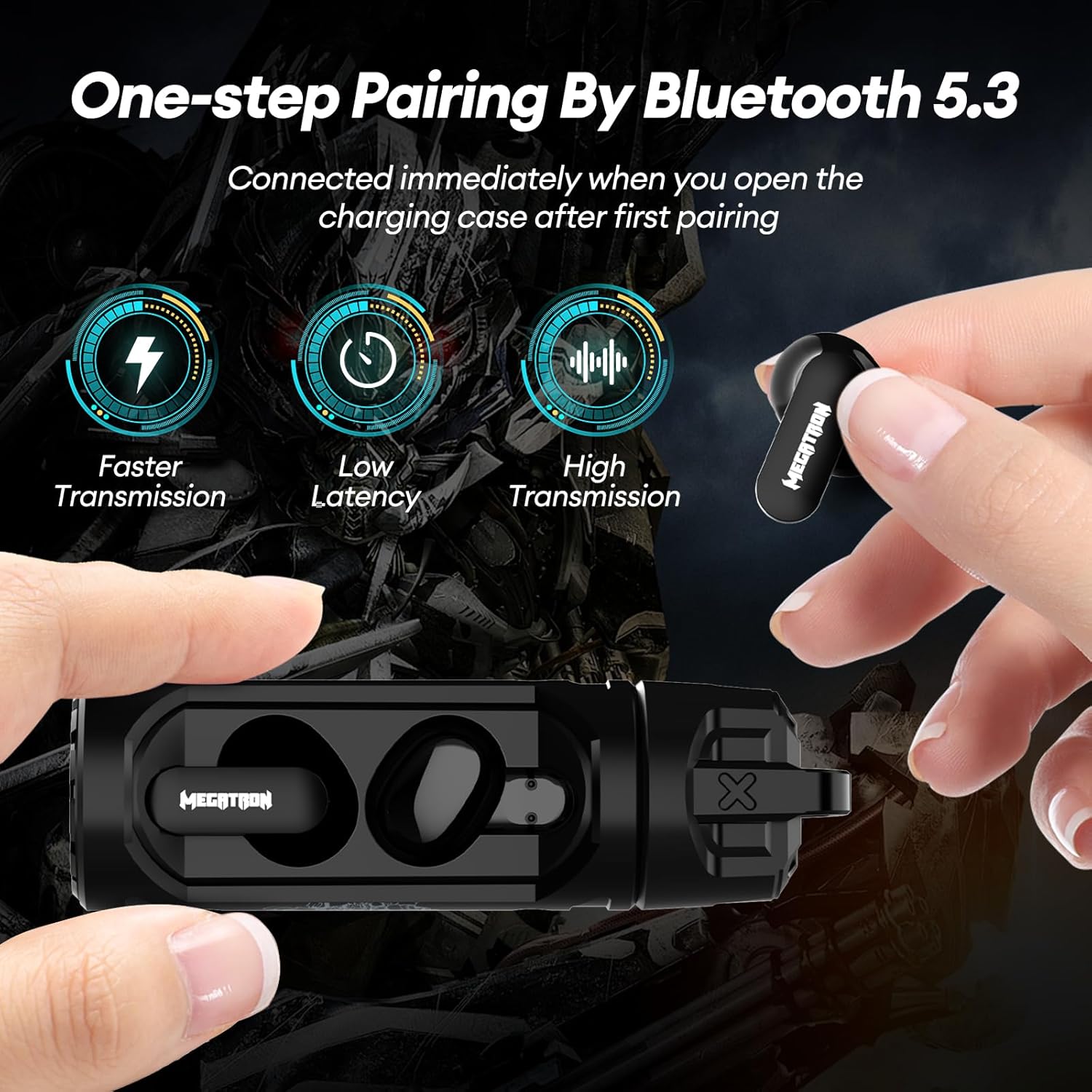

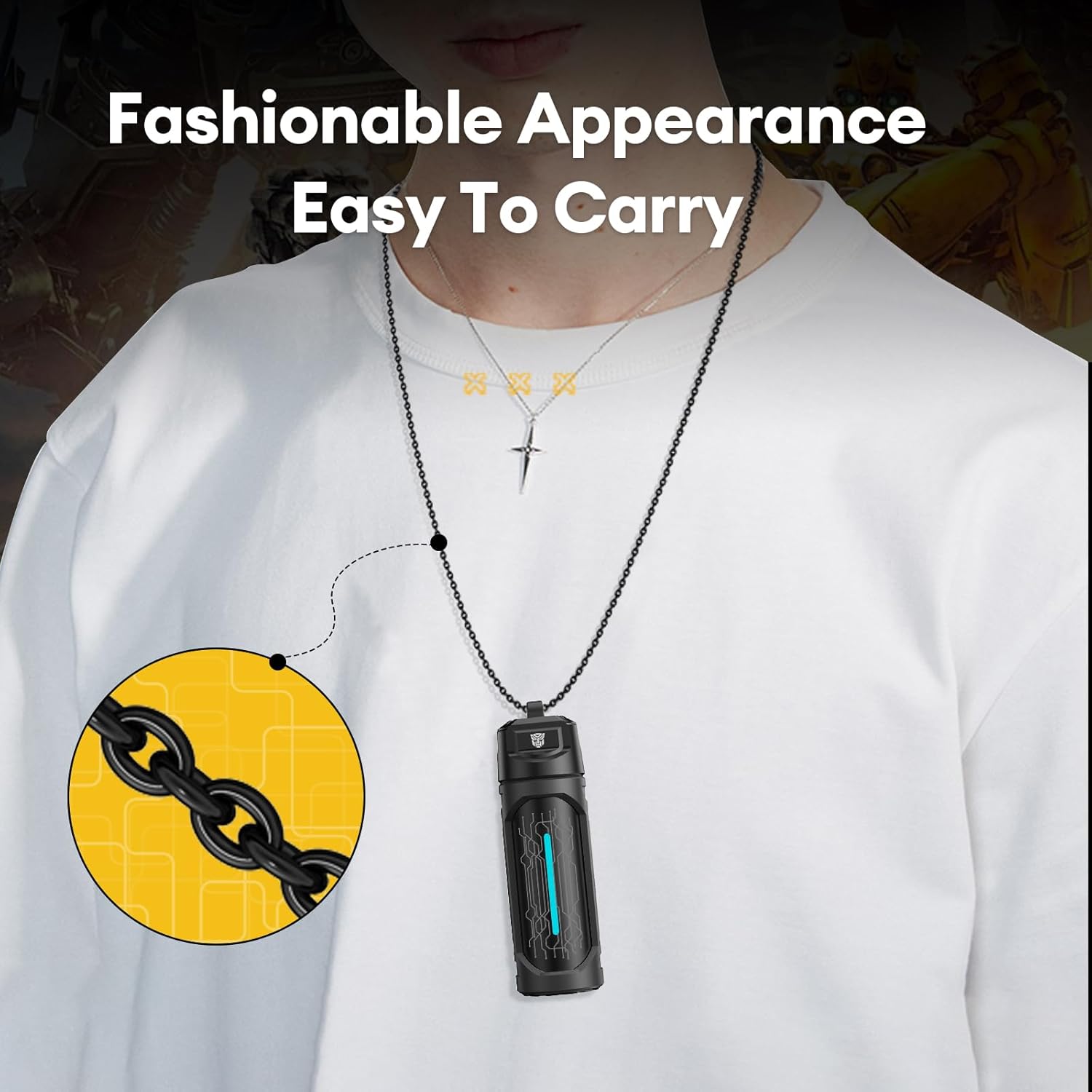
The earbuds are equipped with Bluetooth 5.4 for stable and fast connections, and an ENC noise-canceling microphone for clear calls.
Setup
First-Time Pairing
- Ensure the earbuds are charged (refer to the Charging section).
- Open the charging case. The earbuds will automatically power on and enter pairing mode.
- On your device (smartphone, tablet, laptop, smartwatch, etc.), enable Bluetooth.
- Search for "TF-T11" in the list of available Bluetooth devices.
- Select "TF-T11" to connect. You will hear a confirmation sound once paired successfully.
Once paired for the first time, the earbuds will automatically connect to your device when taken out of the charging case, provided Bluetooth is enabled on your device.
Operating Instructions
Touch Controls
The TF-T11 earbuds feature smart touch controls for easy operation:
- Play/Pause: Single tap on either earbud.
- Next Track: Double tap the right earbud.
- Previous Track: Double tap the left earbud.
- Answer/End Call: Single tap on either earbud during an incoming call.
- Reject Call: Press and hold either earbud for 2 seconds during an incoming call.
- Activate Voice Assistant: Triple tap on either earbud.
- Volume Up: Press and hold the right earbud.
- Volume Down: Press and hold the left earbud.
Gaming/Music Dual Modes
The TF-T11 earbuds offer a sensitive switch between Gaming and Music modes:
- To switch modes, hold the right earbud's touch button for 2 seconds.
- You will hear a prompt tone indicating "music mode" or "game mode."
- In Game Mode, the earbuds enhance audio cues like footsteps and gunshots for an immersive gaming experience.
- In Music Mode, the audio profile is optimized for rich and balanced music playback.
Charging
The TF-T11 earbuds come with a TYPE-C fast-charging case.
- Charging the Case: Connect the provided Type-C charging cable to the charging port on the case and to a USB power source. The LED indicator on the case will show charging status.
- Charging the Earbuds: Place the earbuds back into the charging case. They will automatically begin charging.
- Battery Life: Each earbud offers up to 5.5 hours of listening time on a single charge. The 300mAh charging case provides an additional 4 full charges, extending the total listening time to up to 30 hours.
- Charging Time: Approximately 1.5 hours for a full charge.
Maintenance
To ensure the longevity and optimal performance of your TF-T11 earbuds, follow these maintenance guidelines:
- Cleaning: Regularly clean the earbuds and charging case with a soft, dry, lint-free cloth. Do not use harsh chemicals or abrasive materials.
- Storage: When not in use, store the earbuds in their charging case to protect them from dust and damage.
- Water Resistance: The earbuds are rated as waterproof. However, avoid prolonged exposure to water or submersion. Dry them thoroughly if they get wet.
- Temperature: Avoid exposing the earbuds to extreme temperatures (hot or cold) or high humidity.
Troubleshooting
If you encounter any issues with your TF-T11 earbuds, try the following troubleshooting steps:
- No Sound/Connection Issues:
- Ensure earbuds are charged.
- Make sure Bluetooth is enabled on your device and "TF-T11" is selected.
- Try unpairing and re-pairing the earbuds.
- Restart your device.
- One Earbud Not Working:
- Place both earbuds back into the charging case, close the lid, wait a few seconds, then take them out again.
- Ensure both earbuds are charged.
- Charging Case Not Charging:
- Check the Type-C cable and power adapter.
- Ensure the charging port is clean and free of debris.
If the issue persists, please refer to the Support section for further assistance.
Specifications
| Feature | Specification |
|---|---|
| Model Name | TF-T1101 |
| Brand | ZOMBIES CAT |
| Connectivity Technology | Wireless (Bluetooth 5.4) |
| Ear Placement | In-Ear |
| Noise Control | Passive Noise Cancellation |
| Sensitivity | 112.5 dB |
| Impedance | 32 Ohm |
| Charging Time | 1.5 Hours |
| Total Playtime (with case) | Up to 30 Hours |
| Earbud Playtime (single charge) | Up to 5.5 Hours |
| Charging Case Battery Capacity | 300mAh |
| Maximum Operating Distance | 10 Meters |
| Control Type | Smart Touch |
| Water Resistance Level | Waterproof |
| Material | Plastic Alloys |
| Compatible Devices | iPhone, Android (most Bluetooth-enabled devices) |
Safety Information
Please read the following safety precautions carefully before using your earbuds:
- Do not disassemble, repair, or modify the product.
- Keep the earbuds and charging case away from extreme heat, direct sunlight, and moisture.
- Avoid listening at high volume levels for extended periods to prevent hearing damage.
- Do not use the earbuds in situations where inability to hear ambient sounds could be dangerous (e.g., driving, cycling, walking in traffic).
- Keep out of reach of children and pets.
Warranty and Support
Your Transformers TF-T11 earbuds come with a standard manufacturer's warranty. For detailed warranty information, please refer to the warranty card included in your package or contact your retailer.
For technical support, troubleshooting assistance, or any other inquiries, please contact ZOMBIES CAT customer service through the contact information provided on their official website or your purchase platform.
Related documentsTF-T1101


Ask a question about this manual
Ask about setup, troubleshooting, compatibility, parts, safety, or missing instructions. Manuals+ will review the question and use this page’s manual context to help answer it.