
CANDY CSO 696TWM6-80
Candy Smart Pro Inverter 9 kg 1600rpm Washing Machine User Manual
Model: CSO 696TWM6-80
1. Important Safety Information
Please read this manual carefully before installing and using your washing machine. Keep it for future reference.
General Safety
- Ensure the appliance is disconnected from the power supply before any cleaning or maintenance.
- Do not allow children or persons with reduced physical, sensory or mental capabilities, or lack of experience and knowledge to use the appliance without supervision.
- Keep pets and children away from the appliance when it is in operation.
Electrical Safety
- The appliance must be earthed.
- Do not use extension cords or multiple adapters.
- Do not pull the power cord to disconnect the plug. Always grasp the plug firmly.
Water Safety
- Ensure water hoses are correctly connected and tightened to prevent leaks.
- Do not operate the machine if there is a visible leak.
2. Product Overview
The Candy Smart Pro Inverter washing machine is designed for efficient and convenient laundry care. It features an innovative Speed-Drive Motor and Quick&Clean system for fast and effective washing.


Key Features:
- Speed-Drive Motor: Enhances washing performance and reduces cycle times.
- Quick&Clean System: Allows for a full load wash in as little as 39 minutes.
- Inverter Technology: Provides quiet operation and energy efficiency.
- Smart Connectivity: Control and monitor your machine via a smartphone app (Wi-Fi enabled).
3. Setup and Installation
Proper installation is crucial for the safe and efficient operation of your washing machine.
Unpacking and Transit Bolt Removal
Before use, remove all transit bolts located at the rear of the machine. These bolts secure the drum during transport and must be removed to prevent damage during operation.
Levelling the Machine
Use a spirit level to ensure the machine is perfectly level. Adjust the adjustable feet at the bottom of the machine until it is stable and does not wobble.
Water Connection
- Connect the cold water inlet hose to a cold water tap with a 3/4" thread.
- Ensure the drain hose is securely placed into a standpipe or hooked over the edge of a sink, ensuring it is not kinked.
Electrical Connection
Plug the machine into a grounded electrical outlet. Ensure the voltage and frequency match the specifications on the rating plate of the appliance.
First Use / Calibration Wash
Before washing clothes, run an empty wash cycle at 60°C with a small amount of detergent to clean the drum and remove any manufacturing residues.

4. Operating Instructions
Follow these steps for optimal washing results.
Loading Laundry
- Sort laundry by fabric type, color, and degree of soiling.
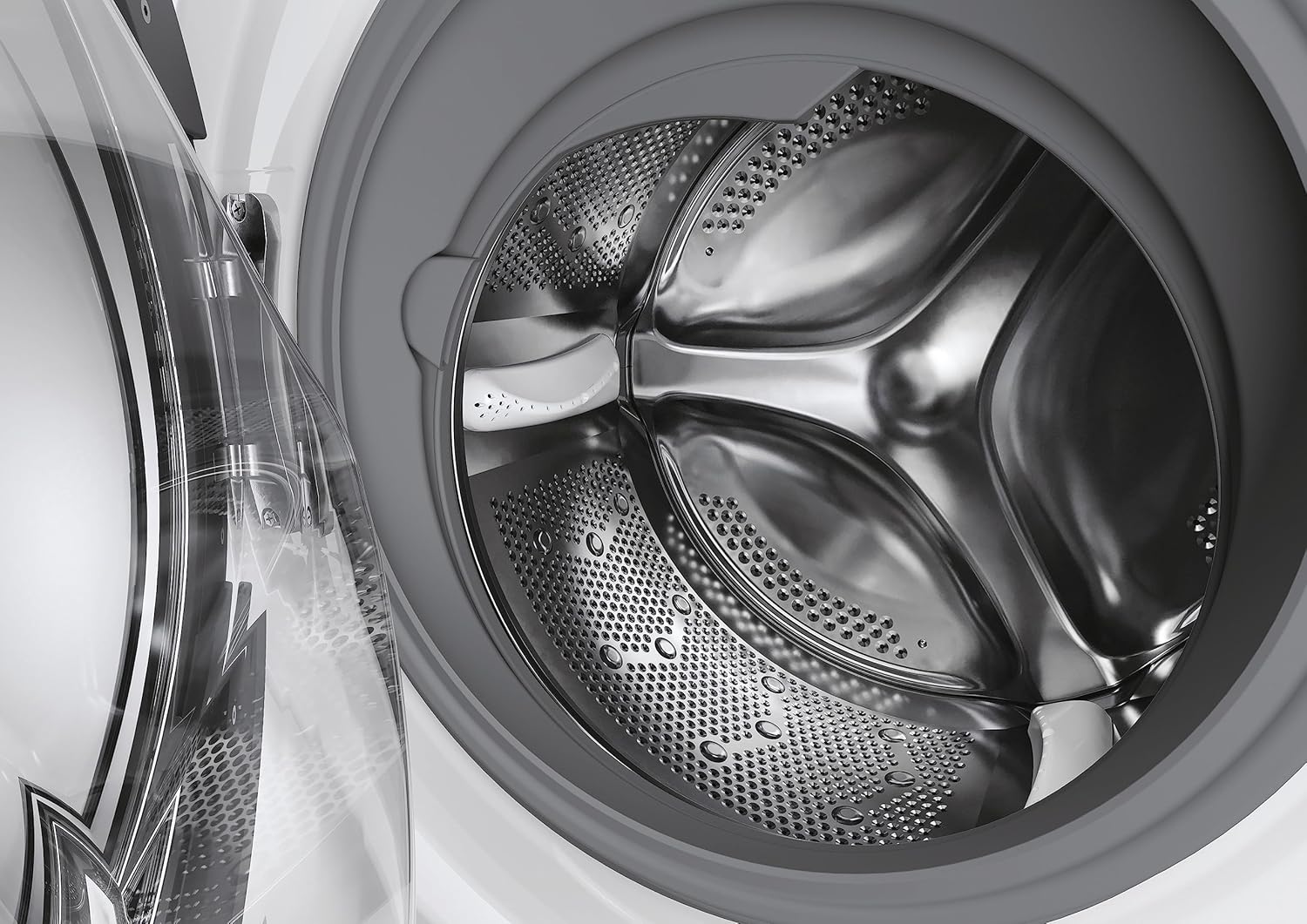
- Open the door and load the laundry into the drum, ensuring not to overload the machine. Leave enough space for clothes to tumble freely.
Adding Detergent and Additives
Pull out the detergent dispenser drawer and add the appropriate amount of detergent and fabric softener to the designated compartments.

Selecting a Program
Turn the program selector dial to choose the desired wash program based on your laundry type. The display will show the default temperature and spin speed for the selected program.
Adjusting Options
Use the option buttons to modify the program settings, such as temperature, spin speed, or to add functions like pre-wash or extra rinse.
Starting a Wash Cycle
Press the 'Start/Pause' button to begin the wash cycle. The machine will automatically adjust water levels and cycle duration based on the load.
Smart Features (Wi-Fi Connectivity)
This machine can be connected to the Candy Simply-Fi app via Wi-Fi. Download the app to access additional programs, monitor cycles, and receive notifications.
5. Programs and Options
The Candy Smart Pro Inverter offers a variety of programs and options to suit different laundry needs.
Common Wash Programs:
- Cotton: For heavily soiled cottons, whites, and colored items.
- Synthetics: For synthetic or mixed fabrics.
- Delicates: For delicate items requiring gentle care.
- Wool/Hand Wash: For woolens and hand-washable items.
- Quick Wash (39 min): For lightly soiled items needing a fast wash.
- Rinse: For rinsing and spinning items.
- Spin: For draining water and spinning laundry.
Available Options:
- Temperature: Adjust the wash temperature.
- Spin Speed: Select the desired spin speed (up to 1600 RPM).
- Pre-wash: Adds an extra pre-wash cycle for heavily soiled items.
- Extra Rinse: Adds an additional rinse cycle.
- Easy Iron: Reduces creasing for easier ironing.
- Delay Start: Delays the start of the wash cycle.
6. Maintenance and Cleaning
Regular maintenance ensures the longevity and performance of your washing machine.
Cleaning the Detergent Dispenser
Periodically remove and clean the detergent dispenser drawer under running water to prevent residue buildup.
Cleaning the Drum
Run a maintenance wash (e.g., a hot cycle with no laundry and a descaling agent) every few months to clean the drum and remove any odors or residue.
Cleaning the Filter
Locate the filter at the bottom front of the machine. Open the cover, drain any residual water, and unscrew the filter. Clean it thoroughly and reinsert.
Cleaning the Exterior
Wipe the exterior surfaces with a soft, damp cloth. Do not use abrasive cleaners or solvents.
7. Troubleshooting
Refer to this section for common issues and their solutions.
| Problem | Possible Cause | Solution |
|---|---|---|
| Machine does not start | No power supply; Door not closed properly; Program not selected. | Check power plug and fuse; Ensure door is firmly closed; Select a program and press Start. |
| Water not filling | Water tap closed; Inlet hose kinked; Water pressure too low. | Open water tap; Straighten hose; Check household water pressure. |
| Water not draining | Drain hose kinked or blocked; Filter blocked. | Straighten or clear drain hose; Clean the pump filter. |
| Excessive vibration/noise | Transit bolts not removed; Machine not level; Laundry unevenly distributed. | Remove transit bolts; Adjust feet to level machine; Redistribute laundry in drum. |
| Detergent residue in dispenser | Too much detergent; Water pressure too low; Dispenser blocked. | Use less detergent; Check water pressure; Clean dispenser drawer. |
| Door not opening | Cycle not finished; Water still in drum; Safety lock engaged. | Wait for cycle to complete; Run a drain cycle; Wait a few minutes for safety lock to disengage. |
8. Specifications
Detailed technical specifications for your Candy Smart Pro Inverter washing machine.
| Feature | Specification |
|---|---|
| Brand | CANDY |
| Model Number | CSO 696TWM6-80 |
| Capacity | 9 Kilograms |
| Maximum Rotational Speed | 1600 RPM |
| Product Dimensions (HxWxD) | 85 x 60 x 54 cm |
| Item Weight | 63 kg |
| Noise Level (Spin) | 78 dB |
| Annual Energy Consumption | 45 Kilowatt Hours |
| Voltage | 240 Volts |
| Material Type | ABS |
| Installation Type | Freestanding |
| Special Features | Inverter |
| Included Components | Machine, User Manual, Energy Label, Pipes |


9. Warranty and Support
Your Candy Smart Pro Inverter washing machine comes with a manufacturer's guarantee.
Warranty Information
The minimum duration of the guarantee offered by the supplier is 12 months from the date of purchase. Please retain your proof of purchase for warranty claims.
Customer Support
For technical assistance, spare parts, or service requests, please refer to the contact information provided with your purchase documentation or visit the official Candy website for support resources.
Related documentsCSO 696TWM6-80


Ask a question about this manual
Ask about setup, troubleshooting, compatibility, parts, safety, or missing instructions. Manuals+ will review the question and use this page’s manual context to help answer it.