
Introduction
Thank you for choosing Inspireyes GL-526 Rechargeable Kids Walkie Talkies. This manual provides essential information for the safe and effective use of your new two-way radios. These walkie talkies are designed for clear, long-range communication, featuring a rechargeable battery and user-friendly controls, making them suitable for various indoor and outdoor activities.
An overview video showcasing the Inspireyes rechargeable walkie talkies, highlighting their features and suitability for children aged 3-12.
Product Overview
Key Features
- Rechargeable Battery: Built-in lithium polymer battery provides up to 48 hours of playtime and 7 days of standby on a single charge.
- Ergonomic Design: Lightweight (87g) and shaped for small hands, with an easy-to-use left-side push-to-talk button.
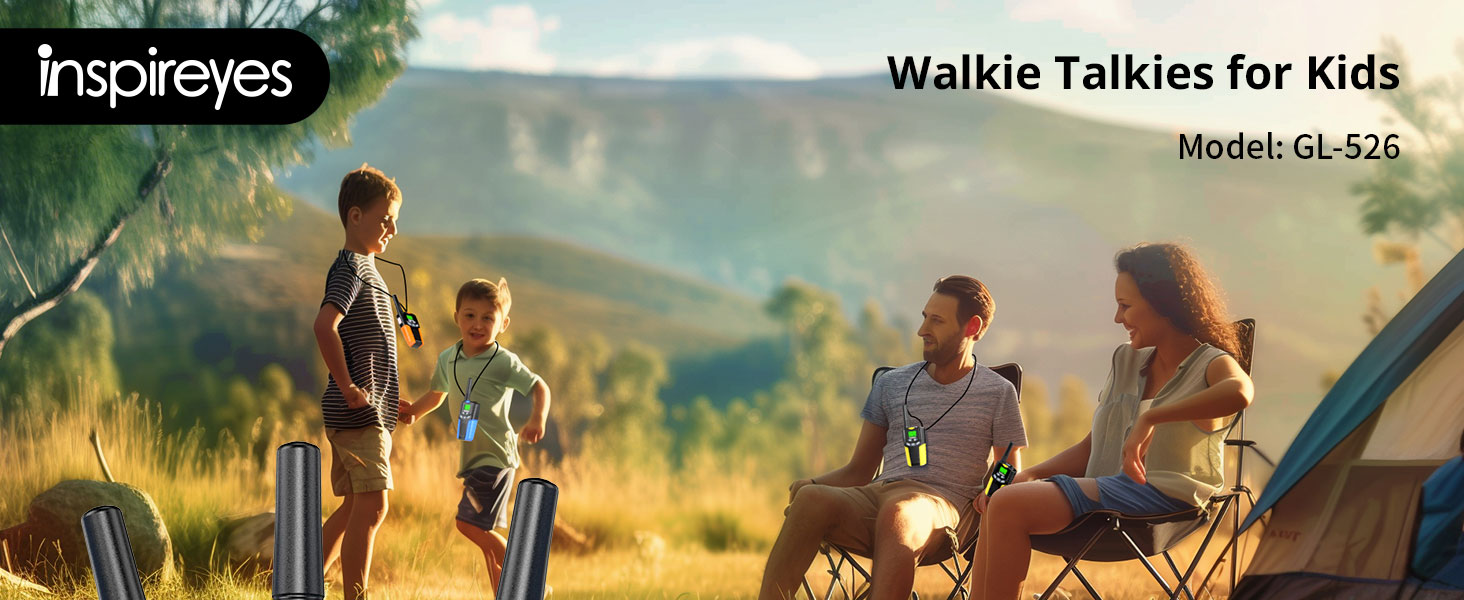
- Clear Sound & Long Range: Offers 22 channels with a range of up to 3 miles in open areas, and 0.5 to 1 mile in typical environments.
- Hands-Free VOX Function: Allows speaking without pressing buttons, ideal for active play.
- Backlit LCD Screen: Ensures visibility during both day and night.
- Secure Communication: 22 channels and 99 sub-codes (CTCSS/DCS) for private conversations, reducing interference.
What's in the Box
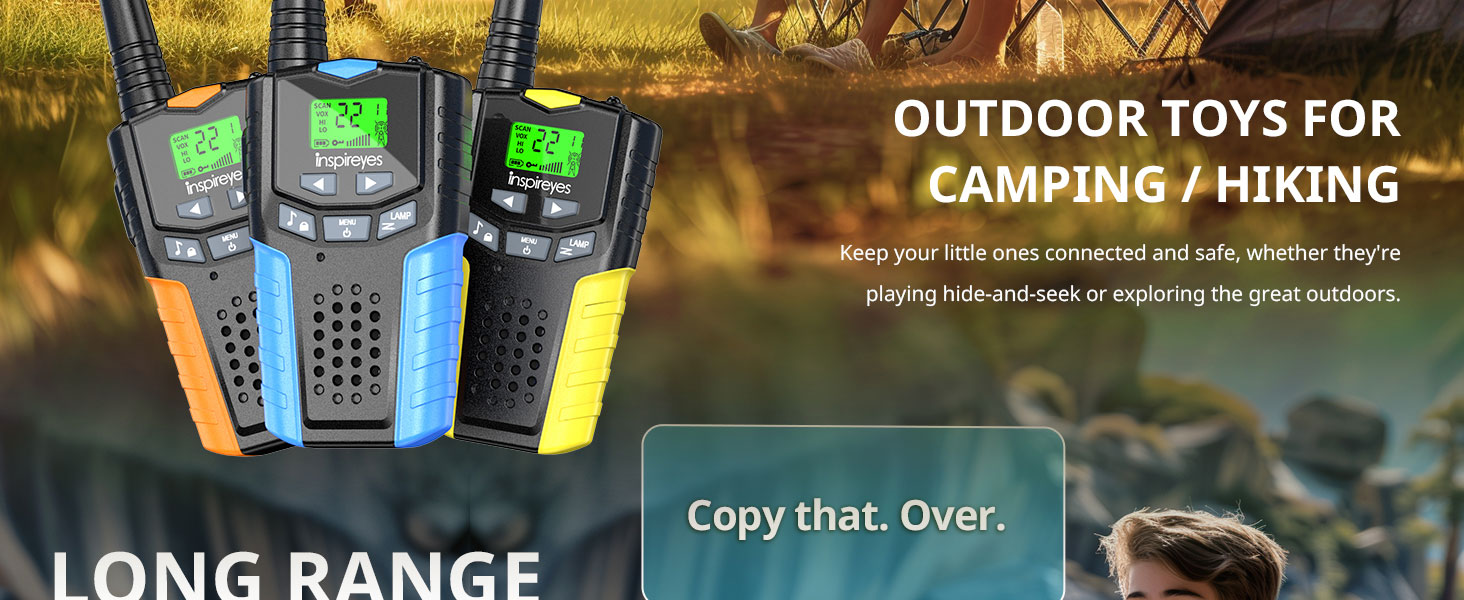
- 3 Walkie Talkies
- 3 Type-C Charging Cables
- 3 Lanyards
- 1 User Manual

The package includes three Inspireyes walkie talkies, three USB Type-C charging cables, and three lanyards for convenient carrying.
Important Safety Information
- Choking Hazard: Small parts. Not for children under 3 years.
- Battery Safety: Use only the provided Type-C charging cables. Do not attempt to open or replace the internal battery.
- Water Resistance: These walkie talkies are not water resistant. Avoid exposure to water or moisture.
- Hearing Protection: Avoid prolonged use at maximum volume to prevent hearing damage.
- Supervision: Adult supervision is recommended during use, especially for younger children.
Getting Started
This video demonstrates how to set up your Inspireyes walkie talkies, including powering them on, selecting the main channel and sub-channel, and attaching the lanyard and belt clip for immediate use.
Charging the Walkie Talkies
- Connect the provided Type-C charging cable to the charging port on the walkie talkie.
- Plug the other end of the cable into a compatible USB power source (e.g., wall adapter, computer USB port).
- The battery indicator on the LCD screen will show charging status. A full charge provides up to 48 hours of continuous use or 7 days of standby.
The walkie talkies feature convenient USB Type-C charging, providing up to 48 hours of continuous use and 7 days of standby time.
Powering On/Off
- To power on, long-press the MENU button until the screen lights up.
- To power off, long-press the MENU button again until the screen turns off.
Setting Channels and Sub-Codes
For successful communication, all walkie talkies must be set to the same main channel and sub-code.
- Short-press the MENU button to enter channel selection mode. The channel number will flash.
- Use the Up (▲) or Down (▼) buttons to select your desired main channel (1-22).
- Short-press MENU again to confirm the main channel and move to sub-code setting. The sub-code will flash.
- Use the Up (▲) or Down (▼) buttons to select your desired sub-code (0-99).
- Press the PTT (Push-to-Talk) button on the side to confirm the sub-code and exit the menu.
Attaching Lanyard and Belt Clip
- To attach the lanyard, thread the small loop of the lanyard through the designated loop at the top of the walkie talkie.
- To attach the belt clip, align the clip with the grooves on the back of the walkie talkie and push it upwards until it clicks securely into place.
Operating Your Walkie Talkies
Push-to-Talk (PTT) Communication
- To transmit, press and hold the PTT button on the left side of the walkie talkie.
- Speak clearly into the microphone, located near the top of the unit.
- Release the PTT button to stop transmitting and listen for a response.
VOX Hands-Free Mode
The Voice Operated Exchange (VOX) function allows you to transmit without pressing the PTT button.
- Short-press MENU twice to enter VOX setting mode. The VOX icon will flash.
- Use the Up (▲) or Down (▼) buttons to select a VOX sensitivity level (1-3, with 3 being most sensitive). Select 'OF' to turn VOX off.
- Press the PTT button to confirm and exit.
The VOX hands-free function allows for communication without pressing the PTT button, ideal for activities like biking or climbing.
Using the Built-in Flashlight
- To turn on the flashlight, short-press the LAMP button.
- Short-press the LAMP button again to turn it off.
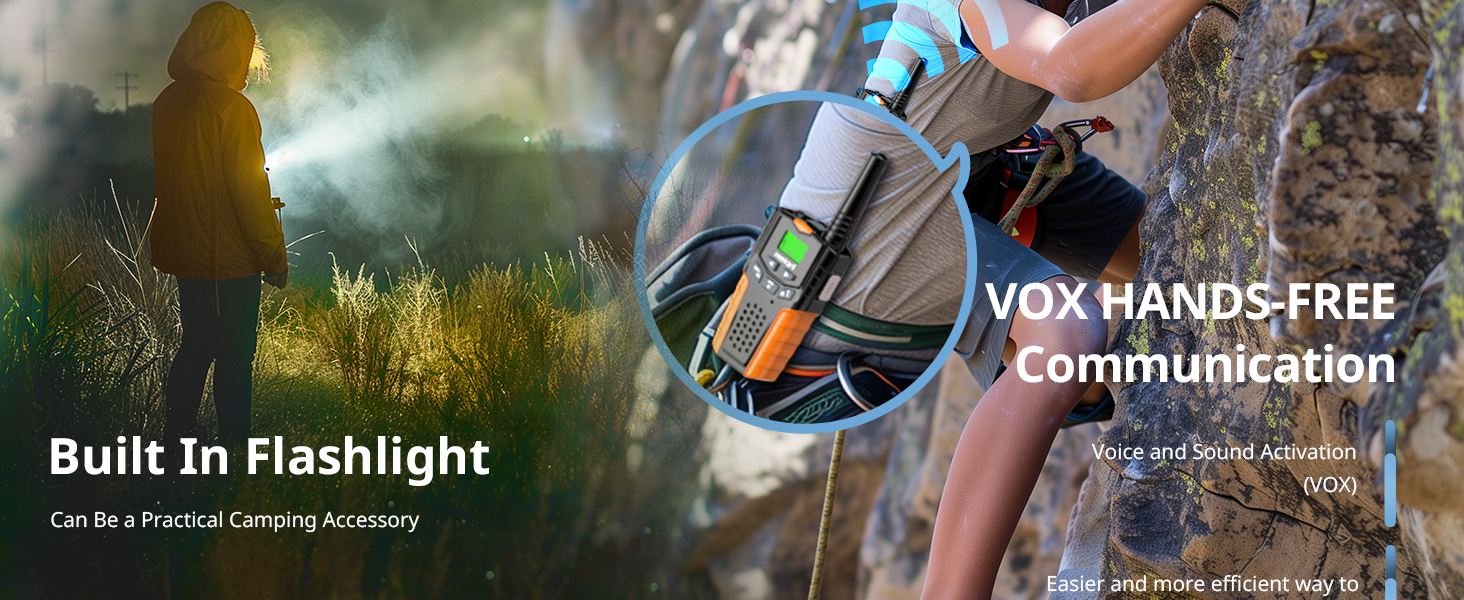
Each walkie talkie includes a built-in flashlight, useful for nighttime play or as a practical camping accessory.
Range and Environment
The walkie talkies offer a maximum range of 3 miles in open, unobstructed areas. In typical environments with partial obstructions, the range is approximately 0.5 to 1 mile. Physical barriers such as hills, dense foliage, or buildings can significantly reduce the effective communication range.

Experience clear sound and long-range communication up to 3 miles in open areas, ensuring stable connection during outdoor adventures.
Care and Maintenance
- Cleaning: Wipe the walkie talkies with a soft, damp cloth. Do not use harsh chemicals or abrasive cleaners.
- Storage: Store in a cool, dry place away from direct sunlight and extreme temperatures when not in use.
- Battery Care: To prolong battery life, avoid fully discharging the units frequently. Charge regularly, even if not in constant use.
- Avoid Drops: While durable, excessive drops or impacts can damage the internal components.
Troubleshooting Guide
| Problem | Possible Cause | Solution |
|---|---|---|
| No power | Low battery; Unit not turned on. | Charge the walkie talkie; Long-press the MENU button to power on. |
| Cannot communicate | Different channels/sub-codes; Out of range; Obstructions. | Ensure all units are on the same channel and sub-code; Move closer to the other unit; Find a clearer line of sight. |
| Sound is unclear or distorted | Weak signal; Interference; Low battery. | Move closer to the other unit; Change channels/sub-codes; Charge the battery. |
| Walkie talkie makes a constant beep | VOX mode is too sensitive or active. | Adjust VOX sensitivity or turn off VOX mode in the menu settings. |
| Short communication range | Environmental obstructions (buildings, hills); Low battery. | Move to an open area; Ensure batteries are fully charged. |
Technical Specifications
- Brand: Inspireyes
- Model Number: GL-526
- Number of Channels: 22
- Frequency Range: 462.5625-462.7125 MHz
- Talking Range Maximum: 3 Miles (open areas)
- Battery Type: 1 Lithium Polymer battery (included)
- Battery Average Life: 48 Hours (continuous use)
- Voltage: 3.7 Volts
- Item Weight: 80 Grams
- Water Resistance Level: Not Water Resistant
Warranty and Customer Support
Your Inspireyes GL-526 Walkie Talkies come with a 1-Year Warranty from the date of purchase. This warranty covers manufacturing defects and ensures your product is free from material and workmanship flaws under normal use.
For warranty claims, technical support, or any questions regarding your product, please contact Inspireyes customer service through the retailer where the product was purchased. Please retain your proof of purchase for warranty validation.


