
Introduction
This manual provides detailed instructions for the Yoidesu BL02 Language Translator Earbuds. Please read this manual carefully before using the device to ensure proper operation and to maximize its features. The BL02 earbuds offer real-time language translation, high-fidelity audio, and a comfortable design for various applications.
Product Overview

Image: The Yoidesu BL02 Language Translator Earbuds shown within their transparent charging case, with the lid open.
The Yoidesu BL02 are advanced language translator earbuds featuring Bluetooth 5.3 connectivity, support for over 144 languages, and intelligent noise reduction. They are designed for efficient communication and high-quality audio playback.

Image: A display of the BL02 Language Translator Earbuds and their charging cases available in White, Skin Color, and Black variants.
Setup
1. Charging the Earbuds and Case
Before first use, ensure both the earbuds and the charging case are fully charged. Place the earbuds into the charging case. Connect the charging case to a power source using a compatible USB cable.

Image: The BL02 charging case with text indicating 1.5 hours for fast charging, 48 hours of life with charging pods, and 90 days of standby time with the charging pod.
- Earbuds: Built-in 30mAh*2 Li-ion battery.
- Charging Compartment: Built-in 250mAh Li-ion battery.
- Fast Charging: Approximately 1.5 hours.
- Battery Life: Up to 48 hours with the charging case.
- Standby Time: Up to 90 days with the charging case.
2. App Installation
To utilize the translation features, download the dedicated application. Refer to the QR code or link provided in the physical manual included with your product for the correct application download.
3. Bluetooth Pairing
Once the earbuds are charged:
- Open the charging case. The earbuds will automatically enter pairing mode.
- On your smartphone or device, enable Bluetooth.
- Search for "BL02" or a similar device name in the list of available Bluetooth devices.
- Select "BL02" to connect. A voice prompt will confirm successful pairing.

Image: The BL02 earbuds next to a smartphone, illustrating Bluetooth V5.3 connectivity for high-speed and stable transmission with low latency.
The BL02 earbuds utilize Bluetooth 5.3 for a stable and high-performance connection, with latency as low as 50ms.
Operating Instructions
1. Language Translation Functionality
The BL02 supports over 144 languages for online translation. After pairing and opening the dedicated app:
- Open the translation application on your connected device.
- Select your native language and the target language within the app.
- Choose one of the three translation modes:

Image: Diagram illustrating the three primary translation modes: Touch Mode, External Mode, and Free Talk Mode, with descriptions for each.
- Touch Mode: Designed for two individuals. Each person wears one earbud. Tap or double-tap the earbud to initiate real-time translation. This mode is suitable for conversations with acquaintances.
- External Mode: For situations where only one person wears an earbud. The earbud wearer speaks, and the translation is played through the connected smartphone's speaker. The other person speaks into the phone's microphone, and the translation is heard by the earbud wearer. This mode is suitable for interacting with strangers.
- Free Talk Mode: Both individuals wear an earbud. This mode allows for continuous real-time translation without manual input, enabling hands-free conversation.
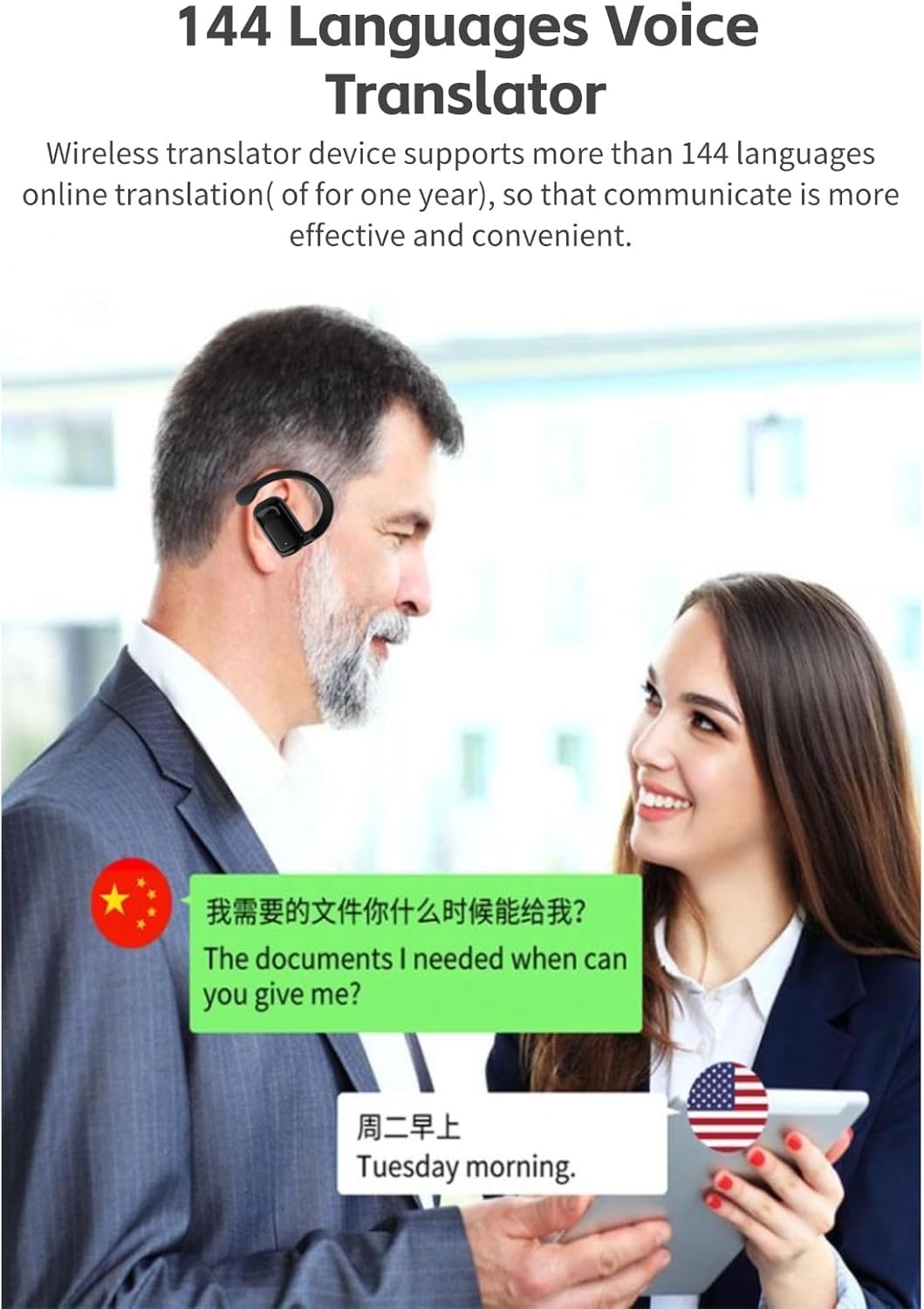
Image: Two individuals engaged in a conversation, with text bubbles demonstrating real-time translation between Chinese and English using the BL02 earbuds.
2. Multifunctional Touch Controls
The BL02 earbuds feature binaural fingerprint control, allowing you to manage various functions by touching the earbuds:
- Music Playback: Tap to play/pause, double-tap for next track, triple-tap for previous track (specific gestures may vary by app/device).
- Call Management: Tap to answer/end calls, long press to reject calls.
- Voice Assistant: Long press to activate your device's voice assistant (e.g., Siri, Google Assistant).
- Translation Activation: Specific gestures within the translation app will activate translation in the chosen mode.
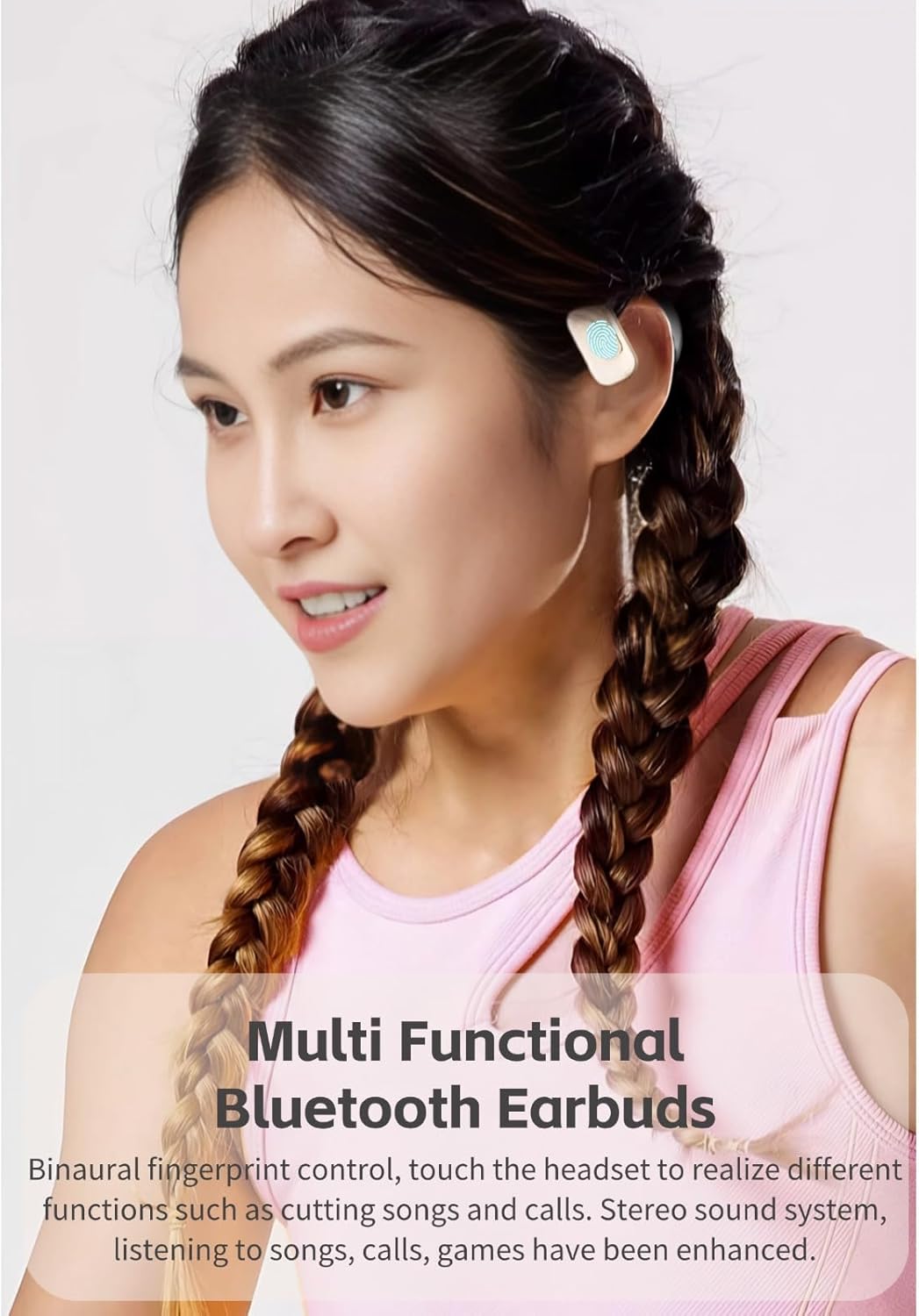
Image: A woman wearing a BL02 earbud, highlighting the multi-functional touch controls for music, calls, and other features.
3. Audio Features
The earbuds provide HiFi stereo sound with a graphene diaphragm and high-quality voice coil for professional triple-frequency tuning, enhancing listening experiences for music, calls, and games.

Image: An exploded view of the BL02 earbud's internal components, highlighting the graphene diaphragm and high-quality voice coil responsible for its sound performance.
Maintenance
- Cleaning: Use a soft, dry, lint-free cloth to clean the earbuds and charging case. Avoid using abrasive materials or harsh chemicals.
- Storage: When not in use, store the earbuds in their charging case to protect them and keep them charged. Store in a cool, dry place away from direct sunlight and extreme temperatures.
- Charging: Always use the provided charging cable or a certified equivalent. Avoid overcharging for extended periods.
- Water Resistance: The earbuds are not waterproof. Avoid exposure to water, rain, or excessive moisture.
Troubleshooting
Common Issues and Solutions:
- Earbuds not pairing:
- Ensure earbuds are charged.
- Turn off and on Bluetooth on your device.
- Place earbuds back in the case, close, then reopen to reset pairing mode.
- Forget "BL02" from your device's Bluetooth list and try pairing again.
- No sound or poor audio quality:
- Check device volume and earbud volume.
- Ensure earbuds are properly seated in your ears.
- Clean any debris from the earbud speakers.
- Reconnect the earbuds to your device.
- Translation not working or slow:
- Ensure your device has a stable internet connection.
- Verify the correct source and target languages are selected in the app.
- Check if the translation app requires updates.
- Ensure the app's subscription for translation services is active (mentioned as "of for one year" in product features, implying a limited free period).
- Speak clearly and at a moderate pace.
- Earbuds not charging:
- Ensure the charging cable is securely connected to both the case and the power source.
- Check if the charging case has power.
- Clean the charging contacts on both the earbuds and the case.
- Try a different charging cable or power adapter.
Specifications
| Model Number | BL02 (Yoidesusrpf718ym5-12) |
| Brand | Yoidesu |
| Bluetooth Version | 5.3 |
| Translation Languages | 144+ (online translation) |
| Translation Speed | 0.2 seconds |
| Earbud Battery Capacity | 30mAh x 2 (Li-ion) |
| Charging Case Battery Capacity | 250mAh (Li-ion) |
| Charging Time | Approx. 1.5 hours (Fast Charging) |
| Battery Life (with case) | Up to 48 hours |
| Standby Time (with case) | Up to 90 days |
| Item Weight | 3.67 ounces |
| Package Dimensions | 5.12 x 3.15 x 1.57 inches |
| Compatibility | Android, iOS, Windows |
Warranty and Support
Warranty Information
Specific warranty details for the Yoidesu BL02 Language Translator Earbuds are typically provided with the product packaging or can be obtained directly from the retailer or manufacturer at the time of purchase. Please retain your proof of purchase for warranty claims.
Customer Support
For further assistance, technical support, or inquiries regarding your Yoidesu BL02 earbuds, please contact Yoidesu customer service through their official website or the contact information provided in your product documentation.
You can visit the Yoidesu Store on Amazon for more information: Yoidesu Store