
1. Introduction
This manual provides essential information for the proper use and care of your AOHI 140W USB C to USB C Cable. This cable is designed for high-speed charging and data transfer, supporting Power Delivery (PD) 3.1 technology up to 140 Watts (28V/5A).
2. Product Features
- High Power Delivery: Supports up to 140W (28V/5A) charging with PD 3.1 technology, backward compatible with 100W USB C cables.
- Intelligent E-Marker Chip: Automatically identifies your device to match the required current for fast charging and includes safeguards against overcharging and overheating to protect your device's battery.
- Durable and Flexible Design: Constructed with a soft liquid silicone surface, offering a comfortable touch and tangle-free experience. Tested for over 25,000 bends to ensure long-lasting durability.
- Fast Data Transmission: Capable of data transfer speeds up to 480 Mbps. Note: This cable does not support video output or connection to external monitors.
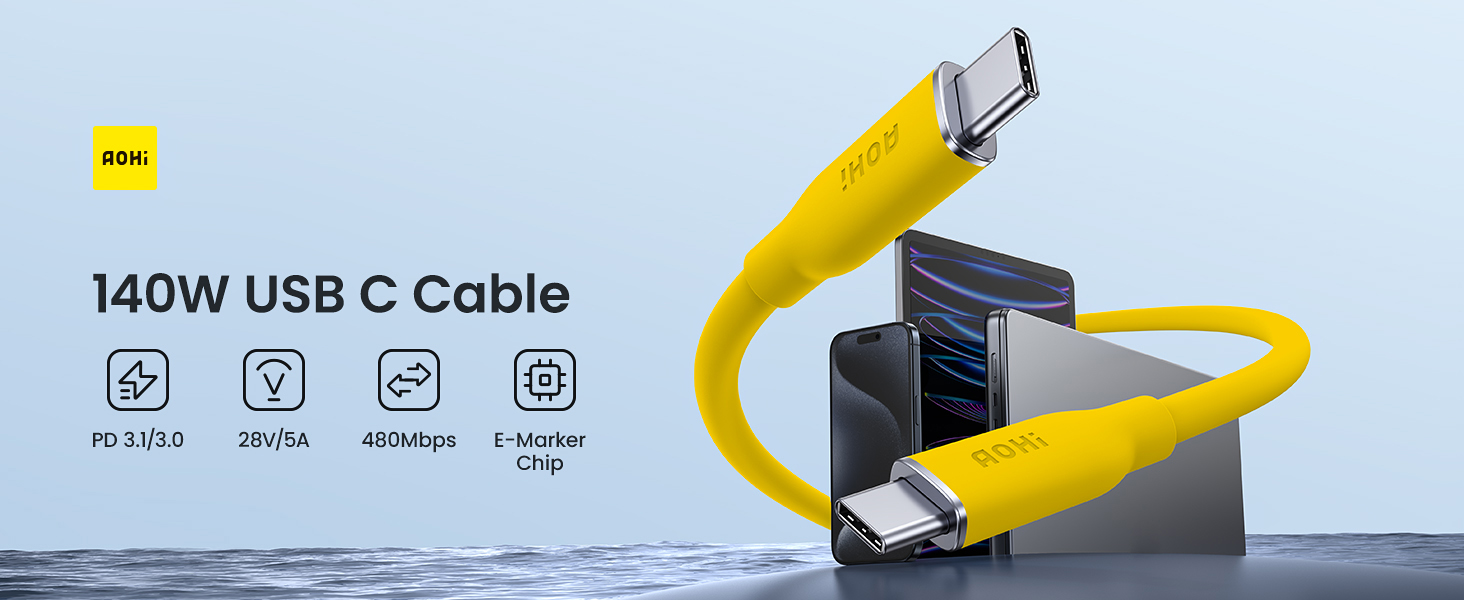
Image: The AOHI 140W USB C cable highlighting its PD 3.1 technology and 140W power delivery, with a comparison chart showing charging speeds for a MacBook Pro.
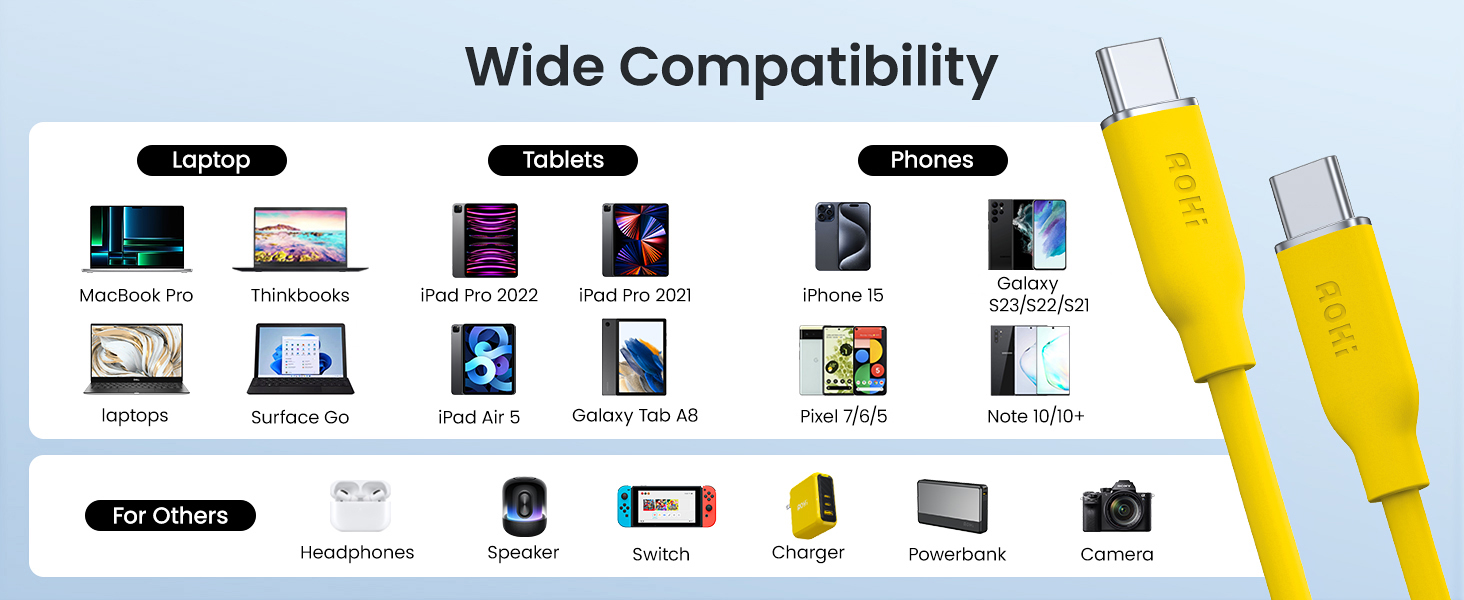
Image: A detailed diagram of the intelligent E-Marker chip, emphasizing its role in battery and overheat protection, contributing to safer and more efficient charging.

Image: The AOHI USB C cable, coiled and held in a hand, demonstrating its soft liquid silicone material, tangle-free design, and safe construction.

Image: The AOHI USB C cable bent into a tight curve, illustrating its exceptional flexibility and durability with a stated 25,000 bend lifespan.

Image: The AOHI USB C cable connected to a laptop and a smartphone, visually representing its 480 Mbps fast data transmission capability.
3. Setup
The AOHI 140W USB C to USB C Cable is designed for plug-and-play functionality. No special software or drivers are required for operation.
- Ensure both your charging device (e.g., wall adapter, power bank) and the device to be charged (e.g., laptop, smartphone) have USB-C ports.
- Connect one end of the AOHI USB C cable to the USB-C output port of your power source.
- Connect the other end of the AOHI USB C cable to the USB-C input port of your device.
- Verify that your device indicates it is charging or that data transfer has begun.
4. Operating Instructions
To achieve optimal charging and data transfer performance, ensure you use compatible devices and power adapters.
- For Fast Charging: Pair the AOHI 140W USB C cable with a power adapter that supports USB Power Delivery (PD) 3.1 and can output 140W or higher. Using a lower wattage adapter will result in slower charging speeds, limited by the adapter's output.
- For Data Transfer: Connect the cable between two USB-C enabled devices that support data transfer. The cable will facilitate data exchange at speeds up to 480 Mbps.
- Safety Features: The integrated E-marker chip actively monitors charging parameters to prevent overcharging and overheating. If an issue is detected, the chip will regulate or stop the charging process to protect your devices.
5. Compatibility
The AOHI 140W USB C to USB C Cable is widely compatible with a variety of USB-C enabled devices.
- Laptops: MacBook Pro/Air, Dell laptops, Thinkbooks, Surface Go, and other USB-C enabled laptops.
- Smartphones: iPhone 15 series (15/15 Plus/15 Pro/15 Pro Max), Samsung Galaxy S23/S22/S21 series, Google Pixel series (Pixel 7/6/5), Note 10/10+, and other USB-C smartphones.
- Tablets: iPad Pro/Air/Mini, Galaxy Tab A8, and other USB-C tablets.
- Gaming Consoles: Nintendo Switch, Steam Deck.
- Other Devices: Compatible with various USB-C accessories such as power banks, chargers, headphones, speakers, and cameras.

Image: The AOHI USB C cable displayed alongside various compatible devices, categorizing them into phones, tablets, and laptops, indicating its broad compatibility.

Image: A comprehensive visual representation of the AOHI USB C cable's wide compatibility, showing it can connect to laptops, tablets, phones, headphones, speakers, switches, chargers, power banks, and cameras.
6. Maintenance
Proper maintenance ensures the longevity and optimal performance of your AOHI USB C cable.
- Cleaning: Gently wipe the cable and connectors with a dry, soft cloth to remove dust or debris. Avoid using liquid cleaners or abrasive materials.
- Storage: Store the cable in a cool, dry place away from direct sunlight and extreme temperatures. The tangle-free design allows for easy coiling and storage.
- Handling: Avoid sharp bends, kinks, or excessive pulling on the cable, especially near the connectors. Always grasp the connector head when plugging or unplugging, not the cable itself.
- Inspection: Periodically inspect the cable and connectors for any signs of damage, such as fraying, cuts, or bent pins. Discontinue use if damage is observed.
7. Troubleshooting
If you encounter issues with your AOHI USB C cable, refer to the following common solutions:
- Device Not Charging:
- Ensure both ends of the cable are securely connected to the power source and the device.
- Verify that the power adapter is functioning correctly and is plugged into a live power outlet.
- Test the cable with another compatible device or power adapter to isolate the issue.
- Confirm that your device's USB-C port is clean and free of debris.
- Slow Charging:
- Ensure your power adapter supports USB PD 3.1 and provides sufficient wattage (e.g., 140W) for your device's fast charging requirements. Lower wattage adapters will charge slower.
- Close any power-intensive applications running on your device.
- Overheating:
- While the cable has built-in overheat protection, if you notice excessive heat from the cable or connected device, immediately disconnect the cable.
- Ensure you are using a certified and compatible power adapter.
- Avoid charging in poorly ventilated areas or under direct sunlight.
- Data Transfer Issues:
- Confirm that both connected devices support data transfer via their USB-C ports.
- Check device settings to ensure data transfer is enabled (e.g., USB mode set to 'File Transfer' instead of 'Charging Only').
8. Specifications
| Brand | AOHI |
| Model Number | AOC-L010 |
| Connector Type | USB Type C (Male-to-Male) |
| Cable Type | USB |
| Power Delivery | Up to 140W (28V/5A) with PD 3.1 |
| Data Transfer Rate | 480 Megabits Per Second |
| Cable Length | 3.3 feet |
| Outer Material | Silicone |
| Special Features | Data Transfer, Fast Charging, Lightweight, Short Circuit Protection, Tangle Free |
9. Warranty and Support
AOHI is committed to providing high-quality products and customer satisfaction.
- Return Policy: This product is eligible for a 30-day refund and an 18-month replacement policy.
- Customer Support: For any inquiries, technical assistance, or warranty claims, please contact AOHI's professional online support, available 24/7. Refer to the product packaging or the official AOHI website for contact details.
Image: A graphic detailing customer support options, including a 30-day refund, an 18-month replacement policy, and 24/7 professional online support.
