1. Product Overview
The LENVII D8800 is an omnidirectional, hands-free desktop 2D barcode scanner designed for efficient and automatic scanning. It connects via USB and is compatible with various operating systems, including Windows, Linux, and Mac OS. This scanner is capable of capturing both 1D and 2D barcodes from physical labels, paper, and digital screens, making it suitable for a wide range of applications such as retail, libraries, and payment processing.

Image 1.1: Front view of the LENVII D8800 Desktop 2D Barcode Scanner, showcasing its compact design and blue illuminated scanning window.
Key features include automatic image sensing for smart recognition, a plug-and-play setup requiring no additional drivers or software, and an adjustable head for flexible scanning angles. It is built with durable ABS material, offering drop resistance for longevity.
2. Setup Guide
2.1 Unpacking
Carefully remove the LENVII D8800 barcode scanner from its packaging. Ensure all components are present:
- LENVII D8800 Barcode Scanner unit
- Integrated USB Cable
- User Manual (this document)
2.2 Connection
The LENVII D8800 scanner is designed for simple plug-and-play operation. No software or driver installation is required for most operating systems.
- Locate an available USB port on your computer (Windows XP/7/8/10, Mac OS, Linux) or cash register system.
- Insert the USB cable from the scanner firmly into the USB port.
- The scanner will automatically power on and be recognized by your system. A confirmation sound or light may indicate successful connection.

Image 2.1: Illustration of the LENVII D8800 scanner connected via USB to a laptop, demonstrating its plug-and-play compatibility with Windows, Mac OS, and typical cashier systems.
3. Operating Instructions
3.1 Scanning Barcodes
The D8800 features an automatic sensing mode, allowing for hands-free operation. Simply present the barcode to the scanning window.
- Place the scanner on a stable surface.
- Hold the item with the barcode facing the scanner's window.
- Ensure the barcode is within the scanner's field of view. The scanner will automatically detect and read the barcode.
- A successful scan is typically indicated by a beep sound and/or a flash of light from the scanner.
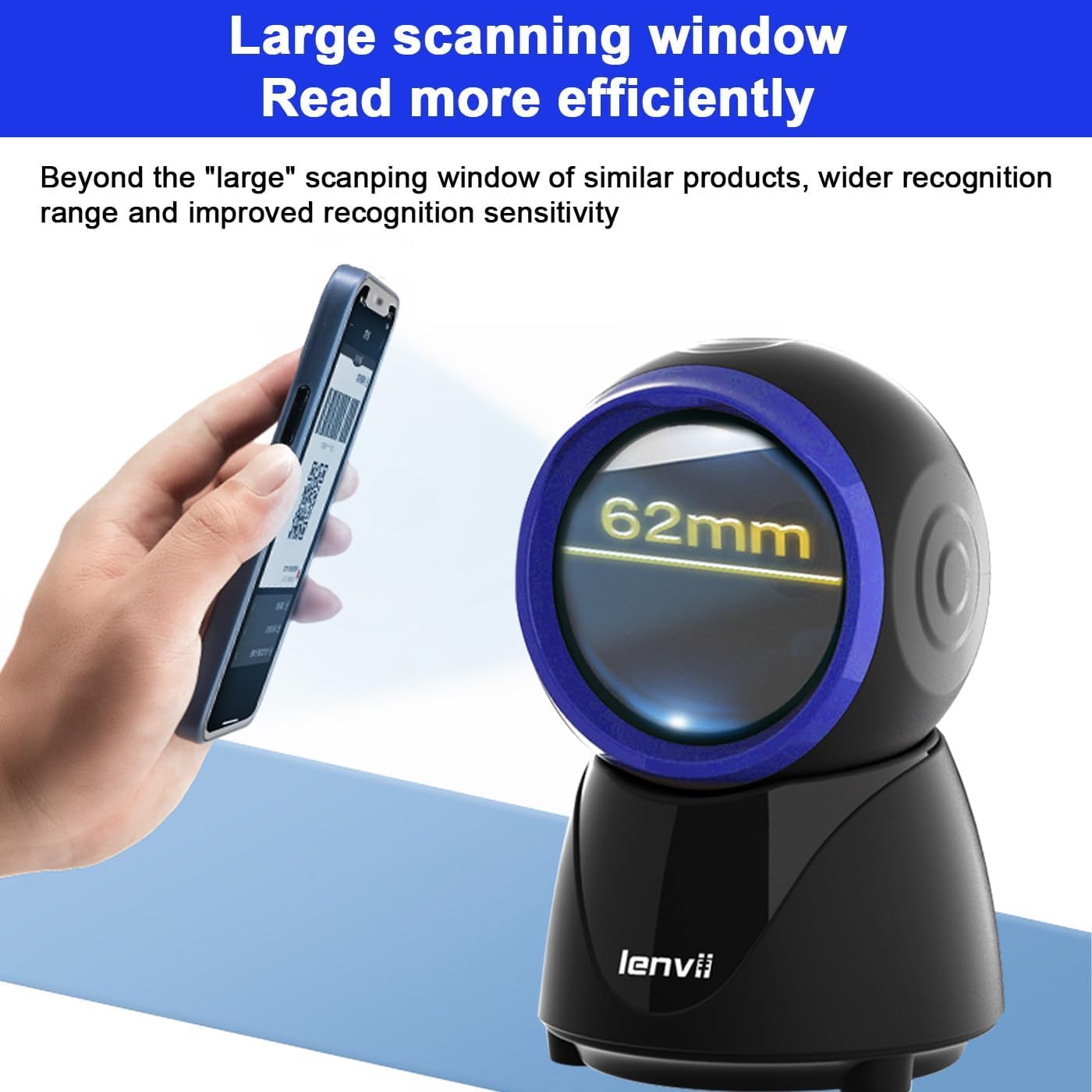
Image 3.1: The LENVII D8800 scanner demonstrating its ability to read barcodes from a mobile phone screen, emphasizing its wide 62mm scanning window for efficient recognition.
3.2 Supported Barcode Types
The LENVII D8800 is equipped with excellent decoding capabilities, supporting a wide array of 1D and 2D barcode symbologies:

Image 3.2: Visual representation of various barcode types supported by the LENVII D8800, including common 1D and 2D formats. Examples of scannable codes include: 0850027748801, 6948939658784, 6948939600035, 8801008121719, 6970465181719, 8801008600085, and a generic QR Code.
- 1D Codes: EAN-8, EAN-13, Codabar, CODE 39, CODE 93, CODE 128, China Post, GS1-128, UPC-A, UPC-E, ISBN/ISSN, ISBT, Interleaved 2 of 5 (Standard 2 of 5, Matrix 2 of 5, Industrial 2 of 5), MSI, RSS, ITF14, Telepen, etc.
- 2D/QR Codes: Micro QR Code, Data Matrix, PDF417, Micro PDF417, Maxicode, Aztec, Hanxin, etc.
3.3 Adjustable Features and Modes
The scanner offers adjustable features for more flexible usage:

Image 3.3: Detailed view of the LENVII D8800's adjustable camera pitch for flexible scanning, the function to long-press for 5 seconds to switch QR code recognition, the five different prompt modes (including 4 beeps + mute), and the four-corner silicone non-slip mat designed to reduce the risk of drop damage.
- Adjustable Camera Pitch: The scanning head can be adjusted by 15 degrees, allowing for optimal positioning to capture barcodes from various angles.
- QR Code Recognition Switch: Long press the button on the top of the scanner for 5 seconds to ensure QR code recognition is enabled.
- Prompt Modes: The scanner supports 5 different prompt modes, including a mute option and a mode with 4 beeps.
4. Maintenance
4.1 Cleaning
To ensure optimal performance and longevity of your LENVII D8800 scanner, regular cleaning is recommended:
- Use a soft, lint-free cloth slightly dampened with water or a mild, non-abrasive cleaning solution to wipe the exterior of the scanner.
- For the scanning window, use a lens cleaning cloth or a microfiber cloth to gently wipe away dust or smudges. Avoid using harsh chemicals or abrasive materials that could scratch the surface.
- Ensure the scanner is disconnected from its power source before cleaning.
4.2 Durability
The LENVII D8800 is constructed from high-quality ABS engineering plastic, providing robust drop resistance. It has been tested to withstand drops from a height of 1.5 meters, ensuring durability in various working environments.
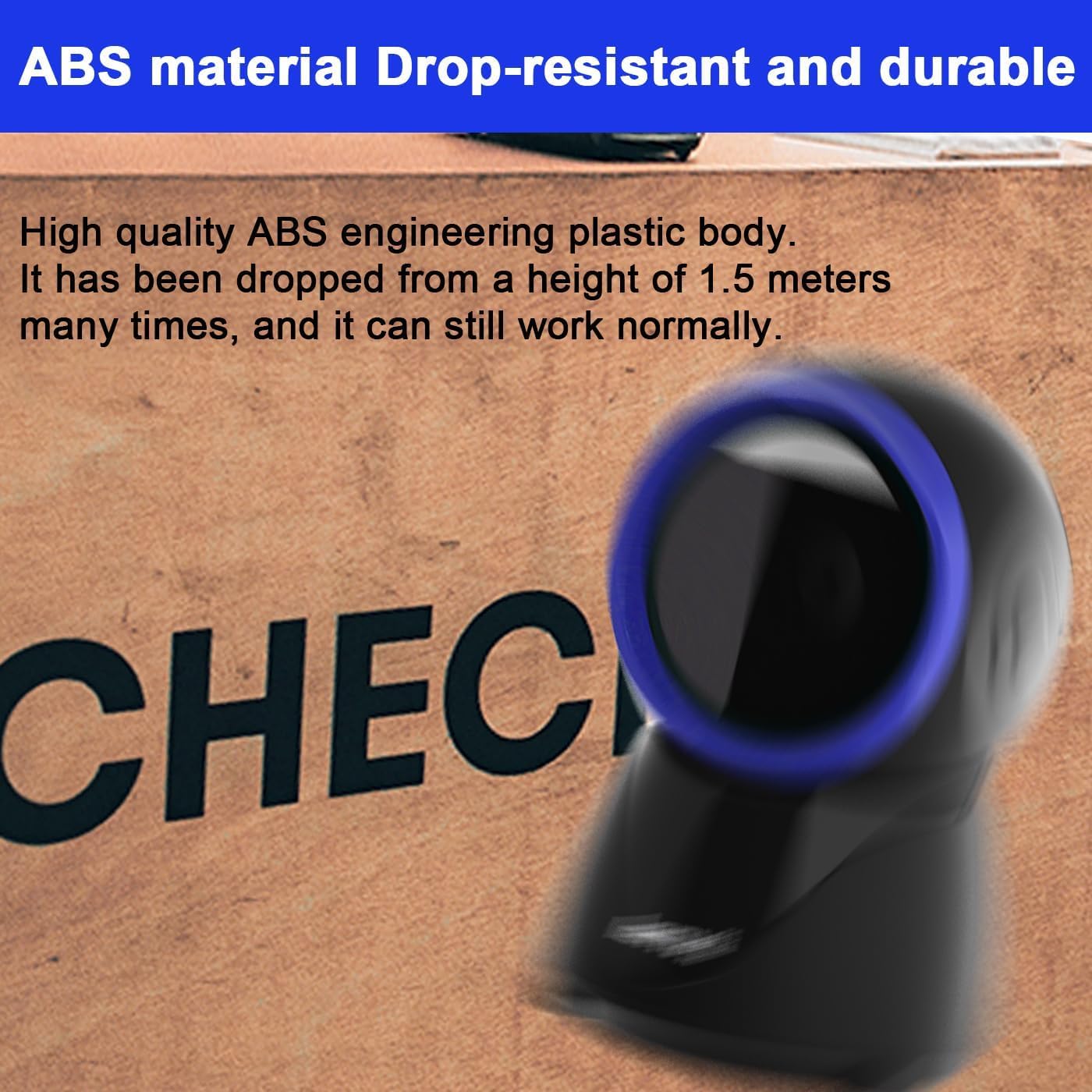
Image 4.1: Close-up of the LENVII D8800 scanner, emphasizing its construction from high-quality ABS engineering plastic, which contributes to its drop-resistant and durable design, capable of withstanding drops from 1.5 meters.
5. Troubleshooting
If you encounter issues with your LENVII D8800 scanner, refer to the table below for common problems and their solutions.
| Problem | Possible Cause | Solution |
|---|---|---|
| Scanner not powering on. | USB cable not properly connected or faulty USB port. | Ensure the USB cable is securely plugged into both the scanner and the computer. Try a different USB port. |
| Scanner not reading barcodes. | Barcode is damaged, poorly printed, or not supported. Scanner window is dirty. Incorrect scanning angle. | Ensure the barcode is clear and undamaged. Verify the barcode type is supported (refer to Section 3.2). Clean the scanning window (refer to Section 4.1). Adjust the scanner's angle or the item's position. |
| QR codes not scanning (as reported by some users). | QR code recognition feature might be disabled or the code is too complex/damaged. | Long press the button on the top of the scanner for 5 seconds to ensure QR code recognition is enabled (refer to Section 3.3). Ensure the QR code is clear and well-lit. |
| No sound confirmation after scan. | Scanner is in mute mode. | Check the prompt modes and switch to an audible setting if desired (refer to Section 3.3). |
6. Specifications
Detailed technical specifications for the LENVII D8800 Desktop 2D Barcode Scanner:
| Feature | Detail |
|---|---|
| Type | 2D CMOS Wired Barcode Scanner |
| Connection Method | USB Cable |
| Dimensions (L x W x H) | 84mm x 140.2mm x 90.1mm (Product); 15.3D x 10W x 10H cm (Overall) |
| Shipping Weight | 230g (Product); 330g (Overall) |
| Material | ABS Engineering Plastic |
| Color | Black |
| Light Source | 617nm LED (aimer); 6500K LEDs (illumination) |
| Image Sensor | 640*480 CMOS |
| Processor | ARM32-bit |
| Scan Speed | 200 times/second |
| Power | DC 5V |
| Current | 400mA ±5% |
| Operating System Compatibility | Windows XP/7/8/10, Mac OS, Linux |
| Adjustable Head | 15° |
| UPC | 653587072887 |

Image 6.1: Illustration of the LENVII D8800's 500,000 Global shutter scan engine, demonstrating its capability to accurately read various challenging barcode conditions, including incomplete, reflective, distorted, smudged, water-stained, and blurred barcodes.


