
ZEBRONICS Zeb-Chime
ZEBRONICS Zeb-Chime Wireless Earbuds User Manual
Model: Zeb-Chime
Introduction
Thank you for purchasing the ZEBRONICS Zeb-Chime Wireless Earbuds. This manual provides essential information for the proper setup, operation, and maintenance of your device. Please read it carefully before use to ensure optimal performance and longevity.
Package Contents
- ZEBRONICS Zeb-Chime Wireless Earbuds
- Charging Case
- Ear Cushions (various sizes)
Please ensure all items are present. If any components are missing or damaged, contact customer support.
Product Overview
The Zeb-Chime earbuds offer wireless stereo sound with 13mm drivers, providing a rich audio experience. They feature touch controls, voice assistant support, and are splash-proof for versatile use. The charging case extends battery life up to 30 hours.

Image: ZEBRONICS Zeb-Chime Wireless Earbuds and Charging Case. The earbuds are black, with one earbud placed outside the open charging case, which also holds the other earbud. The case has the ZEBRONICS logo and a small LED indicator.
Setup
1. Charging the Earbuds and Case
- Place both earbuds into the charging case.
- Connect a Type-C charging cable (not included) to the charging port on the case and to a compatible USB power source.
- The LED indicator on the charging case will show charging status. Ensure the case and earbuds are fully charged before first use.
A full charge provides up to 30 hours of total playback time with the charging case.
2. Pairing with a Bluetooth Device
- Open the charging case. The earbuds will automatically enter pairing mode.
- On your smartphone or Bluetooth-enabled device, navigate to the Bluetooth settings.
- Search for available devices and select "ZEB-Chime" from the list.
- Once connected, you will hear a confirmation tone, and the earbuds will be ready for use.
The earbuds support Bluetooth v5.3 for stable and efficient wireless connectivity.
Operating Instructions
Touch Controls
The Zeb-Chime earbuds feature intuitive touch controls on each earbud. Refer to the table below for common functions:
| Action | Function |
|---|---|
| Single Tap (Left/Right) | Play/Pause Music, Answer/End Call |
| Double Tap (Right) | Next Track |
| Double Tap (Left) | Previous Track |
| Triple Tap (Left/Right) | Activate Voice Assistant |
| Long Press (2 seconds) | Reject Call |
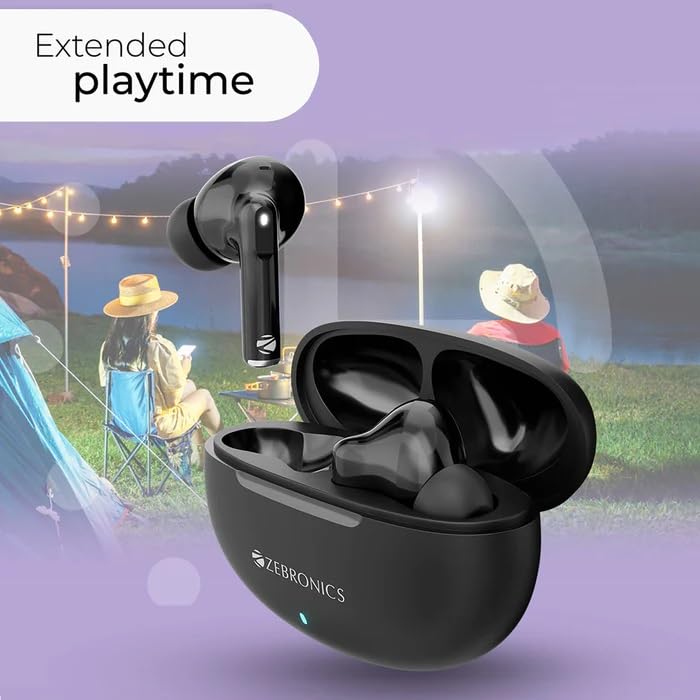
Image: ZEBRONICS Zeb-Chime Earbuds in their charging case, with a graphic overlay indicating "Extended playtime". The background shows people enjoying outdoor activities, highlighting the long battery life.
Voice Assistant
Triple tap either earbud to activate your device's voice assistant (e.g., Siri, Google Assistant). This allows for hands-free control of music, calls, and other functions.
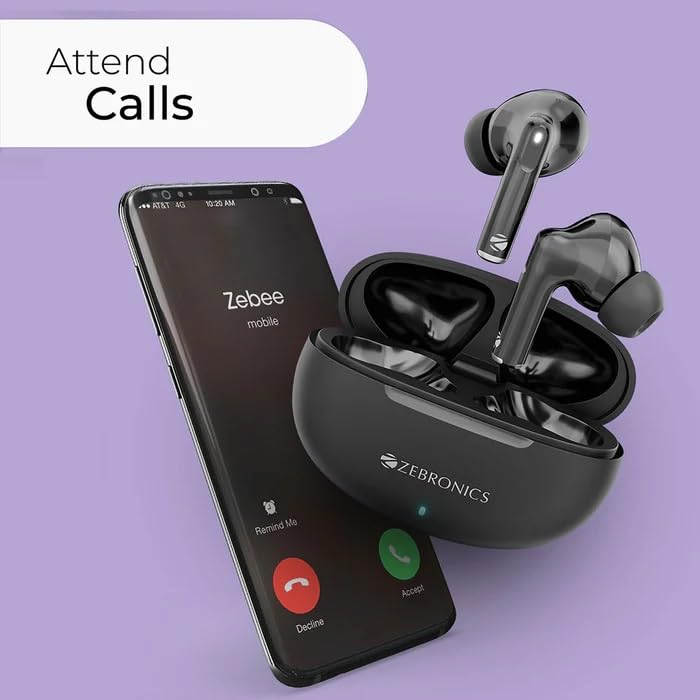
Image: ZEBRONICS Zeb-Chime Earbuds next to a smartphone displaying an incoming call. This illustrates the call function and voice assistant support.
Maintenance and Care
- Cleaning: Regularly clean the earbuds and charging case with a soft, dry cloth. Avoid using harsh chemicals or abrasive materials.
- Water Resistance: The earbuds are splash-proof. Avoid submerging them in water or exposing them to heavy rain. Dry them thoroughly if they get wet.
- Storage: When not in use, store the earbuds in their charging case to protect them and keep them charged. Store in a cool, dry place.
- Battery Care: To prolong battery life, avoid fully discharging the earbuds and case frequently. Charge them regularly.
Troubleshooting
- Earbuds not pairing:
- Ensure both earbuds are in the charging case and fully charged. Open the case to activate pairing mode. On your device, forget "ZEB-Chime" from your Bluetooth list and try pairing again.
- No sound from one earbud:
- Place both earbuds back into the charging case, close the lid, and then open it again. This often re-syncs them. Check device audio settings to ensure balance is centered.
- Charging issues:
- Verify the Type-C cable and power adapter are working correctly. Ensure the charging contacts on the earbuds and inside the case are clean and free of debris.
- Voice assistant not responding:
- Ensure the earbuds are properly connected to your device. Check your device's settings to confirm the voice assistant is enabled and configured correctly.
Specifications
| Model Name | CHIME |
| Item Model Number | ZEB -SOUND BOMB 2 |
| Connectivity Technology | Wireless (Bluetooth v5.3) |
| Driver Size | 13mm |
| Speaker Impedance | 32 Ohms |
| Playback Time | Up to 7.5 hours (earbuds), Up to 30 hours (with charging case) |
| Control Type | Touch, Voice Control |
| Special Features | Splash Proof, Fast Charging, Sweatproof, Built-In Microphone |
| Battery Type | Lithium Polymer (Rechargeable) |
| Charging Interface | Type-C |
| Weight | 300 g (Package Weight) |
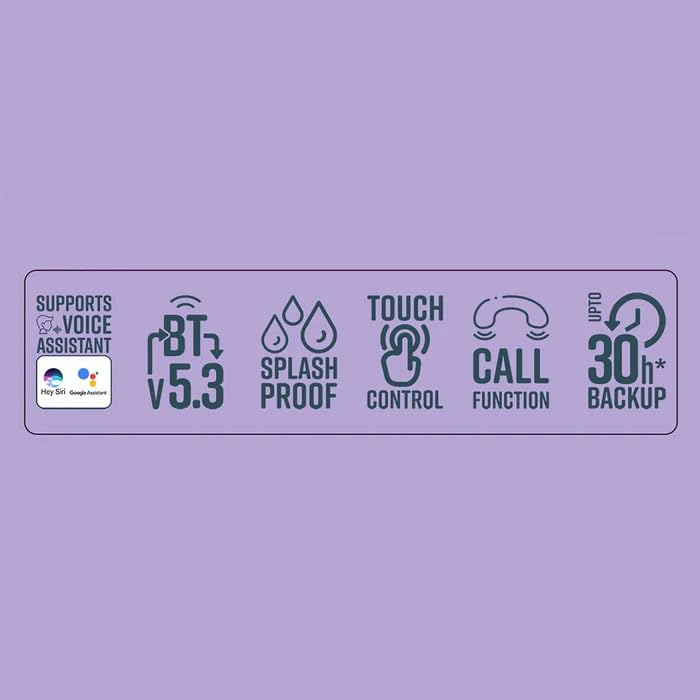
Image: Graphic displaying key features of ZEBRONICS Zeb-Chime: Voice Assistant support, Bluetooth v5.3, Splash Proof, Touch Control, Call Function, and up to 30 hours of backup.
Warranty Information
The ZEBRONICS Zeb-Chime Wireless Earbuds come with a 6-month warranty from the date of purchase. This warranty covers manufacturing defects. It does not cover damage caused by misuse, accidents, unauthorized modifications, or normal wear and tear.
To claim warranty service, please retain your proof of purchase and contact ZEBRONICS customer support.
Customer Support
For technical assistance, warranty claims, or product inquiries, please contact ZEBRONICS customer support:
- Manufacturer Contact: 044 4000 0004
- Online Support: Visit the official ZEBRONICS website for FAQs and support resources.
Related documentsZeb-Chime


Ask a question about this manual
Ask about setup, troubleshooting, compatibility, parts, safety, or missing instructions. Manuals+ will review the question and use this page’s manual context to help answer it.