
MOKiN B0CSSWNGF7
MOKiN 65W Power Bank Instruction Manual
Model: B0CSSWNGF7
Product Overview
The MOKiN 65W Power Bank is a portable battery pack designed for fast and efficient charging of various electronic devices. It features built-in USB-C and iOS cables, multiple output ports, and a smart digital display to monitor charging status.
This power bank is universally compatible with smartphones (iPhone 15/14/13/SE, Samsung Galaxy S23/S22/S21), laptops (MacBook Pro/Air, Dell XPS, Microsoft Surface, Lenovo Yoga, HP Elitebook), and low-power devices like wireless headphones and smartwatches.

Image: MOKiN 65W Power Bank with built-in USB-C and iOS cables, showcasing its digital display and compact design.
Package Contents
- MOKiN 65W Power Bank (with built-in detachable USB-C and iOS cables)
- Instruction Manual
- Worry-free 36-month warranty and 24-hour friendly customer service (as per product features)
Setup and Initial Use
- Unboxing: Carefully remove the power bank from its packaging. It comes with a plastic covering to protect the unit.
- Initial Charge: For optimal performance, fully charge the power bank before its first use.
- Connect the built-in USB-C cable to the USB-C input/output port on the power bank.
- Connect the other end of the USB-C cable to a 65W PD3.0 compatible wall charger (not included).
- The smart digital display will show the charging progress. Allow the unit to charge until it reaches 100%.
- Detachable Cables: The power bank features dual detachable built-in cables (USB-C and iOS). These cables can be removed and reattached by applying gentle force, ensuring they are installed according to the marked positions after detachment.

Image: The MOKiN Power Bank being taken out of a bag, highlighting its portability.
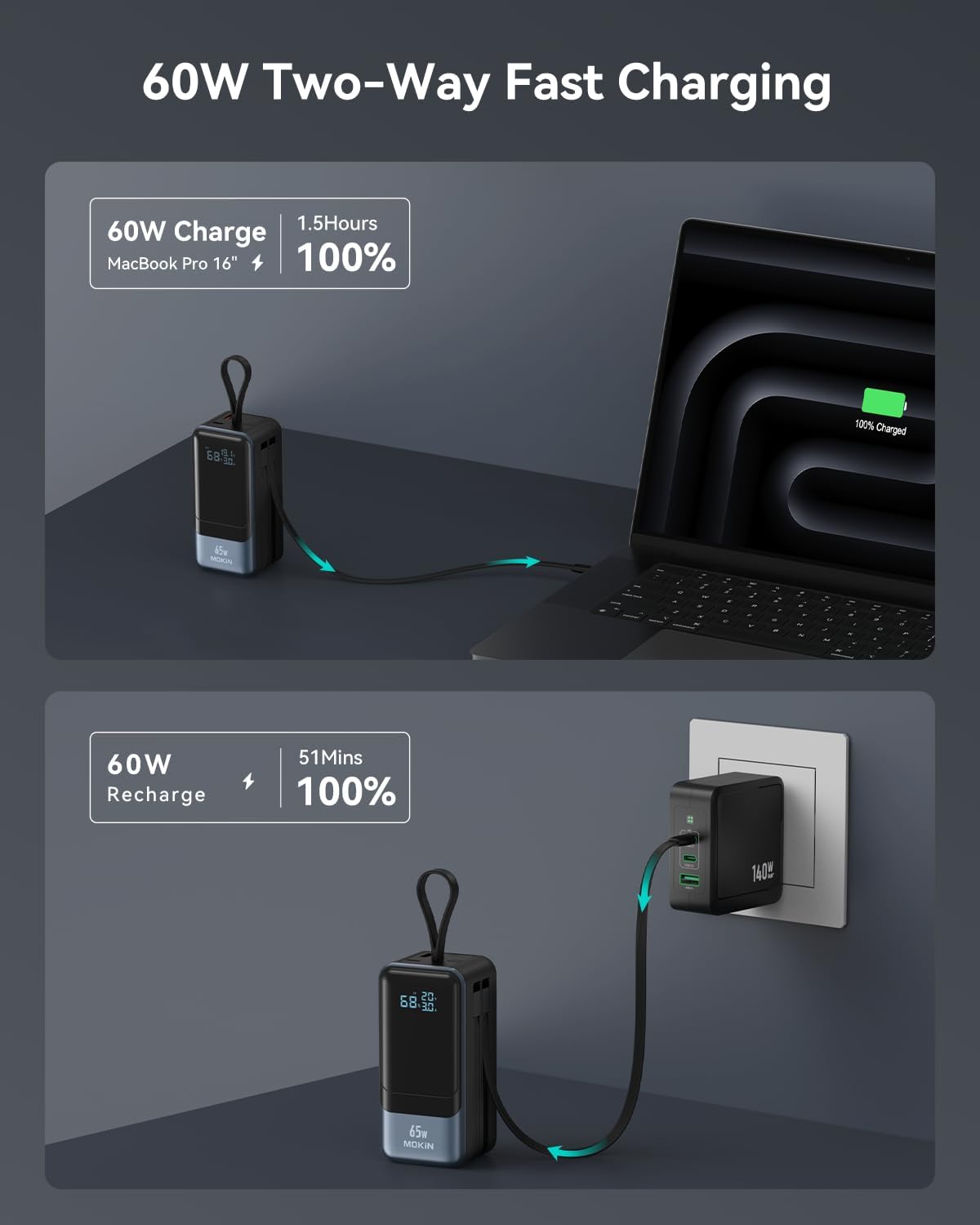
Image: The MOKiN Power Bank connected to a MacBook Pro, demonstrating its 60W two-way fast charging capability.

Image: Close-up view of the detachable built-in cables on the MOKiN Power Bank, showing how they can be removed and reattached.
Operating Instructions
The MOKiN 65W Power Bank offers versatile charging options for multiple devices simultaneously.
- Power On/Off: Press the power button located on the side of the unit to activate the digital display and begin charging. The display will automatically turn off after a period of inactivity to conserve power.
- Digital Display: The smart digital display provides real-time information:
- Battery Percentage: Shows the remaining battery life of the power bank.
- Output/Input Power: Displays the voltage (V) and amperage (A) for both charging (OUT) and recharging (IN).
- Charging Devices:
- Using Built-in Cables: Extend the integrated USB-C or iOS cable and plug it directly into your compatible device.
- Using USB-A Port: For devices requiring a standard USB-A connection, use your own USB-A cable and plug it into the designated USB-A output port on the power bank.
- Using USB-C Port: The additional USB-C port can be used for both input (recharging the power bank) and output (charging devices).
- Multi-Device Charging: The power bank supports charging up to four devices simultaneously using a combination of its built-in cables and external ports. Note that total output power will be distributed among connected devices.

Image: A close-up of the MOKiN Power Bank's clear LED digital display, showing real-time battery level, voltage, and current.

Image: Diagram illustrating the two input and four output options of the MOKiN Power Bank, including USB-C, USB-A, and built-in cables.
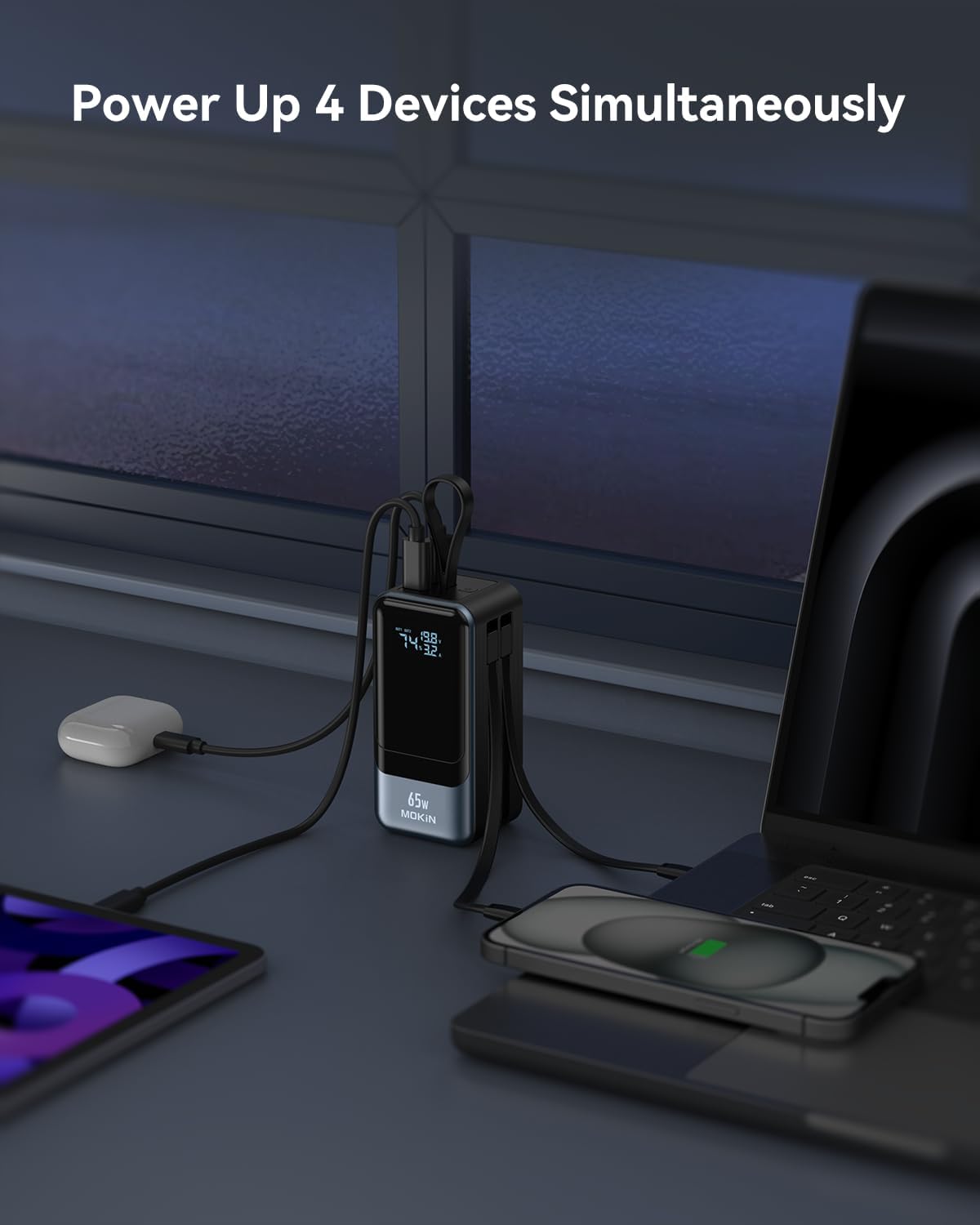
Image: The MOKiN Power Bank simultaneously charging a laptop, smartphone, earbuds, and smartwatch, demonstrating its multi-device capability.
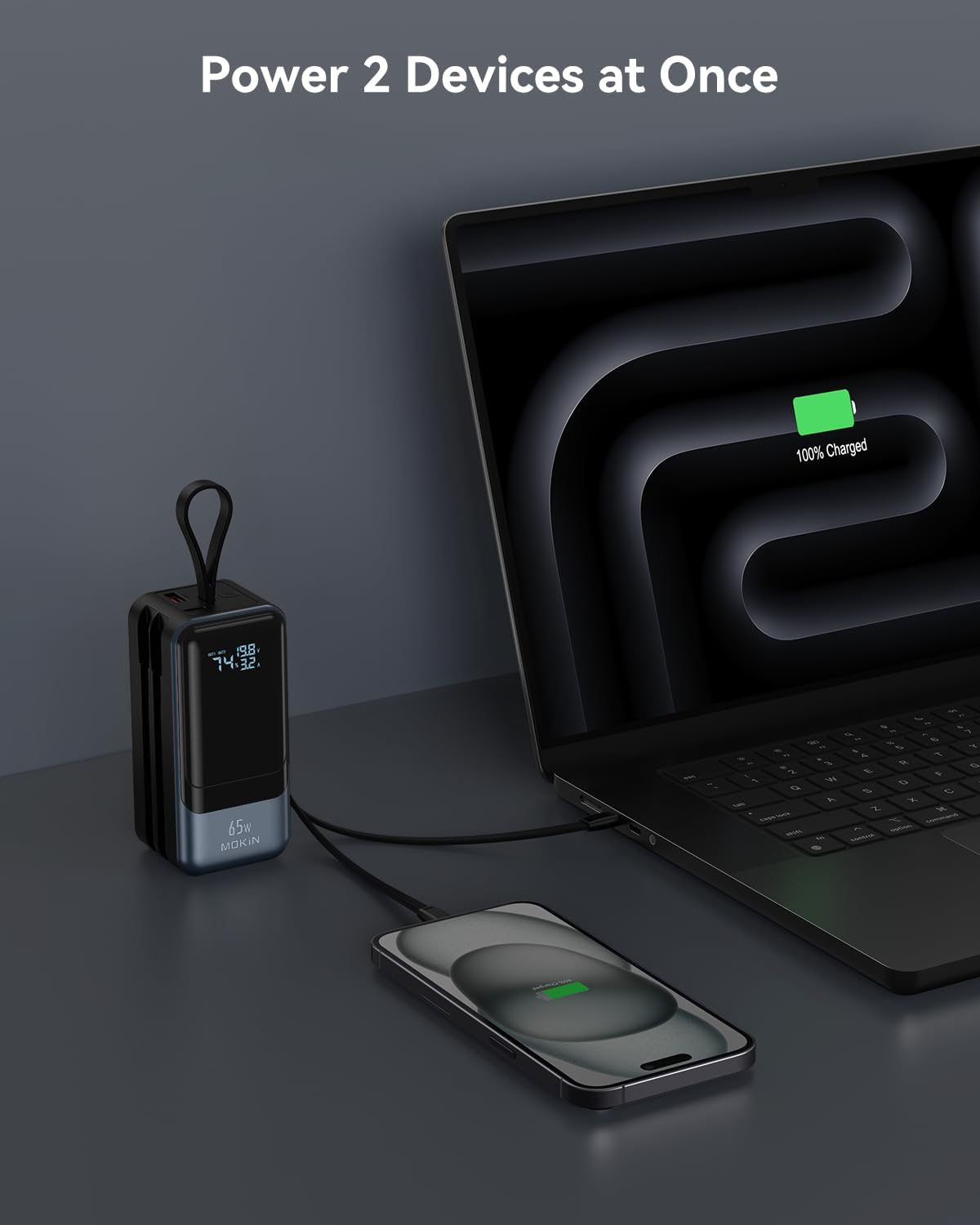
Image: The MOKiN Power Bank charging a laptop and a smartphone concurrently, showcasing its efficient power delivery.
Video: An animated demonstration of the MOKiN 65W Power Bank's features, including its built-in cables, digital display, and fast charging capabilities for laptops and multiple devices.
Video: A short video highlighting the fast charging capabilities of the MOKiN Power Bank, showing it charging a smartphone and a laptop.
Video: A demonstration of the MOKiN 65W Power Bank's portability and ease of use for charging devices on the go, including detaching and reattaching cables.
Maintenance and Care
- Keep the power bank dry and away from moisture.
- Avoid exposing the device to extreme temperatures (hot or cold).
- Do not disassemble or attempt to repair the unit yourself.
- Store in a cool, dry place when not in use.
- Regularly check cables for any signs of wear or damage.
Troubleshooting
| Problem | Possible Cause | Solution |
|---|---|---|
| Power bank not charging | Cable not properly connected, charger not powerful enough, faulty cable/charger. | Ensure all connections are secure. Use a 65W PD3.0 compatible charger. Try a different cable or charger. |
| Device not charging from power bank | Power bank battery low, device incompatible, faulty cable. | Recharge the power bank. Verify device compatibility. Try a different cable. Ensure power bank is turned on. |
| Digital display not working | Power bank off, display timeout. | Press the power button to activate the display. The display will turn off automatically after a period of inactivity. |
Specifications
| Feature | Detail |
|---|---|
| Connector Type | Lightning, USB Type C, USB Type A |
| Brand | MOKiN |
| Battery Capacity | 18400 Milliamp Hours |
| Color | Black |
| Special Feature | Digital Display, Built In USB C/ iPhone Cable, Fast Charging, Detachable Charging Cable, 65W Output/Input |
Warranty and Support
MOKiN provides a worry-free 36-month warranty for this power bank. For any inquiries or support, please contact MOKiN customer service, available 24 hours.
For further assistance, please refer to the contact information provided in your product packaging or visit the official MOKiN website.
Ask a question about this manual
Ask about setup, troubleshooting, compatibility, parts, safety, or missing instructions. Manuals+ will review the question and use this page’s manual context to help answer it.