
VOX [v3] US Silver
VOX amPlug 3 US Silver Headphone Amplifier User Manual
Model: [v3] US Silver
1. Introduction
The VOX amPlug 3 US Silver is a compact, plug-in headphone amplifier designed to provide a classic US-made combo amp tone directly to your headphones. It features a dual-channel design, integrated stereo effects, and built-in rhythm patterns, making it an ideal tool for quiet practice sessions. Its analog circuitry ensures a responsive and dynamic sound experience.
2. Safety Information
- Do not expose the unit to rain, moisture, or extreme temperatures.
- Use only specified AAA batteries. Ensure correct polarity when inserting.
- Avoid dropping or subjecting the unit to strong impacts.
- Do not attempt to disassemble or modify the unit. Refer all servicing to qualified personnel.
- Prolonged listening at high volume levels can cause hearing damage. Adjust volume to a comfortable level.
3. Package Contents
Verify that all items are present in the package:
- VOX amPlug 3 US Silver Headphone Amplifier
- 2 x AAA batteries (for initial use)
4. Product Overview
Familiarize yourself with the components and controls of your amPlug 3 US Silver.

Figure 4.1: Front view of the VOX amPlug 3 US Silver, showing the VOX logo and 'US Silver' designation.

Figure 4.2: Side view of the amPlug 3 US Silver, highlighting the Gain, Tone, Volume, and FX/Rhythm controls, along with the AUX input.
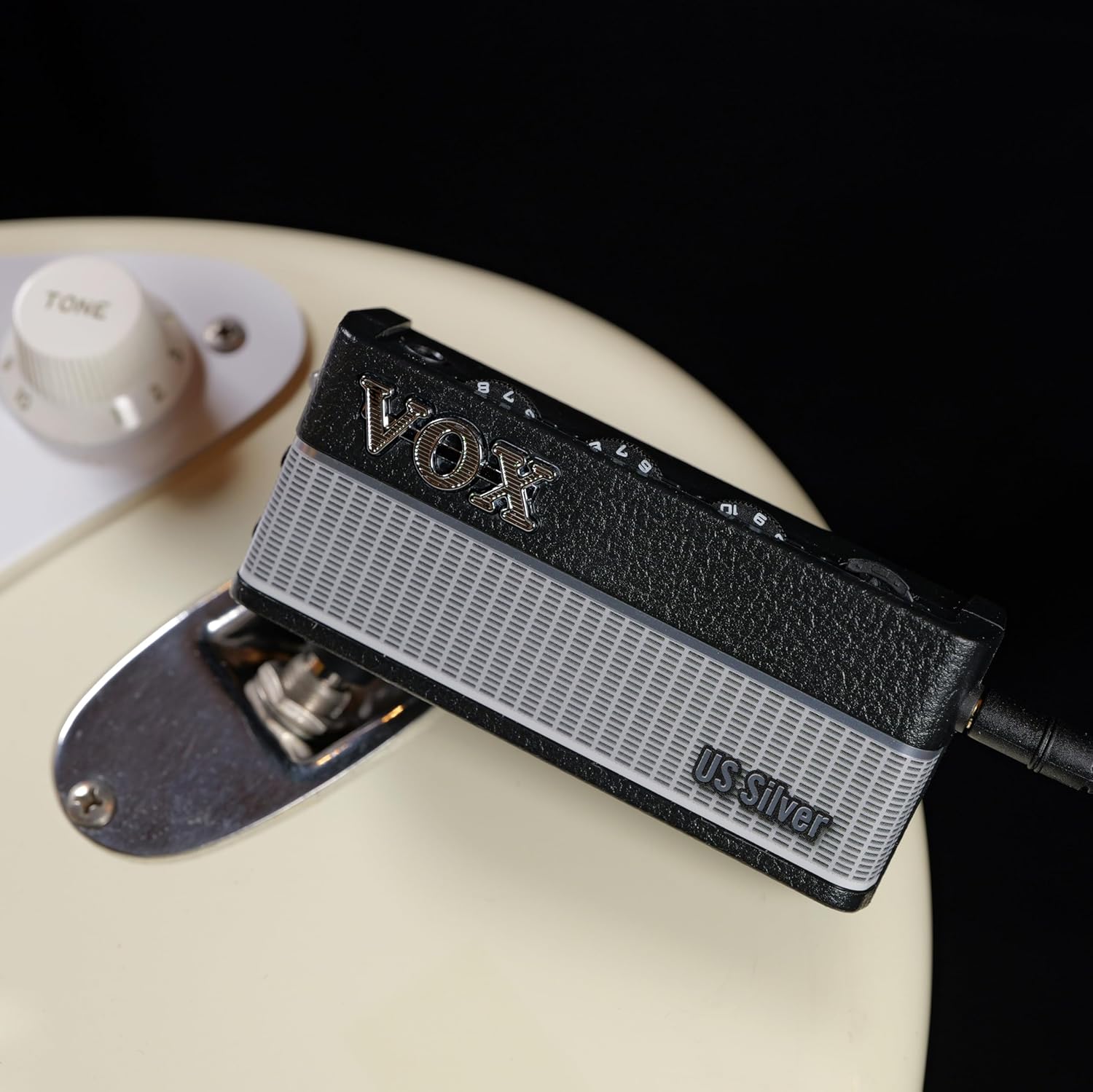
Figure 4.3: Back view of the amPlug 3 US Silver, showing the battery compartment cover and model information.
5. Setup
5.1 Battery Installation
- Locate the battery compartment on the back of the amPlug unit.
- Slide the battery cover off.
- Insert two (2) AAA batteries, ensuring correct polarity (+/-) as indicated inside the compartment.
- Replace the battery cover securely.

Figure 5.1: Battery compartment open, showing insertion of AAA batteries.
5.2 Connecting to Your Instrument and Headphones
- Plug the amPlug unit directly into the output jack of your electric guitar. The unit's plug can swivel for optimal positioning.
- Connect your headphones to the headphone jack on the amPlug unit.
- If desired, connect an external audio source (e.g., smartphone, MP3 player) to the AUX input using a 3.5mm stereo cable to jam along with tracks.
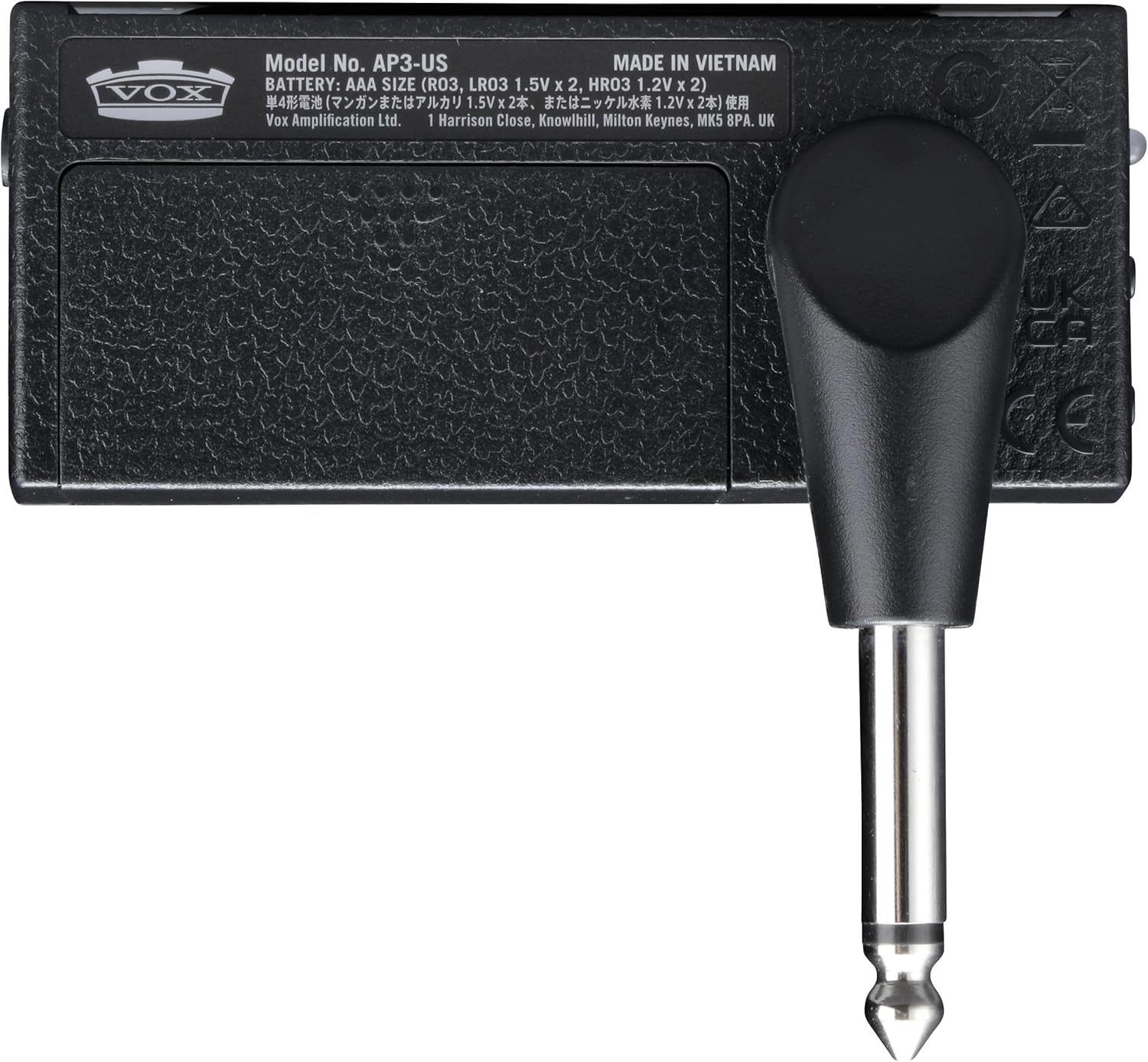
Figure 5.2: The amPlug 3 US Silver plugged into an electric guitar's output jack.
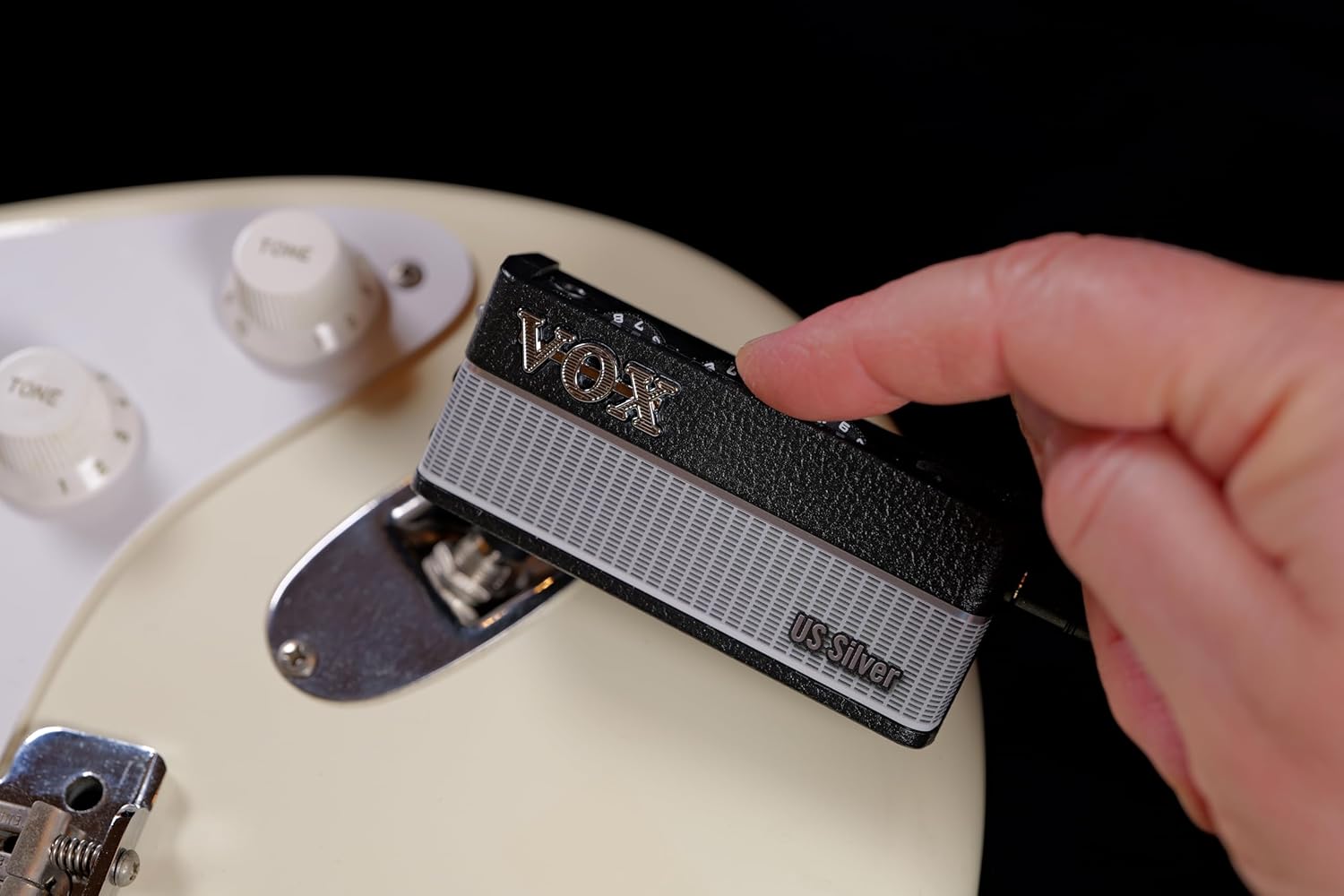
Figure 5.3: Headphones connected to the amPlug 3 US Silver's headphone output.
6. Operating Instructions
6.1 Power On/Off
To power on the unit, simply plug it into your guitar. The power indicator LED will illuminate. To power off, unplug the unit from your guitar.
6.2 Adjusting Tone and Volume
- GAIN Knob: Controls the amount of overdrive or distortion. Turn clockwise for more gain.
- TONE Knob: Adjusts the tonal character, from darker to brighter.
- VOLUME Knob: Controls the overall output volume to your headphones.
6.3 Channel Selection
The US Silver model features a dual-channel design:
- Channel 1: Provides a clear, warm clean tone, characteristic of classic US combo amps.
- Channel 2: Offers a smooth, soft-driven sound, ideal for blues and rock.
Refer to the product's specific button or switch for channel toggling (details not provided in JSON, assume a button press).
6.4 Integrated Stereo Effects
The amPlug 3 US Silver includes built-in stereo effects:
- Tremolo
- Chorus
- Delay
- Reverb
Use the FX/RHYTHM button to cycle through and select effects. Long-press or double-press may be required to switch between effect and rhythm modes (refer to quick start guide for exact operation).
6.5 Built-in Rhythms
Nine built-in rhythm patterns are available for practice:
- Rock
- Blues
- Pop
- Jazz
- And others.
Use the FX/RHYTHM button to select and activate rhythm patterns. Adjust the tempo and volume of the rhythms as needed (controls not specified in JSON, assume integrated with FX/RHYTHM button or dedicated controls).
7. Maintenance
- Clean the unit with a soft, dry cloth. Do not use abrasive cleaners or solvents.
- Remove batteries if the unit will not be used for an extended period to prevent leakage.
- Store the unit in a cool, dry place away from direct sunlight.
8. Troubleshooting
| Problem | Possible Cause | Solution |
|---|---|---|
| No sound from headphones. | Unit not powered on; low batteries; headphones not fully plugged in; volume too low. | Ensure unit is plugged into guitar; replace batteries; check headphone connection; increase VOLUME knob. |
| Sound is distorted or noisy. | GAIN knob set too high; low batteries; interference from other electronic devices. | Reduce GAIN; replace batteries; move away from sources of interference (e.g., Wi-Fi routers). |
| Rhythms or effects not working. | Incorrect mode selected; low batteries. | Press FX/RHYTHM button to cycle modes; replace batteries. |
9. Specifications
| Feature | Detail |
|---|---|
| Model Number | [v3] US Silver |
| Dimensions (D x W x H) | 1.42" x 5.12" x 7.2" (3.6 cm x 13.0 cm x 18.3 cm) |
| Item Weight | 2.12 ounces (60 grams) |
| Power Supply | 2 x AAA batteries |
| Battery Life | Up to 16 hours (with effects and rhythms on) |
| Input | 6.35mm (1/4") instrument input, 3.5mm (1/8") AUX input |
| Output | 3.5mm (1/8") headphone output |
| Effects | Tremolo, Chorus, Delay, Reverb |
| Rhythms | 9 built-in patterns (Rock, Blues, Pop, Jazz, etc.) |
| Material | Plastic |
10. Warranty and Support
VOX products are manufactured to high-quality standards. For warranty information and technical support, please refer to the warranty card included with your product or visit the official VOX website. Keep your proof of purchase for warranty claims.
For further assistance, contact VOX customer support through their official channels.
Related documents[v3] US Silver


Ask a question about this manual
Ask about setup, troubleshooting, compatibility, parts, safety, or missing instructions. Manuals+ will review the question and use this page’s manual context to help answer it.