
1. Introduction
The Yale Starter+ Smart Alarm Kit AL-SK2-1A-EU is a comprehensive security solution designed for homeowners. This system offers real-time monitoring and control through the Yale Home application, providing enhanced security and peace of mind. It integrates seamlessly with other Yale smart products and major voice assistants for a customizable security experience.
2. What's Included
Your Yale Starter+ Smart Alarm Kit includes the following components:
- 1 x Alarm Hub
- 2 x Door/Window Sensors
- 2 x Indoor Motion Sensors
- 1 x Keypad
- 1 x Power Supply Unit
- Mounting Plate and Screws
- 3m Tape

Image: Overview of the Yale Starter+ Smart Alarm Kit components.
3. Key Features
- App Control: Real-time monitoring with push notifications when alarm sensors are activated. Arm and disarm the alarm remotely via the Yale Home app.
- Customizable Zones: Configure and control up to 4 individually set zones around your property. Expand the system by adding compatible accessories.
- Yale Horizon+ Technology: Offers a protection range of up to 1 km and long-lasting battery life, suitable for various property sizes.
- Multi-Property Support: Manage security for multiple locations (e.g., home, office, vacation home) from a single app account.
- Perimeter Security: Enhance security by adding up to 100 compatible smart alarm accessories (sold separately) to protect indoor and outdoor spaces.
- Advanced Features (Subscription): Optional subscription plans offer mobile backup communication, automated call alerts, and professional monitoring services.
- Interoperability: Works with other Yale smart products, Amazon Alexa, Google Home, and Philips Hue smart lighting for integrated smart home automation.
4. Setup
4.1 Initial Setup
- Unpack Components: Carefully remove all items from the packaging and verify against the 'What's Included' list.
- Power the Hub: Connect the alarm hub to a power outlet using the provided power supply unit. Ensure it is placed in a central location for optimal wireless coverage.
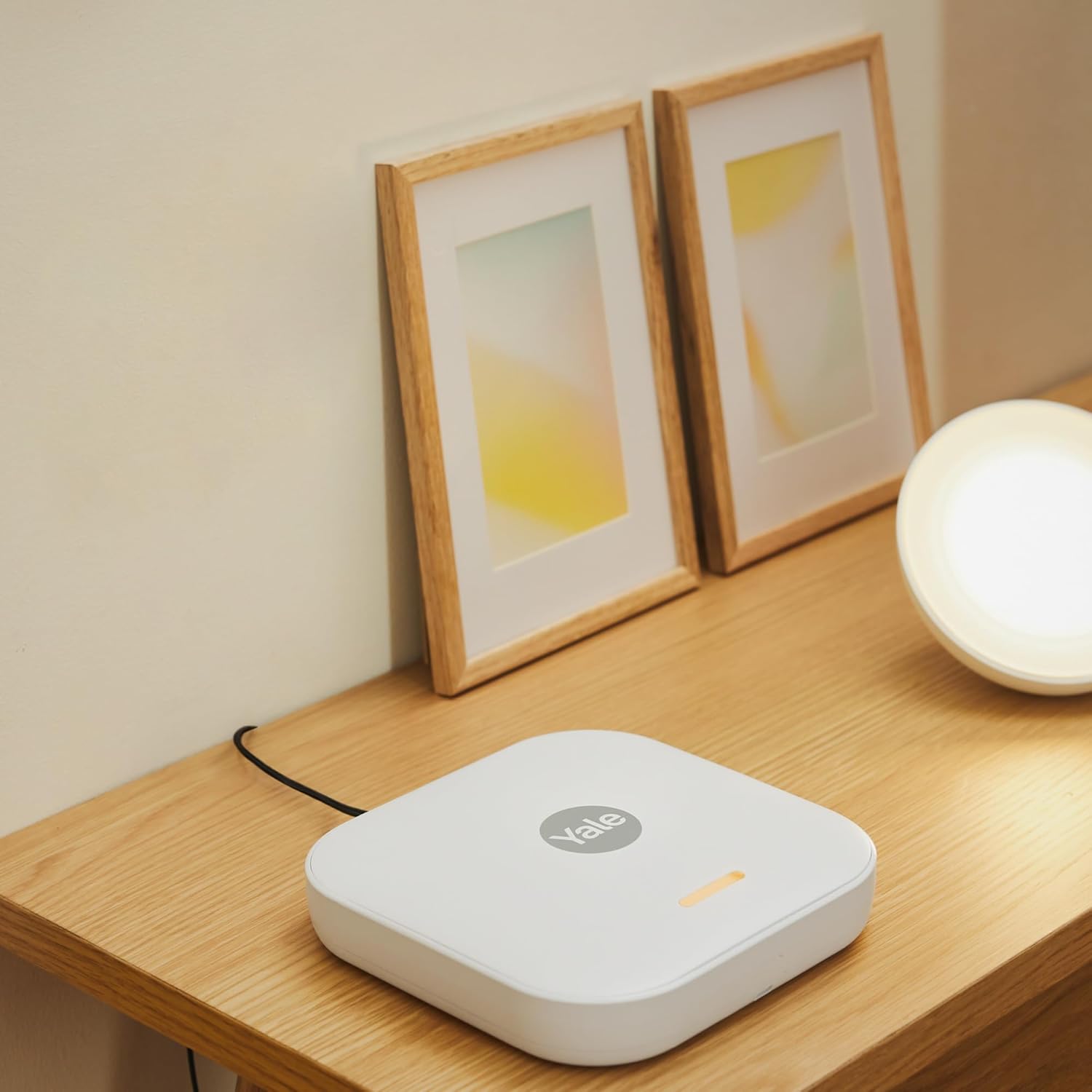
Image: The Yale Smart Alarm Hub powered on and placed on a surface.
4.2 Yale Home App Installation
- Download the App: Download the 'Yale Home' app from your smartphone's app store (iOS or Android).
- Create Account: Open the app and follow the on-screen instructions to create a new Yale Home account or log in if you already have one.
- Add Your Device: In the app, select 'Add Device' and follow the prompts to pair your Yale Alarm Hub.
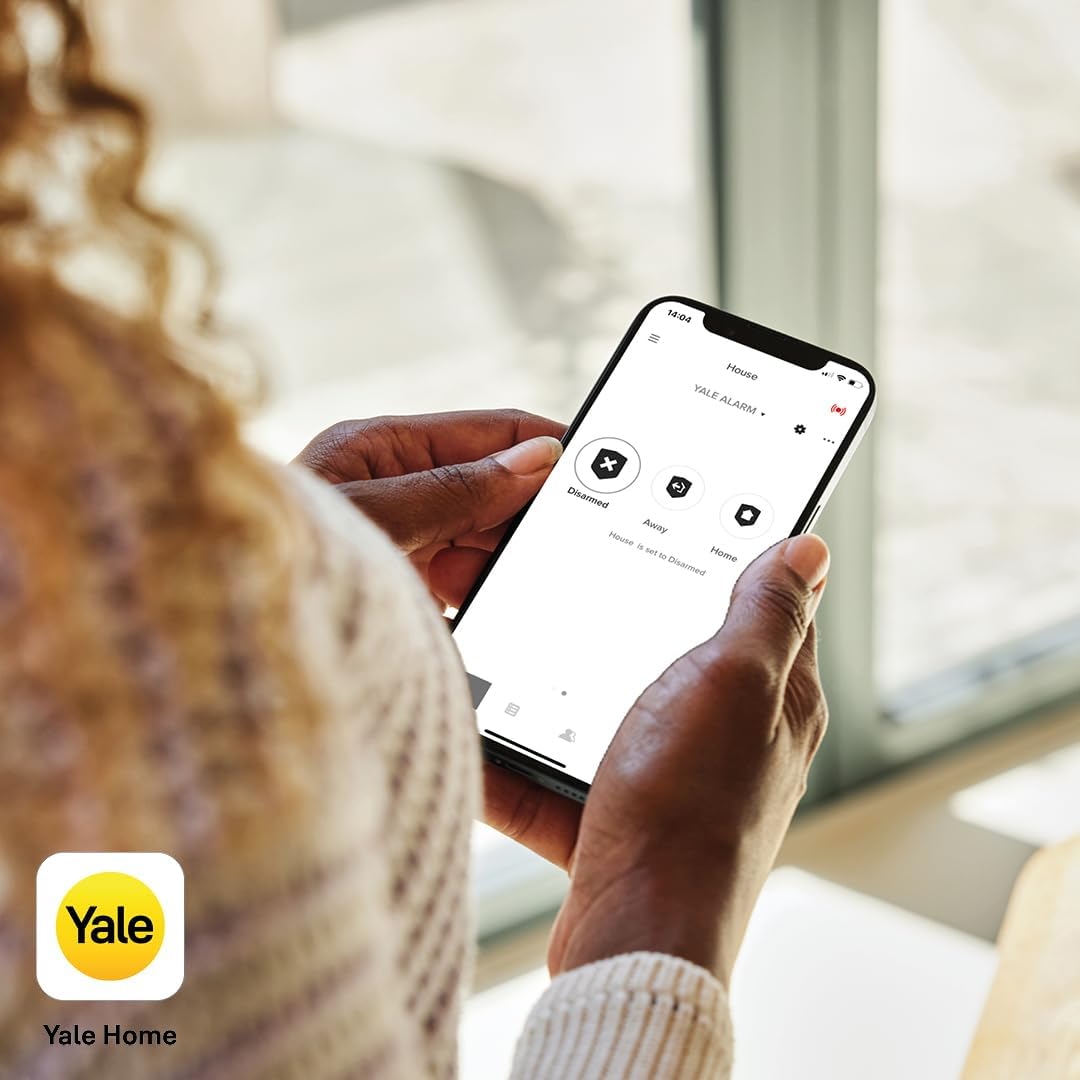
Image: A user interacting with the Yale Home application on a smartphone.
4.3 Sensor and Keypad Placement
- Door/Window Sensors: Install these sensors on entry points such as doors and windows. Ensure the two parts of the sensor are aligned and within 1 cm of each other when the door/window is closed. Use the provided 3m tape or screws for mounting.

Image: A Yale door/window sensor mounted on a window frame.
- Motion Sensors: Place motion sensors in corners of rooms or hallways, ensuring they have a clear line of sight to the areas you wish to protect. Avoid placing them near heat sources or direct sunlight.
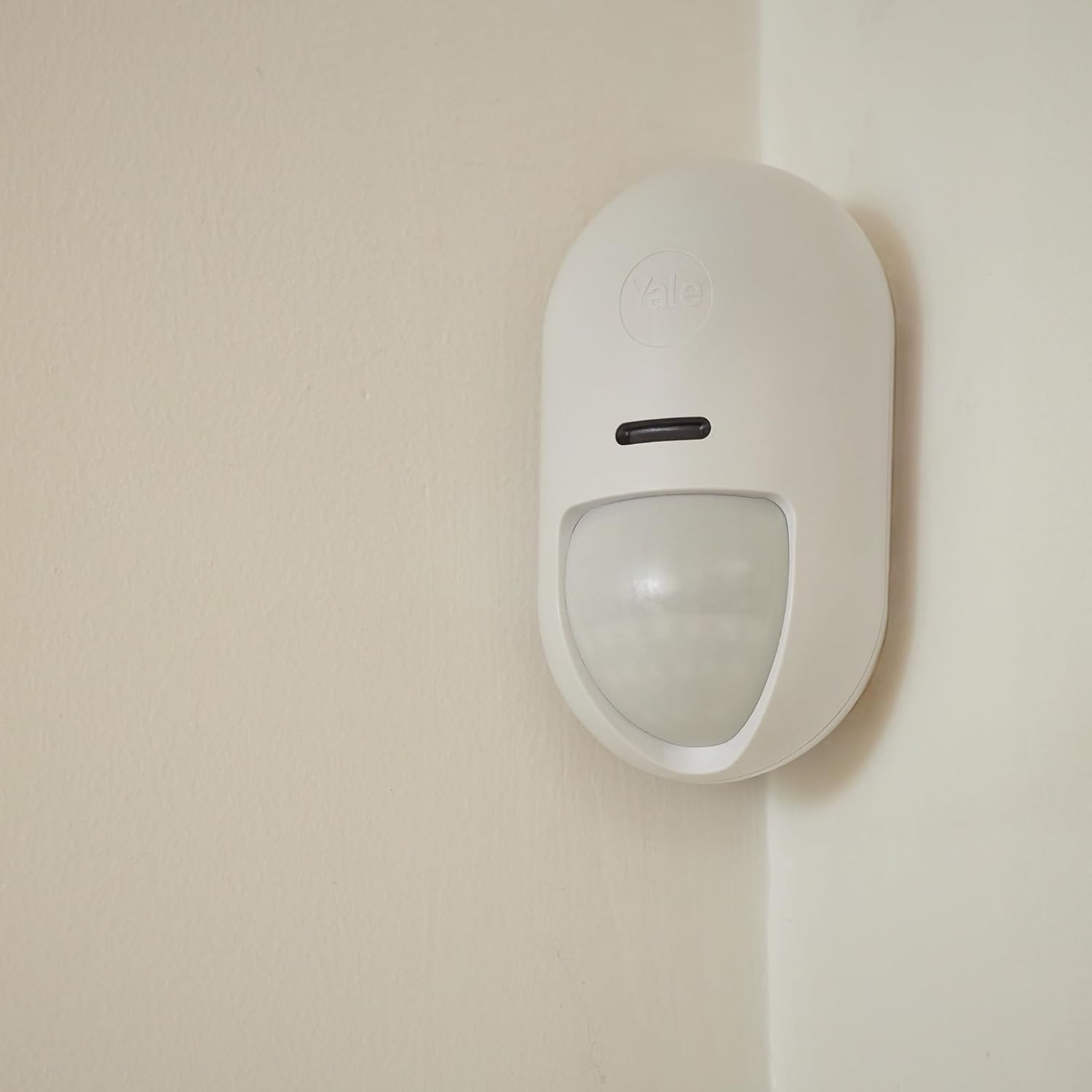
Image: A Yale motion sensor installed in a room corner.
- Keypad: Mount the keypad near your main entry/exit point for convenient arming and disarming.
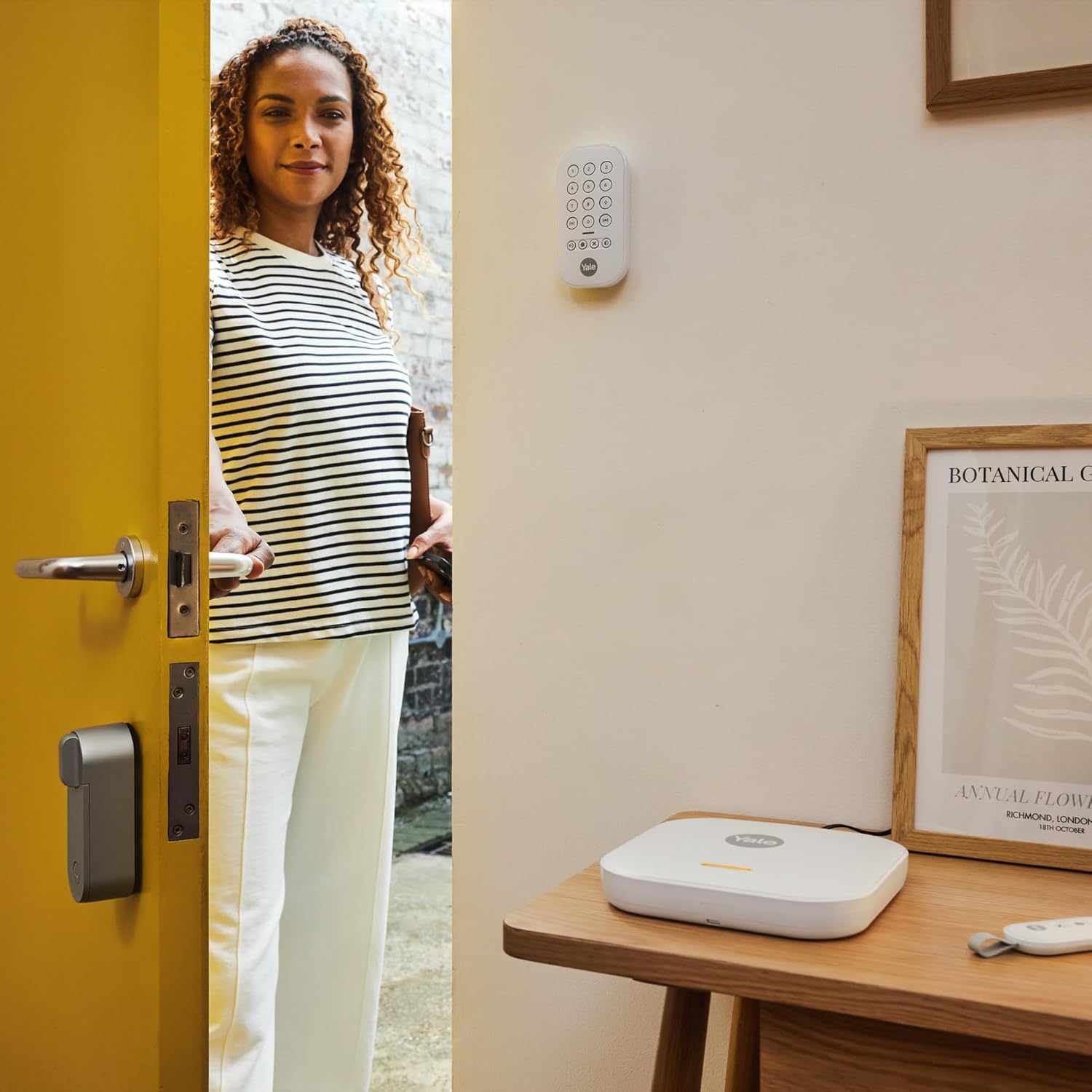
Image: Keypad and hub in a home entry setting.
5. Operating the Alarm System
5.1 Arming and Disarming
The Yale Smart Alarm Kit can be armed and disarmed using the Yale Home app, the keypad, or an optional remote control.
- Via Yale Home App: Open the app and select the desired mode: Disarmed, Away (full arm), or Home (partial arm, e.g., perimeter only).

Image: Yale Home app interface for arming modes.
- Via Keypad: Enter your PIN code and press the corresponding arm/disarm button.

Image: Close-up of a hand using the Yale keypad.
- Via Remote Control: Press the arm or disarm button on your Yale remote control.

Image: A user holding the Yale remote control.
5.2 Zone Management
The system allows you to configure up to 4 individual security zones. This enables you to arm specific areas of your property while leaving others disarmed.
- Access zone settings through the Yale Home app to customize and control each zone independently.

Image: Yale Home app interface for managing security zones.
5.3 Real-time Alerts and Notifications
When an alarm event occurs, the system will trigger the siren and send push notifications to your smartphone via the Yale Home app. You can review the activity log within the app.

Image: Yale Home app activity log displaying security events.
5.4 Multi-Property Management
The Yale Home app allows you to manage multiple Yale Smart Alarm systems from a single account, ideal for securing different properties.

Image: Yale Home app interface for managing multiple properties.
6. Maintenance
6.1 Battery Replacement
The sensors and keypad are battery-powered. The Yale Home app will notify you when batteries are low. The system uses CR123A batteries.
- For Sensors: Open the sensor casing, remove the old battery, and insert a new CR123A battery, ensuring correct polarity.
- For Keypad: Refer to the keypad's specific instructions for battery access and replacement.
6.2 Cleaning
Wipe the hub, sensors, and keypad with a soft, dry cloth. Avoid using abrasive cleaners or solvents.
6.3 Regular Checks
Periodically test your alarm system by triggering a sensor to ensure it is functioning correctly and sending notifications.
7. Troubleshooting
If you encounter issues with your Yale Smart Alarm Kit, refer to the following common solutions:
- Device Not Connecting:
- Ensure the hub is powered on and connected to your home network.
- Check that sensors and the keypad are within range of the hub.
- Verify batteries in sensors and keypad are correctly installed and not depleted.
- App Issues:
- Ensure your smartphone has a stable internet connection.
- Update the Yale Home app to the latest version.
- Restart the app or your smartphone.
- False Alarms:
- Check motion sensor placement to avoid areas with pets or drafts.
- Ensure door/window sensors are securely mounted and not shifting.
- Georestriction/Regional Compatibility: If you experience issues related to regional functionality or device activation outside of the intended sales region, please contact Yale customer support for assistance.
8. Specifications
| Feature | Specification |
|---|---|
| Model Number | AL-SK2-1A-EU |
| Dimensions (L x W x H) | 10.85 x 23.9 x 26.2 cm |
| Weight | 820 grams |
| Power Source | Corded Electric |
| Battery Type (Included) | 3 x CR123A |
| Sound Level | 75 Decibels |
| Connectivity Technology | Wireless |
| Control Method | Application |
| Compatible Devices | Yale Smart Lock Linus L2, Amazon Alexa, Google Home, Philips Hue (partially obtainable) |
| Installation Type | Self-installation |
| Color | White |
| Country of Origin | China |
9. Warranty and Support
The Yale Starter+ Smart Alarm Kit AL-SK2-1A-EU comes with a 2-year availability for spare parts, as specified by the manufacturer.
For technical support, warranty claims, or further assistance, please visit the official Yale website or contact their customer service department. Ensure you have your product model number (AL-SK2-1A-EU) and proof of purchase available when contacting support.


