
ANSTEN K2
ANSTEN K2 Wireless TV Headphones & Optical Fiber Splitter
User Manual
Product Overview
The ANSTEN K2 Wireless TV Headphones and Optical Fiber Splitter system provides a comprehensive audio solution for television viewing. This system allows users to listen to TV audio wirelessly through comfortable over-ear headphones while also enabling the connection of two audio devices, such as headphones and a soundbar, to a single optical output on a television. The headphones feature personal sound amplification, balance control, and multiple audio modes for a customized listening experience. The included optical splitter simplifies audio routing for various home theater setups.
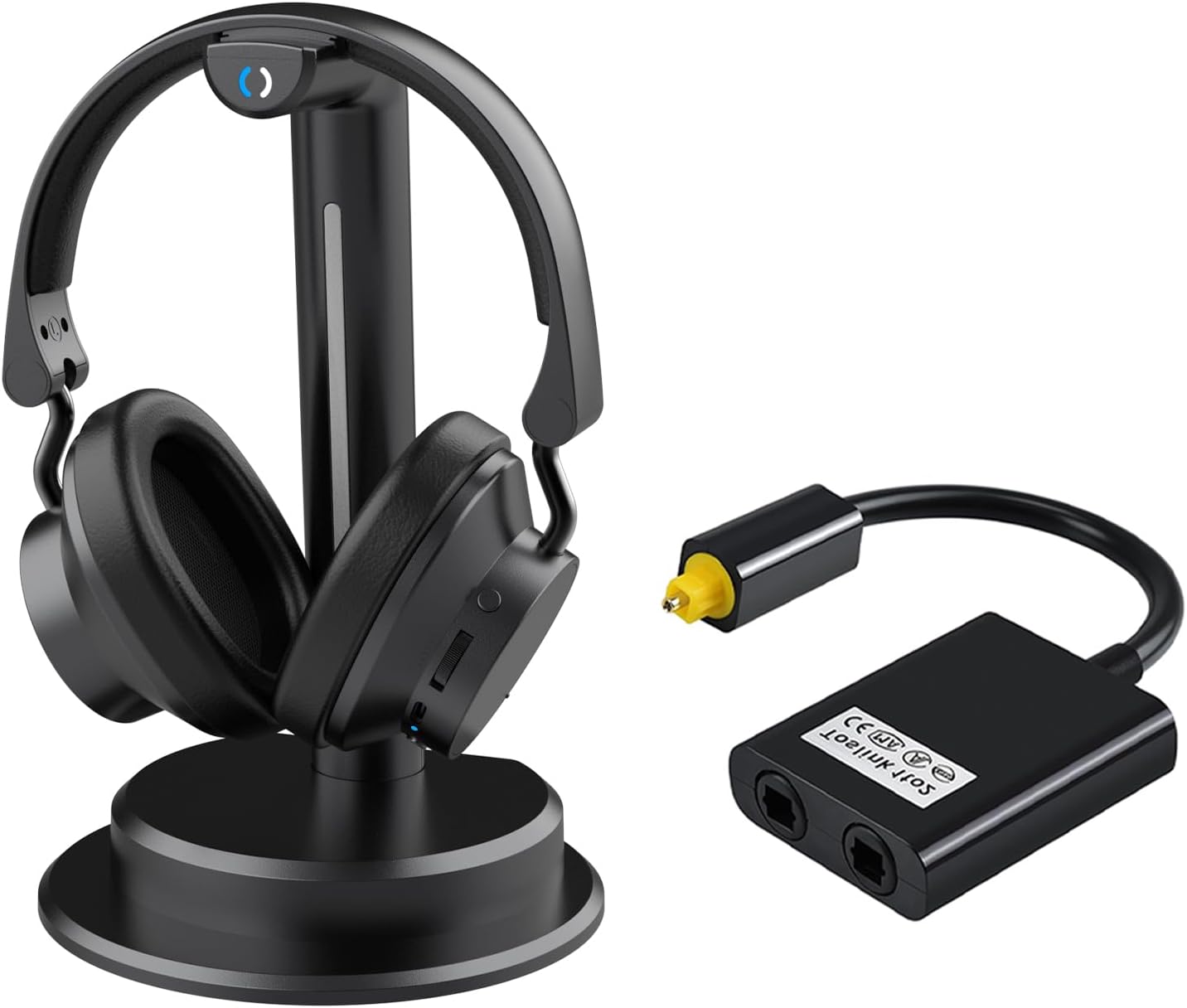
Image: The ANSTEN K2 Wireless TV Headphones on their charging stand, alongside the optical fiber splitter.
Setup and Connection
This section details the steps to set up your ANSTEN K2 Wireless TV Headphones and the optical fiber splitter.
Headphone Transmitter Setup
- Connect the Transmitter: Plug the transmitter dock into your TV's audio output port. The transmitter supports various audio output types including Optical, RCA Audio Out, AUX, and USB-C for power.
- Power On: The headphones will automatically power on when lifted from the charging base, and they will auto-connect to the transmitter. No manual pairing is required.
- Charging: The headset can be charged by placing it on the charging base or by connecting it directly to the included USB-C adapter. A full charge takes approximately 3 hours and provides up to 12 hours of battery life.
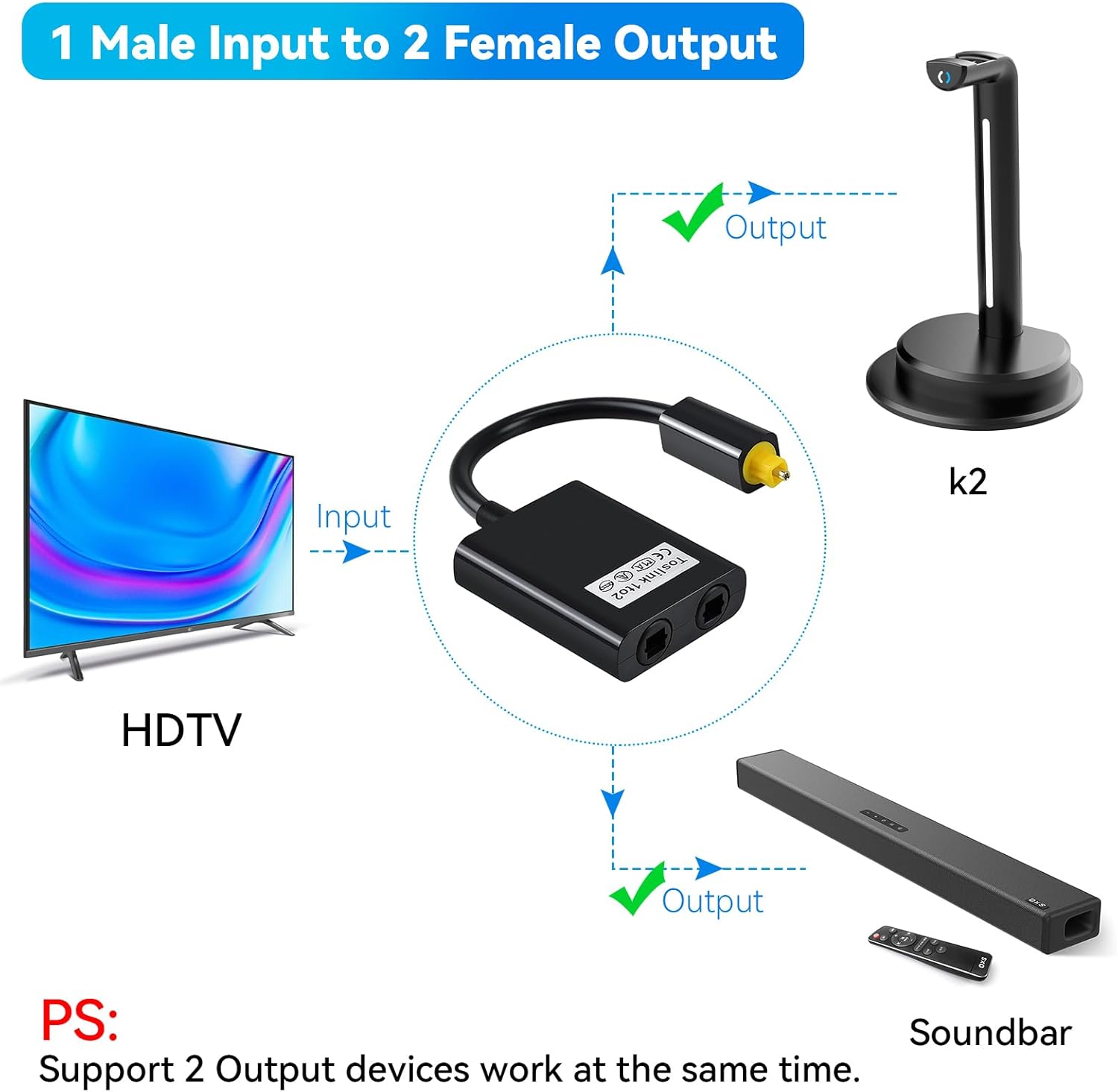
Image: Diagram illustrating the various audio input options for the headphone transmitter, including Optical, RCA, AUX, and USB-C for power.

Image: The headphone charging base, highlighting easy recharge, adjustable foldable design, and soft durable padding of the headphones.
Optical Fiber Splitter Setup
- Connect Input: Connect the single optical audio output from your TV or other digital audio source to the input port of the Toslink fiber optic audio splitter.
- Connect Outputs: Connect two receiving devices, such as your ANSTEN K2 headphone transmitter and a soundbar, to the two output ports of the splitter. This allows both devices to receive audio simultaneously from a single source.
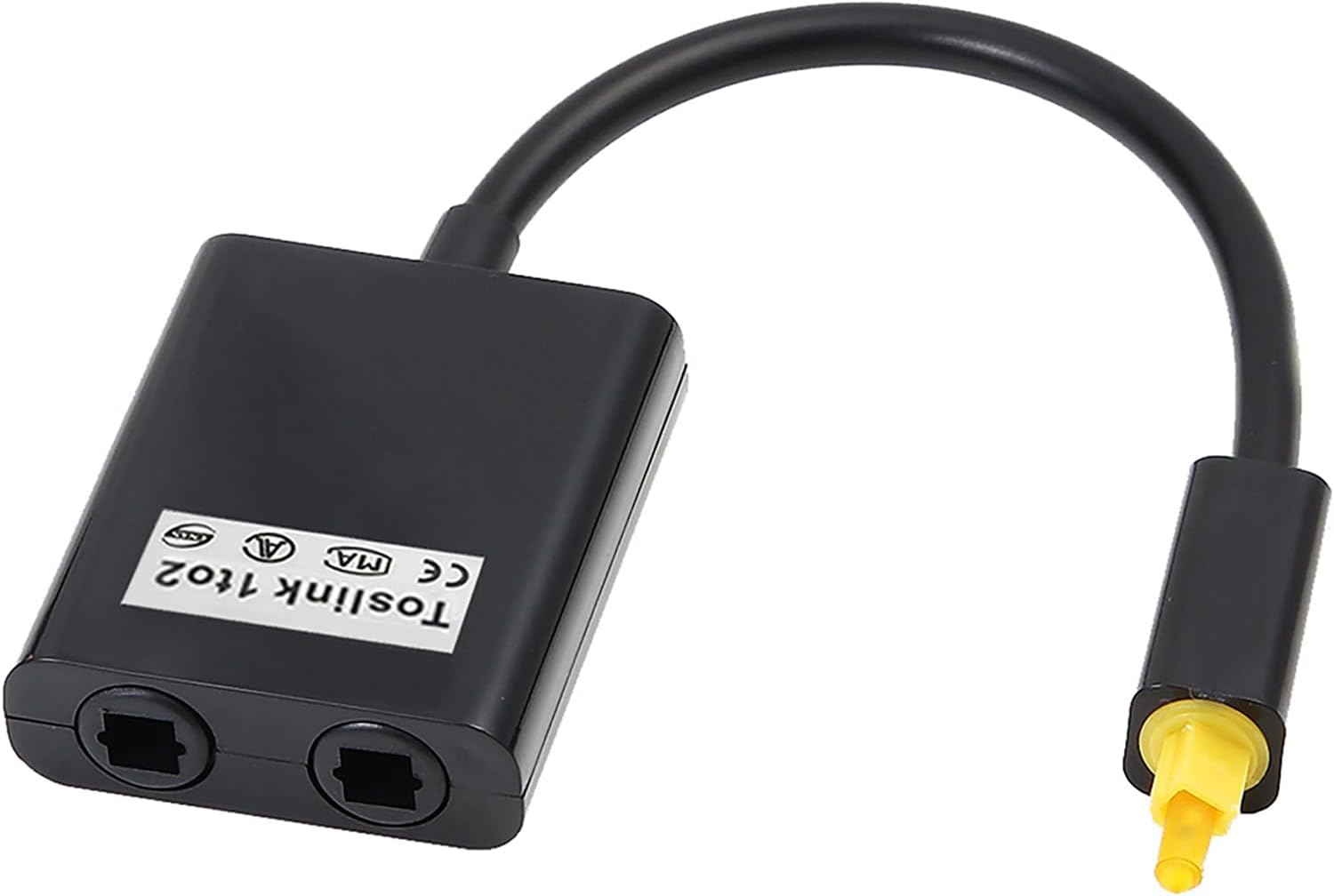
Image: Diagram showing how to connect a single optical input from an HDTV to the splitter, which then provides two optical outputs for devices like the K2 headphone transmitter and a soundbar.

Image: A close-up view of the Toslink 1 to 2 fiber optic audio splitter, showing its input and two output ports.
Operating Instructions
Learn how to use the various features of your ANSTEN K2 Wireless TV Headphones.
Balance Control and Personal Sound Amplifier
- Balance Volume Control: If there is a difference in hearing ability between your left and right ears, use the balance volume control knob on the headphones to adjust the audio output for each ear independently, ensuring equal auditory clarity.
- Personal Sound Amplifier (Microphone Button): Press the microphone button on the headphones to temporarily activate the personal sound amplifier. This feature allows you to hear conversations with people nearby without needing to remove your headphones, providing convenience while watching TV.

Image: Depiction of the personal sound amplifier button and the balance control knob on the ANSTEN K2 headphones, designed for user-friendly adjustments.
Audio Modes (EQ Settings)
The headphones are equipped with a dedicated DSP audio decoder chip and offer five distinct audio modes to enhance your listening experience. These modes can be cycled through with a simple touch on the base area of the headphones.
- Normal Mode: Standard audio profile.
- Bass Mode: Enhances low-frequency sounds for a richer bass experience.
- Voice Mode: Optimizes vocal clarity, ideal for dialogue-heavy content.
- Treble Mode: Accentuates high-frequency sounds for clearer details.
- Bass+Treble Mode: Combines enhanced bass and treble for a more dynamic sound profile.

Image: Visual representation of the five EQ modes (Common Sound, Movie, TV Play/News, Music, Music/Movie/Sports) available on the ANSTEN K2 headphones, activated by touching the base.
Wireless Performance
The ANSTEN K2 headphones utilize 2.4GHz wireless technology, providing a steady signal with no static. The wireless range extends up to 100 feet (30 meters), even through walls, allowing for freedom of movement while listening.

Image: Illustration of the 2.4GHz steady wireless signal, demonstrating its ability to transmit audio up to 100 feet (30 meters) and through walls.
Maintenance and Care
Proper care and maintenance will ensure the longevity and optimal performance of your ANSTEN K2 system.
- Cleaning: Use a soft, dry cloth to clean the headphones and the charging base. Avoid using abrasive cleaners or solvents.
- Storage: When not in use, store the headphones on their charging base in a cool, dry place away from direct sunlight and extreme temperatures.
- Battery Care: To maintain battery health, avoid fully discharging the headphones frequently. Recharge them regularly, especially if they will not be used for an extended period.
- Optical Splitter: Handle the optical splitter and cables with care. Avoid bending or kinking the fiber optic cables, as this can damage them. Keep the optical ports clean and free of dust.
Troubleshooting
If you encounter issues with your ANSTEN K2 system, refer to the following common troubleshooting tips.
- No Sound from Headphones:
- Ensure the transmitter is properly connected to the TV's audio output and powered on.
- Verify that the TV's audio output settings are configured correctly (e.g., set to PCM for optical output if required by your TV).
- Check if the headphones are charged and powered on.
- Confirm the headphones are within range of the transmitter.
- Sound Distortion or Static:
- Ensure there are no strong interference sources (e.g., Wi-Fi routers, microwaves) near the transmitter or headphones.
- Move closer to the transmitter to improve signal strength.
- Check for any physical obstructions between the transmitter and headphones.
- Headphones Not Charging:
- Ensure the charging base is properly connected to a power source.
- Verify that the headphones are correctly seated on the charging base.
- Try charging directly via the USB-C port if the base charging is not working.
- Optical Splitter Not Working:
- Ensure all optical cables are securely connected and not damaged.
- Check that the optical source (TV) is outputting audio.
- Verify that the receiving devices (headphones, soundbar) are correctly configured for optical input.
Specifications
Detailed technical specifications for the ANSTEN K2 Wireless TV Headphones and Optical Fiber Splitter.
| Feature | Detail |
|---|---|
| Model Name | K2 |
| Brand | ANSTEN |
| Connectivity Technology | Wireless (RF) |
| Ear Placement | Over Ear |
| Battery Life | Up to 12 Hours |
| Charging Time | Approx. 3 Hours |
| Frequency Range | 20 Hz - 20,000 Hz |
| Control Type | Volume Control, Touch (for EQ modes), Button/Knob |
| Compatible Devices | Televisions, Soundbars, Receivers, Preamps |
| Material | Plastic |
| Included Components | Charging Case (referring to the charging base/stand) |
| Water Resistance Level | Not Water Resistant |
Warranty and Support
For information regarding product warranty, returns, or technical support, please refer to the manufacturer's official website or contact their customer service directly. Details are typically provided with your product packaging or on the ANSTEN brand's online presence.
You can visit the ANSTEN Store for more information: ANSTEN Store on Amazon
Ask a question about this manual
Ask about setup, troubleshooting, compatibility, parts, safety, or missing instructions. Manuals+ will review the question and use this page’s manual context to help answer it.