
DARKBEAM A300
DARKBEAM A300 UV Black Light Flashlight 395nm Instruction Manual
Brand: DARKBEAM | Model: A300
1. Introduction
Product Overview
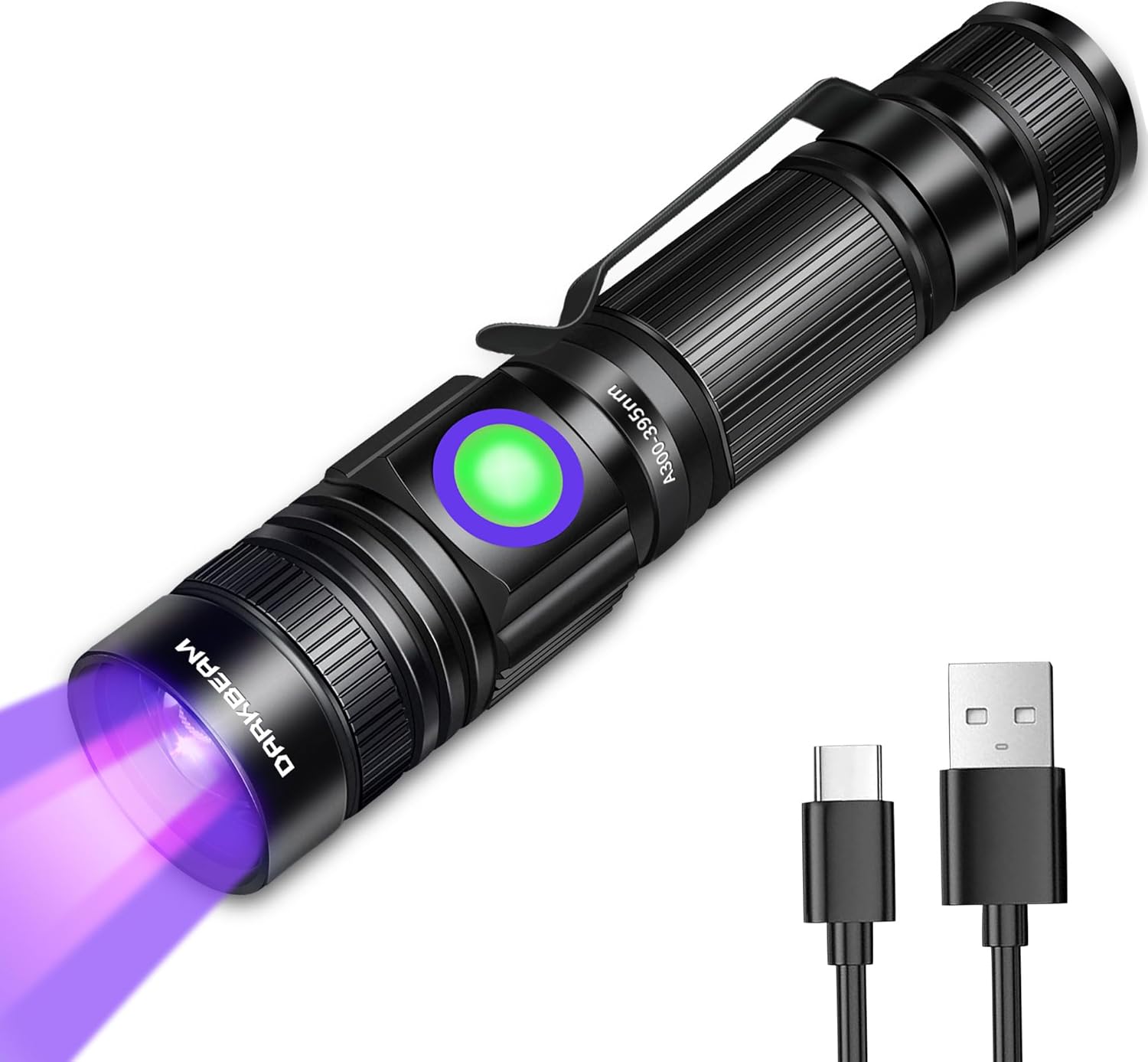
The DARKBEAM A300 UV Black Light Flashlight is a versatile and powerful ultraviolet LED device designed for various detection and curing applications. Featuring a 395nm wavelength, it is effective for identifying pet urine stains, curing UV resin, illuminating fluorescent materials, and verifying currency.
- 395nm UV Wavelength: Optimized for detecting dried pet urine stains, curing UV resin, and illuminating UV-reactive items.
- USB Rechargeable: Includes a long-lasting rechargeable battery, fully charged in approximately 3 hours via any 5V 2A USB device.
- Zoomable Lens: Adjust the light beam from wide to narrow for versatile application, from broad area scanning to focused inspection.
- Single Lighting Mode: Simple one-click operation for ease of use.
- Compact & Portable: Tiny, lightweight design with a pocket clip for easy carrying.
- Durable & Waterproof: IPX4 water-resistant aluminum body ensures durability against splashes and impacts.
2. Setup
Initial Battery Charging
- Unscrew and Reconnect Tail Cap: Before first use, unscrew the tail cap of the flashlight. This disconnects the battery. Reconnect the battery and firmly tighten the tail cap. This ensures proper electrical contact.
- Connect to Power: Use the provided Micro USB charging cable to connect the flashlight to any 5V 2A USB power source (e.g., wall adapter, computer USB port).
- Monitor Charging Indicator: The power indicator button will show a red light during charging. Once fully charged, the indicator will turn green.
- Charging Time: A full charge typically takes approximately 3 hours.

3. Operating Instructions
Power On/Off
The DARKBEAM A300 features a simple single-mode operation:
- To turn the UV light ON, press the power button once.
- To turn the UV light OFF, press the power button again.
Zoom Function
The flashlight is equipped with a zoomable lens to adjust the beam focus:
- To achieve a wide beam, pull the head of the flashlight outwards. This is useful for scanning larger areas.
- To achieve a narrow beam, push the head of the flashlight inwards. This focuses the UV light for precise inspection of smaller areas.

4. Applications
Pet Urine Detection
The 395nm UV light is highly effective at revealing dried pet urine stains that are invisible to the naked eye. Use the wide beam to scan carpets, upholstery, and floors, then narrow the beam to pinpoint specific areas for cleaning.

Resin Curing & Mineral Identification
The UV light can be used for curing UV-sensitive resins and 3D resin prints. It also effectively illuminates fluorescent minerals and rocks, making it a valuable tool for geology enthusiasts and collectors.
Stain Detection & Authenticity Verification
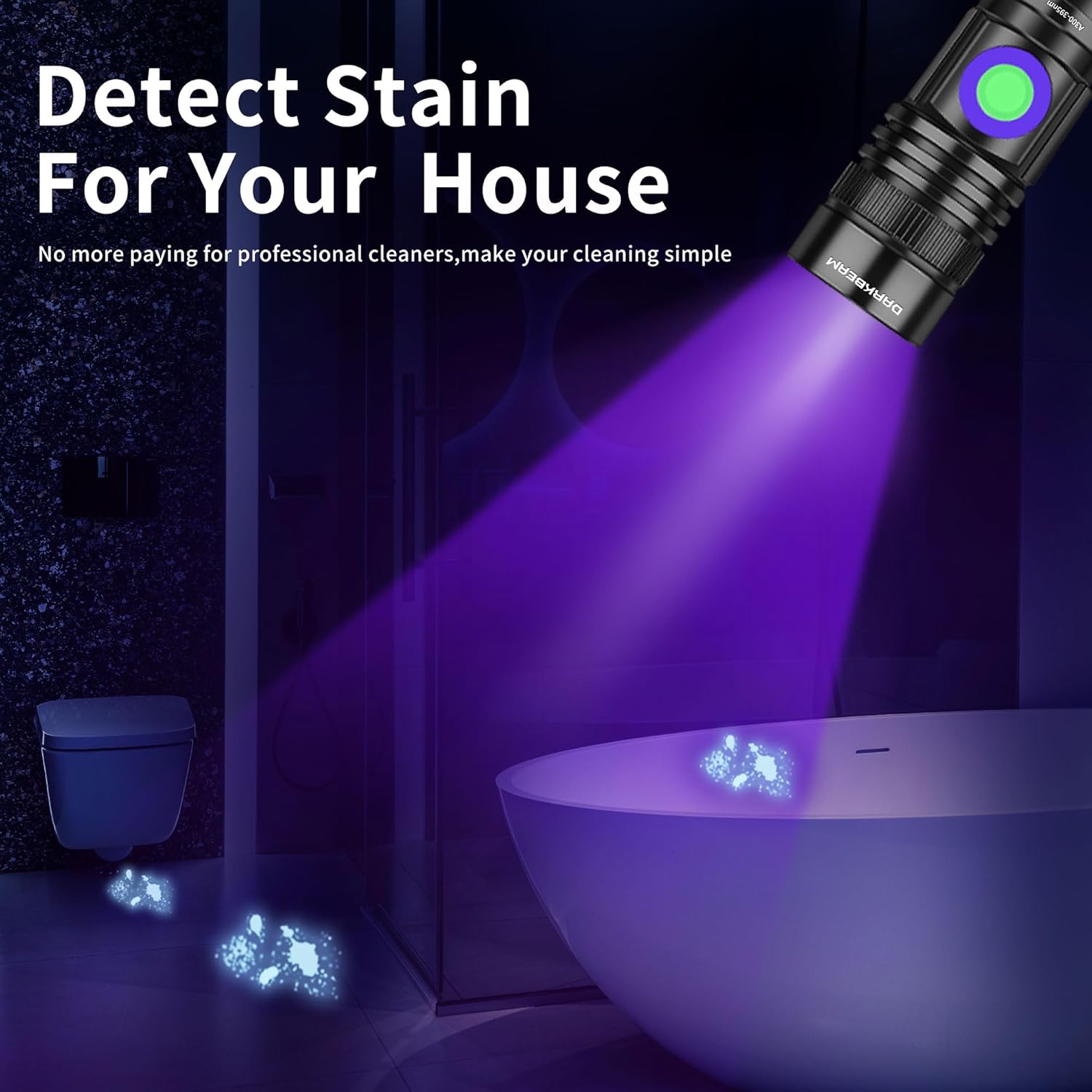
Beyond pet stains, the flashlight can help detect fluorescent agents, hidden dirt, and other residues on various surfaces in your home. It can also be used to verify the authenticity of currency, passports, and other documents with UV security features.


5. Maintenance
Cleaning
- Wipe the flashlight body with a soft, damp cloth.
- Do not use abrasive cleaners or solvents, as these can damage the finish or lens.
- Keep the lens clean for optimal light output.
Storage
- Store the flashlight in a cool, dry place away from direct sunlight.
- If storing for extended periods, ensure the battery is partially charged (around 50%) and recharge every 3-6 months to maintain battery health.
6. Troubleshooting
| Problem | Possible Cause | Solution |
|---|---|---|
| Flashlight does not turn on. | Battery is not connected or is low/dead. | Ensure the tail cap is tightly screwed on. Charge the battery fully. |
| Light is dim. | Low battery. Dirty lens. | Recharge the battery. Clean the lens with a soft cloth. |
| Zoom function is stiff. | Dirt or debris in the mechanism. | Gently clean the sliding parts. Avoid forcing the mechanism. |
| Charging indicator not working. | Faulty cable or power source. | Try a different USB cable and power adapter. |
7. Specifications
| Feature | Detail |
|---|---|
| Wavelength | 395nm |
| Power Source | Rechargeable Battery Powered |
| Light Source Type | UV LED |
| Material | Aluminum |
| Special Features | Cat Pee Detector, Gem and Mineral Identification, Mini with Pocket Clip, Pet Dog / Cat Urine Detection, USB Rechargeable & Zoomable |
| Water Resistance | IPX4 (Water splashes and impacts) |
8. Warranty and Support
For warranty information, technical support, or any inquiries regarding your DARKBEAM A300 UV Black Light Flashlight, please refer to the product packaging or contact DARKBEAM customer service through their official channels. Keep your purchase receipt for warranty claims.
Ask a question about this manual
Ask about setup, troubleshooting, compatibility, parts, safety, or missing instructions. Manuals+ will review the question and use this page’s manual context to help answer it.