
1. Introduction
This manual provides detailed instructions for the Redragon M813 Wired RGB Gaming Mouse. It covers setup, operation, maintenance, and troubleshooting to ensure optimal performance and user experience. Please read this manual thoroughly before using the product.

Figure 1: Redragon M813 Wired RGB Gaming Mouse
2. Product Overview
The Redragon M813 is a high-performance wired gaming mouse designed for precision and customization. It features an ergonomic design, a high-precision optical sensor, and programmable buttons to enhance your gaming and productivity.
Key Features:
- High Precision Optical Sensor: Equipped with the PAW 3333 sensor, offering up to 16,000 DPI.
- Adjustable DPI: 5 customizable DPI levels (1000/2000/4000/8000/16000).
- 4D Dual Mode Scroll Wheel: Supports both hyper-fast scrolling and tactile cycling.
- 7 Programmable Buttons: Customize functions for various tasks and games.
- Dynamic RGB Backlighting: 8 distinct backlit modes for personalized aesthetics.
- Durable Switches: Redragon mechanical mouse switches rated for up to 20 million clicks.
- Ergonomic Design: Engineered for comfortable use during extended sessions.
- Software Support: Dedicated software for advanced customization of buttons, DPI, and lighting.

Figure 2: Redragon M813 Key Features
3. Setup Instructions
3.1 Connecting the Mouse
- Locate an available USB port on your computer.
- Plug the USB connector of the Redragon M813 mouse into the USB port.
- Your operating system should automatically detect and install the necessary drivers.
3.2 Software Installation (Optional)
For advanced customization of DPI settings, button assignments, and RGB lighting, download and install the Redragon dedicated software from the official Redragon website. Follow the on-screen instructions for installation.
4. Operating Instructions
4.1 DPI Adjustment
The Redragon M813 mouse features 5 adjustable DPI levels. You can cycle through these levels using the dedicated DPI +/- buttons located near the scroll wheel. The default DPI levels are 1000, 2000, 4000, 8000, and 16000. These levels can be customized using the Redragon software.
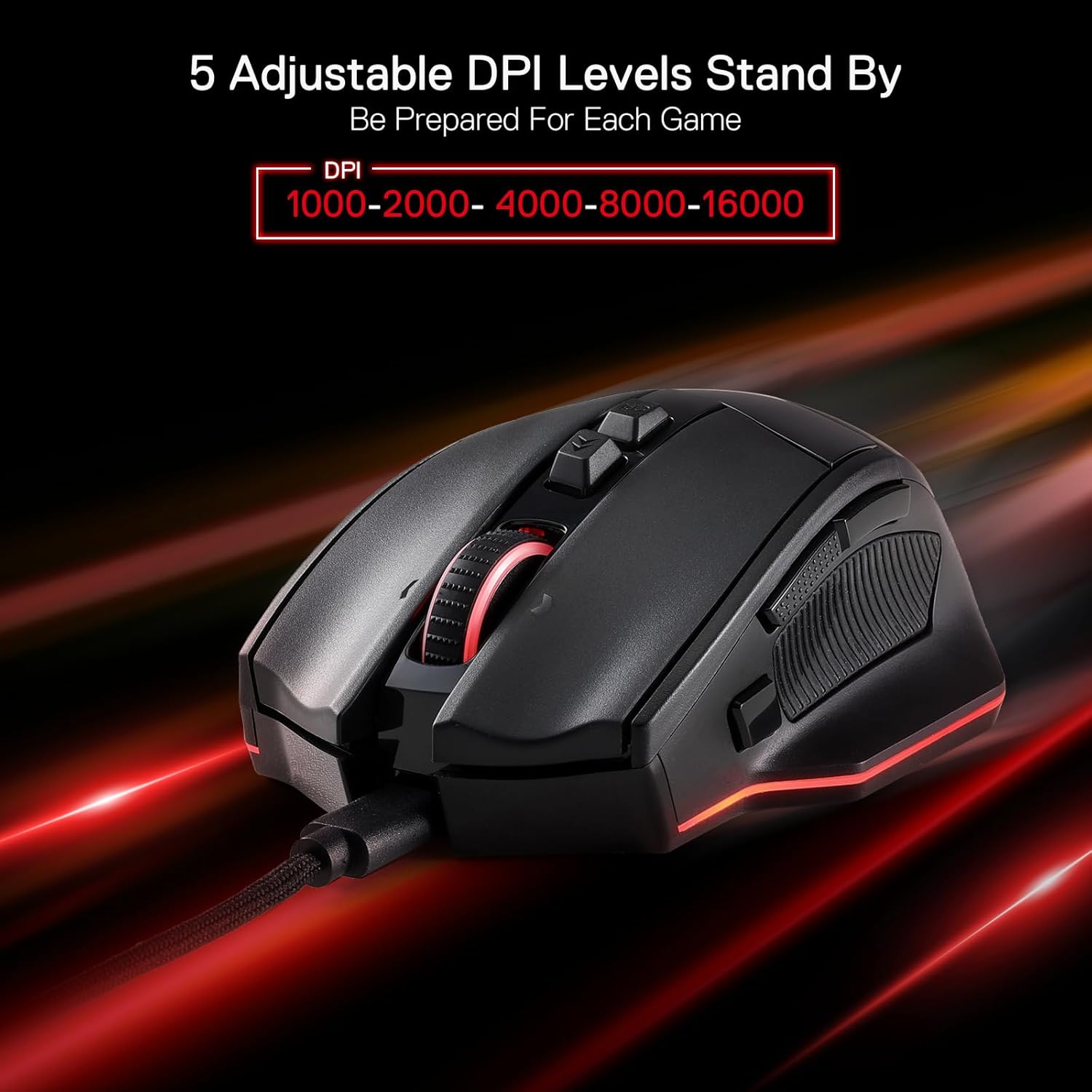
Figure 3: Adjustable DPI Levels
4.2 4D Dual Mode Scroll Wheel
The scroll wheel offers two modes: hyper-fast scrolling and tactile cycling. This allows for quick navigation through long documents or precise control in applications. The mode can typically be switched via a button near the scroll wheel or through software settings.
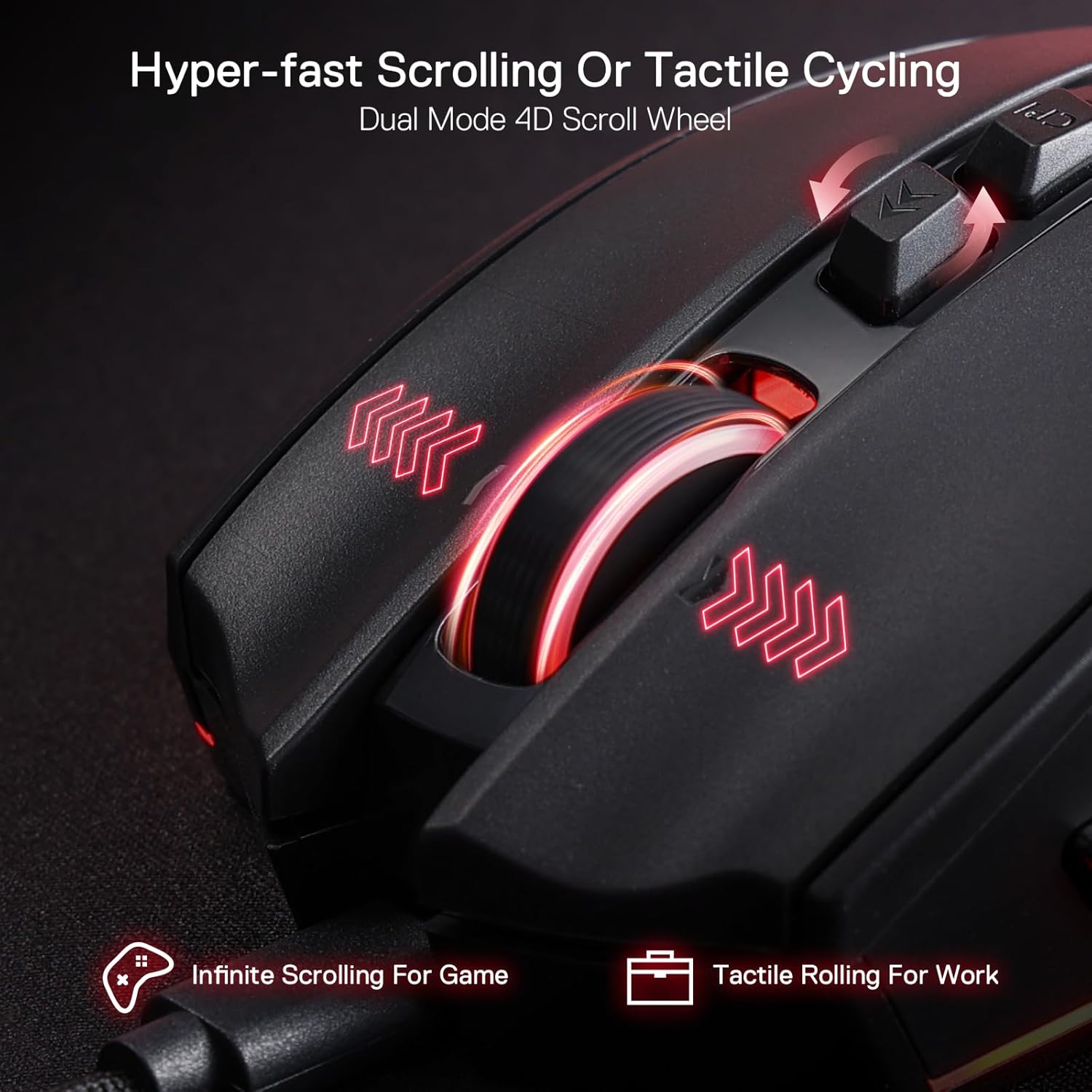
Figure 4: 4D Dual Mode Scroll Wheel
4.3 Programmable Buttons
The M813 mouse is equipped with 7 programmable buttons. These buttons can be assigned various functions, macros, or keybinds using the Redragon software. Refer to the software interface for detailed customization options.

Figure 5: Programmable Button Layout
4.4 RGB Lighting
The mouse features 8 distinct RGB backlit modes. These lighting effects can be adjusted and customized through the Redragon software to match your setup or preference.

Figure 6: RGB Lighting Effects
5. Maintenance
To ensure the longevity and performance of your Redragon M813 mouse, follow these maintenance guidelines:
- Cleaning: Use a soft, dry cloth to wipe the surface of the mouse. For stubborn dirt, slightly dampen the cloth with water. Avoid using harsh chemicals or abrasive materials.
- Sensor Care: Keep the optical sensor on the underside of the mouse clean and free from dust or debris to maintain tracking accuracy.
- Cable Management: Avoid sharp bends or excessive pulling on the USB cable to prevent damage.
6. Troubleshooting
If you encounter issues with your Redragon M813 mouse, refer to the following common problems and solutions:
| Problem | Possible Solution |
|---|---|
| Mouse not responding |
|
| Inaccurate tracking or cursor lag |
|
| Buttons or scroll wheel not working correctly |
|
| RGB lighting not functioning |
|
7. Specifications
| Feature | Detail |
|---|---|
| Model Number | M813 |
| Connectivity | Wired (USB) |
| Sensor | Optical (PAW 3333) |
| DPI Range | 1000-16000 DPI (5 adjustable levels) |
| Tracking Speed | 300 IPS |
| Acceleration | 35G |
| Buttons | 7 Programmable Buttons |
| Scroll Wheel | 4D Dual Mode |
| Switch Lifespan | 20 Million Clicks |
| Backlighting | RGB (8 modes) |
| Dimensions | 4.88 x 3.03 x 0.04 inches |
| Weight | 0.634 ounces |
| Color | Black |
8. Warranty and Support
Redragon products are designed for reliability and performance. For warranty information, technical support, or further assistance, please visit the official Redragon website or contact their customer service department. Keep your purchase receipt as proof of purchase for warranty claims.
Official Redragon Website: www.redragonusa.com