
Product Overview
The Retevis P2 is a professional-grade GMRS two-way radio designed for reliable and clear communication in various environments. Featuring IP68 waterproofing, noise cancellation, and a rugged build, it is suitable for industrial, warehouse, and outdoor use. This manual provides essential information for the proper setup, operation, and maintenance of your Retevis P2 radios.
Key Features
- IP68 Waterproof and Dustproof: Designed to withstand immersion in water for up to 2 hours and resist dust ingress, ensuring reliable operation in harsh conditions.
- Long Range Communication: Provides strong signal penetration and stable call quality for clear long-distance communication.
- Noise Reduction: Effectively reduces background noise for clear audio reception, even in noisy environments.
- Rugged Construction: Built with a solid metal aluminum plate, designed to endure daily wear and accidental drops.
- Easy Pairing: Quick pairing functionality allows for seamless communication with other compatible walkie-talkies (ensure same frequency and CTCSS/DCS).
- Large Capacity Battery: Equipped with a 2500mAh battery, providing up to 16 hours of continuous operation.
- Type-C Charging: Convenient Type-C charging interface for easy recharging.
- Safety Features: Includes Man Down alarm and Emergency alarm functions for enhanced user safety.
- Customizable Side Keys: Side buttons can be programmed for various functions such as VOX, emergency alarm, power selection, and noise reduction.
- Multiple Functions: Supports 22 GMRS channels with 8 repeater channels, FM radio (24 channel storage), CTCSS/DCS codes, VOX hands-free operation, selected channel call, busy channel lock-out, and CHIRP programming.
Package Contents
Verify that all items listed below are included in your package:
- P2 Walkie Talkie (x2)
- Battery (x2)
- Charging Base (x2)
- Type-C Charging Cable (x2)
- Data Cable (x1)
- User Manual (x2)
- Belt Clip (x2)
- Hand Strap (x2)
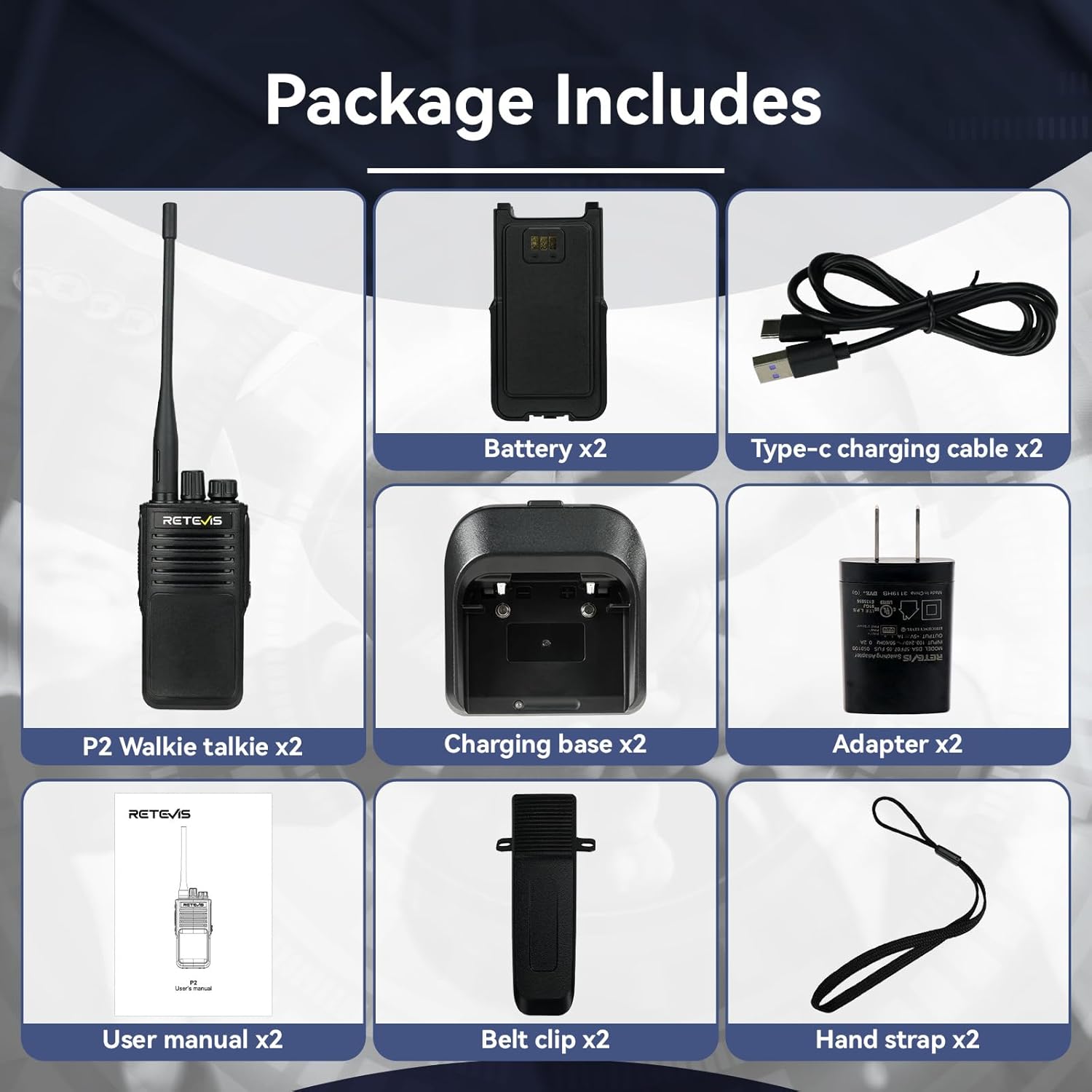
Image: All components included in the Retevis P2 Two-Way Radio package.
Product Diagram and Controls
Familiarize yourself with the various parts and controls of your Retevis P2 radio:

Image: Labeled diagram of the Retevis P2 radio's controls and ports.
- Channel Knob: Rotate to select desired communication channel.
- Power Knob: Rotate to turn the radio ON/OFF and adjust volume.
- VOX/Emergency Alarm Button (Upper Side Button): Short press for VOX function. Long press for Emergency Alarm.
- PTT (Push-to-Talk) Button: Press and hold to transmit, release to receive.
- Noise Canceling/Power Selection Button (Lower Side Button): Short press to turn noise reduction ON/OFF. Long press to switch between high and low power (distance).
- Audio/Earpiece Jack: For connecting external audio accessories like earpieces or microphones.
- Type-C Charging Interface: For connecting the Type-C charging cable.
Setup
- Install Battery: Align the battery with the contacts on the back of the radio and slide it into place until it clicks securely.
- Charge Battery: Place the radio into the charging base. Connect the Type-C charging cable to the charging base and a suitable power adapter. The indicator light on the charging base will show charging status. Ensure the battery is fully charged before first use.
- Attach Antenna: Screw the antenna clockwise onto the antenna connector on top of the radio until it is finger-tight. Do not overtighten.
- Attach Belt Clip/Hand Strap (Optional): Secure the belt clip to the back of the radio if desired. Attach the hand strap for added security.
Operating Instructions
- Power On/Off: Rotate the Power Knob clockwise to turn the radio ON. Rotate counter-clockwise until it clicks to turn the radio OFF.
- Adjust Volume: After powering on, continue rotating the Power Knob to adjust the listening volume.
- Select Channel: Rotate the Channel Knob to select the desired communication channel (1-30). Ensure all radios in your group are on the same channel.
- Transmit (Talk): To speak, press and hold the PTT (Push-to-Talk) button on the side of the radio. Speak clearly into the microphone, which is located near the PTT button. Release the PTT button to listen.
- Receive (Listen): When the PTT button is not pressed, the radio is in receive mode. You will hear incoming transmissions on the selected channel.
- Quick Pairing: To quickly pair with another Retevis P2 radio, ensure both radios are off. Press the third side button (VOX/Emergency Alarm) and the Power Knob simultaneously on channel 1 to turn on the walkie-talkie. This initiates a quick pairing sequence.
- Using Side Button Functions:
- VOX (Voice Operated Exchange): Short press the upper side button. When VOX is active, the radio will transmit automatically when it detects your voice, without needing to press PTT.
- Emergency Alarm: Long press the upper side button to activate the emergency alarm.
- Noise Reduction: Short press the lower side button to toggle noise reduction ON or OFF.
- Switch Distance (Power Selection): Long press the lower side button to switch between high power (long range) and low power (short range).
- CTCSS/DCS Codes: For private communication within a channel, set the same CTCSS (Continuous Tone-Coded Squelch System) or DCS (Digitally Coded Squelch) codes on all radios in your group. Refer to advanced programming instructions for setting these codes.
- CHIRP Programming: The Retevis P2 supports CHIRP software for advanced programming of channels, frequencies, and other settings. This allows for customization and compatibility with other radio brands (requires matching frequencies and CTCSS/DCS).
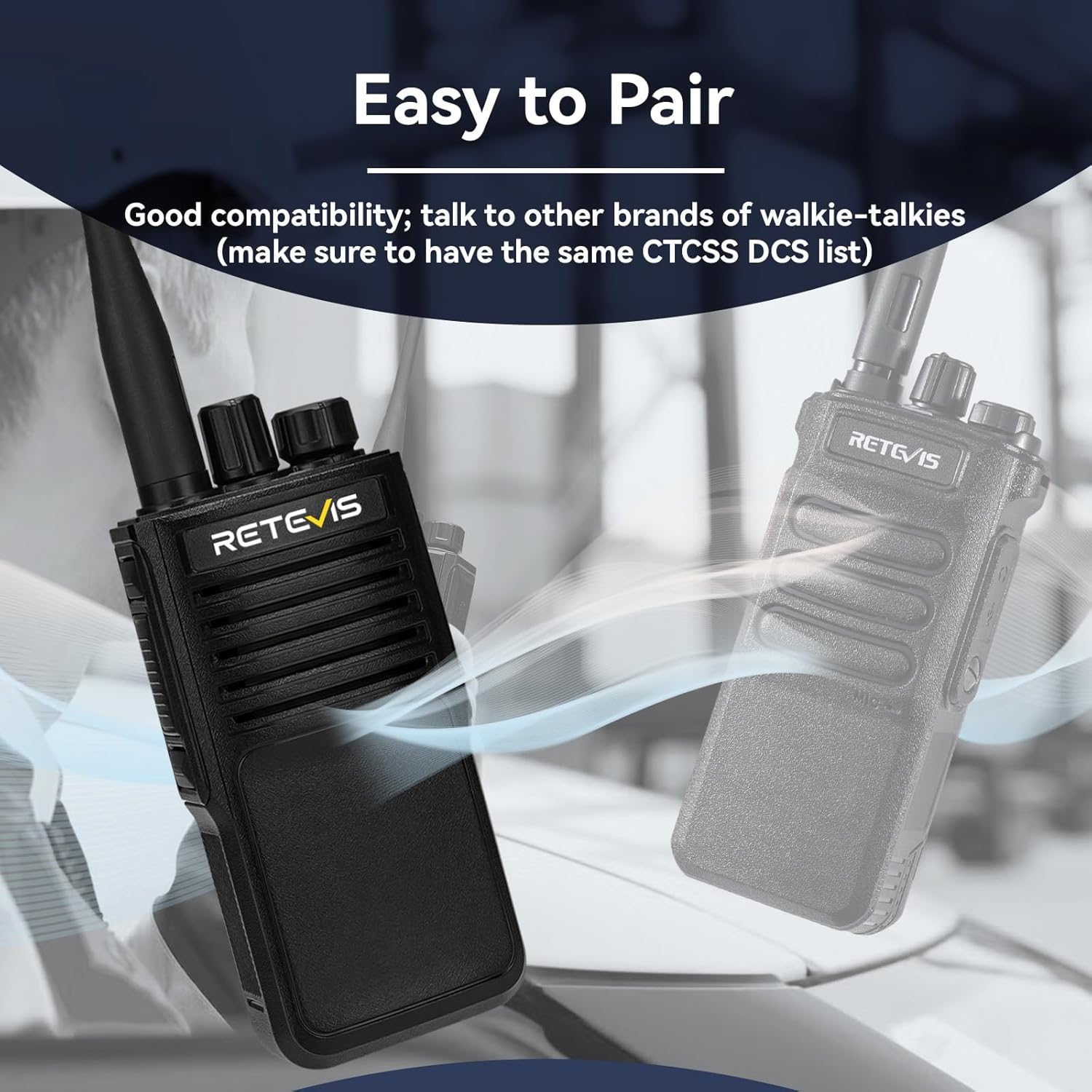
Image: Illustration of the easy pairing process between two Retevis P2 radios.
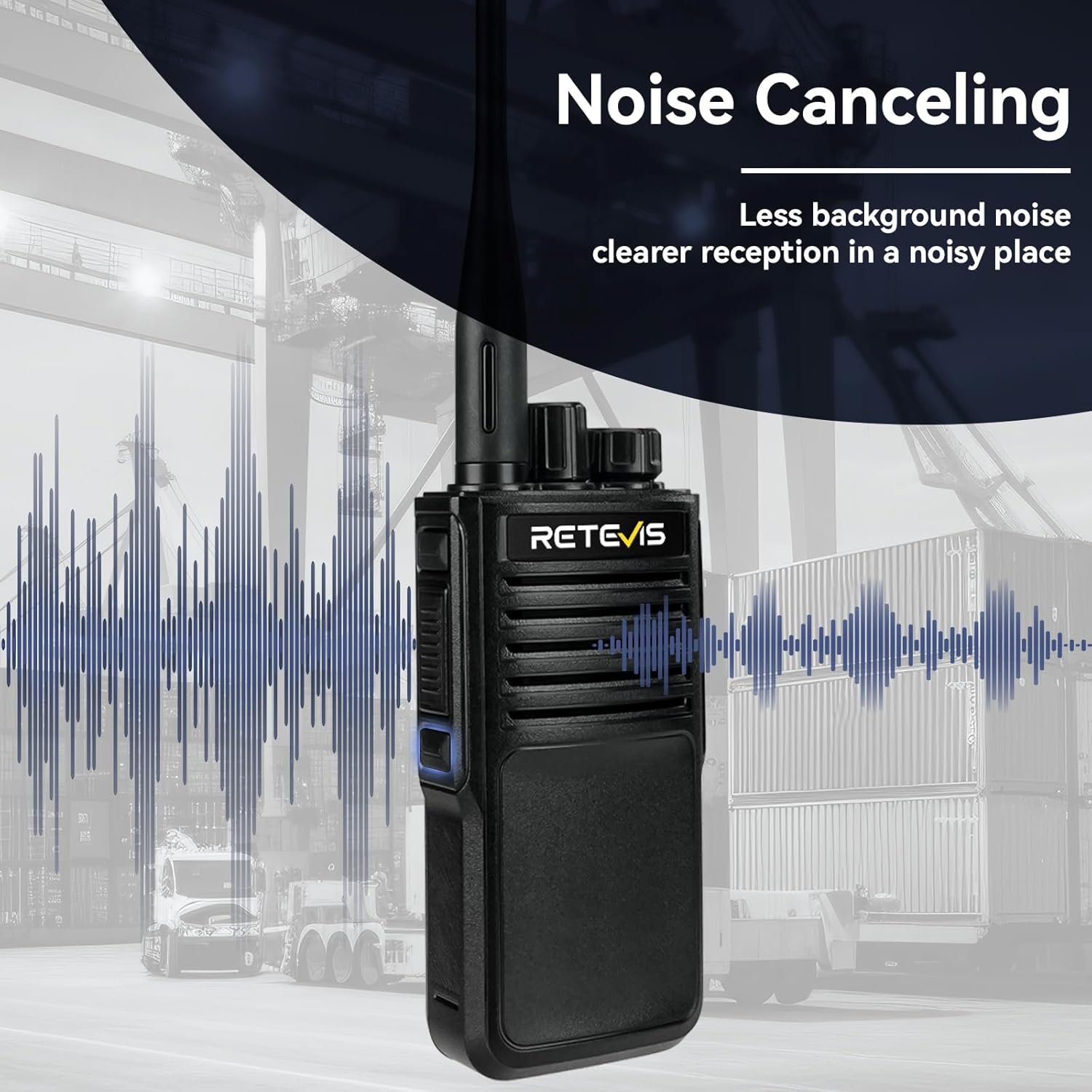
Image: Visual representation of the noise canceling feature of the Retevis P2 radio.

Image: Depiction of the long-range communication capability of the Retevis P2 radio.
Maintenance
- Cleaning: Wipe the radio surface with a soft, damp cloth. Do not use harsh chemicals or abrasive cleaners.
- Battery Care: To prolong battery life, avoid overcharging or completely draining the battery. Store the radio and battery in a cool, dry place when not in use for extended periods.
- Water Exposure: Although IP68 rated, always ensure the Type-C charging port cover is securely closed when the radio is exposed to water or dust. After exposure to water, dry the radio thoroughly before charging.
- Storage: Store the radio in a dry, dust-free environment away from direct sunlight and extreme temperatures.

Image: The Retevis P2 radio submerged in water, highlighting its IP68 waterproof feature.

Image: Demonstration of the Retevis P2 radio's ruggedness and durability against drops.
Troubleshooting
| Problem | Possible Cause | Solution |
|---|---|---|
| Radio does not power on | Low or dead battery; Incorrect battery installation | Charge the battery; Reinstall the battery correctly |
| Cannot transmit or receive | Incorrect channel; Battery low; Antenna loose; CTCSS/DCS mismatch | Ensure all radios are on the same channel; Charge battery; Tighten antenna; Verify CTCSS/DCS settings |
| Poor audio quality or static | Out of range; Obstructions; Low battery; Noise reduction off | Move closer to other radios; Avoid obstructions; Charge battery; Activate noise reduction |
| Battery drains quickly | Frequent transmission; High power mode; Aging battery | Reduce transmission time; Use low power mode when possible; Consider replacing battery if old |
Specifications
- Model: P2
- Item Weight: 2.42 pounds
- Product Dimensions: 1.65 x 2.36 x 4.45 inches
- Batteries: 2 Lithium Ion batteries required (included)
- Manufacturer: Retevis
- Color: Black
- Number of Channels: 30 (22 GMRS + 8 Repeater)
- Frequency Range: GMRS
- Voltage: 7.4 Volts (DC)
- Water Resistance Level: IP68 Waterproof
- Battery Capacity: 2500mAh
Warranty and Support
Retevis provides a comprehensive warranty for your P2 two-way radios:
- Radio Body Warranty: 2 years from the date of purchase.
- Accessories Warranty: 1 year from the date of purchase.
- Return Policy: 30 days no-reason return.
Beyond the warranty period, maintenance services are still offered, with buyers responsible for corresponding costs.
For any inquiries, technical support, or warranty claims, please contact Retevis customer service through Amazon. We aim to reply within 12 hours.
For more information and products, visit the official Retevis Store on Amazon.


