
1. Introduction
Thank you for choosing the Rythflo WH03 Bluetooth Headphones. These wireless earbuds are designed to provide a high-quality audio experience with exceptional battery life and a comfortable, secure fit. This manual will guide you through the setup, operation, and maintenance of your new headphones to ensure optimal performance.
2. What's in the Box
- Rythflo WH03 Bluetooth Headphones
- USB-C Charging Cable
- Multiple Sizes of Eartips (S, M, L)
- User Manual
3. Product Overview
The Rythflo WH03 features a comfortable neckband design with in-ear earbuds and earhooks for a secure fit. The integrated control panel allows for easy management of audio playback and calls.
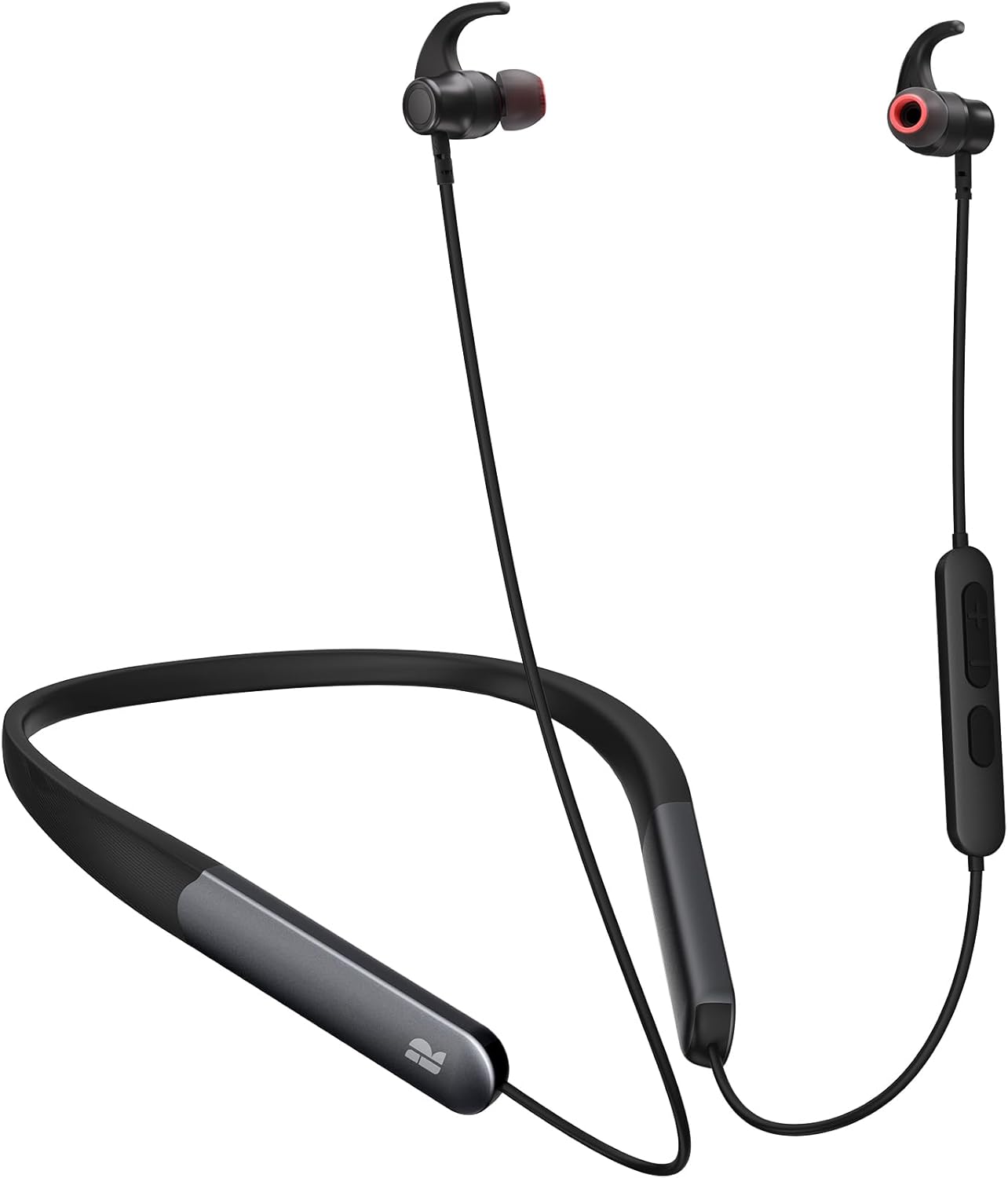
Image: Rythflo WH03 Bluetooth Headphones. This image displays the overall design of the headphones, including the flexible neckband, the in-ear earbuds with red accents and earhooks, and the inline control module on the right side.
Components:
- Earbuds with Earhooks: Designed for a secure and comfortable fit.
- Neckband: Flexible and lightweight, resting around your neck.
- Inline Control Panel: Buttons for power, volume, and media control.
- Microphone: Integrated for hands-free calls.
- USB-C Charging Port: Located on the neckband or control panel.
4. Setup
4.1 Charging the Headphones
Before first use, fully charge your Rythflo WH03 headphones. A full charge provides up to 150 hours of playtime.
- Connect the provided USB-C charging cable to the charging port on the headphones.
- Connect the other end of the cable to a USB power adapter (not included) or a computer's USB port.
- The LED indicator will show charging status (e.g., red for charging, blue for fully charged).
- A full charge takes approximately 2 hours. A quick 10-minute charge can provide up to 15 hours of listening time.

Image: A person wearing the Rythflo WH03 headphones in an industrial setting, highlighting the impressive 150-hour battery life and the convenience of a month's playtime on a single charge.
4.2 Pairing with a Bluetooth Device
- Ensure the headphones are turned off.
- Press and hold the Multi-function button (usually the power button) for approximately 5-7 seconds until the LED indicator flashes red and blue alternately, indicating pairing mode.
- On your device (smartphone, tablet, computer), enable Bluetooth and search for available devices.
- Select "Rythflo WH03" from the list of found devices.
- Once connected, the LED indicator will flash blue slowly or turn solid blue.
- If prompted for a password, enter "0000".
5. Operating Instructions
5.1 Power On/Off
- Power On: Press and hold the Multi-function button for 3 seconds. The LED will flash blue.
- Power Off: Press and hold the Multi-function button for 5-6 seconds. The LED will flash red and then turn off.
5.2 Music Playback
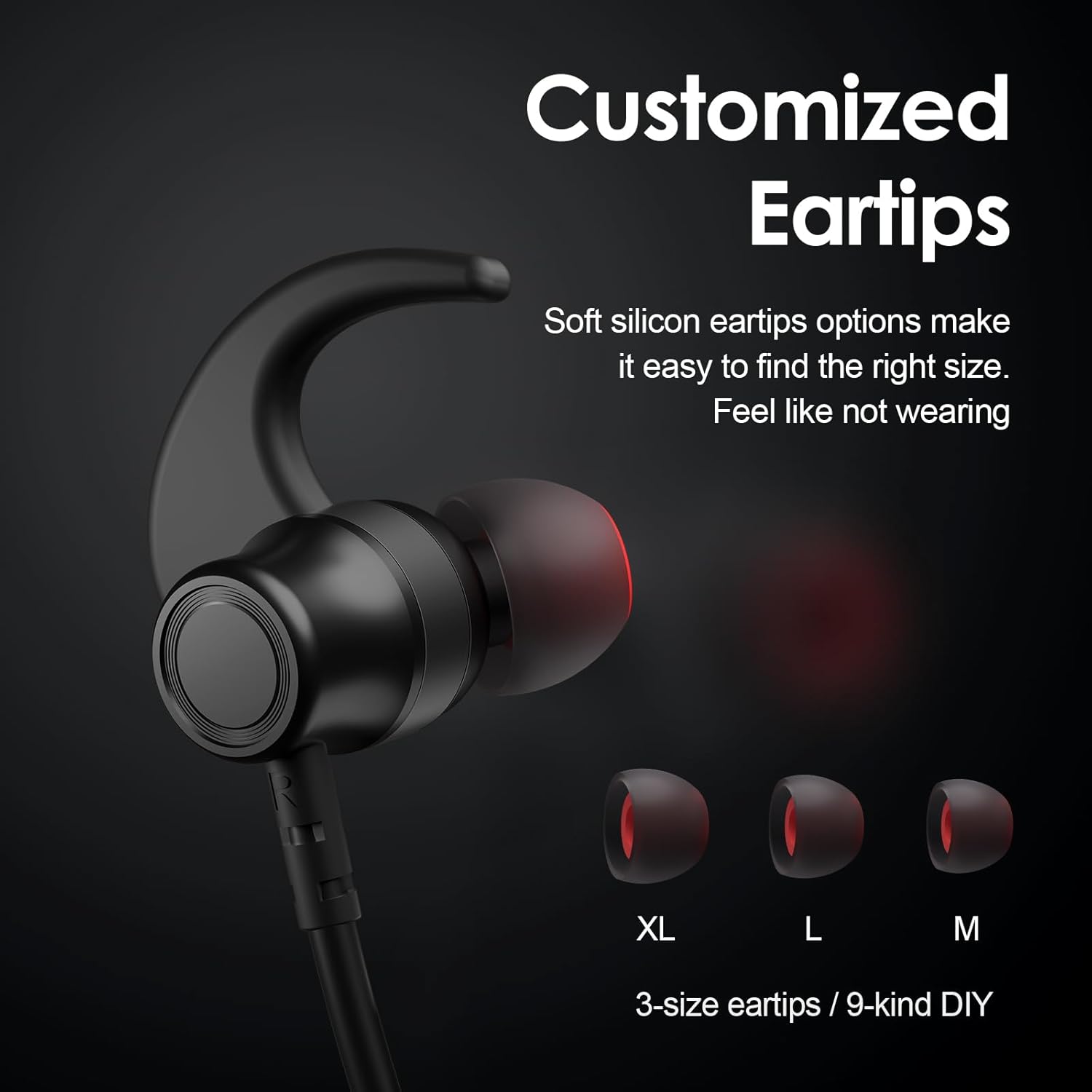
Image: A detailed view of the inline control panel on the Rythflo WH03 headphones, showing the volume up (+), volume down (-), and multi-function buttons. This panel is used for media control and call management.
- Play/Pause: Press the Multi-function button once.
- Volume Up: Press the '+' button.
- Volume Down: Press the '-' button.
- Next Track: Press and hold the '+' button.
- Previous Track: Press and hold the '-' button.
5.3 Call Management
- Answer/End Call: Press the Multi-function button once.
- Reject Call: Press and hold the Multi-function button for 2 seconds.
- Redial Last Number: Double-press the Multi-function button.
5.4 Voice Assistant
- Activate Voice Assistant: Triple-press the Multi-function button (functionality depends on your connected device).
6. Maintenance
6.1 Cleaning
- Gently wipe the earbuds and neckband with a soft, dry, lint-free cloth.
- Remove eartips and clean them with mild soap and water if necessary, ensuring they are completely dry before reattaching.
- Do not use harsh chemicals or abrasive materials.
6.2 Storage
- Store the headphones in a cool, dry place away from direct sunlight and extreme temperatures.
- Avoid tangling the cables.
6.3 Water Resistance
The Rythflo WH03 headphones are IPX7 water and sweat resistant, making them suitable for workouts and outdoor activities. However, they are not designed for swimming or submersion in water for extended periods.
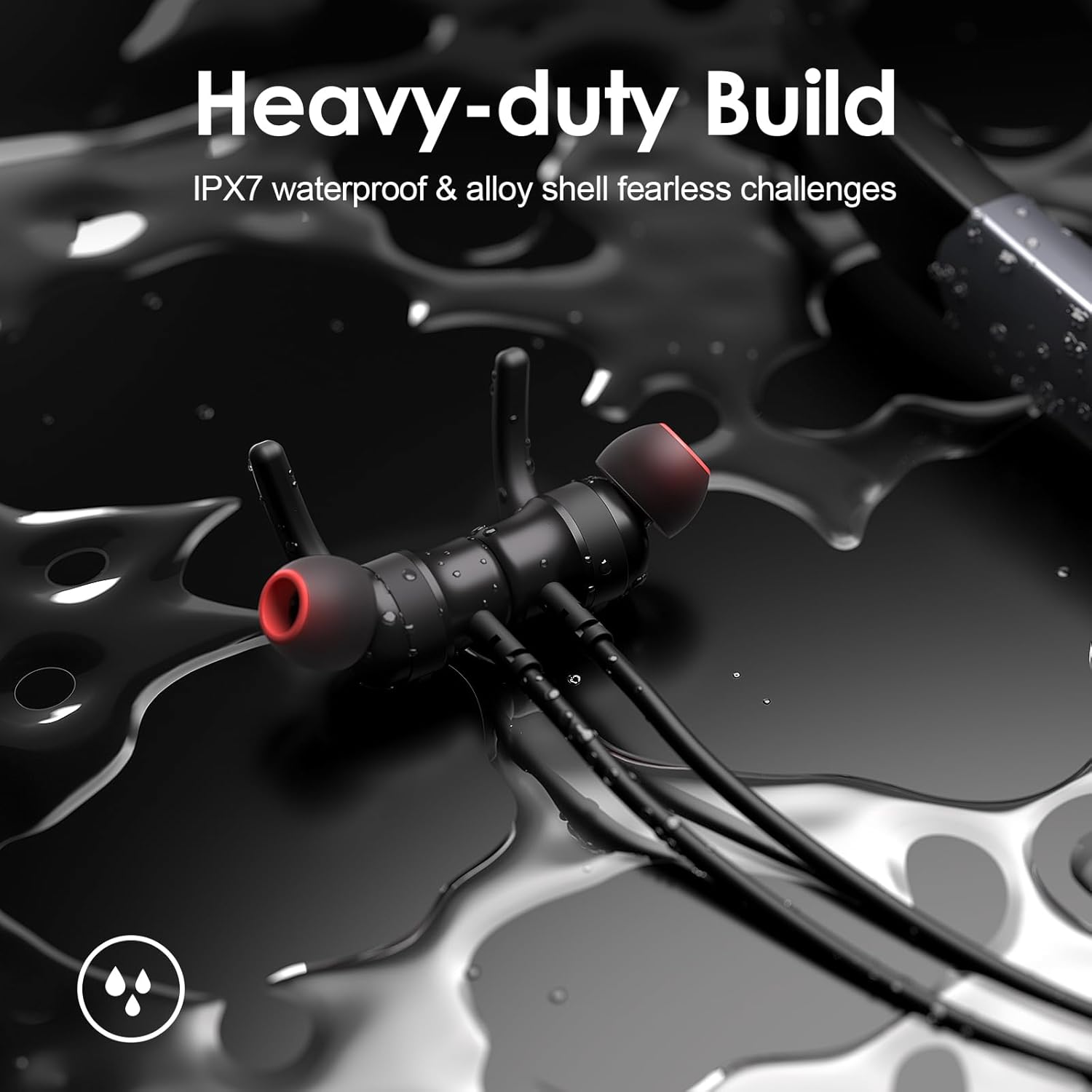
Image: Rythflo WH03 earbuds partially submerged in water, demonstrating their IPX7 water resistance and heavy-duty build, suitable for challenging environments.
7. Troubleshooting
7.1 Cannot Power On
- Ensure the headphones are fully charged. Connect to a power source and try again.
7.2 Cannot Pair with Device
- Make sure the headphones are in pairing mode (LED flashing red and blue).
- Ensure Bluetooth is enabled on your device and it is within 10 meters of the headphones.
- Turn off and on both the headphones and your device, then try pairing again.
- Clear the Bluetooth pairing history on your device and re-attempt pairing.
7.3 No Sound or Poor Sound Quality
- Check the volume levels on both the headphones and your connected device.
- Ensure the headphones are properly connected to your device.
- Move closer to your device to avoid interference.
- Try playing different audio sources.
- Ensure eartips are correctly sized and sealed in your ear for optimal bass and clarity.
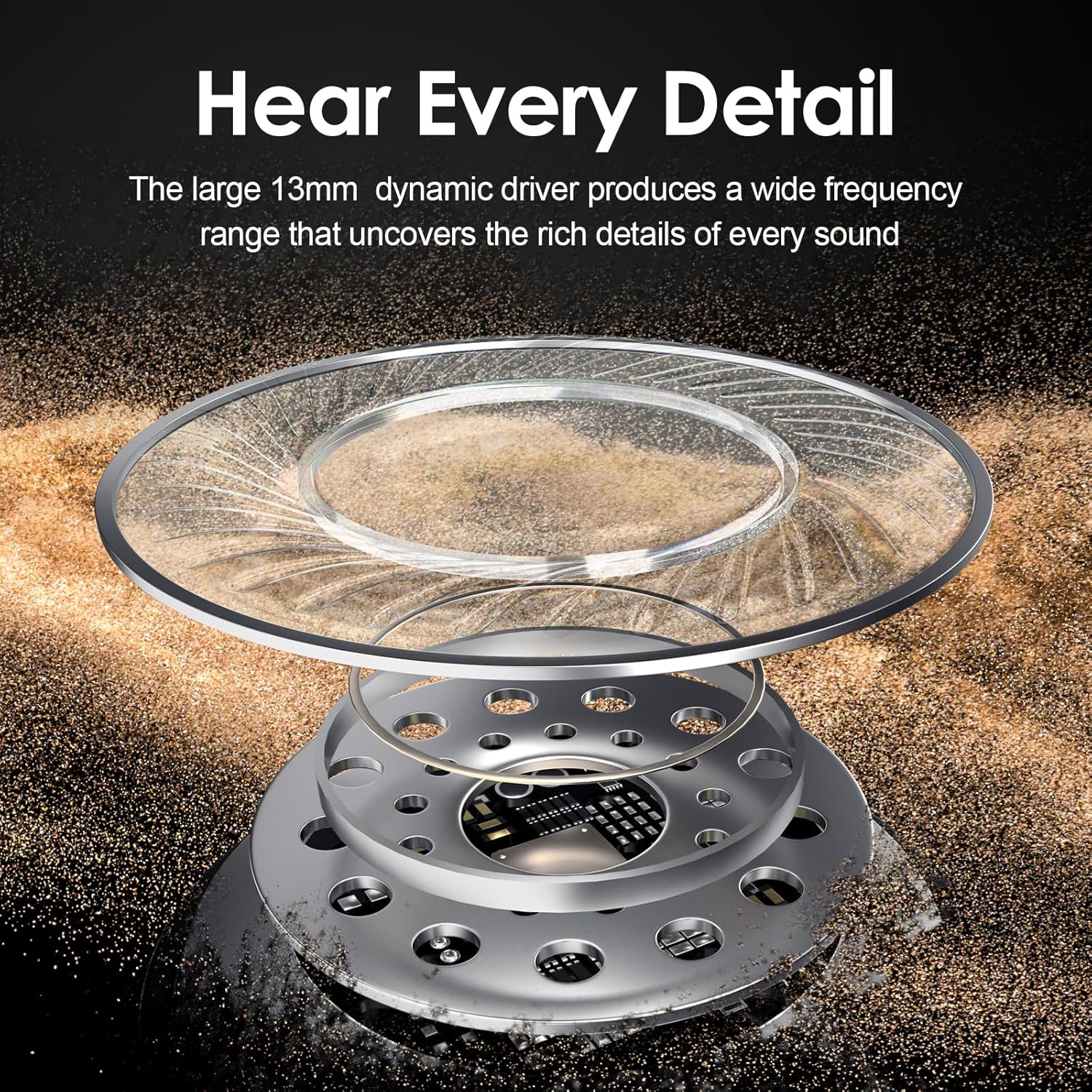
Image: An exploded view diagram of a 13mm dynamic audio driver, illustrating its internal components. This driver is responsible for delivering rich bass and clear audio in the Rythflo WH03 headphones.
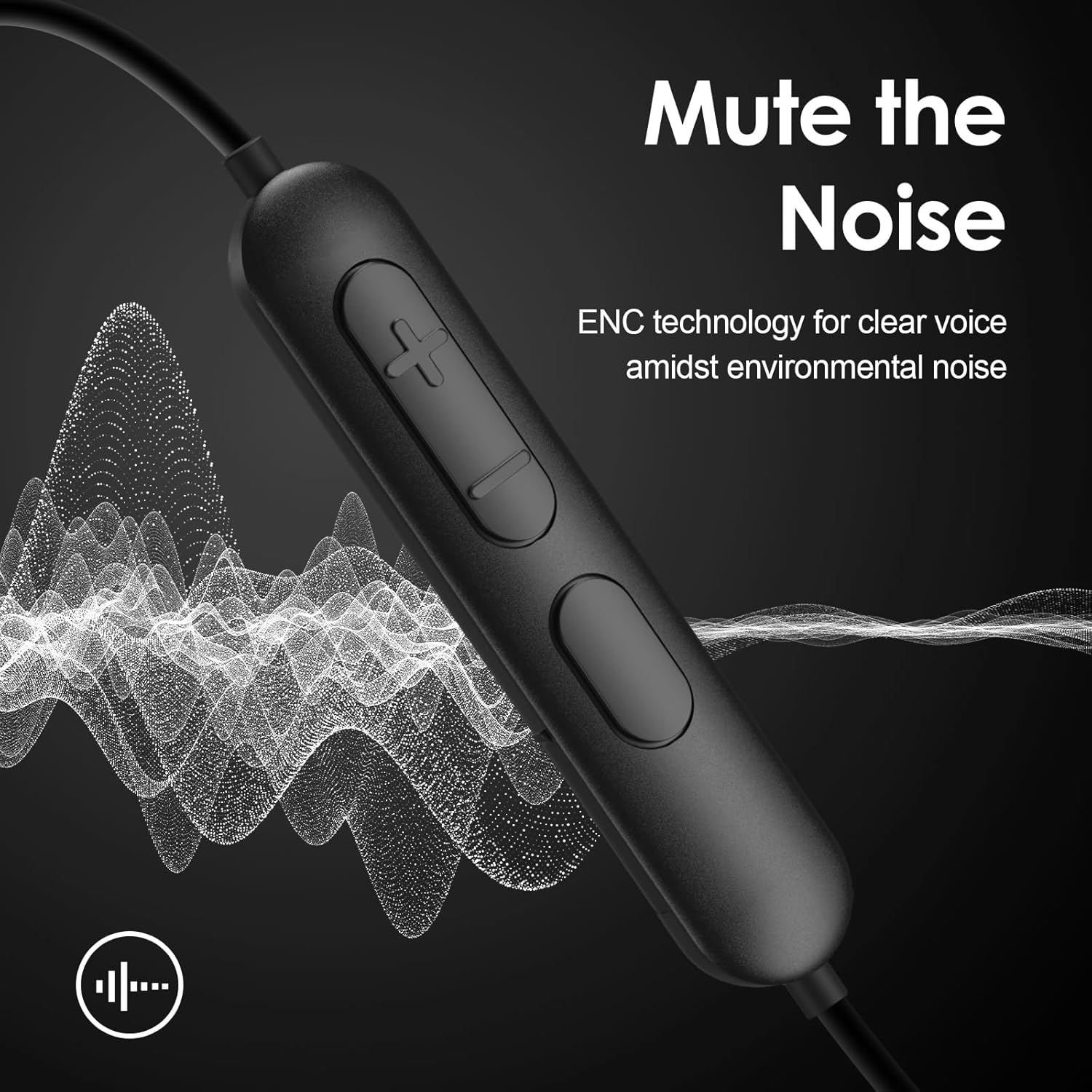
Image: A close-up of a Rythflo WH03 earbud, accompanied by three different sizes of soft silicone eartips (XL, L, M). This image emphasizes the customizable fit options for user comfort and optimal sound.
8. Specifications
| Feature | Detail |
|---|---|
| Model Name | WH03 |
| Connectivity Technology | Wireless (Bluetooth) |
| Bluetooth Version | 5.2 |
| Bluetooth Range | 100 Meters |
| Battery Life | Up to 150 Hours |
| Charging Time | Approx. 2 hours (10 min charge for 15 hrs playtime) |
| Water Resistance Level | IPX7 (Sweatproof) |
| Audio Driver Size | 13 Millimeters |
| Frequency Range | 20 Hz - 20,000 Hz |
| Control Type | Media Control, Touch |
| Ear Placement | In Ear with Earhooks |
| Material | Rubber |
| Compatible Devices | Bluetooth-enabled devices |
9. Warranty and Support
Rythflo products are designed for quality and durability. For any questions about your Rythflo WH03 headphones, or if you require assistance, please contact our customer support team.
- Customer Support: We aim to respond to all inquiries within 1 business day upon receiving your email. Please refer to the contact information provided with your purchase or on the official Rythflo website.
- Warranty Information: Details regarding the product warranty are typically included with your purchase documentation. Please retain your proof of purchase for warranty claims.

Image: The Rythflo brand logo, representing the company's commitment to audio products.


