
1. Introduction
The MXR Joshua Ambient Echo is a multi-tap delay pedal designed to create rich, atmospheric soundscapes. It offers a unique character that captures sought-after echo textures from various eras. This pedal provides a comprehensive set of controls for shaping delay, modulation, and voice effects, making it suitable for a wide range of musical expressions. It features deep yet intuitive controls, including mono/stereo operation, onboard tap tempo, and off-board switching capabilities.
2. Product Overview
The MXR Joshua Ambient Echo pedal is engineered to deliver versatile ambient delay effects. Its intuitive layout allows for easy adjustment of key parameters to sculpt your desired sound.

Figure 1: Top view of the MXR M309 Joshua Ambient Echo Pedal.
Controls and Functions
- Delay Knob: Adjusts the primary delay time.
- Regen Knob: Controls the number of echo repeats (feedback).
- Division Knob: Selects the rhythmic subdivision of the delay repeats. Options include ¼ note, dotted ⅛ note, ⅛ note, ⅛ note triplet, double delay with an ⅛ note, and dotted ⅛ note.
- Mix Knob: Blends the dry instrument signal with the wet (effected) signal.
- Mod Knob: Introduces modulation to the delay signal, adding movement and texture.
- Voice Knob: Activates and adjusts an angelic, organ-like effect by mixing -1 sub octave, +1 octave up, and +2 octave up signals.
- Echo 2 Switch: Engages a secondary set of echoes, set to a ¼ note tempo by default, with advanced customization options.
- Trails Switch: When engaged, allows delay repeats to naturally decay after the pedal is bypassed, rather than cutting off abruptly.
- Footswitch: Toggles the effect on/off. Can also be used for tap tempo functionality.
- CTR Jack: An input for an external control pedal, allowing for tap tempo or freezing delay lines.
3. Setup
Power Requirements
The MXR M309 Joshua Ambient Echo pedal requires a 9-volt power supply. Please note that a power supply is not included with the pedal and must be purchased separately. Ensure the power supply meets the pedal's voltage and current requirements to prevent damage.
Connections
Connect your instrument to the pedal's input jack and the pedal's output jack to your amplifier or next pedal in the signal chain. The output jack is TRS capable for stereo operation. For stereo input, a dip switch on the circuit board can be flipped from mono to stereo. This requires removing the back plate (4 screws) to access the dip switch.

Figure 2: Side view showing input and CTR (Control) jacks.
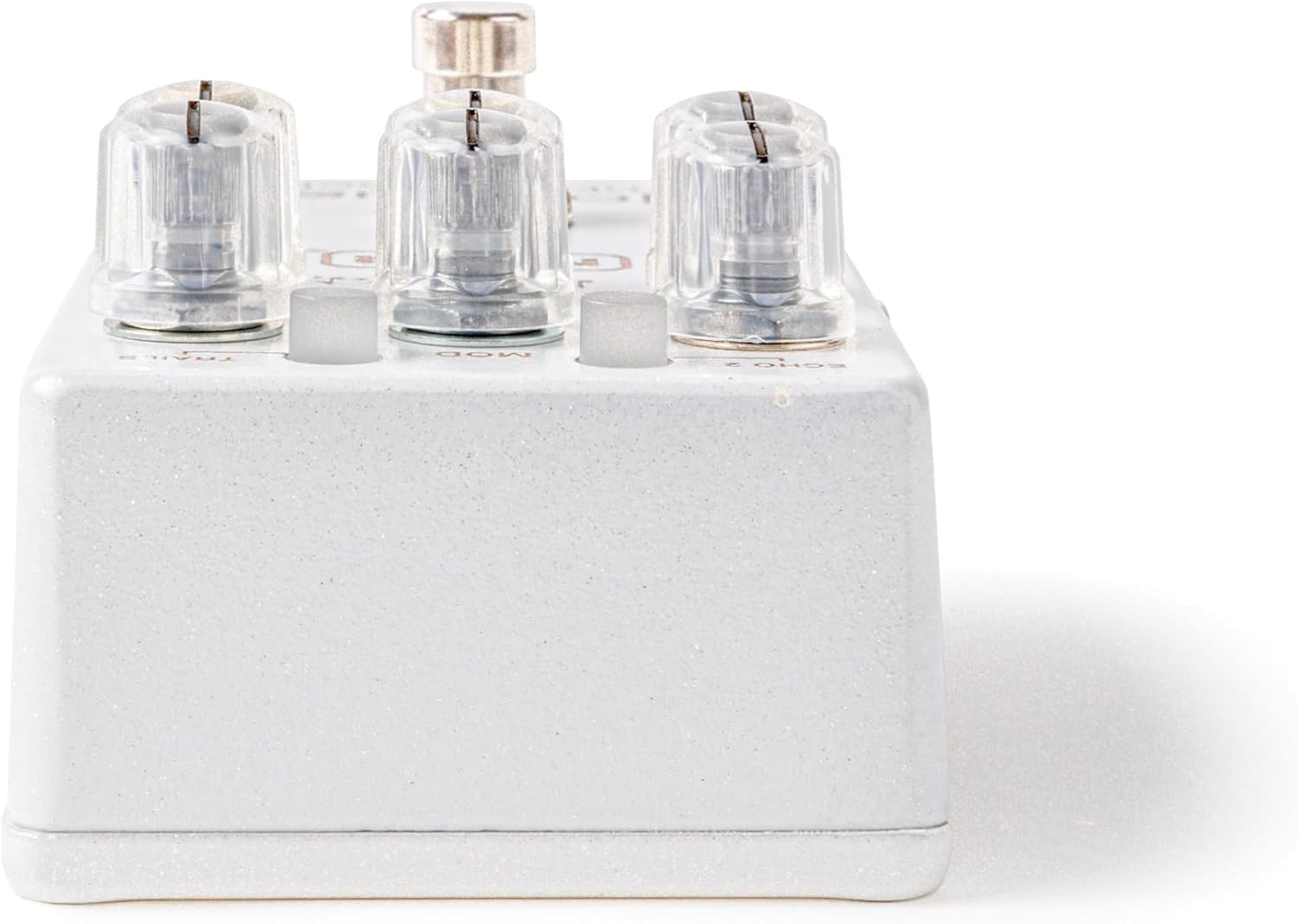
Figure 3: Side view showing power input and output jack.
4. Operation
Basic Usage
- Connect the pedal to your power supply.
- Connect your guitar to the 'IN' jack and your amplifier (or next pedal) to the 'OUT' jack.
- Press the footswitch to engage the effect. The LED will illuminate.
- Adjust the Delay, Regen, Division, and Mix knobs to achieve your desired echo sound.
- Experiment with the Mod and Voice knobs to add further texture and depth to your ambient soundscape.
Tap Tempo
To set the delay time using tap tempo, simply tap the footswitch two or more times at your desired tempo. The pedal will synchronize the delay time to your taps. For external tap tempo control, connect a compatible switch to the CTR jack.
Trails Function
Engage the Trails switch to allow echoes to naturally fade out after the pedal is disengaged. If the Trails switch is off, the echoes will cut off immediately upon bypass.
Video 1: Official product demonstration of the MXR Joshua Ambient Echo pedal, showcasing its various sound capabilities and controls.
5. Advanced Features
The MXR Joshua Ambient Echo offers advanced customization options beyond its primary controls. These include adjusting the secondary echo signal mix and modifying how the LEDs flash. Refer to the full product manual available on the Jim Dunlop website for detailed instructions on accessing and adjusting these parameters.
6. Specifications
| Feature | Detail |
|---|---|
| Brand | Jim Dunlop |
| Model Name | MXR® JOSHUA® AMBIENT ECHO |
| Model Number | M309 |
| Item Weight | 16 ounces |
| Voltage | 9 Volts |
| Audio Output Effects | Delay |
| Controls Type | Knob |
| Power Source | Battery Powered (Power supply not included) |
| Item Dimensions | 5.8 x 4.85 x 2.85 inches |
| UPC | 710137133655 |
7. Troubleshooting
- No Sound: Ensure all cables are securely connected and the power supply is functioning correctly. Check that the pedal is engaged (LED on).
- Unexpected Sound/No Stereo: If experiencing issues with stereo input, verify the internal dip switch is set to stereo mode. This switch is located on the circuit board and requires removing the pedal's back plate.
- Effect Not Engaging: Check the footswitch for proper operation. If using an external tap tempo switch, ensure it is compatible and correctly connected to the CTR jack.
8. Maintenance
To ensure the longevity and optimal performance of your MXR Joshua Ambient Echo pedal, follow these maintenance guidelines:
- Cleaning: Use a soft, dry cloth to clean the pedal's exterior. Avoid abrasive cleaners or solvents.
- Storage: Store the pedal in a cool, dry place away from direct sunlight and extreme temperatures. Disconnect power when not in use for extended periods.
- Handling: Avoid dropping the pedal or subjecting it to excessive force, which can damage internal components.
9. Warranty and Support
Warranty Description: Dunlop Manufacturing, Inc. will repair or replace, at its discretion, defective workmanship or materials on all new Dunlop electronics directly or through the selling dealer or authorized service technician, for one year from the date of purchase, at no cost to the original purchaser. Repair or replacement parts installed will then be warrantied for the unexpired portion of the original warranty term.
For technical support or warranty claims, please contact Jim Dunlop customer service or visit their official website for more information.