
1. Introduction
Thank you for purchasing the LQWELL Mini Projector. This manual provides essential information for the safe and efficient operation of your device. Please read this manual thoroughly before use and retain it for future reference.
The LQWELL Mini Projector is designed for home cinema, entertainment, and presentations, offering a large display and versatile connectivity options.

Image: Front view of the LQWELL Mini Projector, showcasing its compact, cylindrical design and lens.
2. Safety Information
To ensure safe operation and prevent damage, please observe the following precautions:
- Do not block the ventilation openings. Ensure adequate airflow around the projector.
- Do not look directly into the projector lens when the lamp is on. The bright light can cause eye damage.
- Keep the projector away from water or other liquids. Do not operate in humid environments.
- Avoid placing the projector on unstable surfaces.
- Use only the power adapter supplied with the projector.
- Unplug the projector during lightning storms or when unused for long periods.
- Do not attempt to repair the projector yourself. Refer all servicing to qualified personnel.
3. Package Contents
Please check the package for the following items:
- LQWELL Mini Projector
- Power Adapter
- Remote Control
- User Manual (this document)
4. Product Overview
Familiarize yourself with the projector's components and interfaces.
4.1. Projector Components
- Projection Lens: Emits the image.
- Focus Wheel: Adjusts image clarity.
- Ventilation Openings: For heat dissipation.
- Adjustable Stand: Allows for 220-degree rotation for various projection angles.
4.2. Interfaces
The projector features multiple ports for connecting various devices:
- HDMI Port: Connects to devices like PCs, laptops, gaming consoles (Xbox), TV boxes, and Firestick.
- USB Port: Connects to USB flash drives for media playback.
- Audio Port: Connects to external audio devices.

Image: The LQWELL Mini Projector displaying its HDMI, USB, and Audio ports, indicating compatibility with various devices.
5. Setup
Follow these steps to set up your projector:
- Placement: Place the projector on a stable, flat surface. The 220-degree rotating stand allows for flexible positioning, including floor-to-ceiling projection. Ensure there are no obstructions to the projection path or ventilation openings.
- Power Connection: Connect the power adapter to the projector's power input and then plug it into a power outlet.
- Power On: Press the power button on the projector or the remote control to turn on the device.

Image: The LQWELL Mini Projector demonstrating its ability to project onto a ceiling, highlighting its flexible 220-degree rotation.
6. Operating Instructions
6.1. Basic Navigation
Use the remote control to navigate the projector's interface. The main menu allows access to input sources, settings, and media playback options.
6.2. Input Source Selection
To select an input source (HDMI, USB, Screen Mirroring), navigate to the 'Source' or 'Input' option in the main menu and choose your desired connection.
7. Connectivity
7.1. WiFi Connection (5G & 2.4G)
The projector supports both 5G and 2.4G WiFi for fast and stable screen synchronization.
- Go to 'Settings' and select 'WiFi'.
- Turn on WiFi and select your network from the list.
- Enter the password if prompted and connect.
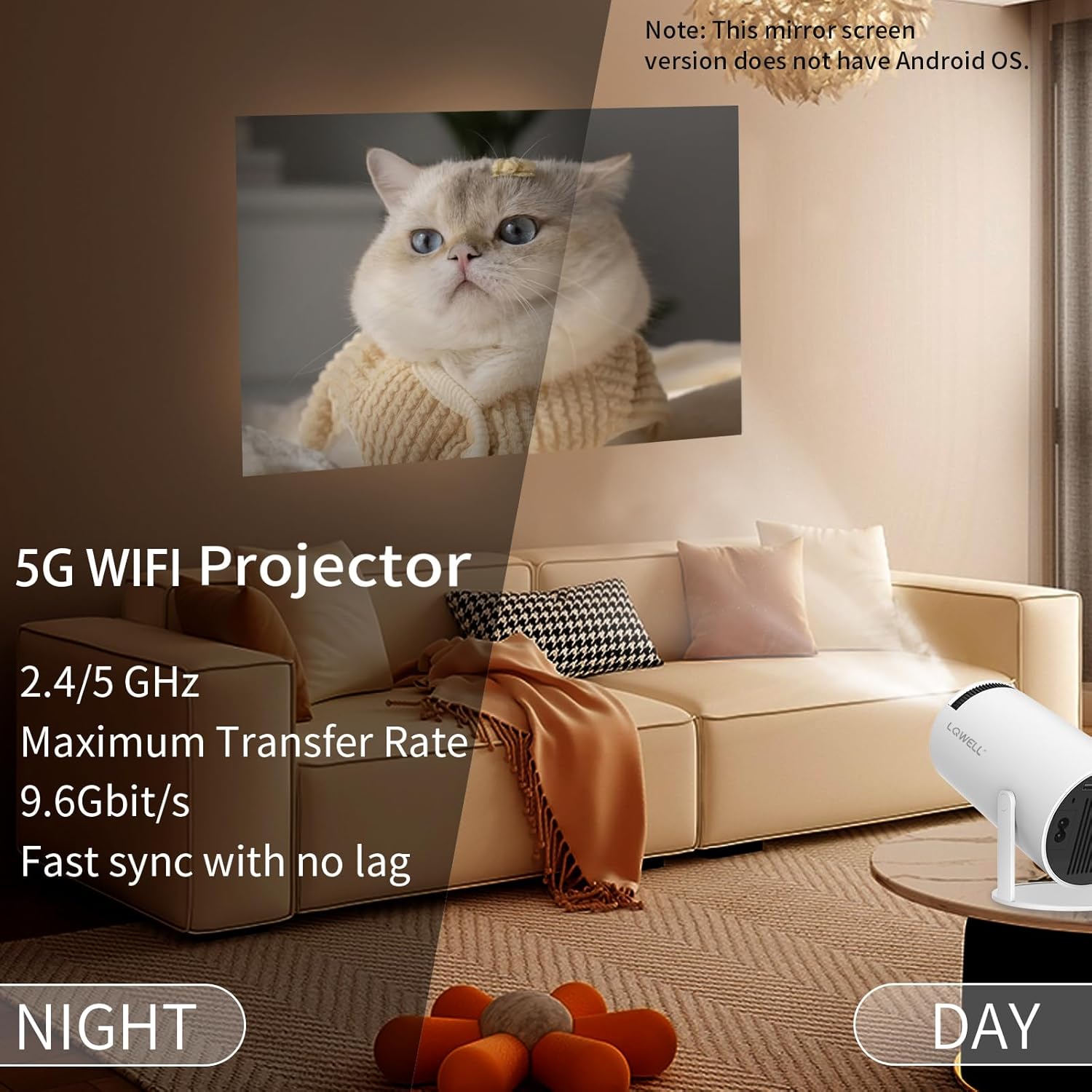
Image: The LQWELL Mini Projector emphasizing its 5G WiFi feature for fast and lag-free synchronization.
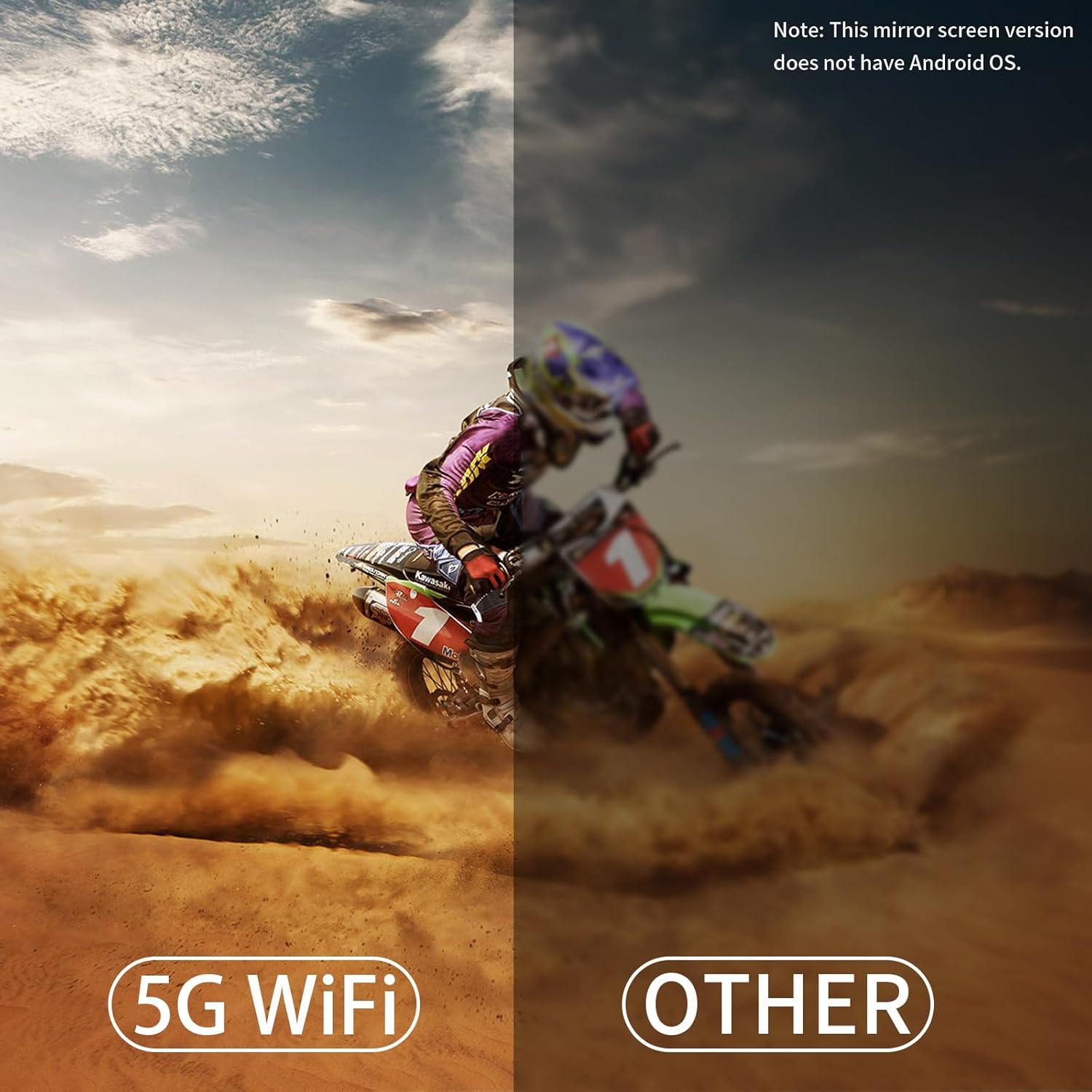
Image: A visual comparison illustrating the superior performance of 5G WiFi connectivity compared to other wireless methods for the projector.
7.2. Bluetooth Connection (BT5.0)
The built-in BT5.0 chip allows connection to Bluetooth speakers and headphones for high-fidelity sound. Note: This projector does not support Bluetooth connection for smartphones and laptops directly for screen mirroring.
- Go to 'Settings' and select 'Bluetooth'.
- Turn on Bluetooth and put your Bluetooth device into pairing mode.
- Select your device from the list to connect.

Image: The LQWELL Mini Projector illustrating its 5G WiFi and Bluetooth 5.0 capabilities for connecting to various devices like phones, other projectors, and external speakers.
7.3. Screen Mirroring / Sharing
The projector supports wired or wireless screen sharing/mirroring for mobile phones, tablets, and laptops.
- Wireless: Connect your device and the projector to the same WiFi network, then use the screen mirroring function on your device (e.g., AirPlay for iOS, Miracast for Android/Windows).
- Wired: For iOS devices, use an original cable. For Windows, use an HDMI cable.

Image: The LQWELL Mini Projector demonstrating both wired (HDMI for Windows, original cable for iPhone) and wireless (Windows, Apple, Android) connection methods for screen mirroring.
8. Image Adjustment
8.1. Automatic Keystone Correction
The projector features a built-in high-precision sensor that automatically calibrates the four corners of the projection surface, adjusting vertical orientation to square the image.

Image: The LQWELL Mini Projector illustrating its Auto Keystone feature, which automatically adjusts the vertical orientation of the projected image to a flat surface.
8.2. Manual Focus Adjustment
To achieve the clearest possible image, adjust the focal length using the focus wheel located on the front of the projector.
8.3. Digital Zoom and 4-Point Correction
The projector supports digital zoom (50%-100%) and 4-point correction for fine-tuning the image shape and size, allowing for precise adjustments beyond automatic keystone correction.

Image: The LQWELL Mini Projector displaying its 4K support, alignment capabilities, and 220-degree rotation for flexible image positioning.

Image: The LQWELL Mini Projector illustrating its image adjustment features, including vertical correction and 4-point correction for precise image shaping.
9. Maintenance
Proper maintenance ensures the longevity and optimal performance of your projector:
- Lens Cleaning: Use a soft, lint-free cloth specifically designed for optical lenses to gently wipe the projector lens. Do not use abrasive cleaners or excessive force.
- Dust Removal: Regularly clean the projector's exterior with a soft, dry cloth. Use a can of compressed air to clear dust from ventilation openings, holding the can upright to prevent propellant discharge.
- Storage: When not in use for extended periods, store the projector in a cool, dry place, protected from dust and extreme temperatures.
10. Troubleshooting
If you encounter issues with your projector, refer to the following common problems and solutions:
| Problem | Possible Cause | Solution |
|---|---|---|
| No image / Power off | Power cable loose; Projector overheated; Power button not pressed. | Check power connections; Allow projector to cool down; Press power button. |
| Blurry image | Focus not adjusted; Keystone not corrected. | Adjust focus wheel; Use auto keystone or manual 4-point correction. |
| No sound | Volume too low; External audio device not connected properly; Muted. | Increase volume; Check audio cable/Bluetooth connection; Unmute. |
| WiFi/Bluetooth connection issues | Incorrect password; Device out of range; Interference. | Re-enter password; Move closer to router/device; Reduce interference. |
| Loud fan noise | Ventilation blocked; Normal operation. | Ensure clear ventilation paths; Noise level is typically 25 dB. |
If the problem persists after trying these solutions, please contact LQWELL customer support.

Image: The LQWELL Mini Projector illustrating its low noise operation, typically below 25dB, suitable for quiet environments.
11. Specifications
| Feature | Specification |
|---|---|
| Brand | LQWELL |
| Model | Blanc - Mirror |
| Native Resolution | 1280 x 720P |
| Supported Resolution | Up to 4K (3840 x 2160) |
| Brightness | 120 ANSI Lumens |
| Display Technology | LCD |
| Projection Size | Up to 130 Inches |
| Aspect Ratio | 16:9 |
| Connectivity | 5G WiFi, BT5.0, HDMI, USB, Audio Port |
| Keystone Correction | Automatic Keystone, Manual 4-point correction |
| Rotation Angle | 220 Degrees |
| Noise Level | 25 dB |
| Power Consumption | 50 Watts |
| Product Dimensions | 21.84 x 13.39 x 11.89 cm |
| Weight | 821 g |
12. Warranty and Support
LQWELL provides a limited warranty for this product. For detailed warranty terms and conditions, please refer to the warranty card included with your purchase or visit the official LQWELL website.
If you require technical assistance, troubleshooting, or have any questions regarding your LQWELL Mini Projector, please contact LQWELL customer support through the contact information provided on the official website or your purchase platform.


