
1. Introduction
This manual provides instructions for the Sonix AirTag Keychain Case, Dice model. This accessory is designed to securely hold and protect your Apple AirTag, allowing you to attach it to various personal items for easy tracking. Please read these instructions carefully before use.
2. Package Contents
Ensure all items are present in your package:
- 1 x Sonix AirTag Keychain Case (Dice design)
- Note: Apple AirTag is not included.
3. Product Overview
The Sonix AirTag Keychain Case offers both protection and style for your Apple AirTag.
Key Features:
- Protective Cover: Designed to securely hold and conceal your Apple AirTag.
- Durable Material: Constructed from polyurethane (PU) for lasting use.
- Secure Attachment: Features a gold ring carabiner and additional hardware for secure attachment.
- Versatile Use: Easily attaches to keys, purses, luggage, dog collars, and more.
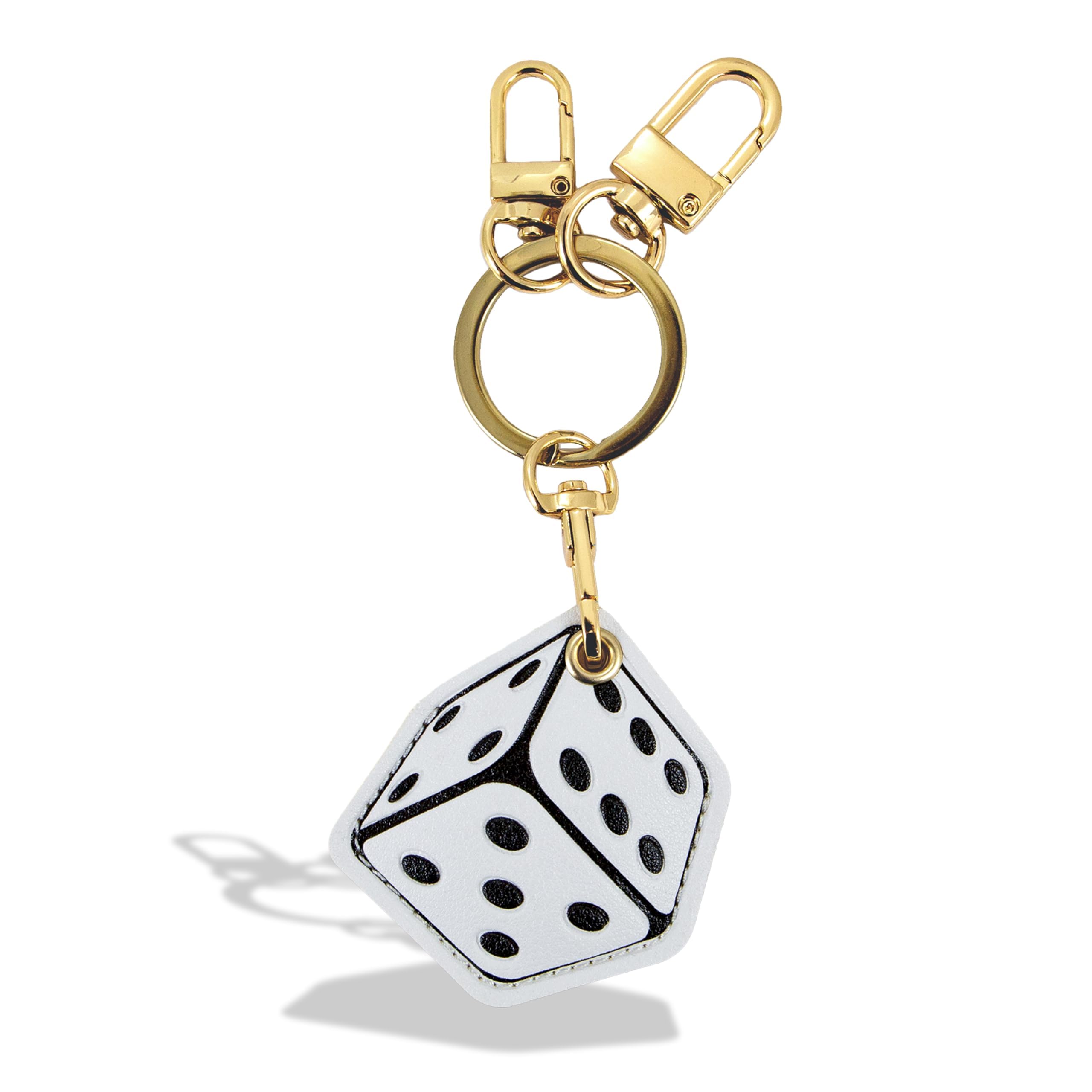
Figure 3.1: The Sonix AirTag Keychain Case in Dice design, featuring a white dice shape with black dots and gold-tone hardware.
4. Setup and Installation
4.1. Installing Your Apple AirTag
- Locate the opening on the side of the Dice keychain case.
- Gently insert your Apple AirTag into the inner pocket of the case. Ensure it is fully seated and secure.
- The case is designed to hold the AirTag snugly, preventing it from falling out during normal use.

Figure 4.1: An Apple AirTag being inserted into the inner pocket of the Sonix Dice Keychain Case. The case features a small opening for the AirTag.
Video 4.1: This video demonstrates the process of inserting an Apple AirTag into the protective cover keychain, highlighting its secure fit.
4.2. Attaching the Keychain
- The keychain features a gold ring carabiner and a lobster clasp.
- Use the carabiner or lobster clasp to attach the keychain to your desired item, such as keys, a bag zipper, or a pet collar.
- Ensure the clasp is fully closed to prevent accidental detachment.
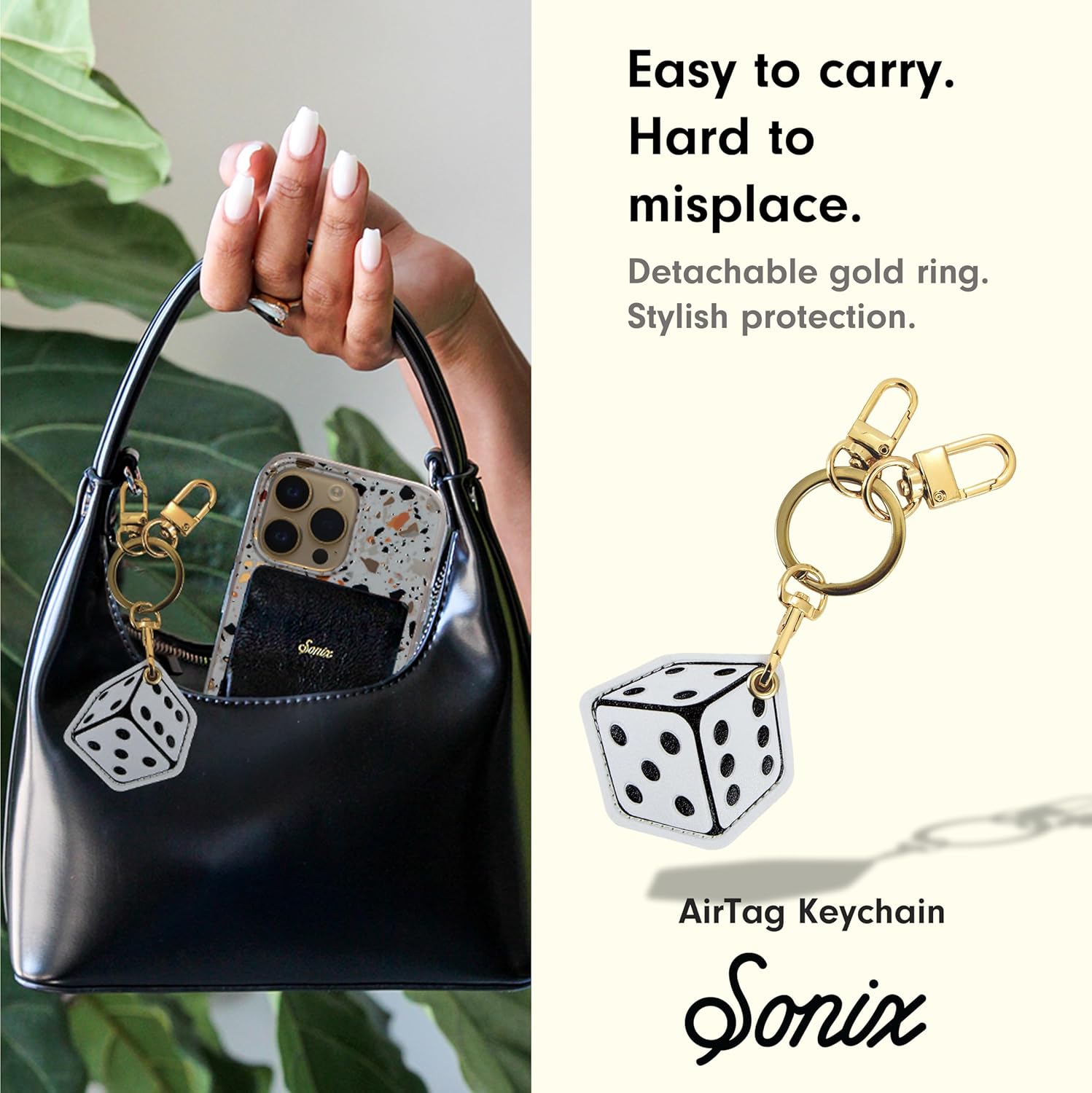
Figure 4.2: The Sonix Dice Keychain Case attached to the strap of a black handbag, demonstrating its use as a stylish accessory.
Video 4.2: This video showcases various Sonix AirTag keychains being attached to different items like keys and bags, demonstrating their versatility and ease of use.
5. Operation
5.1. Using Your AirTag for Tracking
Once your Apple AirTag is securely placed inside the Sonix keychain case and attached to your item, you can use the Apple Find My app on your iOS device to locate it. The case does not interfere with the AirTag's signal or functionality.
- Open the Find My app on your iPhone, iPad, or Mac.
- Navigate to the Items tab.
- Select your AirTag from the list to view its location on a map, play a sound, or get directions.
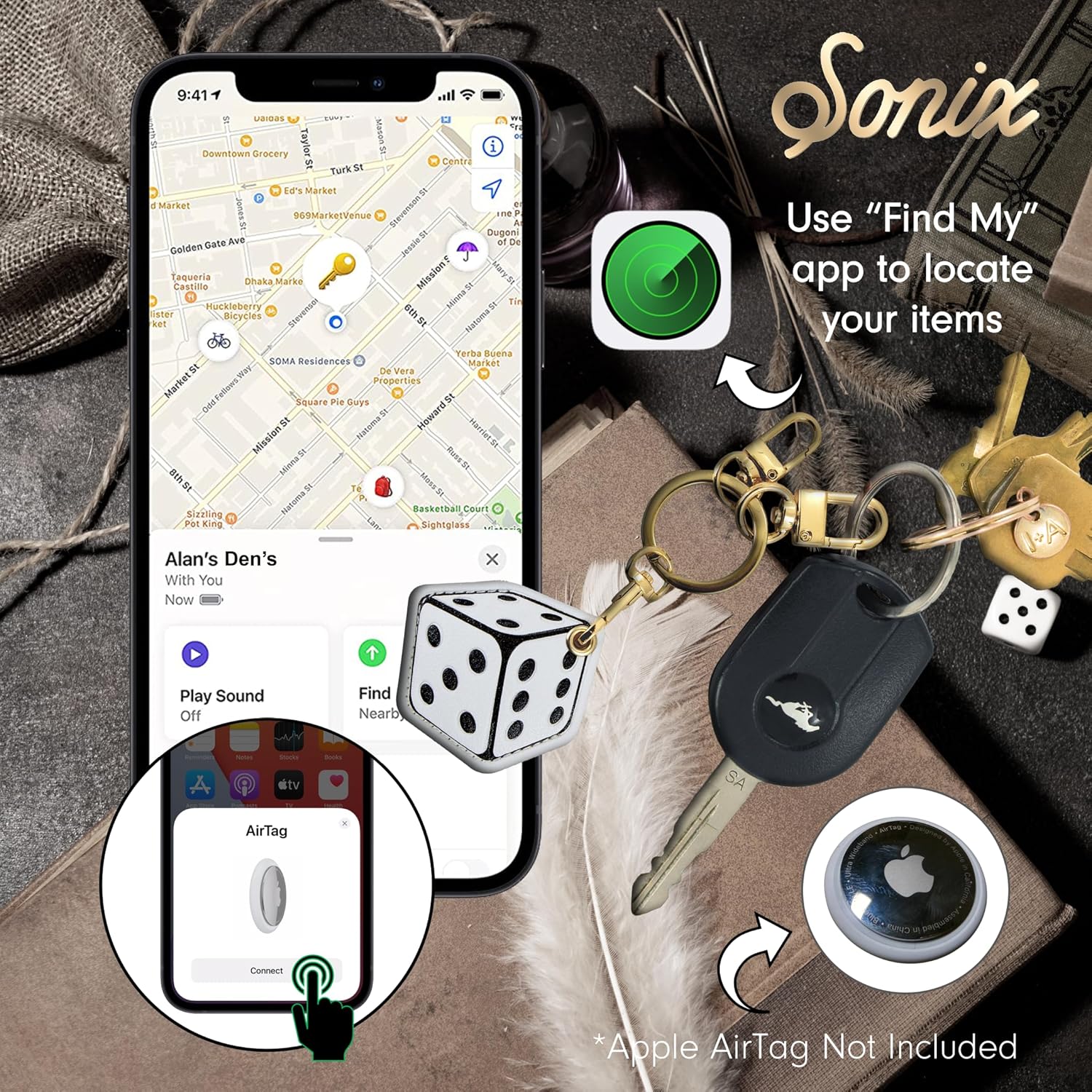
Figure 5.1: A smartphone screen displaying the Apple Find My app, showing the location of an AirTag. The Sonix Dice Keychain is visible next to a set of keys, indicating its use for tracking personal items.
6. Maintenance and Care
6.1. Cleaning and Storage
- To clean the keychain case, wipe it gently with a soft, damp cloth.
- Avoid using harsh chemicals or abrasive cleaners, as these may damage the material.
- Store the keychain in a cool, dry place when not in use.
The case is made from polyurethane (PU), a synthetic leather material known for its durability and ease of maintenance.
7. Troubleshooting
7.1. Common Issues
- AirTag not fitting: Ensure the AirTag is oriented correctly and gently pushed into the designated slot. Do not force it.
- Keychain detaching: Always ensure the carabiner or lobster clasp is fully closed and securely fastened to your item. Periodically check the clasp for wear.
- AirTag signal issues: The case is designed not to obstruct the AirTag's signal. If you experience signal issues, ensure your AirTag battery is charged and that it is properly paired with your device.
8. Specifications
| Feature | Detail |
|---|---|
| Model Number | B0CRK1BCVC |
| Color | Dice |
| Material | Polyurethane (PU) |
| Item Shape | Dice |
| Closure Type | Double Ring, Lobster Clasp |
| Compatibility | Apple AirTag |
| UPC | 810131274269 |
9. Warranty and Support
9.1. Warranty Information
Sonix products are manufactured with quality in mind. For specific warranty details regarding your AirTag Keychain Case, please refer to the official Sonix website or contact customer support. Keep your proof of purchase for warranty claims.
9.2. Customer Support
If you have any questions, concerns, or require assistance with your Sonix AirTag Keychain Case, please visit the Sonix official website for support resources or contact their customer service team directly. Contact information can typically be found on the product packaging or the official website.