1. Introduction
Thank you for choosing the T-fun NC50 Hybrid Active Noise Cancelling Headphones. This manual provides essential information for setting up, operating, and maintaining your headphones to ensure optimal performance and longevity. Please read this manual thoroughly before use.

Image: The T-fun NC50 headphones in Mint Green, showcasing their over-ear design and sleek finish.
2. Package Contents
Ensure all items are present in the package:
- 1 x T-fun NC50 ANC Wireless Headphone
- 1 x 3.5mm Audio Cable
- 1 x USB-C Charging Cable
- 1 x PU Bag
- 1 x User Manual (this document)

Image: An illustration showing the T-fun NC50 headphones, USB-C charging cable, 3.5mm audio cable, PU bag, and a digital manual icon, along with product dimensions.
3. Product Overview
Familiarize yourself with the headphone's controls and indicators.
Controls and Ports:
- Power Button: Press and hold to power on/off.
- ANC Button: Toggles Active Noise Cancellation, Transparency Mode, and Normal Mode. Double-press for Low Latency Game Mode.
- Volume Up/Next Track: Short press for volume up, long press for next track.
- Volume Down/Previous Track: Short press for volume down, long press for previous track.
- Multi-function Button (MFB): Play/Pause, Answer/End Call, Activate Voice Assistant.
- USB-C Charging Port: For charging the headphones.
- 3.5mm Audio Jack: For wired connection.
- Microphone: For calls and voice assistant.
4. Setup
4.1 Charging the Headphones
- Connect the USB-C charging cable to the headphone's charging port.
- Connect the other end of the cable to a USB power adapter (not included) or a computer's USB port.
- The LED indicator will show charging status. A full charge typically takes 2-3 hours.
A 10-minute charge provides approximately 3 hours of playback.

Image: T-fun NC50 headphones with a visual representation of fast charging, indicating 10 minutes of charge provides 3 hours of use.
4.2 Power On/Off
- Power On: Press and hold the Power button for 2 seconds. The LED indicator will flash blue.
- Power Off: Press and hold the Power button for 3 seconds. The LED indicator will turn off.
4.3 Bluetooth Pairing
- With the headphones powered off, press and hold the Power button for 5 seconds until the LED indicator flashes red and blue alternately, indicating pairing mode.
- Enable Bluetooth on your device (smartphone, tablet, computer).
- Search for "T-fun NC50" in the Bluetooth device list and select it to connect.
- Once connected, the LED indicator will flash blue slowly.
4.4 Multipoint Connection
The T-fun NC50 supports simultaneous connection to two Bluetooth devices.
- Pair the headphones with the first device (e.g., laptop) as described in section 4.3.
- Disable Bluetooth on the first device. The headphones will re-enter pairing mode.
- Pair the headphones with the second device (e.g., smartphone).
- Enable Bluetooth on the first device. The headphones will automatically connect to both devices.
The headphones will prioritize incoming calls from one device over media playback from another.

Image: T-fun NC50 headphones positioned between a laptop and a smartphone, illustrating simultaneous Bluetooth connection to multiple devices.
4.5 Wired Connection
To use the headphones in wired mode:
- Connect one end of the 3.5mm audio cable to the headphone's 3.5mm audio jack.
- Connect the other end to your audio source's 3.5mm output.
- Wired mode can be used even if the headphone battery is depleted.
5. Operating Instructions
5.1 Active Noise Cancellation (ANC) and Transparency Mode
Press the ANC button to cycle through the following modes:
- Hybrid ANC: Reduces ambient noise for an immersive listening experience.
- Transparency Mode: Allows you to hear your surroundings while listening to audio, enhancing situational awareness.
- Normal Mode: ANC and Transparency features are off.

Image: T-fun NC50 headphones with a graphic overlay indicating 95% noise cancellation, illustrating the Hybrid ANC feature.
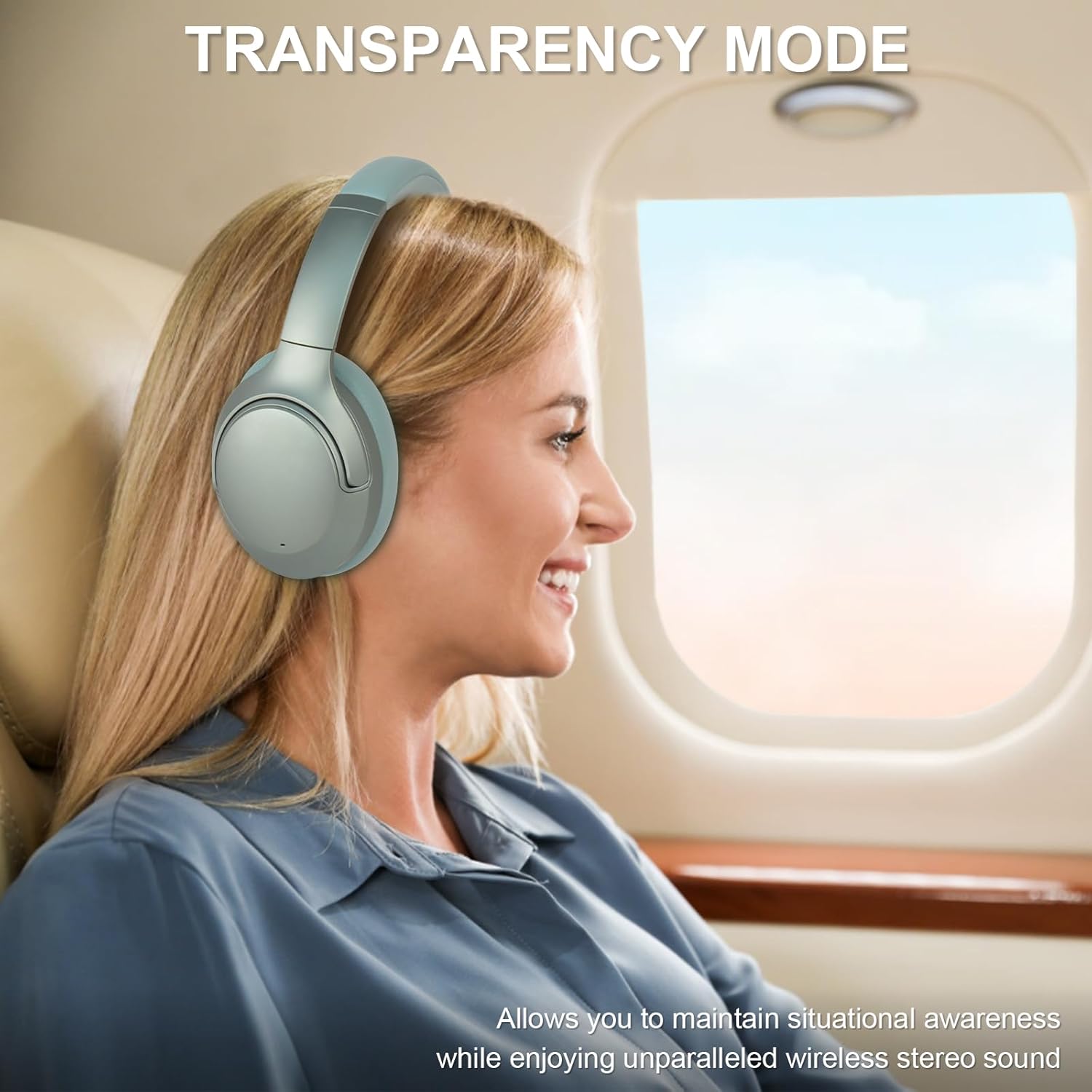
Image: A woman wearing T-fun NC50 headphones on an airplane, looking out the window, demonstrating the Transparency Mode feature for situational awareness.
5.2 Call Functions
- Answer/End Call: Short press the MFB.
- Reject Call: Long press the MFB for 2 seconds.
5.3 Music Playback
- Play/Pause: Short press the MFB.
- Volume Up: Short press the Volume Up button.
- Volume Down: Short press the Volume Down button.
- Next Track: Long press the Volume Up button.
- Previous Track: Long press the Volume Down button.
5.4 Voice Assistant
To activate your device's voice assistant (e.g., Siri, Google Assistant), short press the MFB twice.
5.5 Low Latency Game Mode
Double-press the ANC button to activate Low Latency Game Mode. This mode reduces audio delay, ideal for gaming and video playback.

Image: A woman wearing T-fun NC50 headphones and smiling while playing a game on her smartphone, illustrating the Low Latency Game Mode.
5.6 Smart App Control
Enhance your experience with the T-fun app, available on Google Play and the App Store.
- Custom EQ: Adjust audio equalization to your preference.
- Custom Button Controls: Personalize button functions.
- Firmware Updates: Receive updates for improved performance.
Search for "T-fun" in your app store or scan the QR code provided in the product packaging. The app is optional; basic headphone functions work without it.

Image: T-fun NC50 headphones alongside a smartphone displaying the T-fun app interface, highlighting features like custom EQ, button controls, and firmware updates.
6. Maintenance
6.1 Cleaning
- Wipe the headphones with a soft, dry cloth.
- Do not use harsh chemicals or abrasive materials.
- Keep the charging port and audio jack free of dust and debris.
6.2 Storage
- Store the headphones in the provided PU bag when not in use to protect them from dust and scratches.
- Avoid storing in extreme temperatures or high humidity.
- The headphones are foldable for compact storage.

Image: A hand placing the folded T-fun NC50 headphones into a grey fabric bag, demonstrating their compact and foldable design for easy storage and portability.
7. Troubleshooting
| Problem | Possible Cause | Solution |
|---|---|---|
| Headphones do not power on. | Low battery. | Charge the headphones fully. |
| Cannot pair with device. | Headphones not in pairing mode; Bluetooth off on device; device too far. | Ensure headphones are in pairing mode (flashing red/blue). Turn on device Bluetooth. Move device closer to headphones. |
| No sound. | Volume too low; incorrect audio source; headphones not connected. | Increase volume on headphones and device. Check Bluetooth connection or wired connection. Ensure correct audio output is selected on your device. |
| ANC not working effectively. | ANC mode not activated; improper fit. | Press the ANC button to activate ANC mode. Adjust headphones for a snug fit over your ears. |
| Poor call quality. | Weak signal; microphone obstructed. | Move closer to your connected device. Ensure the microphone is not covered. |
8. Specifications
| Feature | Detail |
|---|---|
| Model Name | NC50 |
| Noise Control | Hybrid Noise Cancellation |
| Connectivity Technology | Wireless (Bluetooth) |
| Wireless Communication Technology | Bluetooth 5.3 |
| Bluetooth Range | 15 Meters |
| Ear Placement | Over Ear |
| Audio Driver Type | Hybrid Driver |
| Frequency Response | 20 Hz - 20,000 Hz |
| Sensitivity | 105 dB |
| Impedance | 32 Ohm |
| Headphones Jack | 3.5 mm Jack |
| Charging Time | 2 Hours (for full charge) |
| Battery Life | Up to 65 hours (Wireless mode, 60% volume, ANC on) |
| Item Weight | 450 Grams (15.9 ounces) |
| Material | Polyurethane (PU) |
| Special Features | Adjustable Headband, Built-In Voice Assistant, Microphone Included, Multipoint Pairing, Noise Cancellation |
| Control Method | APP Control, Button |
| Water Resistance Level | Water Resistant |
9. Warranty and Support
T-fun products are designed for reliability and performance. For warranty information and customer support, please refer to the official T-fun website or contact their customer service directly.
- Online Support: Visit the T-fun Brand Store for FAQs and product information.
- Contact: Refer to the contact details provided in your product packaging or on the official T-fun website for direct assistance.


