
1. Introduction
The Eiszuso 150Mbps Free Driver Wireless USB WiFi Adapter is designed to enhance your wireless internet experience. Featuring advanced technology and an MT 7601 Chipset, this adapter provides a 2.4GHz 150Mbps wireless data transmission rate. It is ideal for browsing, streaming, and downloading. The adapter supports Wi-Fi Multimedia (WMM) Standard for prioritized real-time data streaming and offers a hassle-free plug-and-play setup for Windows 10 users.
2. Setup
2.1 Package Contents
- 1 x Eiszuso 150Mbps Wireless USB WiFi Adapter
2.2 Installation for Windows 10
This adapter is designed for plug-and-play functionality with Windows 10. No driver installation is typically required.
- Locate an available USB port on your computer.
- Insert the Eiszuso Wireless USB WiFi Adapter into the USB port.
- Windows 10 should automatically detect and install the necessary drivers.
- Once installed, you can connect to available Wi-Fi networks through your computer's network settings.
For other operating systems, please visit jee.li/drivers to download the appropriate drivers.

Image: The Eiszuso USB WiFi Adapter being inserted into a desktop computer's USB port, demonstrating the simple plug-and-play installation process.

Image: A detailed view of the Eiszuso USB WiFi Adapter, including its compact dimensions (0.78in/2cm height, 0.59in/1.5cm width, 0.23in/0.6cm thickness), emphasizing its small and portable design.
3. Operating Instructions
3.1 Connecting to a Wi-Fi Network
- After successful installation, click on the Wi-Fi icon in your computer's taskbar (usually in the bottom-right corner).
- A list of available Wi-Fi networks will appear.
- Select your desired network and click 'Connect'.
- If prompted, enter the network security key (password) and click 'Next' or 'Connect'.
- Your computer should now be connected to the Wi-Fi network.
3.2 High-Speed Wireless Connectivity
The adapter utilizes IEEE 802.11n/g/b standards and an MT 7601 Chipset to deliver a 2.4GHz enhanced 150Mbps wireless data transmission rate. This ensures wide range and ultra-fast internet speeds for efficient browsing, streaming, and downloading.
3.3 Enhanced Multimedia Experience
With Wi-Fi Multimedia (WMM) Standard support, the adapter prioritizes different types of data. This feature ensures smoother streaming of real-time data such as videos, music, and Skype calls, providing a better multimedia experience.

Image: The Eiszuso USB WiFi Adapter plugged into a desktop computer, with visual cues of wireless signals extending from the adapter, symbolizing its active wireless operation and connectivity.
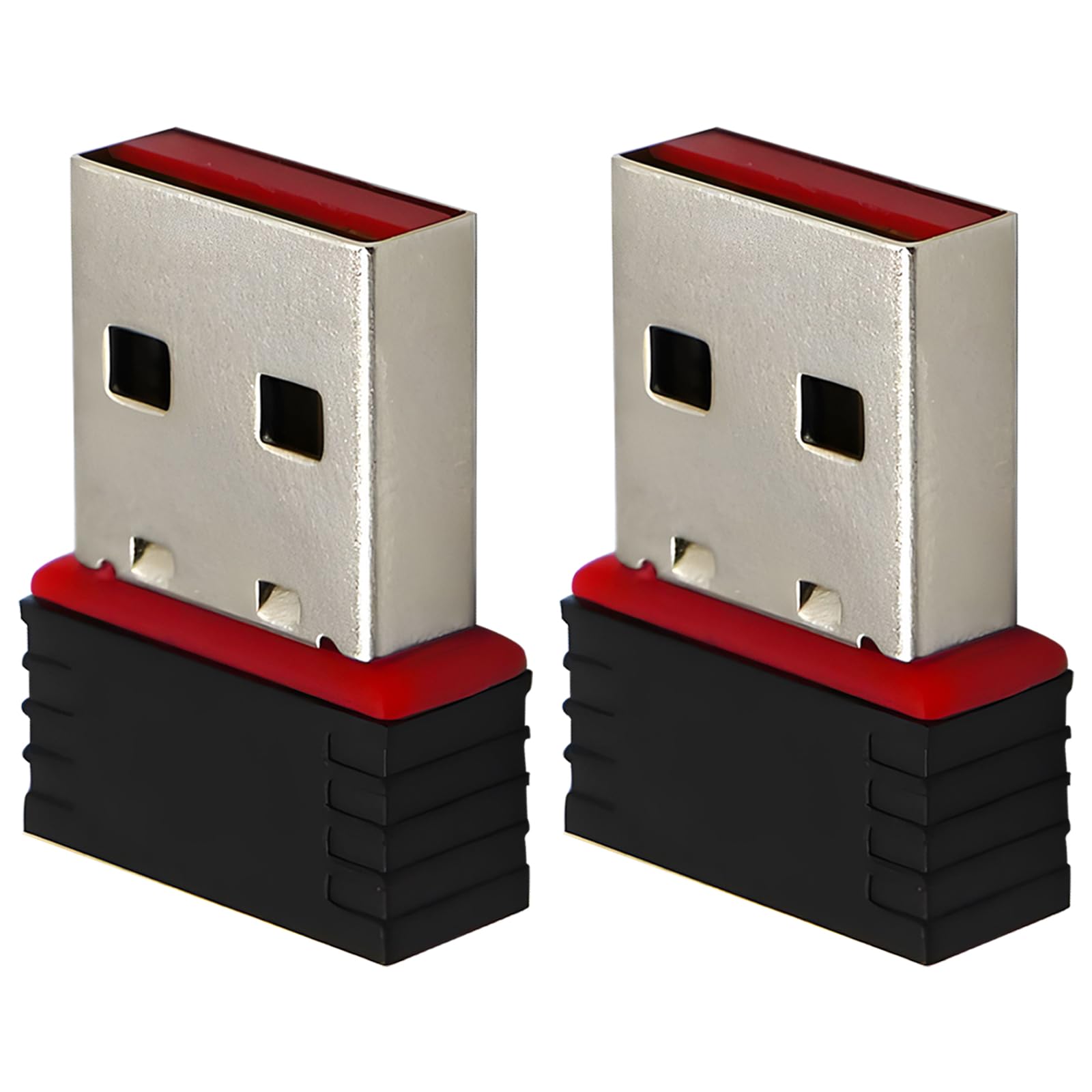
Image: Two Eiszuso Mini USB Wireless Network Cards displayed, with text overlays indicating their capabilities: 'Receives WiFi', 'Transmits WiFi', and 'Easy to install', suitable for both laptops and desktops.
4. Maintenance
- Keep the adapter clean and free from dust.
- Avoid exposing the adapter to extreme temperatures or humidity.
- Ensure the adapter is securely plugged into the USB port to prevent accidental disconnections.
5. Troubleshooting
5.1 No Wi-Fi Networks Detected
- Ensure the adapter is correctly inserted into a functional USB port.
- Verify that your computer's Wi-Fi is enabled in the network settings.
- Restart your computer and/or your wireless router.
- Check if other devices can detect Wi-Fi networks to confirm router functionality.
5.2 Slow Connection Speed
- Ensure the adapter is plugged into a USB 2.0 port for optimal performance.
- Move closer to your wireless router to improve signal strength.
- Reduce interference from other electronic devices (e.g., microwaves, cordless phones).
- Restart your router and modem.
5.3 Adapter Not Recognized
- Try plugging the adapter into a different USB port.
- For Windows 10, the adapter is typically driver-free. If issues persist, check Device Manager for unrecognized devices and consider manually updating drivers if available from the manufacturer's website.
- For other operating systems, ensure you have installed the correct drivers from jee.li/drivers.
6. Specifications
| Feature | Detail |
|---|---|
| Brand | Eiszuso |
| Model | B0CRDGYGVX |
| Hardware Interface | USB 2.0 |
| Data Link Protocol | IEEE 802.11n/g/b, IEEE 802.11ac |
| Data Transfer Rate | 150 Megabits Per Second |
| Compatible Devices | Desktop |
| Compatible OS Family | Windows |
| Minimum Required OS Version | Windows 10 |
| Item Weight | 0.634 ounces (0.02 Kilograms) |
| Package Dimensions | 6.73 x 4.8 x 0.87 inches |
7. Warranty and Support
The Eiszuso 150Mbps Free Driver Wireless USB WiFi Adapter comes with a worry-free 30-day money-back guarantee and a 12-month warranty. Friendly customer service is available to assist with any issues you may encounter, providing peace of mind.
For technical support or warranty claims, please refer to the contact information provided with your product packaging or visit the official Eiszuso support website.