
Welcome to Your Blackstone Leggero Pizza Oven
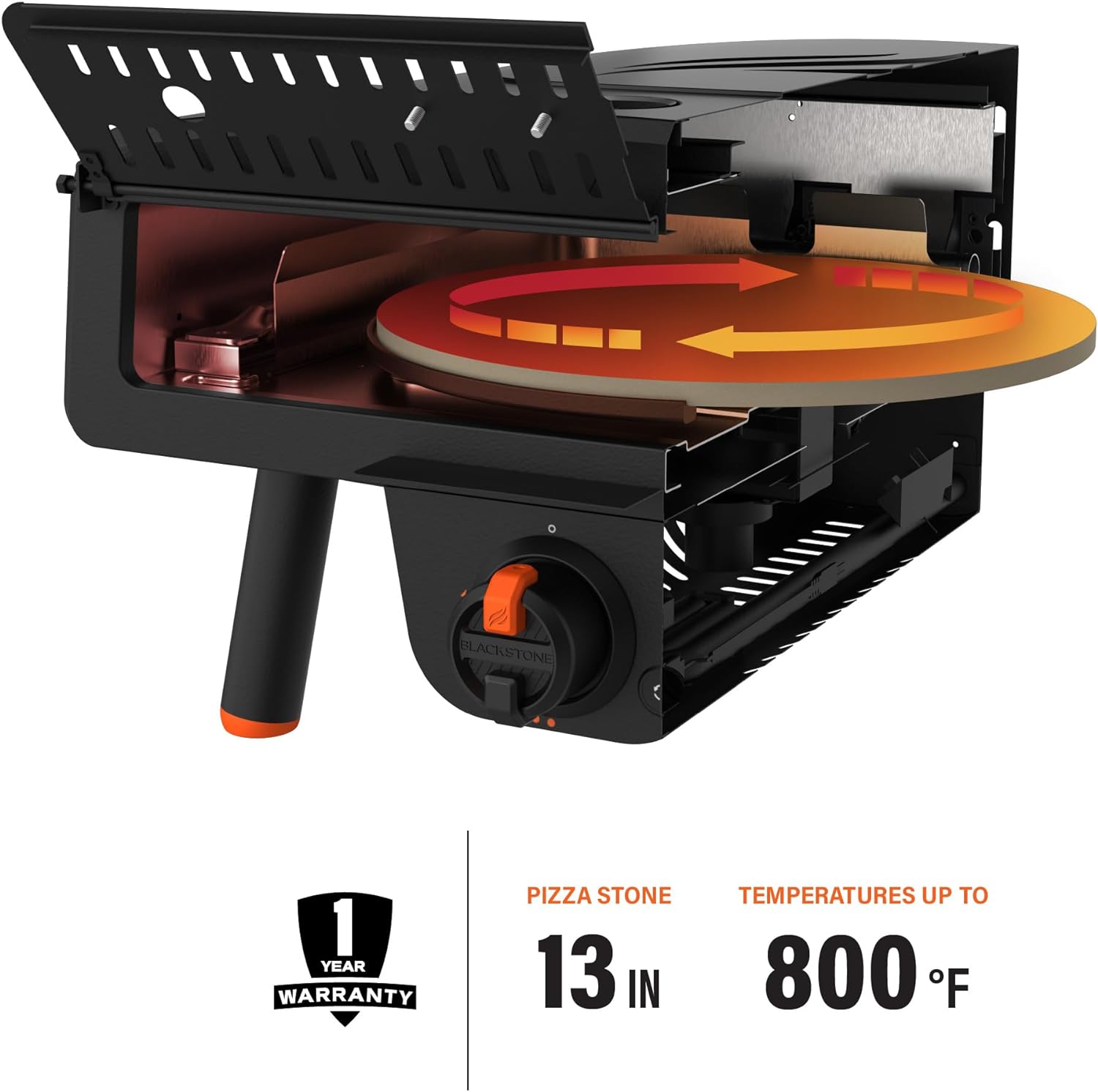
Congratulations on your purchase of the Blackstone Leggero Tabletop Pizza Oven. This portable and efficient oven is designed to bring the authentic taste of Neapolitan-style pizza to your backyard or outdoor kitchen. Featuring a 13-inch rotating cordierite pizza stone, built-in temperature gauge, and precise control, you can achieve perfectly cooked pizzas in minutes. Please read this manual thoroughly before operation to ensure safe and optimal performance.
Important Safety Information
Always prioritize safety when operating any gas appliance. This product is intended for outdoor use only. Ensure adequate ventilation and keep combustible materials away from the oven. Read all warnings and instructions before use.
WARNING: This product can expose you to chemicals including carbon monoxide, which is known to the State of California to cause birth defects or other reproductive harm. For more information go to www.P65Warnings.ca.gov.
Components Overview
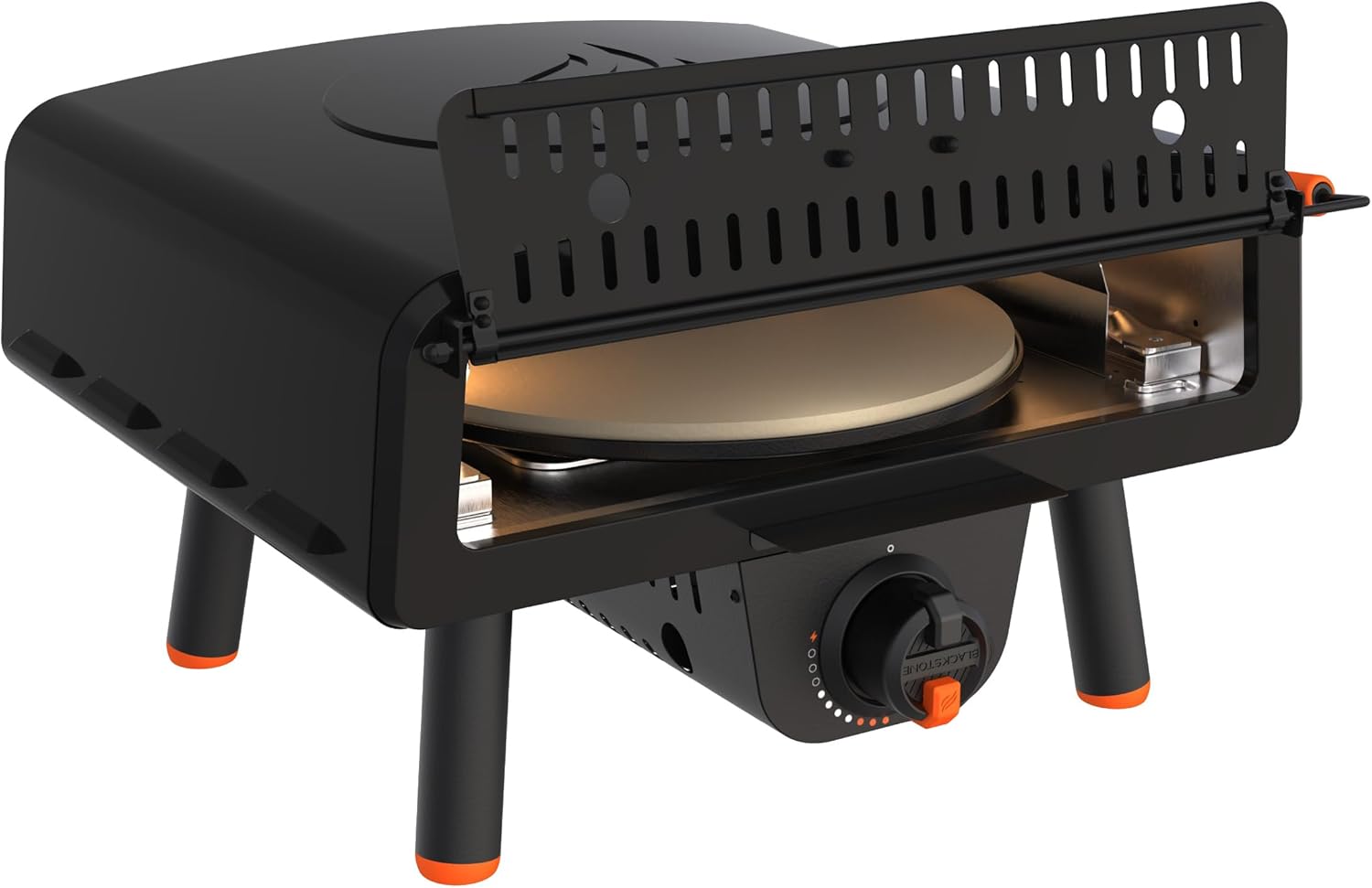
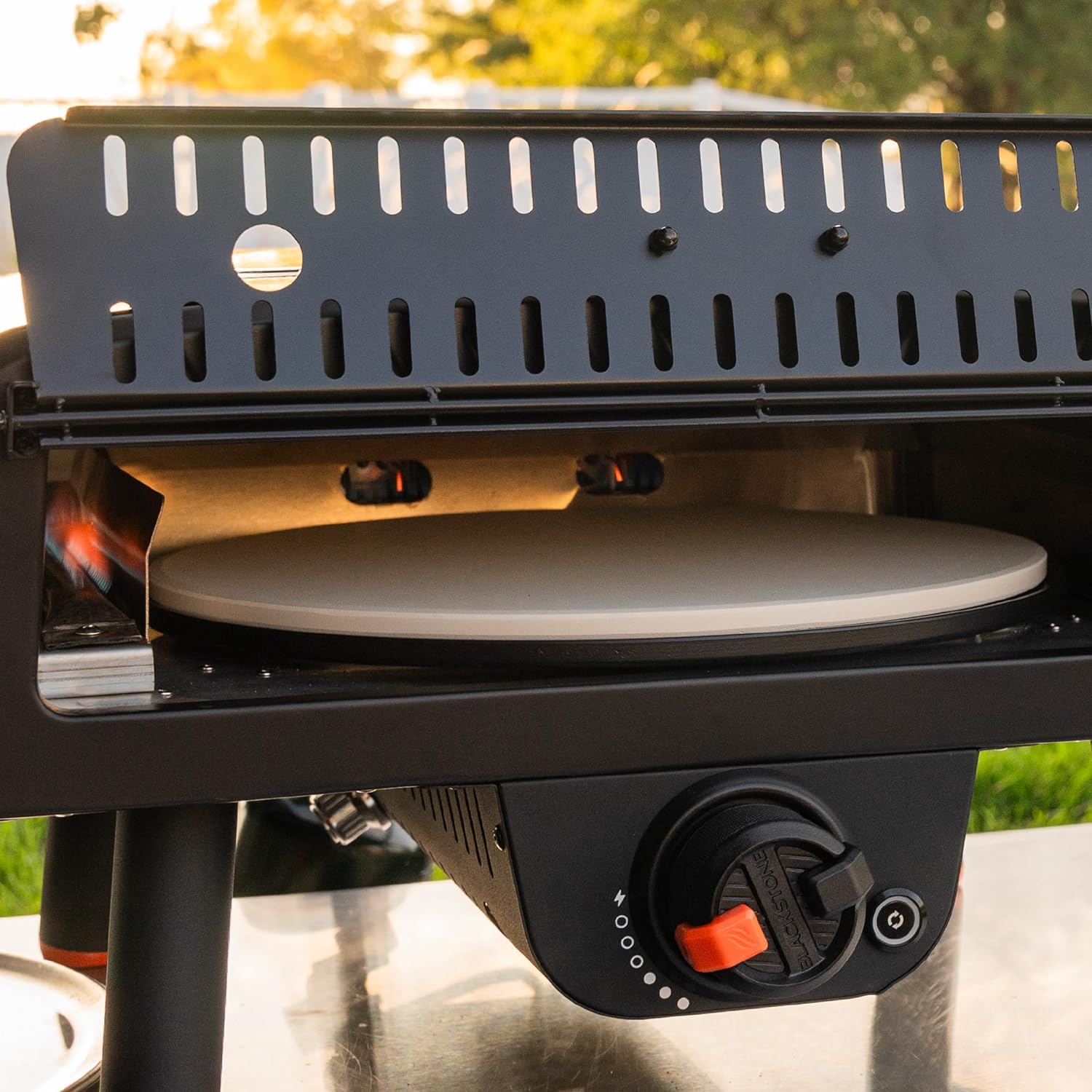
Familiarize yourself with the parts of your Blackstone Leggero Pizza Oven:
- Main Oven Unit: The primary structure housing the burner and pizza stone.
- 13-inch Rotating Cordierite Pizza Stone: The cooking surface that rotates for even baking.
- Gas Regulator and Hose: Connects the oven to a 1-pound propane cylinder.
- Temperature Control Knob: Adjusts the flame intensity.
- Ignition Button: For lighting the burner.
- Rotating Stone Control Button: Activates and deactivates the stone's rotation.
- Utility Door with Locking Positions: Provides access to the cooking surface and helps retain heat.
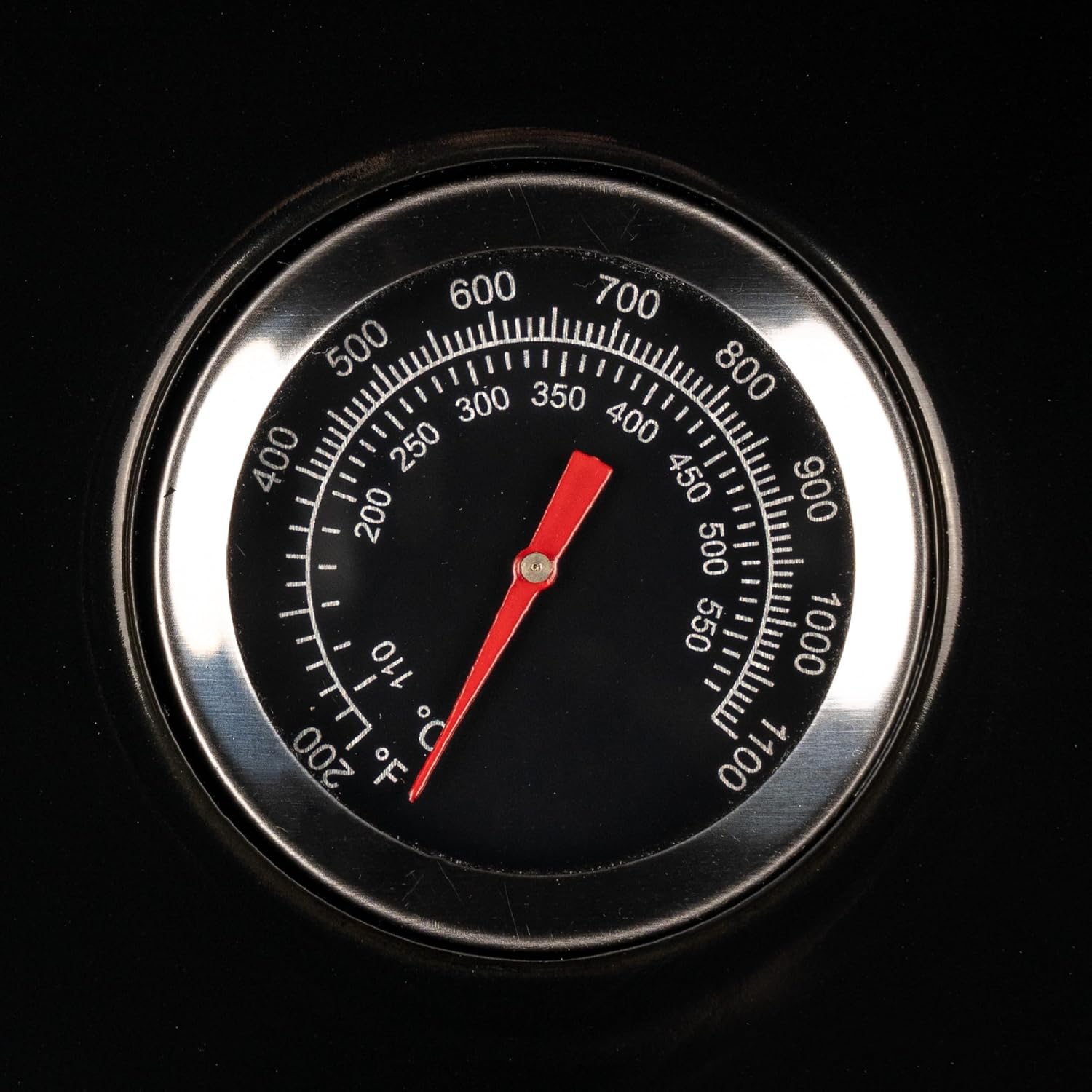
- Built-in Temperature Gauge: Displays the internal oven temperature.
- AC Electric Plugin / Battery Compartment: Powers the rotating stone (4 AA batteries not included).
Setup Guide
- Unpack and Inspect: Carefully remove all components from the packaging. Inspect for any damage.
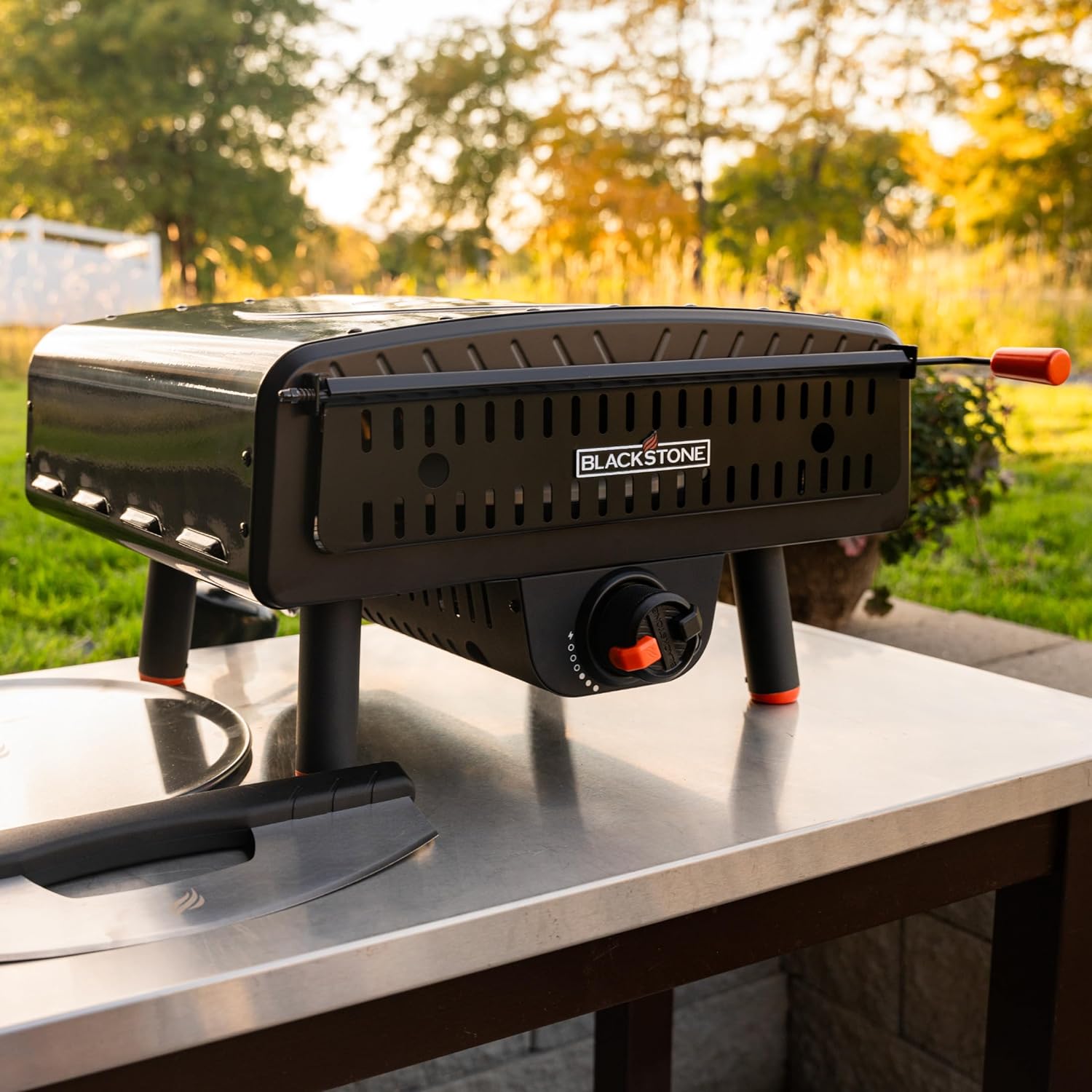
- Position the Oven: Place the oven on a stable, non-combustible surface outdoors. Ensure there is ample clearance from walls and other objects.
- Connect Propane: Attach the included gas regulator and hose to a 1-pound propane cylinder. Securely connect the other end of the regulator to the oven's gas inlet. Ensure all connections are tight to prevent leaks. (Note: A Blackstone Propane Tank Adapter Hose with Regulator, sold separately, is required for connecting to a 20 lb. propane tank.)
- Power the Rotating Stone: Insert 4 AA batteries (not included) into the battery compartment, or connect the AC electric plugin to a power source. This powers the rotating pizza stone and the igniter.
Operating Instructions
- Preheating:
- Open the propane cylinder valve.
- Turn the temperature control knob to the HIGH position.
- Press and hold the ignition button until the burner ignites. You should hear a click and see a flame.
- Allow the oven to preheat for approximately 15-20 minutes, or until the built-in temperature gauge reaches your desired cooking temperature (up to 800°F / 427°C).
- Cooking Pizza:
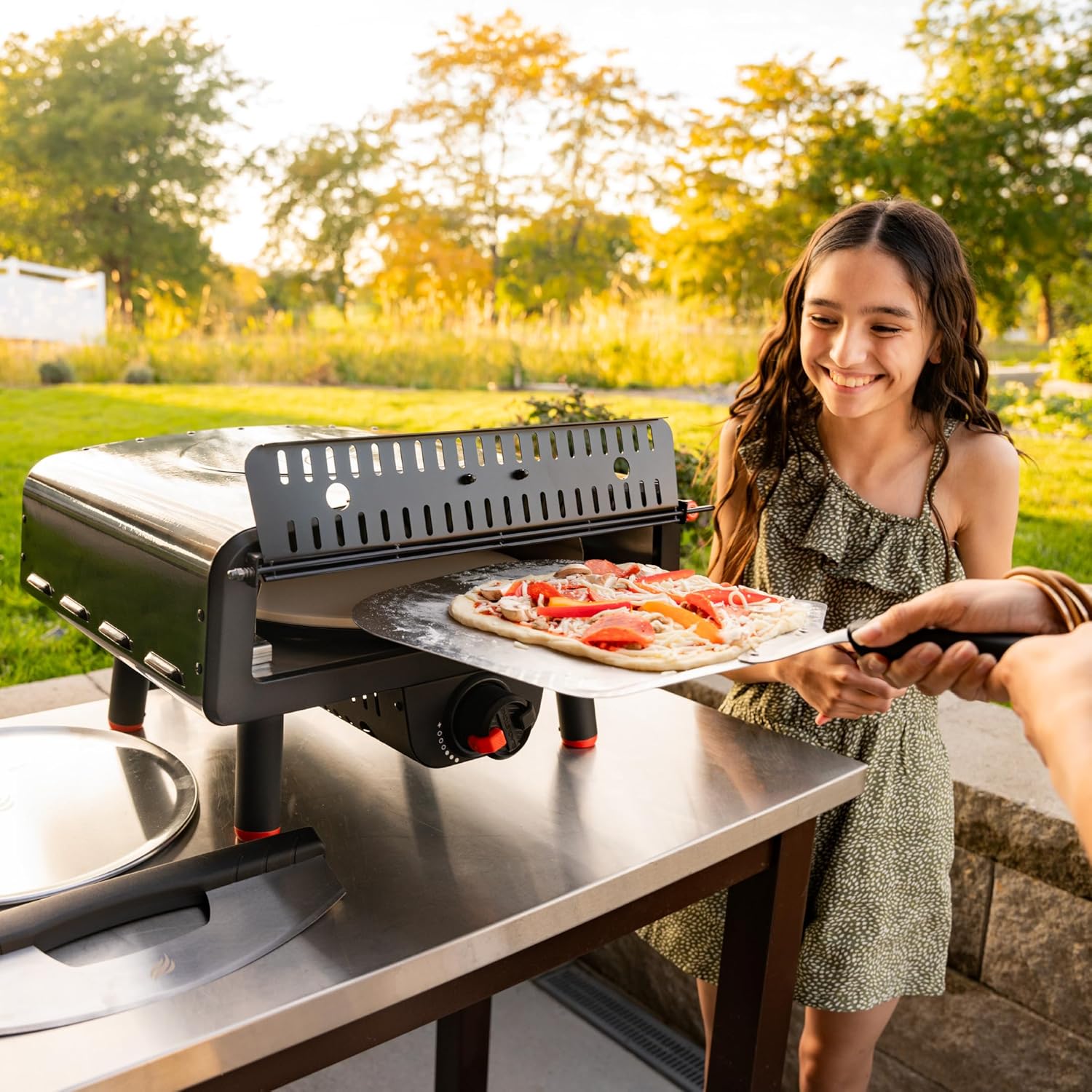
- Prepare your 13-inch pizza on a pizza peel.
- Once the oven is preheated, open the utility door.
- Carefully slide the pizza from the peel onto the rotating pizza stone.
- Press the rotating stone control button to activate rotation for even cooking.
- Monitor the pizza through the opening. Pizzas typically cook in as little as 90 seconds to 2 minutes, depending on temperature and crust thickness.
- When the crust is golden brown and the cheese is bubbly, use the pizza peel to remove the pizza.
- Press the rotating stone control button again to stop rotation if desired, or leave it running for the next pizza.
- Adjusting Temperature: Use the temperature control knob to adjust the flame and maintain the desired cooking temperature.
- Shutting Down: When finished, turn the temperature control knob to the OFF position and close the valve on the propane cylinder.
Care and Maintenance
- Cleaning the Pizza Stone: Allow the stone to cool completely. Scrape off any burnt food residue with a plastic scraper or stiff brush. Do not use soap or water on the stone, as it is porous and will absorb liquids, potentially cracking when heated.
- Exterior Cleaning: Wipe down the exterior of the oven with a damp cloth after it has cooled. For stubborn grease, use a mild degreaser.
- Storage: Store the oven in a dry, protected area when not in use. Disconnect the propane cylinder before storage.
Troubleshooting
| Problem | Possible Cause | Solution |
|---|---|---|
| Oven not reaching 900°F (or stated maximum) | Ambient temperature too low; insufficient preheating time; low propane. | Allow longer preheat time (20+ minutes); ensure propane tank is full; operate in warmer conditions if possible. |
| Pizza crust is soggy in the center | Stone not hot enough; too much moisture in dough/toppings. | Ensure adequate preheating of the stone; use less sauce/moist toppings; consider par-baking crust if needed. |
| Pizza burning on top, undercooked on bottom | Uneven heat distribution; stone not fully preheated. | Ensure rotating stone is active; allow longer preheat time for the stone to absorb heat. |
| Igniter not working | No power to igniter (batteries/AC); gas not flowing. | Check AA batteries or AC connection; ensure propane tank valve is open and connected properly. |
Technical Specifications
- Model Number: 2238
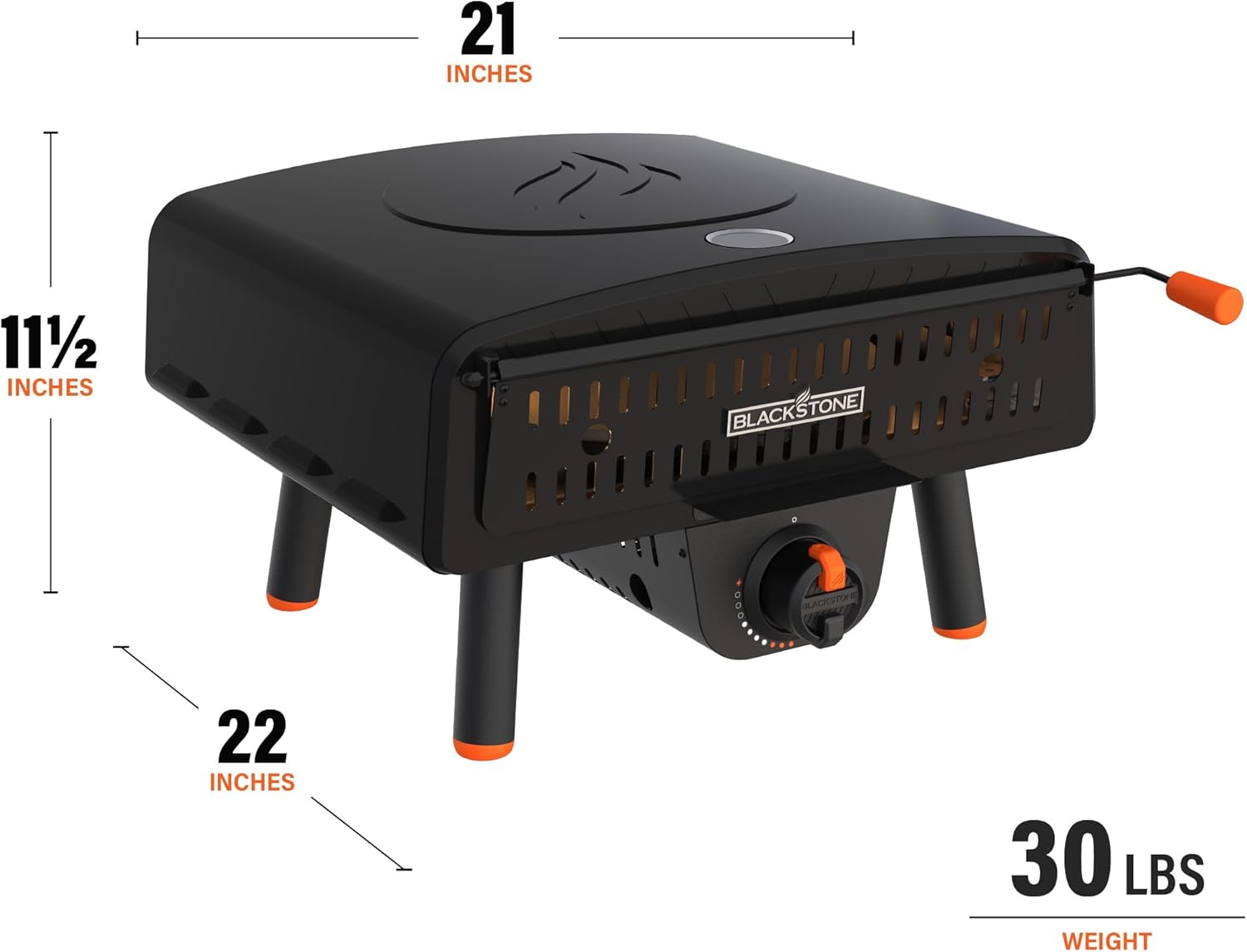
- Product Dimensions: 23 x 20 x 12 inches
- Item Weight: 29.5 pounds
- Fuel Type: Propane (1-pound cylinder or 20-pound tank with adapter, sold separately)
- Heating Method: Conduction, Radiative, Convective heat
- Maximum Temperature: Up to 900°F (482°C)
- Pizza Stone Size: 13 inches (rotating)
- Power for Rotation/Ignition: AC electric plugin or 4 AA batteries (not included)
Warranty Information
The Blackstone Leggero Tabletop Pizza Oven comes with a 1-Year Warranty from the date of purchase. This warranty covers defects in materials and workmanship under normal use. Please retain your proof of purchase for warranty claims. For detailed warranty terms and conditions, refer to the documentation included with your product or visit the official Blackstone website.
Customer Support
For any questions, technical assistance, or warranty claims, please contact Blackstone Customer Support:
- Website: Visit the official Blackstone website for FAQs, product registration, and support resources.
- Phone: Refer to the contact information provided in your product packaging.
Always provide your model number (2238) and proof of purchase when contacting support.


