
1. Introduction
The SUNLU High Speed PLA Filament is engineered for rapid 3D printing, offering enhanced flowability and efficient cooling properties. This filament is designed to reduce printing times significantly while maintaining print quality and dimensional accuracy. It is compatible with a wide range of FDM 3D printers, including those optimized for high-speed operation.

Image 1.1: SUNLU High Speed PLA Filament spool and its retail packaging, featuring the brand's lightning bolt logo.

Image 1.2: Illustration of the filament's high compatibility with both regular and high-speed 3D printers, showcasing various models and printed objects.
2. Setup
Proper setup ensures optimal printing results and filament longevity.
2.1 Unpacking and Inspection
- Carefully remove the filament spool from its vacuum-sealed packaging.
- Inspect the filament for any visible damage or tangles. The filament is neatly wound to prevent knots.
- Ensure the desiccant pack is present and has absorbed moisture.
2.2 Loading the Filament
- Refer to your 3D printer's manual for specific filament loading instructions.
- Ensure the printer's hot end is preheated to the recommended temperature for PLA (typically 180-215°C).
- Feed the filament into the extruder mechanism until it is gripped and begins to extrude smoothly from the nozzle.
2.3 Reusable Spool System
This filament may come with a reusable spool system. To use it:

Image 2.1: Step-by-step guide on how to assemble and use the SUNLU reusable spool system, showing how to align and lock the filament onto the spool.
- Find the 'Line 1' mark on the spool and unlock it.
- Align the filament refill with the 'Line 1' mark and install it.
- Turn 'Line 1' to the 'lock' position to secure the filament.
3. Operating Instructions
The SUNLU High Speed PLA Filament is optimized for fast printing. Adjust your slicing parameters according to the recommended settings below for best results.
3.1 Recommended Printing Parameters

Image 3.1: A table detailing suggested print temperatures and corresponding print speeds for SUNLU High Speed PLA filament, along with retraction settings.
| Print Temperature | Print Speed |
|---|---|
| 180°C | 30-100mm/s |
| 185°C | 100-180mm/s |
| 190°C | 180-300mm/s |
| 195°C | 300mm/s and above |
Note: High Speed PLA Filament is temperature-sensitive. If stringing occurs, reduce the print temperature appropriately. Recommended retraction distance: 2.5-3.5mm. Recommended retraction speed: 50-80mm/s.
3.2 Performance Characteristics
- Increased Flowability: Experience a 500% increase in flowability compared to standard PLA, enabling smooth extrusion at high speeds.
- Efficient Cooling: Boasts a 180% boost in heat dissipation, allowing for quicker cooling and curing, which is crucial for fast printing without material buildup.
- Reduced Printing Time: Designed to save up to 70% of printing time on average.
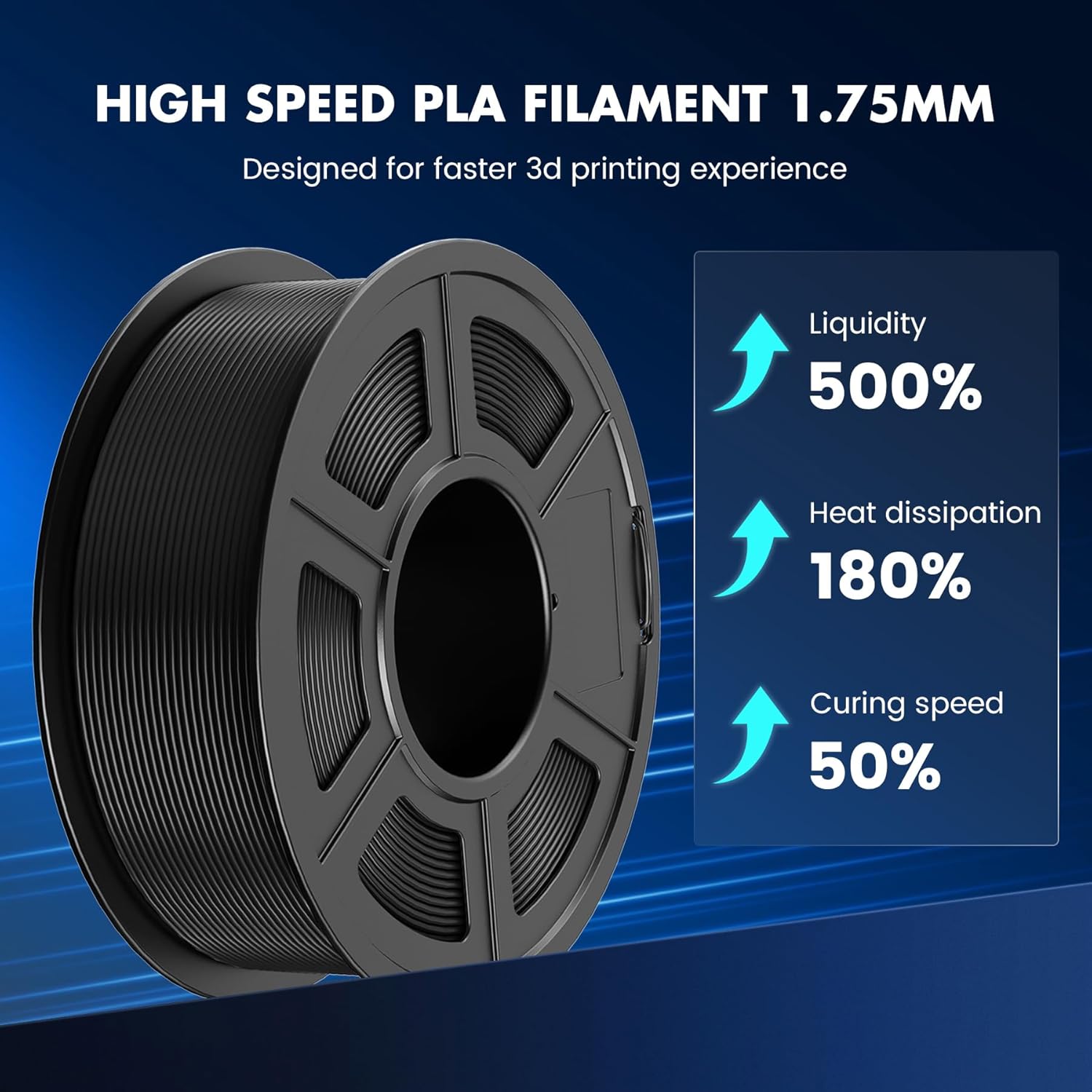
Image 3.2: Visual representation of the performance enhancements of SUNLU High Speed PLA, including 500% higher liquidity, 180% better heat dissipation, and 50% faster curing speed.

Image 3.3: A side-by-side comparison illustrating the time savings with High Speed PLA (300mm/s, 30 mins) versus Regular PLA (100mm/s, 30 mins for 33% completion).
4. Maintenance
Proper storage and handling are essential to maintain filament quality.
4.1 Storage
- Store unused filament in its original vacuum-sealed bag with the desiccant pack.
- Keep the filament in a cool, dry place, away from direct sunlight and humidity.
- High humidity can lead to moisture absorption, which may cause printing issues like bubbling or stringing.
4.2 Handling
- Avoid bending or kinking the filament, as this can lead to breakage or feeding problems.
- Always secure the filament end to the spool when not in use to prevent tangling.
5. Troubleshooting
Common issues and their solutions when using SUNLU High Speed PLA Filament.
5.1 Stringing or Oozing
- Cause: Print temperature too high, or retraction settings are not optimized.
- Solution: Reduce the print temperature in 5°C increments. Adjust retraction distance (2.5-3.5mm) and speed (50-80mm/s) in your slicer software.

Image 5.1: A visual comparison of print quality at 300mm/s, highlighting how High Speed PLA (right) minimizes stringing and improves detail compared to standard PLA (left).
5.2 Clogging or Under-extrusion
- Cause: Filament moisture absorption, print temperature too low, or nozzle obstruction.
- Solution: Ensure filament is dry (use a filament dryer if necessary). Increase print temperature slightly. Clean the nozzle if it's clogged.

Image 5.2: A comparison showing SUNLU's neatly wound filament (left) which prevents tangles and clogs, versus a poorly wound filament (right) prone to issues.
5.3 Poor Layer Adhesion
- Cause: Print temperature too low, cooling too aggressive, or print speed too high for the temperature.
- Solution: Increase print temperature slightly. Reduce cooling fan speed if possible. Ensure print speed is within recommended ranges for the chosen temperature.
6. Specifications
| Attribute | Detail |
|---|---|
| Brand | SUNLU |
| Material | High Speed PLA |
| Filament Diameter | 1.75 mm |
| Dimensional Accuracy | +/- 0.02 mm |
| Net Weight | 1 KG (1000g) |
| Color | Black |
| Recommended Print Speed | 30mm/s - 600mm/s |
| Product Dimensions | 7.09 x 1.57 x 7.09 inches (Spool) |
7. Warranty & Support
7.1 Warranty Information
SUNLU is committed to product quality. For specific warranty details regarding your filament, please refer to the packaging or contact SUNLU customer service directly. General return policies may apply as per the retailer's terms.
7.2 Customer Support
For technical assistance, printing advice, or any product-related inquiries, please visit the official SUNLU website or contact their customer support team. Contact information can typically be found on the product packaging or the brand's official online presence.