
1. Introduction
Thank you for choosing the CASIRIS H6 4K Smart Projector. This manual provides essential information for the safe and efficient operation of your device. Please read it thoroughly before use and retain it for future reference.
The CASIRIS H6 is an advanced Ultra Short Throw (UST) laser projector designed to deliver a cinematic viewing experience with its 4K UHD resolution, 3000 ANSI lumens brightness, and comprehensive smart features including Android TV, Wi-Fi 6, and Bluetooth connectivity.
2. Safety Information
To ensure safe operation and prevent damage, please observe the following:
- Do not look directly into the projector lens when the lamp is on. The intense light can cause eye damage.
- Place the projector on a stable, level surface to prevent it from falling.
- Ensure adequate ventilation around the projector. Do not block ventilation openings.
- Keep the projector away from water, moisture, and extreme temperatures.
- Use only the power adapter supplied with the projector.
- Do not attempt to open or repair the projector yourself. Refer all servicing to qualified personnel.
- Built-in motion sensors adjust brightness automatically when someone approaches to help prevent eye damage.
3. Package Contents
Verify that all items are present in your package:
- CASIRIS H6 4K Smart Projector
- Power Cable
- Remote Control
- User Manual (this document)
- Other accessories (e.g., batteries for remote, cleaning cloth) may be included.
4. Product Overview
The CASIRIS H6 projector features advanced technology for an immersive home theater experience.
Key Features:
- 4K UHD Resolution: Delivers crisp, detailed images.
- 3000 ANSI Lumens Brightness: Ensures clear visuals even in well-lit environments.
- Ultra Short Throw (UST) Technology: Projects large images from a very short distance.
- Triple Laser Light Source: Achieves 110% BT.2020 color gamut for accurate and vibrant colors.
- Integrated Android TV: Access to over 7000+ apps and streaming services.
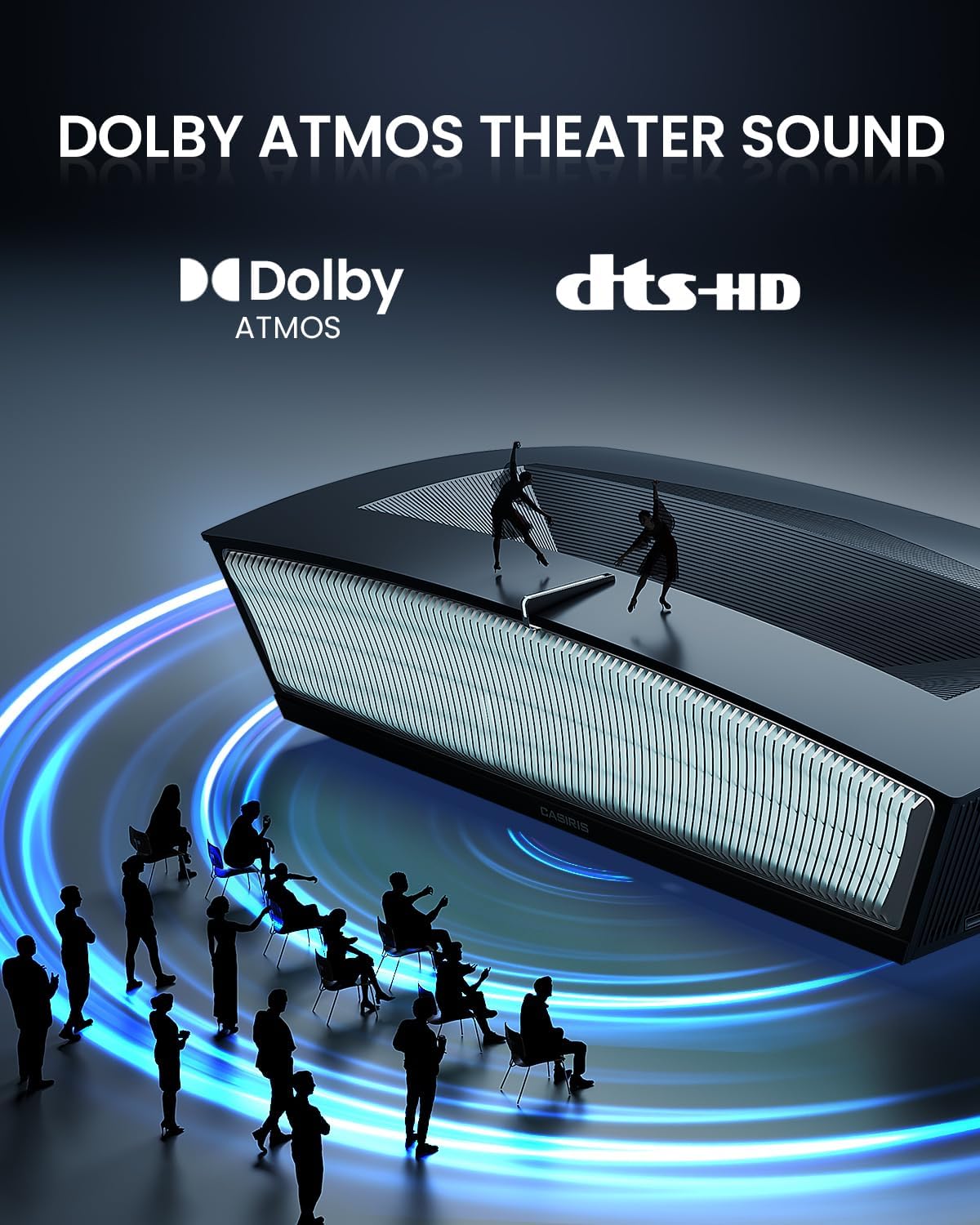
- Dual 15W Speakers with Dolby Atmos & DTS-HD: Provides rich, immersive audio.
- 3D Functionality: Supports active 3D for a three-dimensional viewing experience.
- HDR10 & MEMC Support: Enhances contrast, color, and motion clarity.
- Wi-Fi 6/5G & Bluetooth Connectivity: For seamless wireless connections.
Visual Representation:


5. Setup
Follow these steps to set up your CASIRIS H6 projector:
5.1 Placement
As an Ultra Short Throw (UST) projector, the H6 is designed to be placed very close to the projection surface (wall or screen). The projection ratio is 0.25:1, allowing for a large image from a minimal distance.
- Place the projector on a flat, stable surface directly in front of your desired projection area.
- Ensure the projection surface is smooth and clean for optimal image quality.
- For best results, use an Ambient Light Rejecting (ALR) screen designed for UST projectors.

5.2 Power Connection
- Connect the power cable to the projector's power input port.
- Plug the other end of the power cable into a suitable electrical outlet.
5.3 Initial Boot and Network Setup
- Press the power button on the projector or remote control to turn on the device.
- Follow the on-screen instructions to complete the initial setup, including language selection and connecting to your Wi-Fi network (supports Wi-Fi 6/5G).
- Log in to your Google account to access Android TV features and download apps.

5.4 Focus and Keystone Correction
The projector features automatic focus and 8-point keystone correction for quick image adjustment.
- The projector will attempt to auto-focus upon startup.
- If manual adjustment is needed, navigate to the settings menu using the remote control to access focus and keystone correction options.

6. Operating Instructions
6.1 Basic Operation
- Power On/Off: Press the power button on the remote or projector.
- Navigation: Use the directional buttons on the remote to navigate the Android TV interface.
- Volume Control: Adjust audio levels using the volume buttons on the remote.
6.2 Input Sources
Connect external devices such as Blu-ray players, gaming consoles, or computers via the available HDMI ports. Select the desired input source from the projector's menu.
6.3 3D Functionality
The CASIRIS H6 supports active 3D. To enjoy 3D content:
- Ensure your content source (e.g., Blu-ray player) is playing 3D-compatible media.
- Wear active shutter 3D glasses (sold separately).
- The projector should automatically detect and switch to 3D mode. If not, enable it in the display settings.


6.4 Audio Settings
The projector features dual 15W speakers with Dolby Atmos and DTS-HD support.
- Access audio settings through the Android TV menu to adjust sound modes or connect external audio systems via Bluetooth or optical output.
6.5 Screen Mirroring
You can mirror content from your smartphone or tablet to the projector wirelessly.
- Ensure your mobile device and the projector are connected to the same Wi-Fi network.
- Use the built-in screen mirroring feature (e.g., Chromecast built-in) or a compatible app on your mobile device.

7. Maintenance
Proper maintenance ensures the longevity and optimal performance of your projector.
7.1 Cleaning
- Lens: Gently wipe the projector lens with a soft, lint-free cloth specifically designed for optical surfaces. Do not use abrasive cleaners.
- Exterior: Clean the projector's exterior with a soft, dry cloth. For stubborn marks, slightly dampen the cloth with water.
- Ventilation: Periodically check and clean the ventilation openings to prevent dust buildup, which can affect cooling.
7.2 Storage
- When not in use for extended periods, store the projector in a cool, dry place, away from direct sunlight and extreme temperatures.
- Cover the projector to protect it from dust.
8. Troubleshooting
If you encounter issues with your CASIRIS H6 projector, refer to the following common problems and solutions:
| Problem | Possible Cause | Solution |
|---|---|---|
| No image displayed | Power cable disconnected, incorrect input source, lens cap on. | Check power connection, select correct input source, remove lens cap. |
| Blurry image | Out of focus, incorrect keystone correction. | Adjust focus and keystone settings in the menu. |
| No sound | Volume too low, external audio device not connected, incorrect audio output selected. | Increase volume, check external audio connections, verify audio output settings. |
| Remote control not working | Batteries depleted, obstruction between remote and projector. | Replace batteries, ensure clear line of sight to the projector's IR receiver. |
| Wi-Fi connection issues | Incorrect password, router issues, signal interference. | Verify Wi-Fi password, restart router, ensure projector is within Wi-Fi range. |
If the problem persists after trying these solutions, please contact CASIRIS customer support.
9. Specifications
Detailed technical specifications for the CASIRIS H6 projector:
- Brand: CASIRIS
- Model Number: LHT-Z1G04
- Display Resolution: 4096 x 2160 (4K UHD)
- Brightness: 3000 ANSI Lumens
- Contrast Ratio: 1600:1
- Color Gamut: 110% BT.2020
- Light Source: RGB Triple Laser
- Projection Ratio: 0.25:1 (Ultra Short Throw)
- Maximum Screen Size: 150 inches
- Special Features: 3D-Ready, Internet Ready (Android TV), Short Throw, Built-in Speakers (Dual 15W), HDR10, MEMC, Smart Eye Protection
- Connectivity Technology: Wireless (Wi-Fi 6/5G, Bluetooth)
- Product Dimensions: 24.8 x 13.6 x 6.2 inches
- Item Weight: 31.4 pounds
- Recommended Uses: Indoor/Outdoor

10. Warranty and Support
The CASIRIS H6 projector comes with a standard manufacturer's warranty. Please refer to the warranty card included in your package or visit the official CASIRIS website for detailed warranty terms and conditions.
For technical support, troubleshooting assistance, or warranty claims, please contact CASIRIS customer service through their official channels. Contact information can typically be found on the product packaging or the CASIRIS website.


