1. Introduction
Thank you for choosing the TAIFU 31V 500MA replacement charger. This power adapter is designed to provide reliable and efficient charging for a wide range of compatible vacuum cleaners. Please read this manual carefully before use to ensure proper operation and to maximize the lifespan of your charger and connected devices.
2. Safety Information
Your TAIFU charger is engineered with multiple protection features to ensure safe operation. Adhere to the following guidelines:
- Overload Protection: Prevents damage from excessive current draw.
- Overheat Protection: Automatically shuts down if internal temperature exceeds safe limits.
- Overcurrent Protection: Safeguards against current surges.
- Overvoltage Protection: Protects against input voltage fluctuations.
- Short-Circuit Protection: Prevents damage in case of a short circuit.
- Overcharge Protection: Manages battery charging to prevent overcharging.
The product has passed certifications including TUV, GS, CB, CE, UL, and ROHS, ensuring high safety standards.

Image: Visual representation of the charger's built-in protection features, including over-temperature, overcurrent, short circuit, overcharge, overpower, and overvoltage protection.
3. Product Overview
The TAIFU Q36 charger is a compact and efficient power adapter designed for ease of use and portability.

Image: The TAIFU 31V 500MA charger unit with its power cord and barrel connector.
Dimensions

Image: Detailed dimensions of the charger block, showing its compact size for easy handling and storage.
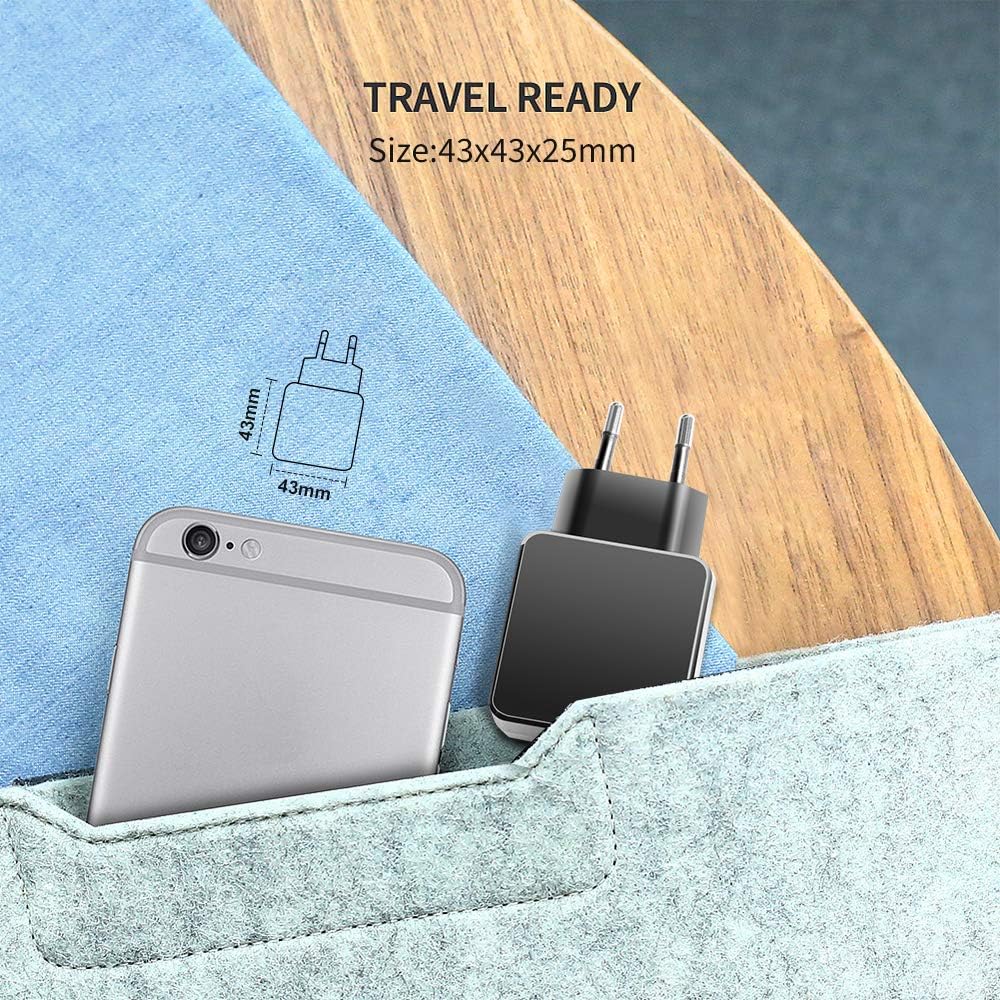
Image: The charger depicted as travel-ready, highlighting its small form factor suitable for portability.
4. Specifications
| Feature | Specification |
|---|---|
| Model Number | Q36 |
| Input Voltage | AC 100-240V ~ 50/60Hz |
| Output Voltage | 31V |
| Output Current | 0.5A (500mA) |
| Output Power | 15.5W |
| Connector Type | Barrel Connector (DC Plug) |
| Wall Plug Type | Europlug |
| Special Features | Overload, Overheat, Overcurrent, Overvoltage, Short-Circuit, Overcharge Protection |
| Compatible Devices | Various Vacuum Cleaners (see Compatibility section) |
5. Compatibility
This 31V charger is compatible with numerous vacuum cleaner models. To ensure compatibility, verify that your vacuum cleaner requires a 31V 0.5A (500mA) power supply with a barrel connector. If unsure, compare the output specifications of your original charger.
Compatible Models (Partial List):
- MOOSOO K23, K23 Pro, K23Pro, K20
- Hompany Smartvac 12
- Belife BVC-V11, V11, BVC-V12, V12, S10
- Orfeld B08, C10A, VC818, BL818, C10G
- Fabuletta FSV11 01, FSVV.001
- Voweek VW-VC09, VW-VC10
- Syvio SA450016
- HONITURE S13 Pro-US
- WLUPE Hero 8 Pro / KB-H015
- Oraimo OSV-103
- UMLo S9 Vacuum Cleaner
- Laresar Elite 1, 3, 4, 5 Pro
- BuTure Models: JR200, JR400, JR500, JR600, JR700, VC40, VC50
Incompatible Models (Partial List - Do NOT use with these):
- Voweek VW-VC07, VW-VC08 (26V models)
- MOOSOO M XL-618A, XL618A, XL618, K17, K-17, X6, X6-W, X6W, VC01, M24 (26V models)
- BuTure VC10, VC30, JR300
- ORFELD H01, V20, EV-679, EV679, H20A, EVA.660, EV-660, RB666, RB680
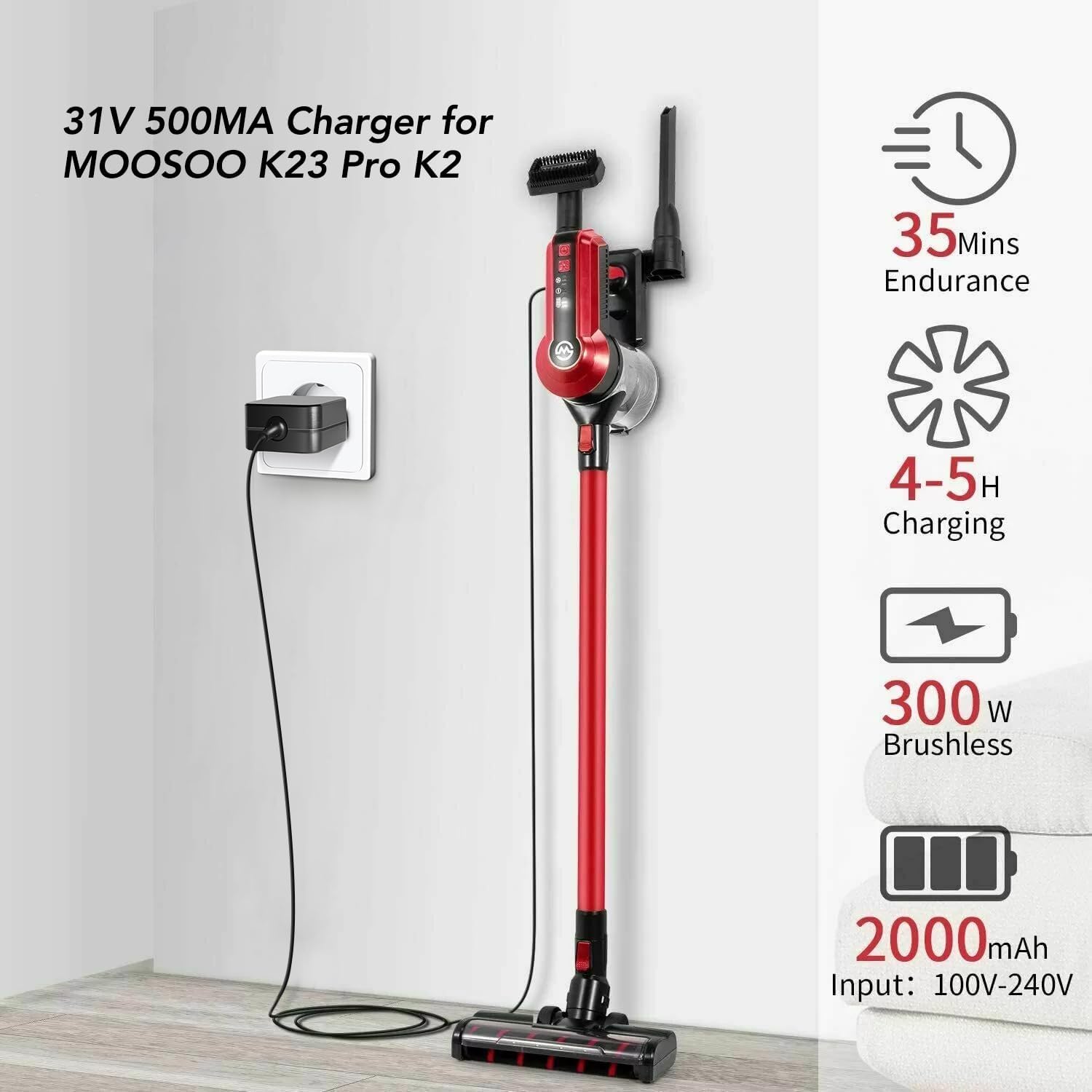
Image: The TAIFU charger connected to a MOOSOO K23 Pro vacuum cleaner, demonstrating the charging process.
6. Setup and Operating Instructions
Follow these steps to properly set up and operate your TAIFU charger:
- Verify Compatibility: Before connecting, ensure your vacuum cleaner's power requirements match the charger's output (31V 0.5A). Refer to your vacuum cleaner's original power adapter or user manual.
- Connect to Vacuum: Insert the barrel connector of the TAIFU charger firmly into the charging port of your vacuum cleaner.
- Connect to Power Outlet: Plug the Europlug end of the charger into a standard AC 100-240V wall outlet.
- Charging Indication: Your vacuum cleaner should indicate that it is charging (e.g., an LED indicator on the vacuum). The charger itself does not have an indicator light.
- Charging Time: Refer to your vacuum cleaner's manual for typical charging times. The charger will provide consistent power until the vacuum's battery management system signals full charge.
- Disconnecting: Once charging is complete, first unplug the charger from the wall outlet, then disconnect the barrel connector from the vacuum cleaner.
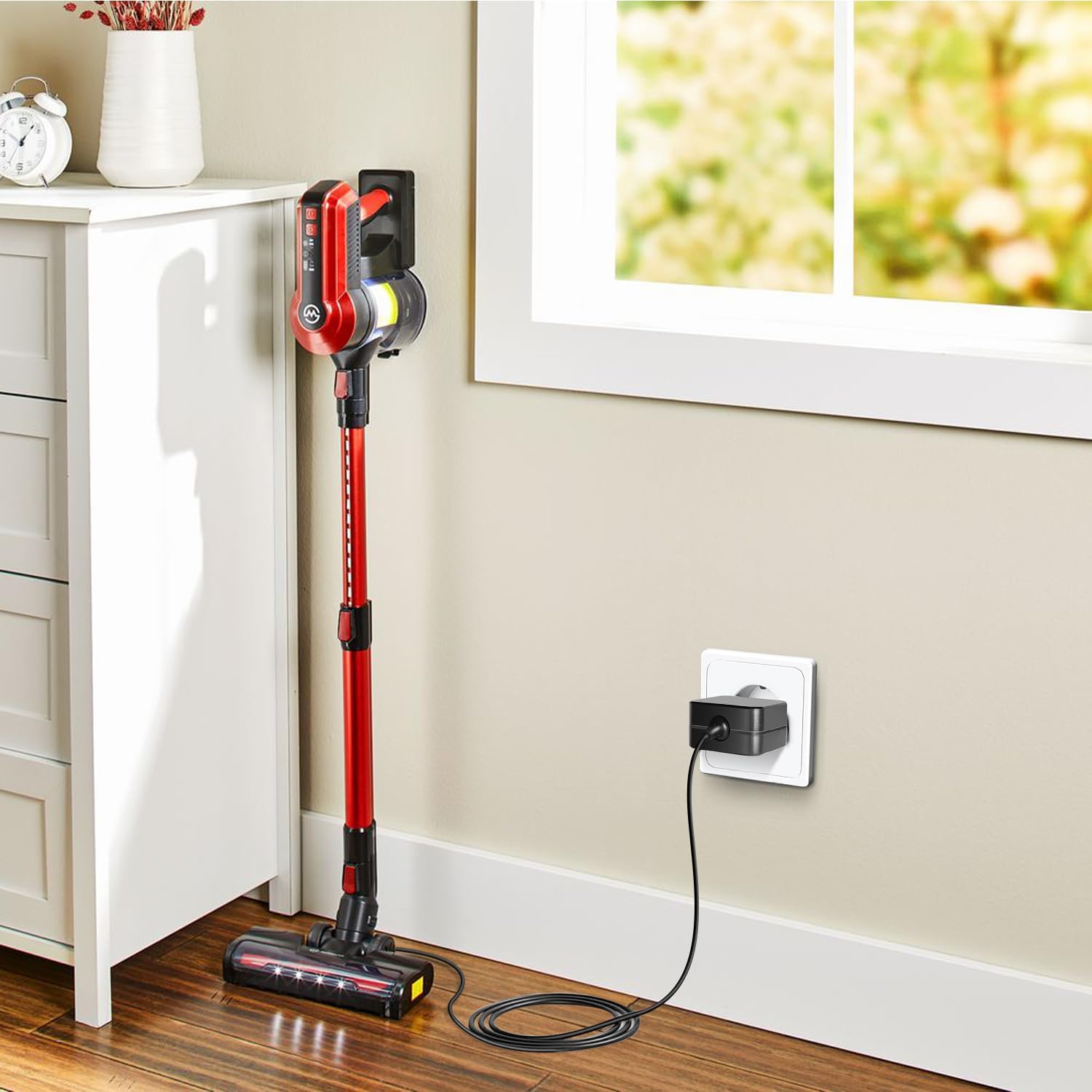
Image: The charger actively charging a vacuum cleaner, illustrating a typical setup in a home setting.
7. Maintenance
To ensure the longevity and optimal performance of your TAIFU charger, follow these simple maintenance guidelines:
- Cleaning: Disconnect the charger from both the power outlet and the vacuum cleaner before cleaning. Wipe the surface with a soft, dry cloth. Do not use liquid cleaners or abrasive materials.
- Storage: Store the charger in a cool, dry place away from direct sunlight, moisture, and extreme temperatures.
- Cable Care: Avoid bending or crimping the power cord excessively, especially near the connectors. Do not place heavy objects on the cable.
- Inspection: Periodically inspect the charger and cable for any signs of damage, such as frayed wires, cracked casing, or bent pins. If damage is found, discontinue use immediately.
8. Troubleshooting
If you encounter issues with your TAIFU charger, refer to the following common problems and solutions:
- Problem: Vacuum cleaner is not charging.
- Solution 1: Verify compatibility. Double-check that your vacuum cleaner model and its power requirements (voltage and current) precisely match the charger's specifications (31V 0.5A). Refer to Section 5: Compatibility.
- Solution 2: Check connections. Ensure the barrel connector is fully inserted into the vacuum's charging port and the Europlug is securely plugged into a working wall outlet. Try a different outlet.
- Solution 3: Inspect for damage. Look for any visible damage to the charger unit or cable. If damaged, discontinue use.
- Solution 4: Assess vacuum battery health. Note that replacement chargers are designed to charge healthy batteries. If your vacuum's battery is old (typically 1-3 years lifespan) or severely degraded, it may no longer hold a charge, regardless of the charger used. Consider replacing the vacuum's battery if it's old and not holding a charge.
- Problem: Charger feels warm during use.
- Solution: It is normal for power adapters to generate some heat during operation. If the charger becomes excessively hot to the touch or emits a burning smell, unplug it immediately and discontinue use. This could indicate an issue with the charger or the connected device.
9. Warranty and Support
TAIFU stands behind the quality of its products.
- Warranty: This product comes with a 3-Year Warranty from the date of purchase.
- Money-Back Guarantee: We offer a 30-Day Money Back Guarantee.
For any questions, concerns, or technical support, please contact TAIFU customer service through the retailer's platform or the contact information provided with your purchase. Please have your model number (Q36) and purchase details ready.

Image: Information on TAIFU's 3-year warranty and 30-day money-back guarantee, alongside an image of customer support representatives.


