
Introduction
This manual provides essential information for the assembly, operation, and maintenance of your Carrera GO!!! NASCAR Talladega Competition Electric Slot Car Racing Set. Please read these instructions carefully before use to ensure safe and optimal performance of your racing set.

Image: The complete Carrera GO!!! NASCAR Talladega Competition set, including the track, two NASCAR Camaro NextGen ZL1 cars, and controllers.
Safety Information
Caution - Electric Toy - Not recommended for children under 8 years of age. As with all electric products, precautions should be observed during handling and use to prevent electric shock.
- Always supervise children during play.
- Ensure all connections are secure before operating.
- Do not use in wet conditions.
- Disconnect power when not in use or during maintenance.
Package Contents
Your Carrera GO!!! NASCAR Talladega Competition set includes the following components:
- Two 1:43 Scale Cars: NASCAR Camaro NextGen ZL1 "Hendrick Motorsports, Chase Elliot, No.9" and NASCAR Camaro NextGen ZL1 "Hendrick Motorsports, Alex Bowman, No.48"
- 1:43 Scale Track sections (straights, curves, flyover, junction track)
- Two Speed Controllers
- Power Adapter
- Lap Counter
- Track barriers and supports
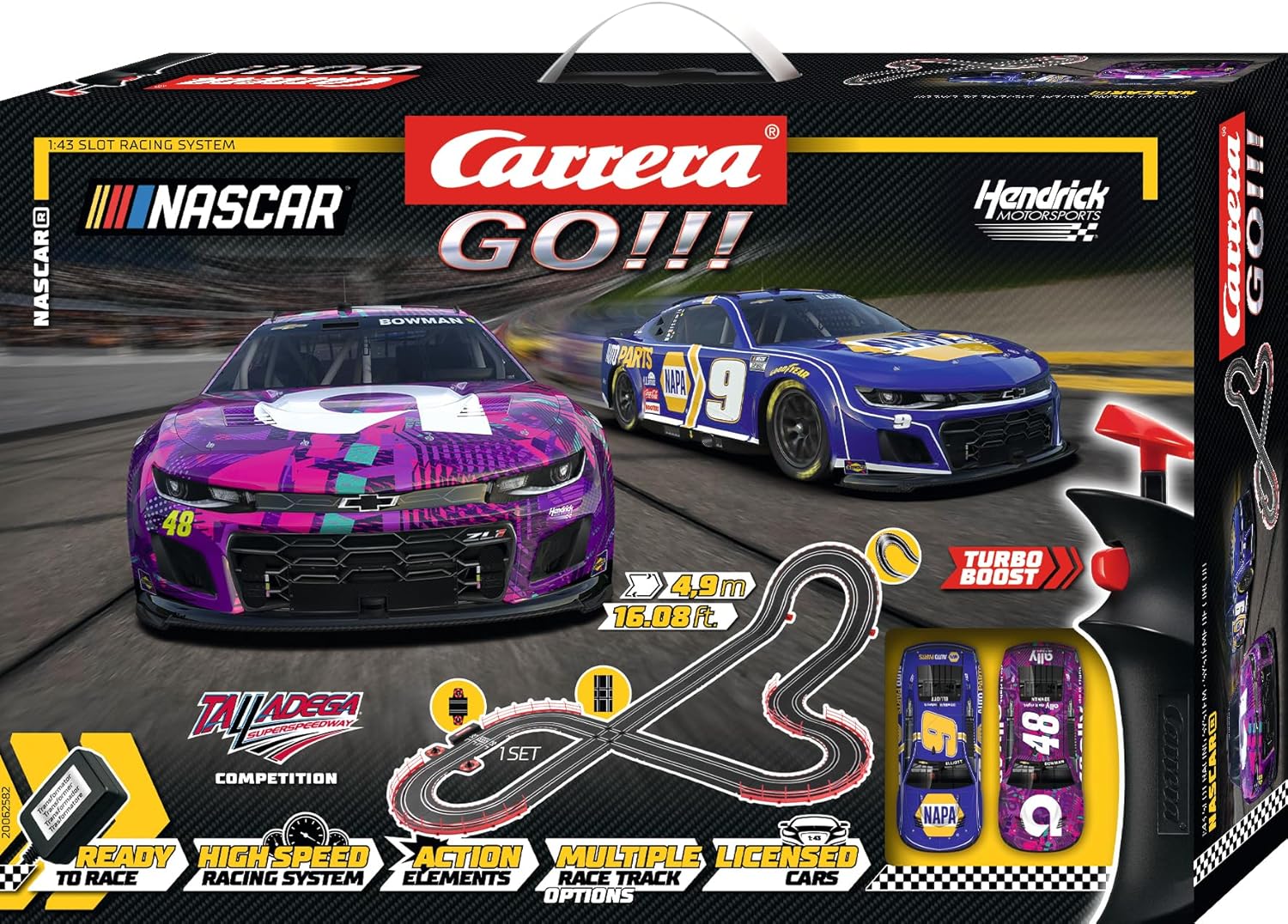
Image: Front packaging of the Carrera GO!!! set, illustrating the main components.

Image: Rear packaging of the Carrera GO!!! set, showing a different track configuration and listing included parts.
Setup Instructions
Follow these steps to assemble your racing track:
- Prepare the Surface: Choose a flat, stable surface for assembly. The assembled dimensions are approximately 5.97 x 3.77 feet.
- Connect Track Sections: Carefully connect the track pieces by aligning the connectors and pressing them firmly together. Ensure a tight fit for proper electrical contact. Refer to the included layout diagram for suggested configurations.
- Install Supports and Barriers: Attach the red track barriers to the outer edges of curves and the red supports for elevated sections (flyover) as shown in the diagrams.
- Connect Connection Track: Integrate the connection track piece (with Carrera logo) into your layout. This piece serves as the power and controller hub.
- Connect Controllers: Plug the two speed controllers into the designated ports on the connection track.
- Connect Power Adapter: Plug the power adapter into the connection track, then into a suitable wall outlet.
- Place Cars: Position the NASCAR slot cars onto their respective track slots at the start/finish line. Ensure the guide pins on the cars are correctly inserted into the track grooves.
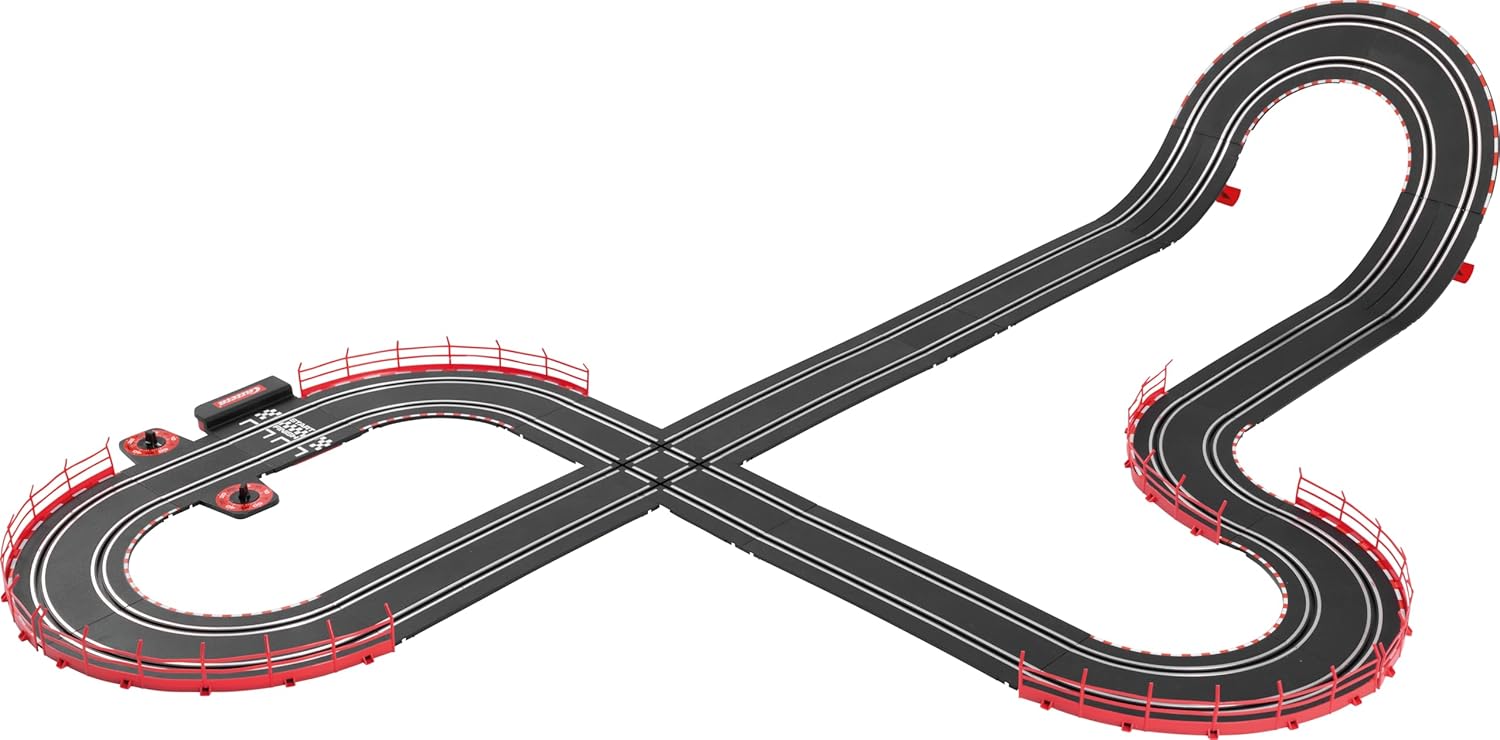
Image: An example of an assembled track layout, featuring various track elements.
Video: Official product video demonstrating the Carrera GO!!! NASCAR Talladega Competition set in action, showcasing track features and car movement.
Operating Instructions
Once the track is assembled and powered, you are ready to race!
- Speed Controllers: Each player uses a speed controller. Press the trigger to accelerate your car. The harder you press, the faster the car goes.
- Turbo Boost: The controllers feature a 'Turbo Boost' button for an extra burst of speed. Use it strategically on straights or to overtake opponents.
- Lap Counter: The set includes a mechanical lap counter. As each car crosses the start/finish line, the counter for that lane will advance by one lap.
- Driving Technique: Practice controlling your speed, especially on curves and the flyover, to prevent cars from derailing. The included clip-on guards for controllers can help limit maximum speed for younger drivers.

Image: Two Carrera speed controllers, used to control the slot cars.
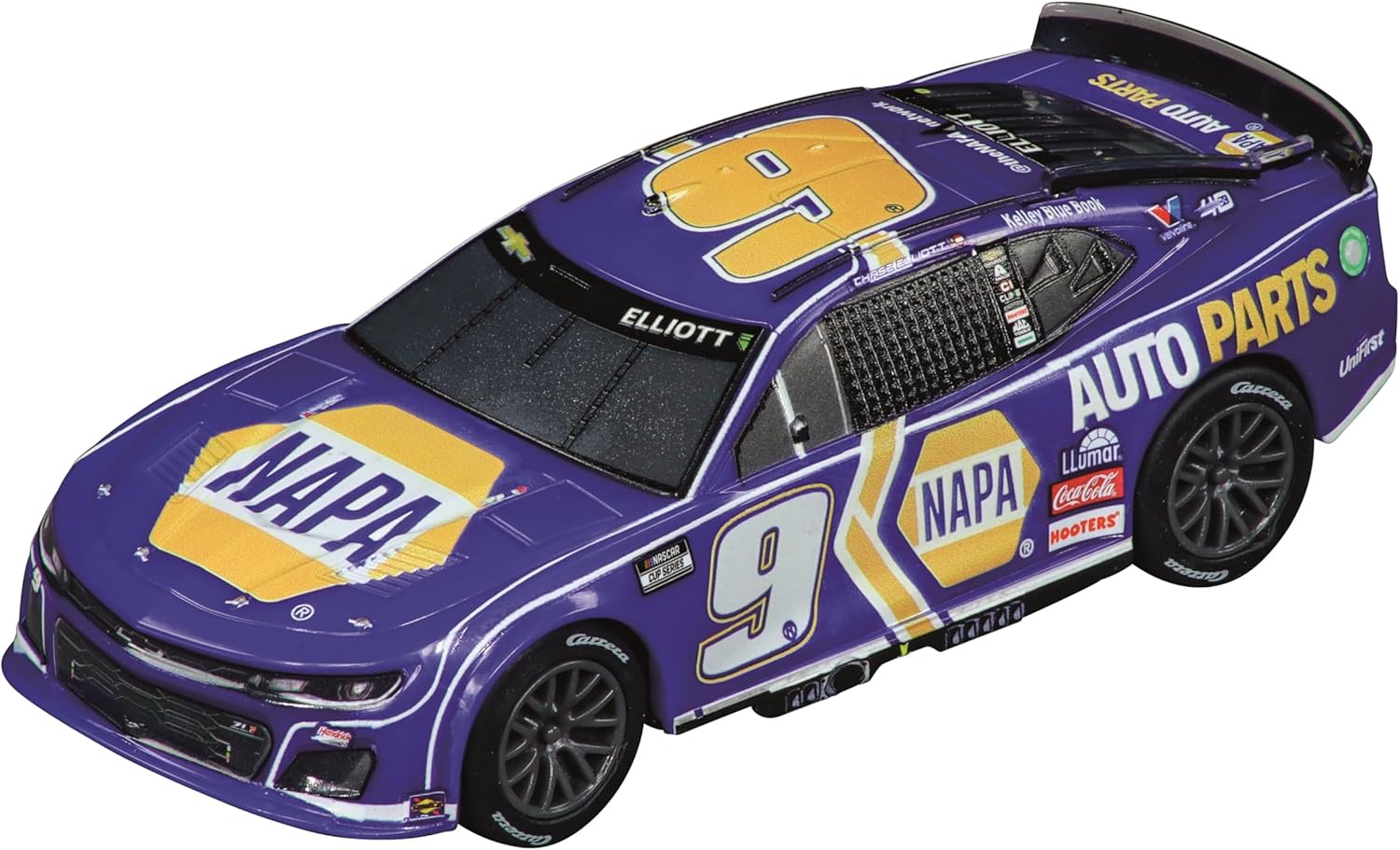
Image: Detailed view of the blue NASCAR Camaro NextGen ZL1 slot car.

Image: Detailed view of the purple NASCAR Camaro NextGen ZL1 slot car.
Video: A Carrera GO!!! set demonstrating various track elements like loops and banked curves, highlighting the dynamic racing experience.
Maintenance
Regular maintenance ensures the longevity and performance of your racing set:
- Track Cleaning: Keep track rails clean and free of dust and debris. Use a soft, dry cloth to wipe the metal rails.
- Car Brushes: Check the contact brushes on the underside of the cars regularly. If they are worn or bent, replace or adjust them to ensure good electrical contact with the track.
- Tire Care: Ensure car tires are clean and free of lint or hair for optimal grip.
- Storage: When not in use, store the track and cars in a clean, dry place to prevent damage.
Troubleshooting
If you encounter issues, try these common solutions:
- Car Not Moving:
- Check power connection to the track and wall outlet.
- Ensure car's guide pin is correctly seated in the track slot.
- Verify contact brushes on the car are clean and making good contact with the track rails.
- Test the controller by swapping it with the other one, if available.
- Cars Derailing Frequently:
- Reduce speed on curves and elevated sections.
- Ensure track sections are firmly connected and flat.
- Check that track barriers are properly installed on curves.
- Intermittent Power:
- Inspect all track connections for looseness.
- Clean track rails thoroughly.
Specifications
| Product Dimensions | 22.83 x 3.94 x 15.74 inches |
| Item Weight | 6.59 pounds |
| Item Model Number | 20062582 |
| Manufacturer Recommended Age | 6 years and up |
| Scale | 1:43 |
| Track Length | Over 20 feet |
Warranty and Support
For warranty information, technical support, or to purchase additional accessories and cars, please visit the official Carrera website or contact their customer service department.
Official Carrera Website: www.carrera-toys.com


