
1. Introduction
Thank you for choosing the Csasan V90 Wireless Earbuds. These earbuds are designed for active lifestyles, offering a secure fit, clear audio, and robust connectivity. This manual provides essential information for setting up, operating, and maintaining your earbuds.
Key Features:
- Secure Over-Ear Fit: Pressure-distributed over-ear hooks ensure stability during workouts.
- Voice-Focused Audio with ENC: 13mm dynamic drivers and Environmental Noise Cancellation (ENC) microphone system for clear calls.
- Stable Bluetooth 5.3 Connectivity: Ensures reliable connections across multiple devices.
- Clear Power Visibility: Dual LED indicators display real-time battery levels for earbuds and charging case.
- Simple Touch Control: Intuitive touch panels for music, calls, and voice assistants.
- IPX7 Waterproof: Designed to withstand sweat, rain, and humidity.
2. What's in the Box
Please check the package contents to ensure all items are present:
- 2 x Csasan V90 Sport Earbuds
- 1 x Wireless Charging Case
- 1 x USB-C Charging Cable
- 3 x Pairs of Silicone Eartips (S/M/L)
- 1 x Detailed User Manual

Image: Contents of the Csasan V90 Wireless Earbuds package.
3. Product Overview
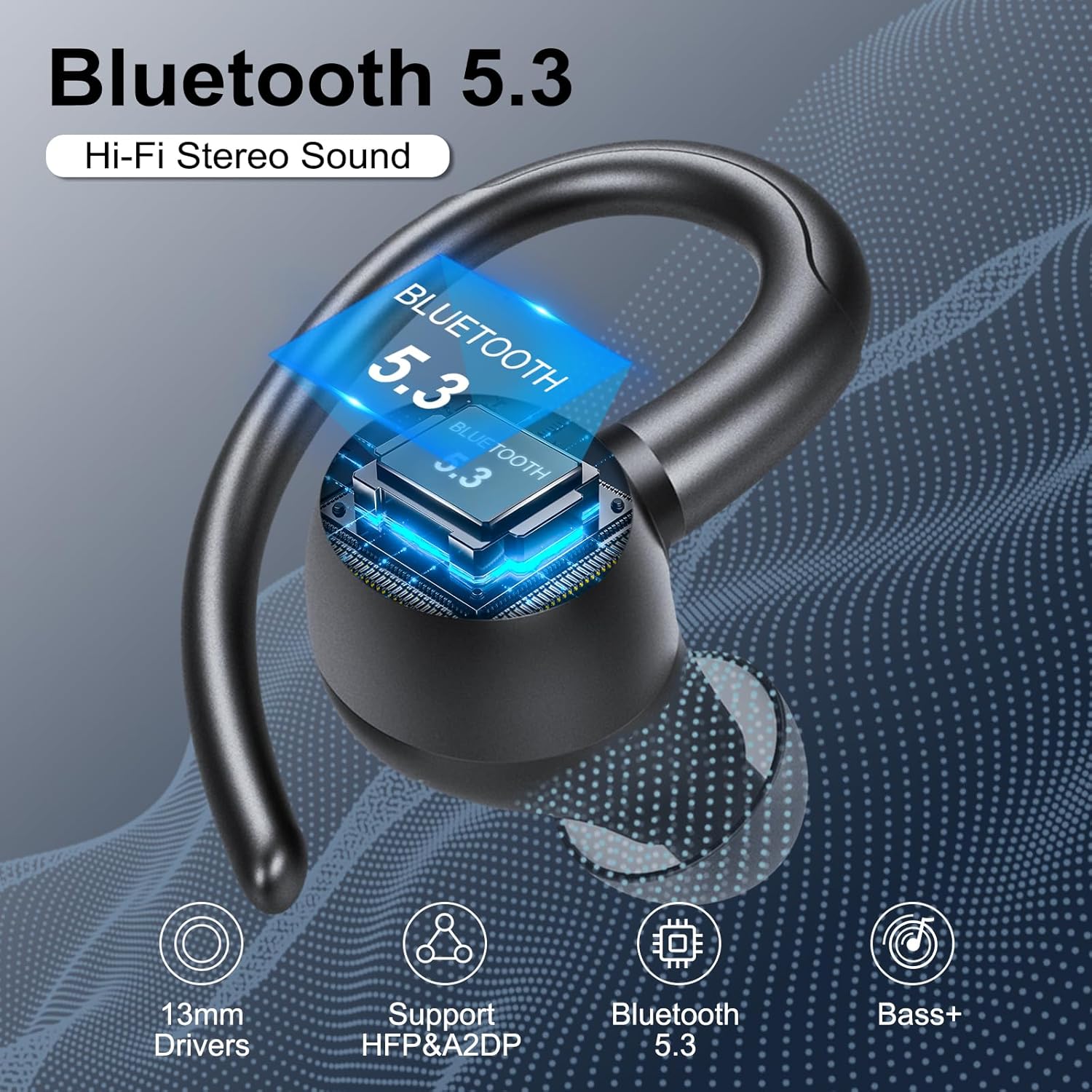
Image: Close-up of a Csasan V90 earbud, illustrating Bluetooth 5.3 technology, 13mm dynamic drivers, and deep bass capabilities.

Image: A woman wearing Csasan V90 earbuds, demonstrating the Environmental Noise Cancellation (ENC) feature with 'before' and 'after' sound wave graphics.

Image: A man wearing Csasan V90 earbuds during a workout, highlighting the ergonomic design, flexible ear hooks, and included S/M/L ear tip sizes for a secure and comfortable fit.

Image: Diagram illustrating the smart touch controls on the Csasan V90 earbuds for managing music playback, volume, calls, and voice assistant activation.
4. Setup
4.1 Charging the Earbuds and Case
Before first use, ensure both the earbuds and the charging case are fully charged.
- Place the earbuds into the charging case. They will only charge when correctly placed in the charging slots.
- Connect the USB-C charging cable to the charging case and a power source.
- The dual LED indicators on the case will display the real-time battery levels for both earbuds and the case. When fully charged, the case display will show '100'.
Charging Time: Approximately 1.5 hours for both earbuds and case.

Image: The Csasan V90 charging case and earbuds, illustrating the 48-hour total playtime and USB-C fast charging capability.
4.2 Pairing with Your Device
The earbuds use Bluetooth 5.3 for stable connectivity.
- Take both earbuds out of the charging case. They will automatically power on and enter pairing mode. One earbud will flash a white light, indicating it's ready to pair.
- Enable Bluetooth on your phone, laptop, or tablet.
- Search for 'V90' in the list of available devices and select it to connect. You will hear a voice prompt 'Connected' when successful.
- The earbuds will automatically reconnect to the last paired device when taken out of the case, thanks to Hall sensor technology.

Image: Illustration of the auto-pairing feature of the Csasan V90 earbuds with a smartphone, showing the 'V90' device name in the Bluetooth settings.
4.3 How to Wear
The over-ear hook design ensures a secure and comfortable fit.
- Place the ear hook over your ear.
- Gently insert the earbud into your ear canal.
- Adjust the earbud and hook for a comfortable and secure fit. Experiment with different eartip sizes (S/M/L) for optimal comfort and sound isolation.

Image: Visual guide on how to correctly wear the Csasan V90 earbuds, demonstrating the placement of the ear hook and earbud for a secure fit.
5. Operating Instructions
5.1 Touch Controls
The earbuds feature high-sensitivity touch panels for easy control:
| Function | Action |
|---|---|
| Play/Pause | One click (R/L) |
| Previous Track | Long tap 2s (L) |
| Next Track | Long tap 2s (R) |
| Volume Up | One click tap (R) |
| Volume Down | One click tap (L) |
| Answer Call | Short tap (R/L) |
| Hang Up Call | Long tap (R/L) |
| Refuse Incoming Call | Press and hold for 2s |
| Activate Voice Assistant | Triple click (R/L) |
6. Maintenance
6.1 Cleaning
- Regularly clean the earbuds and charging case with a soft, dry cloth.
- If the earbuds have not been used for a long period, clean the magnet connectors on the earbuds and charging case with an alcohol wipe to prevent oxidation.
- Do not use harsh chemicals or abrasive materials.
6.2 Storage
- Store the earbuds in their charging case when not in use.
- Keep the device away from extreme temperatures, direct sunlight, and high humidity.
- Avoid free fall or violent shock to the device.
6.3 Charging Alerts
- If the earbuds have not been used for more than 3 months, we recommend that you charge them.
- Please use a charger approved by FCC (Federal Communications Commission).
- Do not disassemble the earbuds.
- Children aged 12 and under require adult supervision.
- Do not expose the earbuds to high or low temperatures, and do not use the earbuds during a thunderstorm.
7. Troubleshooting
If you encounter any issues with your Csasan V90 Wireless Earbuds, please try the following steps:
- No Power: Ensure the earbuds and charging case are fully charged.
- Pairing Issues: Turn off Bluetooth on your device, place earbuds back in the case, then remove them and try pairing again. Ensure no other Bluetooth devices are interfering.
- Sound Quality: Ensure earbuds are clean and properly seated in your ears. Check the audio source device.
- Single Earbud Use: If you want to use a single earbud, just take one out of the case and connect it to your phone. When using two earbuds, manually turn off one earbud or put one back in the charging case, and you'll be able to use the other earbud alone.
8. Specifications
| Feature | Detail |
|---|---|
| Model | V90 |
| Bluetooth Version | 5.3 |
| Audio Driver Size | 13 mm |
| Frequency Range | 20Hz - 20,000Hz |
| Earbud Battery Life | Up to 8 hours |
| Total Playtime (with case) | Up to 48 hours |
| Charging Time | Approx. 1.5 hours |
| Water Resistance | IPX7 |
| Noise Control | Environmental Noise Cancellation (ENC) |
| Connectivity Technology | Wireless (Bluetooth) |
| Control Type | Touch Control |
| Bluetooth Range | 15 Meters |
9. Warranty & Support
Csasan offers a 2-year warranty for added peace of mind. If you encounter any problems while using our products, please contact us directly. We are committed to providing high-quality customer service and will respond within 24 hours to resolve any issues.
If you cannot return the product through Amazon and customer service cannot solve your problem, please contact us directly. We will solve the problem for you in time and provide product protection to guarantee your rights and interests.
Contact Information:
Please refer to the contact details provided in your product packaging or on the official Csasan website for support.
10. Product Videos
Video: Overview of the V90 Wireless Earbuds, showcasing features and design. (Source: Raogan)
Video: Csasan Wireless Earbuds for Sports, highlighting their suitability for active use. (Source: Raogan)
Video: Detailed look at the Csasan V90 Wireless Earbuds, covering various aspects of the product. (Source: Raogan)