
1. Introduction
Thank you for choosing the SURFOU M9 Wireless Doorbell System. This system provides a convenient and reliable solution for your home or office, ensuring you never miss a visitor. With its easy installation, customizable melodies, and adjustable volume, it's designed for user-friendly operation. This manual will guide you through the setup, operation, and maintenance of your new doorbell system.

Image: The SURFOU M9 Wireless Doorbell System, showing multiple receivers and a transmitter.
2. Product Overview
The SURFOU M9 Wireless Doorbell System typically includes:
- Transmitter(s): Battery-operated unit(s) with a push button.
- Receiver(s): Plug-in unit(s) that emit sound and light when activated.
- Mounting Accessories: Double-sided adhesive tape and screws for installation.
This specific package includes 2 transmitters and 3 receivers.
3. Setup Instructions
3.1. Transmitter Installation
- Ensure the transmitter has a working battery. The transmitter is battery-operated (CR2032 button battery).
- Clean the desired mounting surface for the transmitter.
- Peel off the protective film from the double-sided adhesive tape on the back of the transmitter.
- Firmly press the transmitter onto the cleaned surface. Alternatively, use the provided screws for a more secure installation.

Image: A hand applying the transmitter to a door frame using adhesive tape.
3.2. Receiver Placement
Plug the receiver(s) into any standard electrical outlet within the desired range. The receiver is designed to be compact and should not block adjacent outlets.

Image: A receiver unit plugged into a wall outlet.
3.3. Pairing (If needed)
The SURFOU wireless chime needs to be paired before use. If your units are not pre-paired or if you add new units:
- Plug in the receiver.
- Press and hold the volume button on the receiver for a few seconds until the LED indicator flashes. This indicates pairing mode.
- Immediately press the button on the transmitter. The receiver will chime and its LED will flash, confirming successful pairing.
- Repeat for all transmitters and receivers if you have multiple units. The system supports one-to-many and many-to-one configurations.
4. Operating Instructions
4.1. Melody Selection
The system offers 55 selectable melodies. To change the melody, press the 'Melody Selection' button on the receiver. Each press will cycle through the available tunes.

Image: A receiver unit highlighting its multiple functions, including melody selection.
4.2. Volume Adjustment
There are 5 levels of volume adjustment available (0dB-110dB). Press the 'Volume' button on the receiver to cycle through the volume levels.
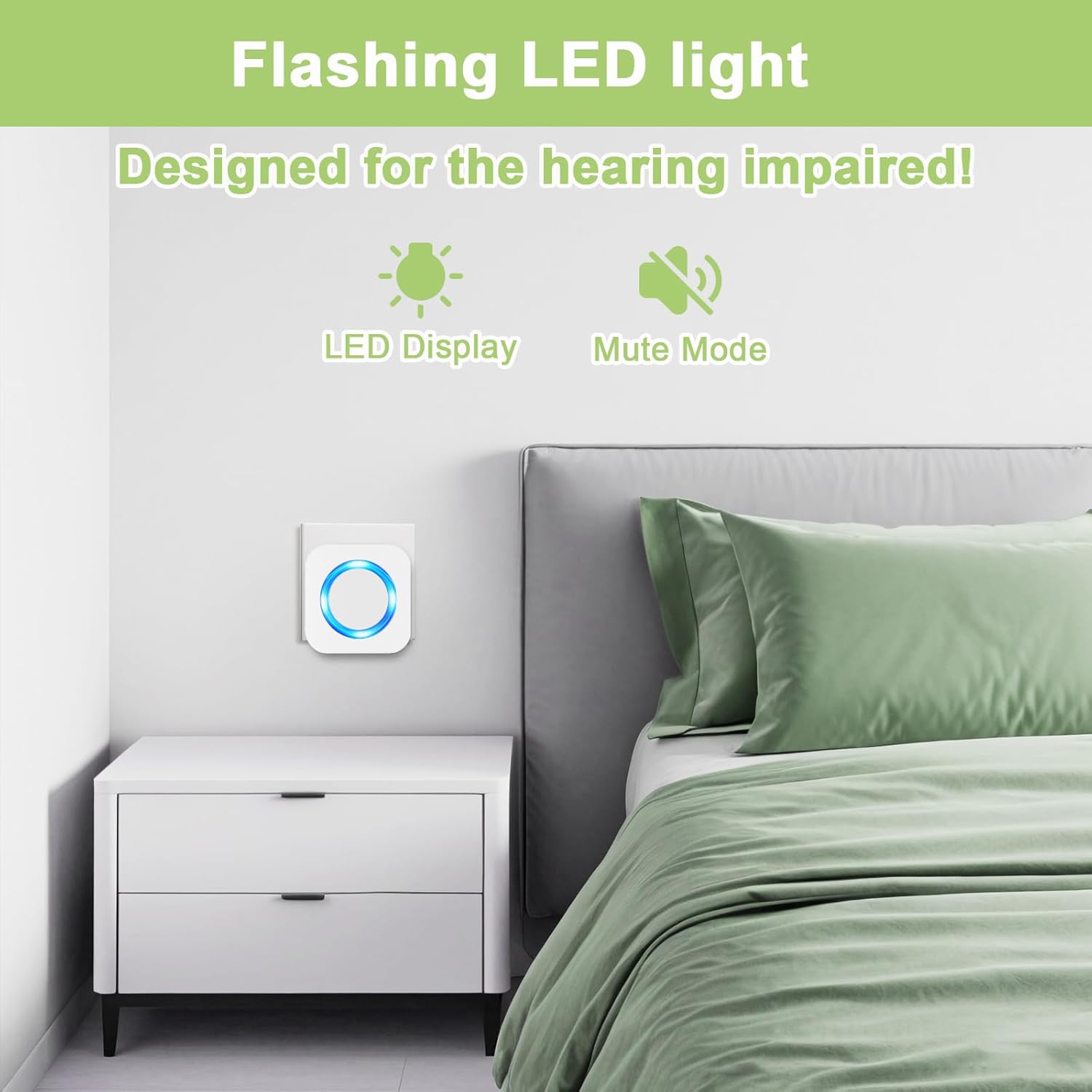
Image: A receiver unit with its volume adjustment buttons clearly visible.
4.3. Mute Mode
To activate mute mode, press the volume button until the volume reaches 0dB. In this mode, the receiver will only flash a blue LED light when the doorbell is pressed, providing a visual alert without sound. This is useful when you do not wish to be disturbed.

Image: A receiver unit displaying a blue LED light, indicating mute mode.
5. Maintenance
5.1. Transmitter Battery Replacement
The transmitter uses a CR2032 button battery. When the transmitter's performance degrades or it stops working, it may be time to replace the battery. To replace:
- Carefully open the transmitter casing.
- Remove the old CR2032 battery.
- Insert a new CR2032 battery, ensuring correct polarity.
- Close the transmitter casing securely.
5.2. Cleaning
Wipe the doorbell units with a soft, dry cloth. Avoid using harsh chemicals or abrasive cleaners, as these can damage the finish or internal components.
6. Troubleshooting
- No Sound/Light from Receiver: Check if the receiver is properly plugged into a working outlet. Ensure the volume is not set to mute (0dB). Re-pair the transmitter and receiver.
- Transmitter Not Working: Check the transmitter battery. Replace if necessary. Ensure the transmitter is within range of the receiver.
- Reduced Wireless Range: The theoretical maximum signal range is 300m without obstacles. In actual use, walls, metal structures, and other electronic devices can interfere with the signal. Try repositioning the receiver or transmitter to minimize obstructions.
- Interference from Other Devices: If you experience unintended chimes, try changing the melody or re-pairing the units to reset the signal.
7. Specifications
- Brand: SURFOU
- Model Number: M9
- Product Dimensions: 14.1 x 8.51 x 7.9 cm
- Item Weight: 340 g
- Transmitter Power Source: CR2032 Button Battery (not included with receiver)
- Receiver Power Source: AC Outlet
- Waterproof/Dustproof Rating (Transmitter): IP55
- Wireless Range: Up to 300 meters (open air, theoretical)
- Melodies: 55 selectable tunes
- Volume Levels: 5 (0dB - 110dB)
8. Safety Information
- Although the product is waterproof (IP55 rated for the transmitter), please avoid immersing it completely in water.
- Do not attempt to disassemble or repair the units yourself. Refer to qualified personnel for service.
- Keep the units away from extreme temperatures, direct sunlight, and moisture.
- Dispose of batteries according to local regulations.
9. Warranty and Support
For warranty information or technical support, please refer to the product packaging or contact SURFOU customer service directly. Please have your model number (M9) and purchase details ready when contacting support.


