
Introduction
This manual provides detailed instructions for the installation, operation, and maintenance of your Sharp SKM430F9HS 30-inch Built-In Microwave Trim Kit. This trim kit is designed to provide a seamless, built-in appearance for compatible Sharp 2.2 cu. ft. 1200W Countertop Microwave Ovens, specifically models SMC2266HS, SMC2265GS, SMC2265KS, and SMC2266KS. Please read all instructions carefully before installation and use.
Note: The microwave oven is not included with the purchase of this trim kit.
Setup and Installation
The Sharp SKM430F9HS trim kit includes all necessary ducts, finish trim, and easy-to-follow instructions for installation. Proper installation ensures optimal performance and aesthetic integration with your kitchen cabinetry.
Required Tools (Not Included):
- Measuring Tape
- Pencil
- Phillips Head Screwdriver
- Drill with appropriate bits
- Level
Cabinet Opening Requirements:
Ensure your cabinet opening meets the following dimensions for a proper fit:
- Width: Minimum 28.5 inches, Maximum 31 inches
- Height: Refer to the specific microwave oven manual for exact height requirements, as the trim kit is designed to accommodate the microwave's dimensions within the cabinet.
- Depth: Sufficient depth to allow for microwave and ventilation ducts.
Installation Steps:
- Prepare the Cabinet: Ensure the cabinet opening is clean, dry, and meets the specified dimensions.
- Install Ducts: Attach the rear, upper, and lower ducts as per the detailed instructions provided in the trim kit packaging. These ducts are crucial for proper ventilation and heat dissipation.
- Position Microwave: Carefully slide the compatible Sharp microwave oven into the prepared cabinet opening, ensuring it sits securely on the lower ducts.
- Attach Trim Frame: Secure the stainless steel trim frame around the microwave, aligning it with the cabinet opening. Use the provided screws and hardware to fasten the trim kit in place.
- Final Checks: Verify that the microwave is level and securely installed. Ensure all ventilation slots are unobstructed.
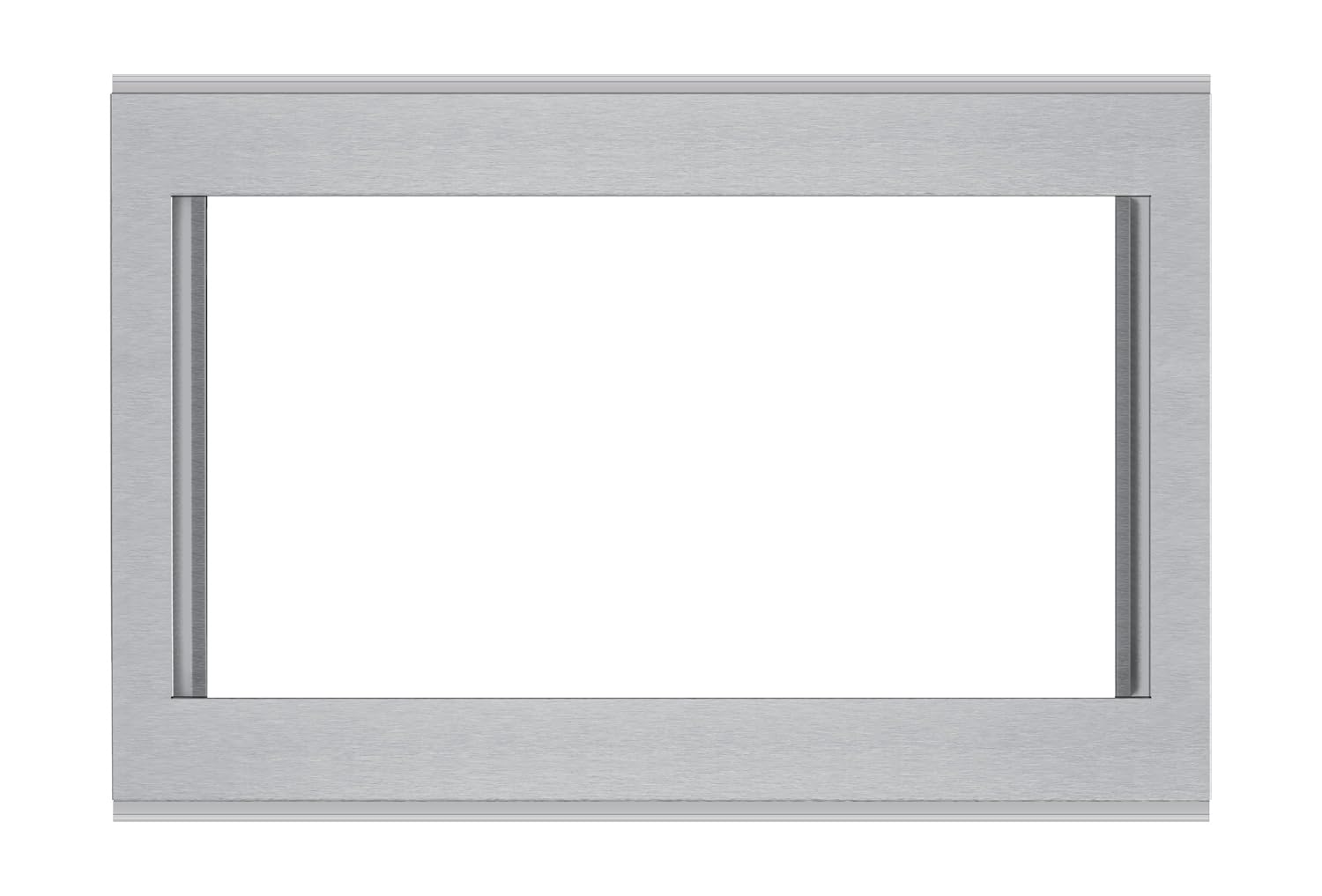
Image: The Sharp SKM430F9HS 30-inch Built-In Microwave Trim Kit, showcasing its seamless integration with a compatible Sharp microwave oven in a kitchen setting.

Image: A close-up view of the Sharp SKM430F9HS 30-inch Built-In Microwave Trim Kit, highlighting the stainless steel finish and ventilation details.

Image: An alternative perspective of the Sharp SKM430F9HS 30-inch Built-In Microwave Trim Kit, showing the overall design and how it frames the microwave.
Operation
The Sharp SKM430F9HS trim kit itself does not have operational controls. Its function is to provide a finished, built-in look and ensure proper ventilation for your compatible Sharp microwave oven. All operational functions, such as setting cooking times, power levels, and using preset menus, are performed directly on the microwave oven's control panel.
For detailed instructions on operating your microwave oven, please refer to the specific owner's manual provided with your Sharp 2.2 cu. ft. 1200W Countertop Microwave Oven (models SMC2266HS, SMC2265GS, SMC2265KS, or SMC2266KS).
Ventilation:
The trim kit is designed with integrated ventilation to prevent heat buildup within the cabinet during microwave operation. Ensure that these ventilation openings are never blocked to maintain optimal performance and safety.
Video: This video demonstrates how to unlock the door after a cooking cycle on a Sharp countertop microwave oven (push-button models). While not specific to the trim kit, it illustrates a feature of compatible Sharp microwaves.
Maintenance and Care
To keep your Sharp SKM430F9HS trim kit looking its best and functioning correctly, follow these simple maintenance guidelines:
Cleaning the Stainless Steel Finish:
- Use a soft cloth dampened with warm water and a mild detergent.
- Wipe in the direction of the grain to avoid streaks.
- For stubborn spots, use a stainless steel cleaner specifically designed for appliances, following the product's instructions.
- Avoid abrasive cleaners, scouring pads, or harsh chemicals, as these can scratch or damage the finish.
- Dry thoroughly with a soft, clean cloth to prevent water spots.
Ventilation Care:
- Periodically check the ventilation slots on the trim kit to ensure they are free from dust, debris, or obstructions.
- Use a soft brush or vacuum cleaner attachment to gently clear any blockages.
Troubleshooting
The Sharp SKM430F9HS trim kit is a passive component and does not typically experience operational malfunctions. Most issues related to the microwave's performance will stem from the microwave oven itself.
Common Concerns:
- Microwave not fitting correctly: Double-check the cabinet opening dimensions against the specifications in this manual and your microwave's manual. Ensure all installation steps were followed precisely.
- Excessive heat around the trim kit: Verify that all ventilation ducts are correctly installed and unobstructed. Ensure the microwave is not being operated for excessively long periods without proper airflow.
- Scratches or damage to the finish: Refer to the "Maintenance and Care" section for cleaning tips. For significant damage, contact Sharp customer support.
For any operational issues with the microwave oven itself (e.g., not heating, display errors, turntable not rotating), please consult the troubleshooting section of your specific Sharp microwave oven's owner's manual or contact Sharp customer service directly.
Specifications
| Feature | Detail |
|---|---|
| Product Dimensions | 0.5"D x 30"W x 20"H (0.5 x 30 x 20 inches) |
| Item Weight | 18.76 pounds |
| Manufacturer | SHARP |
| Item Model Number | SKM430F9HS |
| Brand | Sharp |
| Color | Stainless Steel |
| Installation Type | Built-In |
| Material | Stainless Steel |
| Included Components | Trim Kit (Microwave Oven Not Included) |
| Recommended for Microwave Models | SMC2266HS, SMC2265GS, SMC2265KS, SMC2266KS |
Warranty and Support
For warranty information regarding your Sharp SKM430F9HS 30-inch Built-In Microwave Trim Kit, please refer to the warranty card included with your product or visit the official Sharp website. Warranty terms and conditions may vary.
For technical support, installation assistance, or to inquire about replacement parts, please contact Sharp customer service directly. Contact information can typically be found on the Sharp website or in the documentation accompanying your product.
Online Support: www.sharpusa.com


